


Introducing Microsoft Edge: The AI-Powered Browser
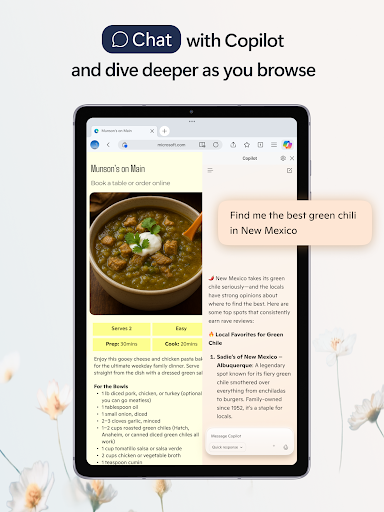
Microsoft Edge is revolutionizing the way you browse the internet by integrating advanced AI features directly into its core. With its built-in Copilot, this browser serves as your personal AI assistant that enhances productivity, streamlines search, and makes content creation effortless. Powered by the latest AI models from OpenAI and Microsoft, Edge offers smarter, faster, and more personalized browsing experiences, right at your fingertips. Whether you're looking to ask questions, generate images using DALL·E 3, or get real-time insights, Edge's AI capabilities are designed to elevate your online journey.
Key Features That Make Microsoft Edge Stand Out
A Smarter Way to Find Information
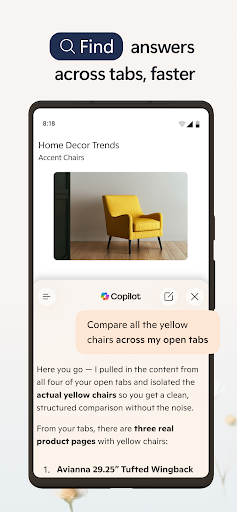
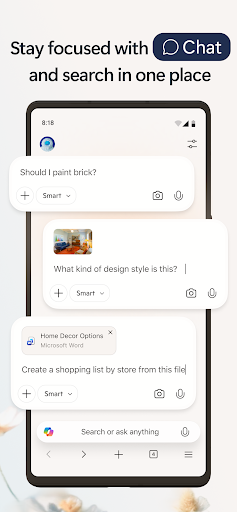
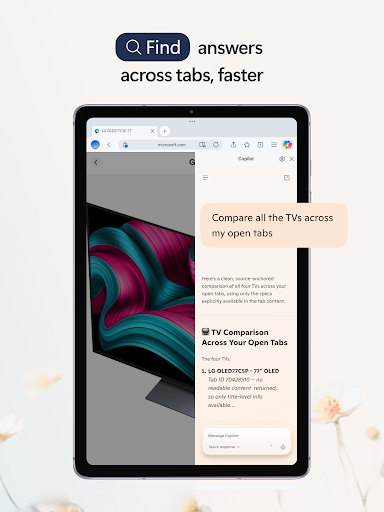
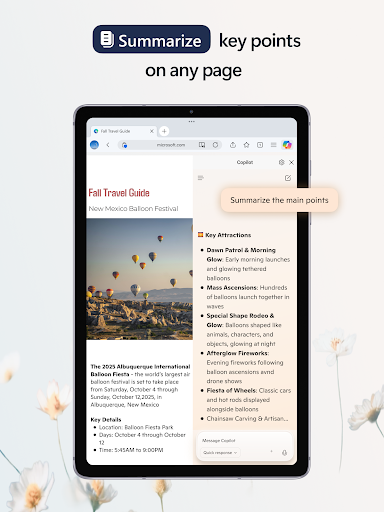
Microsoft Edge redefines web searching with its integrated Copilot AI assistant. This feature lets you supercharge your searches, delivering faster, more accurate, and tailored results. You can explore visually by uploading images to search, gain quick insights through AI-powered summaries of web pages, PDFs, and videos, and enjoy a more intuitive discovery process. All these functions are supported by cutting-edge AI technology from OpenAI and Microsoft, making information discovery smarter than ever before.
An Intelligent Toolset for Content Creation and Management
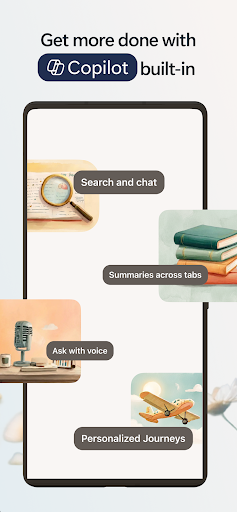
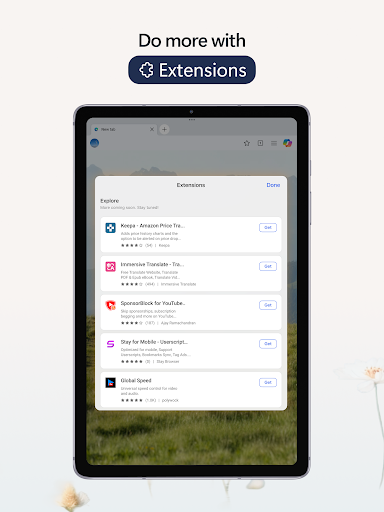
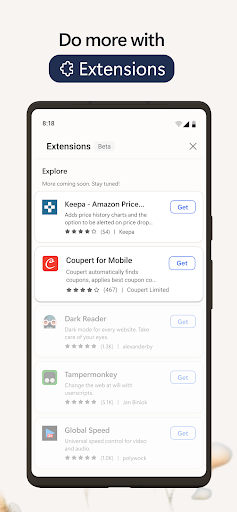
Beyond searching, Edge’s AI-driven features enable effortless content creation. Simply talk to Copilot using your voice to brainstorm ideas, write stories, or develop scripts — all hands-free. The built-in AI writer helps transform your ideas into polished drafts, making writing faster and more efficient. Translation and proofreading across multiple languages are seamlessly handled, supporting global communication. Plus, generate stunning images with DALL·E 3 by describing what you want, and watch it come to life instantly. Customizing your browsing experience is easy with a wide array of extensions, such as cookie management, video speed control, and theme personalization.
Enhanced Privacy and Security
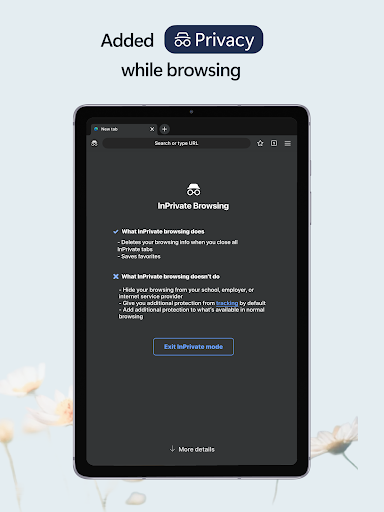
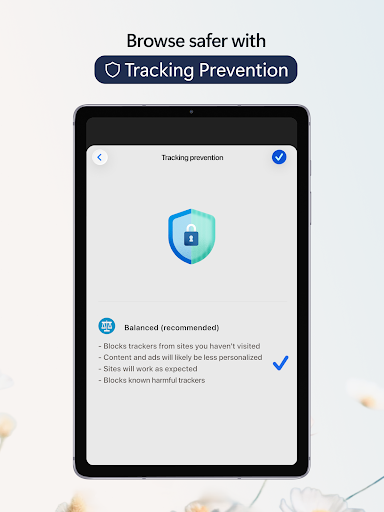
Microsoft Edge prioritizes your online safety with robust security tools. Use InPrivate browsing to safeguard sensitive data from trackers, with no search history saved to Bing or linked to your Microsoft account. Features like tracking prevention, Microsoft Defender SmartScreen, and AdBlock ensure a secure browsing environment. Password monitoring alerts you if your credentials appear on the dark web, while malware and phishing protections keep you safe. These security measures ensure that your online activity remains private and protected.
Design, Performance, and Compatibility
Clean, User-Friendly Interface
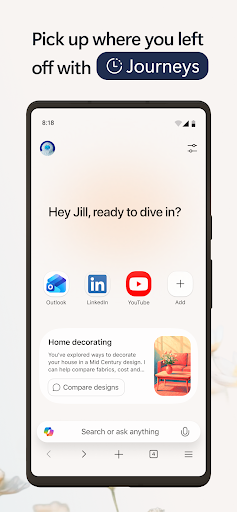
Upon launching Microsoft Edge: AI Browser, you'll notice its sleek, modern design. Its minimalistic interface emphasizes simplicity and ease of use, making navigation intuitive even for new users. Everything is organized logically, allowing quick access to features and settings without clutter.
Blazing Fast Performance
Edge is built on the Chromium engine, ensuring compatibility with most web standards and extensions. It offers lightning-fast page loads, smooth browsing, and optimized battery consumption — perfect for both desktop and mobile devices. Whether you're multitasking with multiple tabs or streaming content, you’ll enjoy a seamless experience.
Broad Extension Support and Synchronization
With support for a wide range of extensions, including those compatible with Chrome, Edge allows you to personalize your browsing environment. You can add tools like ad blockers, password managers, and more. Cross-platform synchronization ensures your bookmarks, history, and settings are consistent across all your devices, offering a unified experience whether you're on your phone, tablet, or computer.
Final Thoughts: The Future of Browsing with Microsoft Edge
Microsoft Edge: AI Browser combines the power of artificial intelligence with a sleek, user-friendly design to deliver a more intelligent and secure web experience. Its innovative features like Copilot make tasks easier, searches smarter, and content creation more efficient. With strong security tools and extensive extension support, Edge not only meets the needs of modern internet users but also anticipates future trends in browsing technology. If you’re seeking a browser that acts as a smart companion for your digital life, Microsoft Edge is a compelling choice worth exploring.
Pros
- Fast browsing experience
- Integrated AI tools
- Cross-device sync
- Enhanced privacy features
- Customizable interface
Cons
- Limited extension support
- Occasional compatibility issues
- Requires Microsoft account
- High resource usage
- Frequent updates needed











