

Microsoft Designer: An AI-powered design tool for visuals and photo editing
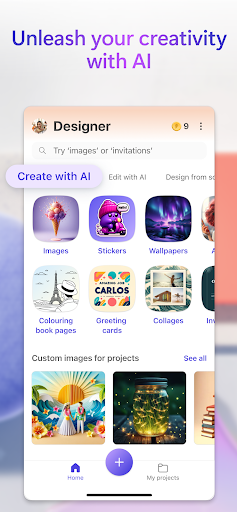
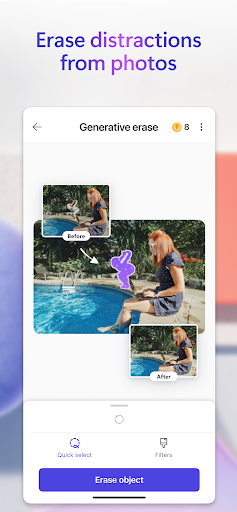
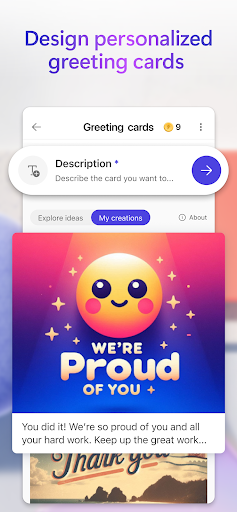
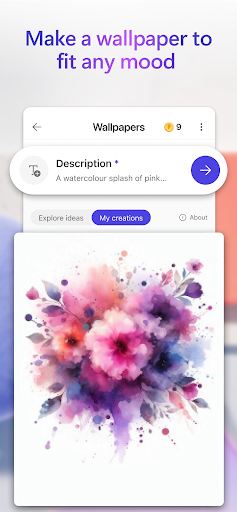
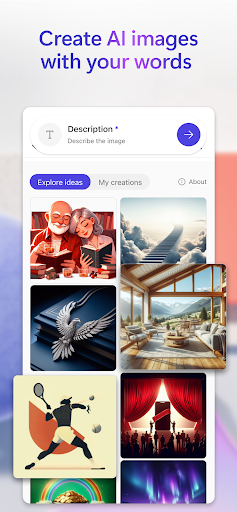
Microsoft Designer is an AI-powered design tool that helps you create designs and edit photos in seconds. It lets you turn ideas into eye-catching visuals with generative AI—type a prompt and watch as images, cards, and wallpapers come to life. You can also edit photos like a pro, removing unwanted objects, erasing distractions, and changing backgrounds with ease. Resize and customize images to fit square formats or any custom size, apply filters, adjust brightness, and craft ready-to-share designs for greeting cards, invitations, banners, and social posts—all in one place.
Key capabilities
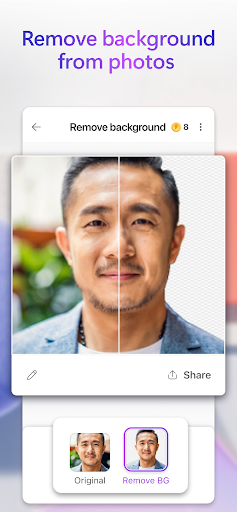
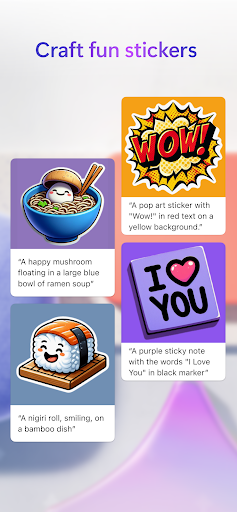
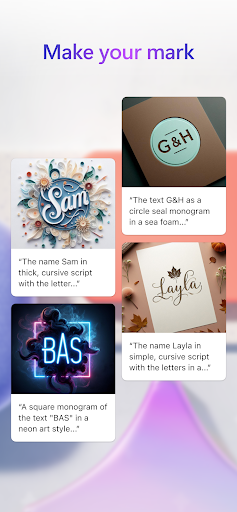
Images: Create any image you can imagine—from sci-fi art to surreal scenes or funny visuals—by describing it. Your creativity is limitless. Stickers, icons, and emojis: design custom visuals to stand out on messaging apps and social feeds. Edit with AI: enhance photos and graphics quickly with smart, image-aware adjustments. Generative erase: remove unwanted elements so your composition looks clean. Remove background and blur background: eliminate distractions or soften context to highlight the subject. Add filters, adjust brightness, and resize: tailor your creations to any format or size. Wallpapers/backgrounds: craft personalized displays that reflect your mood. Greeting cards, monograms, and invitations: produce thoughtful cards and personalized marks for weddings, birthdays, holidays, or any occasion. Social posts, icons, and emojis: communicate your message visually and with personality. Coloring book pages: create engaging pages for all ages. Frame images and collages: present memories in stylish layouts. Banners: design attention-grabbing headers for newsletters, profiles, and more.
Microsoft Designer is available for free with a Microsoft account, and your account includes 5 GB of free cloud storage to save designs, files, and photos across devices. This combination makes it easy to start designing quickly and keep your work accessible wherever you are.
Getting started with Microsoft Designer
Getting started with Designer feels like having a friendly design guide in your pocket. If you’ve used other Microsoft apps, you’ll find the interface clean, minimalist, and intuitive. You don’t need to be a design expert—the app offers helpful tips and a logical layout that makes sense from the moment you open it, reassuring you that “I’ve got this.”
Templates and AI design assistant
One of Designer’s standout features is its extensive library of templates for social posts, presentations, flyers, and more—sleek, modern, and ready for customization. An AI design assistant suggests tweaks to improve balance and impact, acting like a second pair of eyes to ensure your project looks polished. The tool integrates smoothly with Word, Excel, and PowerPoint, so you can pull in content without leaving Designer.
Workflow, collaboration, and help
The drag-and-drop editor is straightforward: drop in images, modify text, and adjust layouts with a click. When you need guidance, a built-in help center offers tutorials and FAQs. Collaboration is seamless—share designs with teammates or clients in real time and gather feedback without endless email threads.
Why Microsoft Designer is worth exploring
Whether you’re a student, marketer, or creator, Designer makes professional-quality design accessible and enjoyable. It lowers the learning curve, speeds up content creation, and supports rapid iteration, so ideas become polished visuals in minutes. With templates, AI-assisted design, and tight integration with other Microsoft apps, it’s a capable companion for social media, presentations, invitations, and more. If you want to elevate your visuals and communicate your message clearly, give Microsoft Designer a try and let your creativity lead the way.
Pros
- An intuitive interface fosters creativity.
- Microsoft 365 integration enhances productivity.
- A wide selection of templates is available.
- Real-time collaboration is supported.
- Supports multiple design formats.
Cons
- Limited features in the free version.
- Microsoft account is required to use the app.
- Occasional performance lag.
- No offline mode.
- There is a learning curve for new users.











