

Discover the Ultimate Messenger: Text Messages, SMS App
Are you searching for a reliable, feature-packed messaging app to stay connected with friends and family effortlessly? Messenger: Text Messages, SMS is the perfect solution designed to streamline your communication experience. Whether you need to send quick texts, share images, videos, or emojis, this app offers everything you need in one intuitive platform. Read on to learn about its powerful features and why it stands out among other messaging tools.
Comprehensive Messaging Support
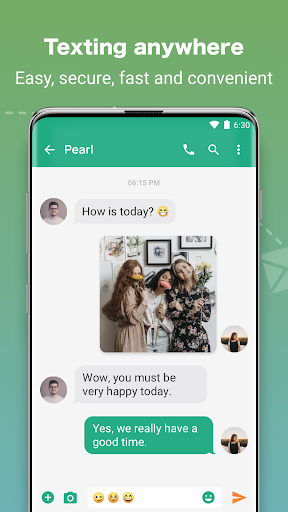
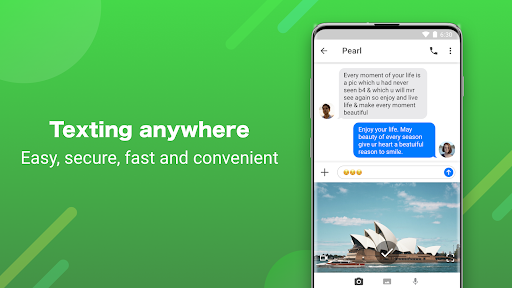
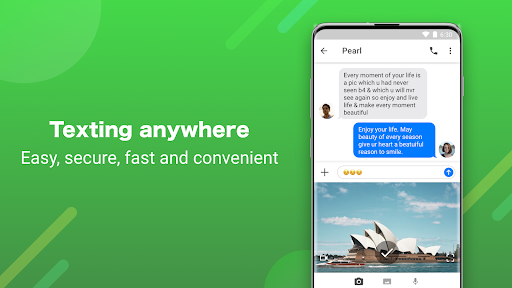
This messenger app for text (SMS & MMS) makes connecting with loved ones simple, expressive, and fun. Supporting both traditional SMS and MMS, it enables you to send text messages, share captivating pictures, videos, GIFs, and even audio clips without switching between multiple apps. Its robust messaging functions ensure fast receiving, reading, and sending of messages, so you stay in touch seamlessly. You can also copy and forward messages effortlessly, making conversations more flexible. Whether you’re engaging in one-on-one chats or group discussions, Messenger keeps your communication smooth and reliable.
Enhanced User Experience with Customization & Themes
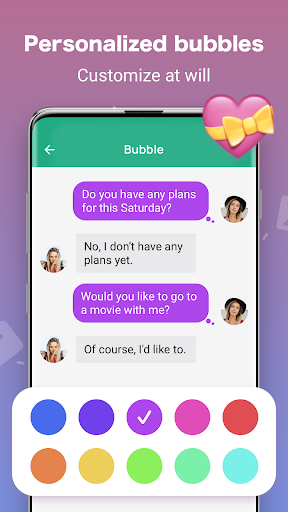
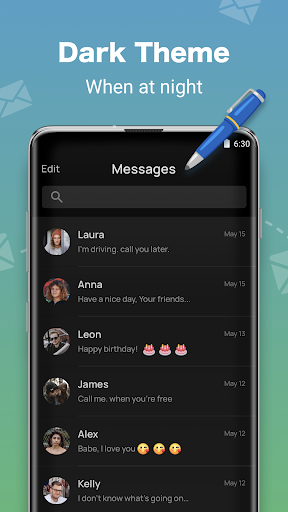
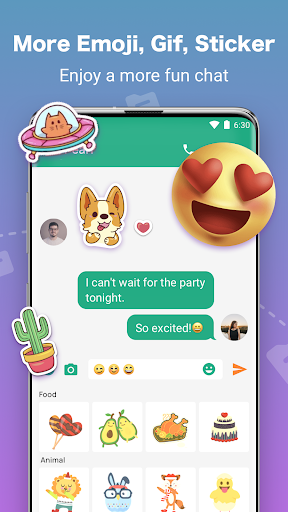
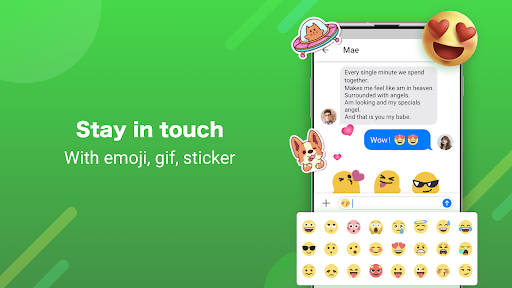
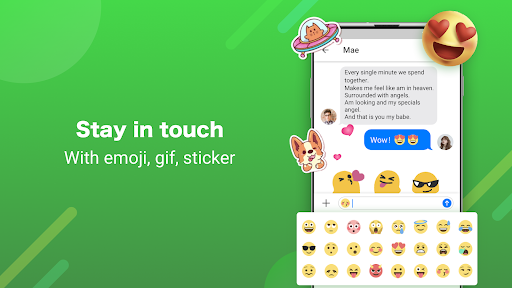
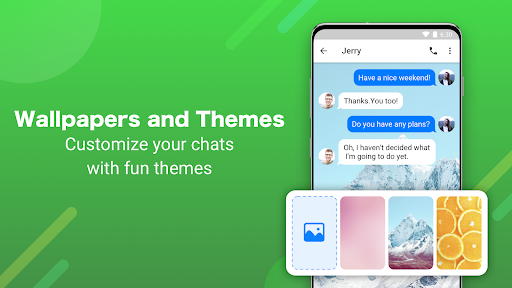
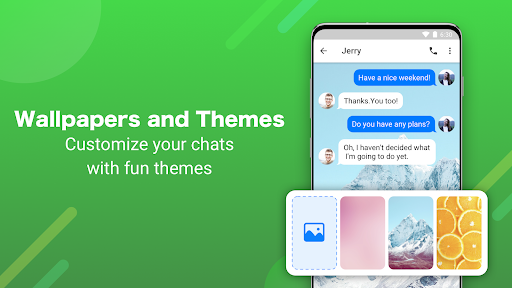
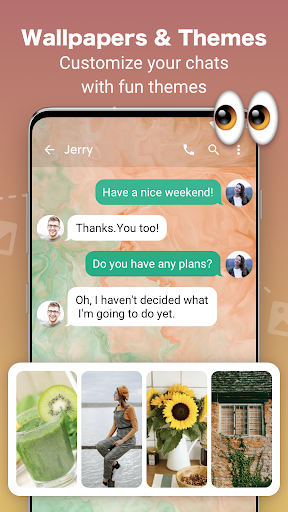
Personalize your chatting environment to reflect your style. The app offers a variety of themes, wallpapers, and customizable chat bubbles, allowing you to design a unique interface. Switch to dark mode for comfortable night-time chatting or personalize fonts and colors to make your conversations more lively. The easy-to-navigate layout ensures a comfortable experience, with features like pinning conversations to the top for quick access. Express yourself better by utilizing a vast selection of GIFs, emojis, and stickers to add fun and emotion to your messages.
Security & Privacy Features
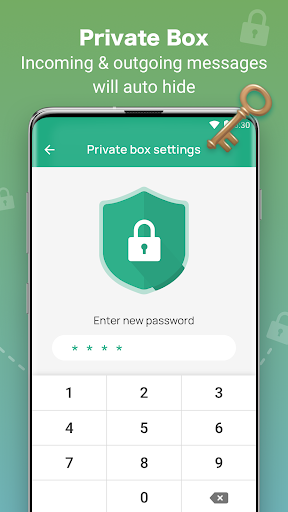
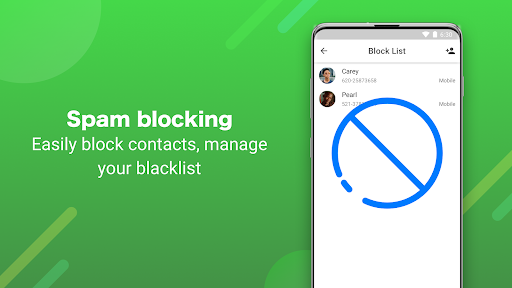
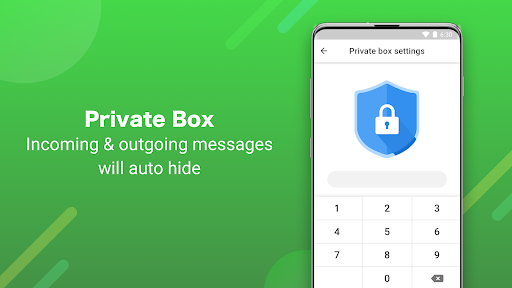
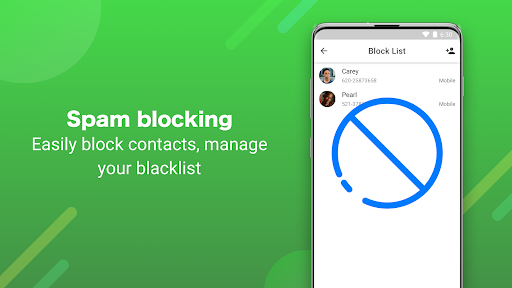
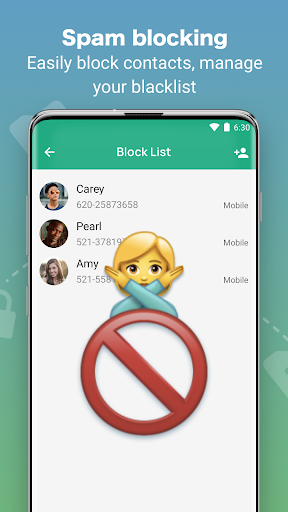
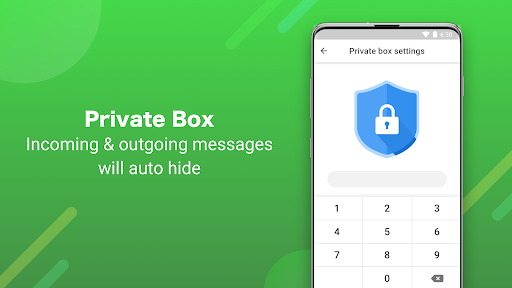
Worried about privacy? Messenger provides a Private Box feature, letting you hide and protect sensitive conversations with password protection. You can customize the privacy settings, hide private messages icon, and automatically conceal private chat contents, ensuring your personal data remains safe. Additionally, spam blocking features, including a blacklist, help prevent unwanted messages and reduce clutter. With end-to-end encryption, your messages stay private and secure at all times.
Smart Messaging Tools
Take control of your messaging with innovative features such as schedule sending SMS and MMS to remind loved ones of special occasions or important events. Set messages to send automatically at specific times, ensuring you never forget a special date. The app also supports dual SIM phones, allowing you to manage multiple numbers seamlessly. With custom notification sounds for contacts, you'll know who’s messaging without even unlocking your phone.
Rich Media Sharing & Search Capabilities
Sharing media has never been easier. Send and receive video, audio, pictures, GIFs, and stickers effortlessly. Use the powerful search function to quickly find shared content, from images to links, places, and conversations history. This feature makes revisiting important messages or media snippets quick and convenient, enhancing your overall communication experience.
Additional Customization and Personalization
Express your personality by customizing chat backgrounds with your own images or wallpapers. Choose from numerous themes and tailor fonts and colors to create a chat environment that feels just right for you. The app’s design aims for a intuitive and comfortable user experience, ensuring that even new users can navigate the app with ease.
Download & Get Connected
Ready to elevate your messaging experience? Download Messenger: Text Messages, SMS now and set it as your default messenger. Share your favorite stickers, videos, and emoji messages with friends and family, making every chat more fun and expressive. Our team continuously improves the app based on user feedback, striving to provide the best possible messaging platform. For suggestions or feedback, feel free to reach out via email.
Learn More
For further details on privacy and user agreements, visit our Privacy Policy and User Agreement. Experience the convenience and versatility of Messenger: Text Messages, SMS — your go-to app for reliable, secure, and personalized communication.
Pros
- User-friendly interface
- Fast message delivery
- Supports multimedia sharing
- End-to-end encryption
- Seamless app integration
Cons
- Requires internet connection
- Limited customization options
- Can drain battery quickly
- Frequent updates needed
- May experience occasional lags











