

Messages: SMS Text Messenger — Description
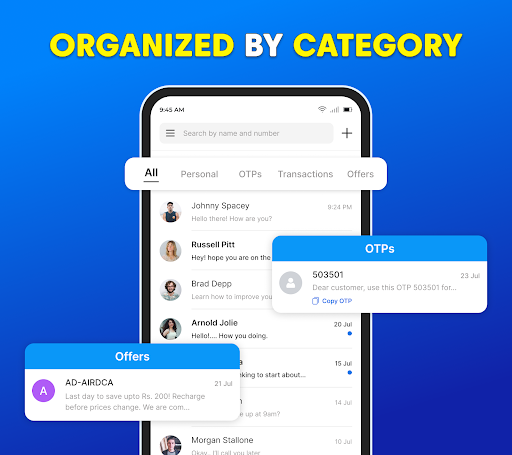
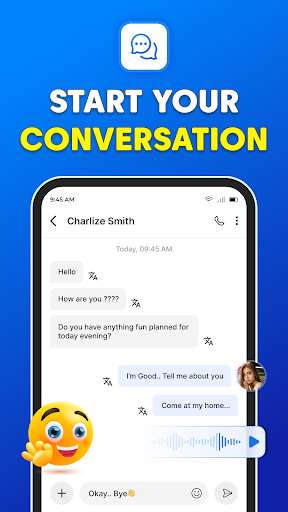
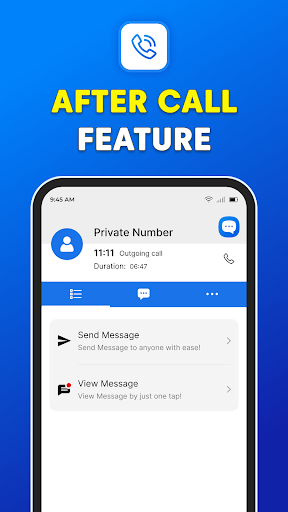
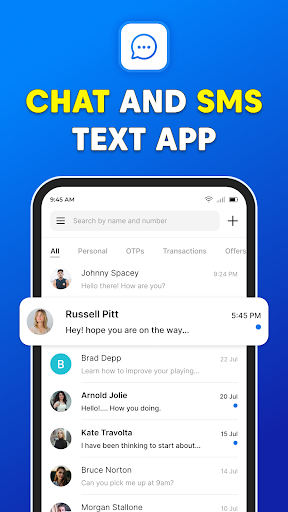
Messages: SMS Text Messenger is a modern, user‑friendly texting app designed to keep you connected with ease. It enables private text communication with your contacts via SMS or MMS, while also letting you share a wide range of media such as photos, GIFs, emojis, videos, audio files, and stickers. Available on smartphones and tablets, this cross‑device messenger makes it simple to maintain conversations whether you’re on the go or relaxing at home. The app is free to use and, remarkably, can work without a traditional internet connection for sending and receiving messages, ensuring you stay in touch even when data is spotty or unavailable. Built with privacy in mind, it supports end‑to‑end encryption, group chats, file sharing, and voice calls, delivering a fast, reliable texting experience that stands apart from older, cluttered messaging apps.
The design emphasizes speed and simplicity, helping you send and receive texts almost instantly. Group chats are seamless, so coordinating with friends, family, or colleagues is a breeze. The app focuses on delivering a smooth, distraction‑free experience—that means quick message delivery, minimal setup, and an interface that feels intuitive to both newcomers and seasoned smartphone users alike. If you’re someone who values efficiency in everyday communication, this messenger is built to keep up with your busy life, letting conversations flow without unnecessary friction.
A standout strength is the level of personalization the app offers. You can tailor the appearance and alerts to reflect your personal style—switch themes, adjust conversation bubble colors, and set custom notifications for different contacts. Emoji, GIFs, and a broad sticker library add personality to your chats, making it possible to express yourself with flair. The combination of privacy, speed, and customization creates a messaging experience that feels both practical and engaging, whether you’re chatting one‑on‑one or rallying a group of friends in a lively discussion.
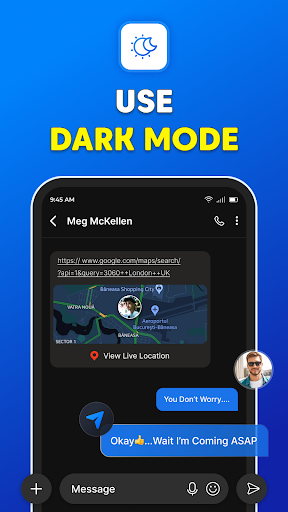
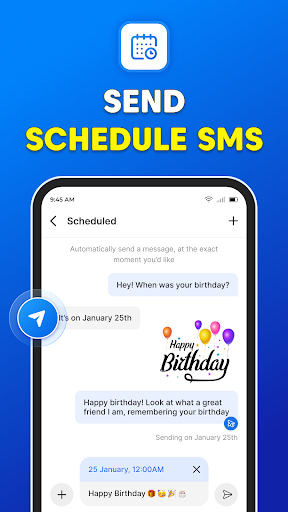
Beyond the core texting features, the app includes practical tools that enhance how you manage conversations. Backup and restore capabilities help ensure your messages are protected when you switch devices or update your phone, so important chats aren’t lost. A convenient dark mode reduces eye strain and provides a more comfortable viewing option in low‑light environments. For those who like to plan ahead, scheduling messages helps you send timely greetings or reminders, keeping you organized even during a busy day. In short, Messages: SMS Text Messenger blends essential SMS/MMS functionality with modern conveniences to deliver a secure, customizable, and reliable way to stay connected with your world.
Pros
- The app allows customization of themes and fonts.
- Includes a scheduled messages feature.
- Supports messaging for groups.
- Offers backup and restore capabilities.
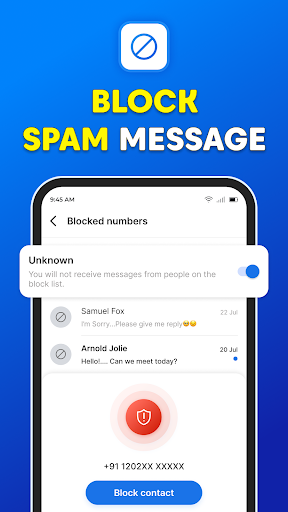
- Includes an SMS blocker for spam protection.
Cons
- Multimedia support is limited.
- Free version displays ads.
- No end-to-end encryption.
- Limited integration with other apps.
- Occasional delays in notifications.











