



Messages for Android – Smart, Secure & Powerful Text Messaging
Stay connected effortlessly with Messages for Android, a powerful messaging app designed for simplicity, speed, and modern communication. Whether you're sending a quick text message, managing a group chat, or keeping your work and personal conversations organized, this chat app delivers everything you need in one place.
Messages is a widely used text messenger among Android smartphone users. It can be set as your default SMS/MMS app and combines a clean, intuitive interface with advanced features suitable for both casual and professional use. From offline texting to secure messaging, Messages makes communication simple, effective, and reliable.
Core Messaging Features
• SMS & MMS Support
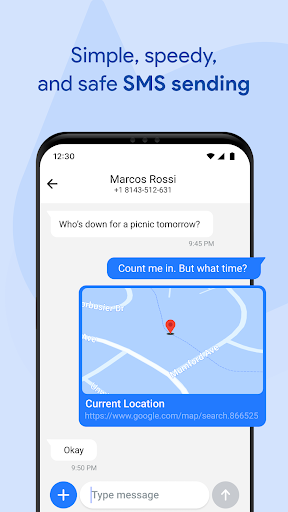
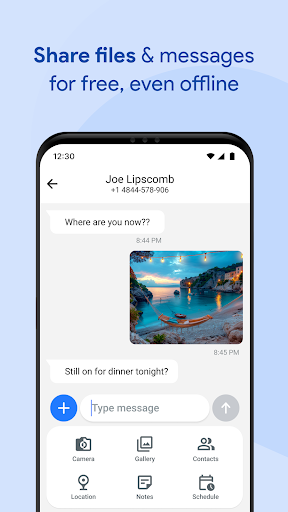
Send and receive text messages, images, videos, audio, documents, and even location data with ease using this SMS app.
• Group Messaging
Stay connected with family, friends, or colleagues through powerful group chats and conversations.
After-Call Features
Turn calls into action with built-in after call reminders and text follow-up options (requires user permission). Immediately after ending a call, you can:
- Send a quick follow-up SMS
- Set a reminder to message later
This feature is perfect for staying on top of tasks, contacts, and follow-ups.
Performance & Reliability
- Optimized for all Android devices – from lightweight to premium phones
- Fast messaging and delivery, even in power-saving mode
- Battery-friendly messaging with efficient memory usage
- Instant notifications, even when your phone is locked
- Lightweight messenger app with smooth performance and minimal resource use
Advanced Features
• Smart Search
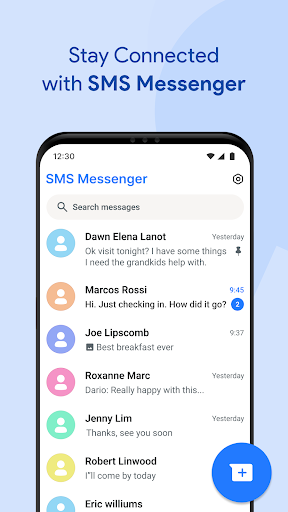
Quickly find conversations, contacts with advanced message search.
• Quick Replies
Respond instantly with preset responses for fast messaging.
• SMS Filtering & Spam Protection
Reduce unwanted texts with built-in spam filters, block spam messages, and enjoy a cleaner inbox.
• Pin Conversations
Prioritize key chats using pin chat and conversation pin features.
• Message Organizer
Keep everything structured with smart folders and message archive tools.
Customize Your Messaging Experience
• Personalization
Customize notification tones, and chat backgrounds to make your messenger truly yours.
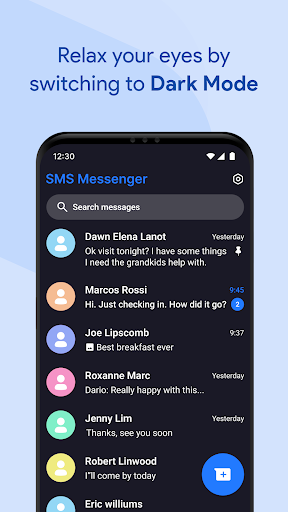
• Clean, Modern UI
An intuitive design makes navigating messages effortless.
• Multi-Language Messaging
Switch between languages with ease using built-in chat language support for global users.
Privacy & Security
- Secure SMS – Protect your texts with strong privacy measures
- Messaging Privacy & Protection – Your personal data stays safe while using this secure messaging solution
- Backup & Restore – Easily transfer your messages to a new device with SMS backup, chat restore, and chat transfer tools
- Chat Sync & Message Transfer App – Switch phones without losing your chat history, thanks to message restore and chat sync features
Why Choose Messages?
- Seamless integration with Android features and talk over SMS
- Works offline for reliable offline texting anytime
- Supports group messaging, delivery receipts, advanced messaging, and multi-language messaging
- Designed as a modern messaging experience that's simple, stylish, and intuitive
Make your communication smarter, faster, and more secure with Messages for Android. This all-in-one messaging app streamlines your SMS experience and provides essential features like backup, sync, filtering, and more, all in one user-friendly interface.
Get Started Now
Download Messages for Android today and enjoy smart, secure, and powerful messaging. Benefit from backup, sync, filtering, and a host of Android chat features designed to elevate your communication experience.
Pros
- Provides a broad range of functionalities suitable for various user needs
- Easy to navigate with an intuitive user interface
- Offers seamless integration with other platforms and services
- Regular updates improve stability and add new features
- High level of customization options available
Cons
- Some features require an active subscription or in-app purchases
- Can be resource-intensive, potentially affecting device performance
- Occasional bugs or glitches may disrupt user experience
- Learning curve for advanced features might be steep for new users
- Privacy concerns due to data collection practices











