

Magic Eraser – The Ultimate Photo Editor
Magic Eraser is an all-in-one photo editor designed for both casual users and professional designers. Powered by advanced AI, this app offers an extensive suite of features—such as a background eraser, dehaze photo editor, and object remover—to enhance photo quality and eliminate unwanted elements from your images.
Whether you need a robust edit photo app functioning as a picture editor, a blemish remover photo editor free, or a wrinkle remover photo editor, Magic Eraser delivers professional results with ease. It’s the perfect tool for creating flawless photos, whether for social media, marketing, or personal use.
Features of Magic Eraser
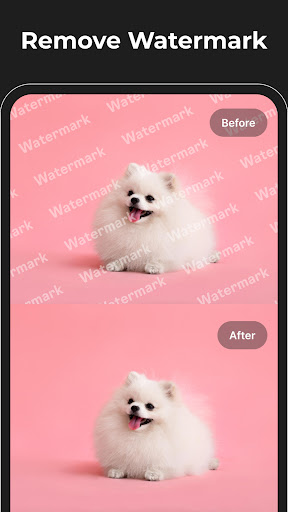
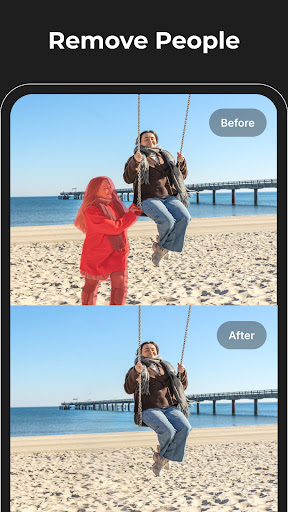
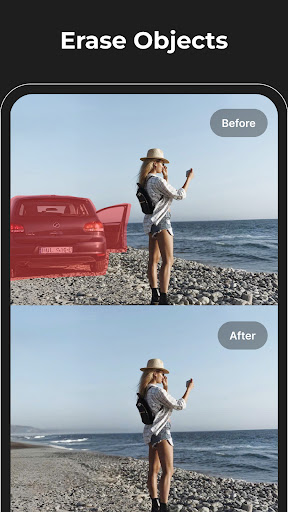
Remove Objects & Text
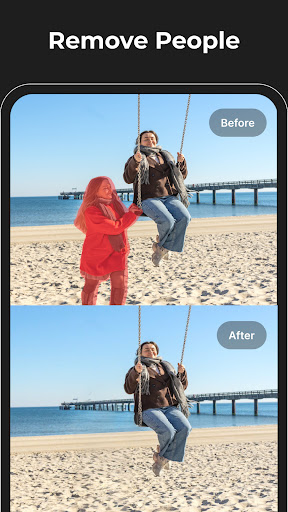
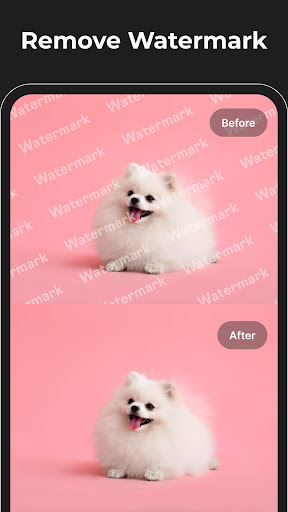
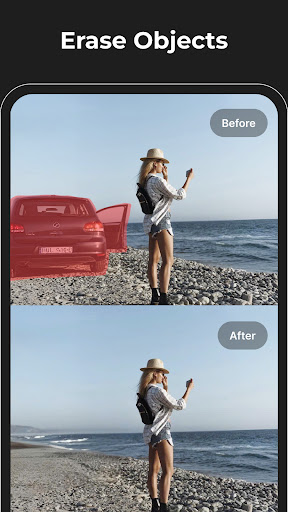
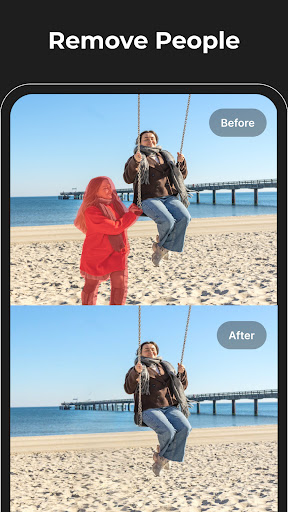
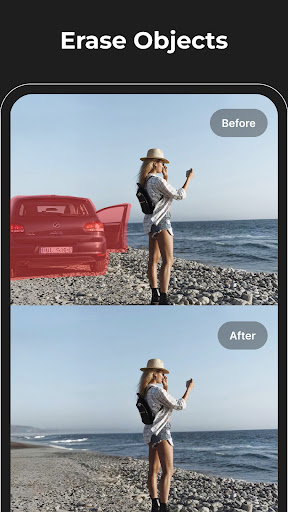
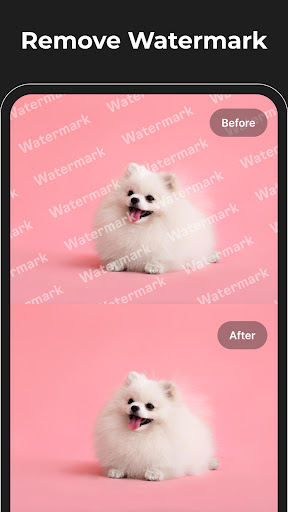
The intelligent eraser tool allows you to eliminate unwanted objects, text, watermarks, logos, and blemishes seamlessly. It functions as both an object remover and a retouch remove objects solution, making it ideal for clearing background text or unwanted elements from images. Creative users can benefit from features like acne remover photo editor and eraser tool for photos for precise, natural-looking edits.
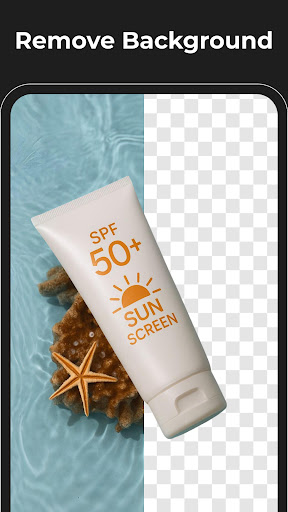
Background Eraser & Enhancement
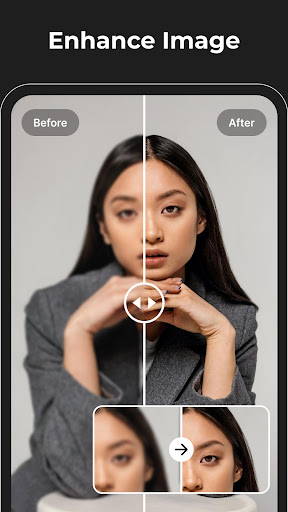
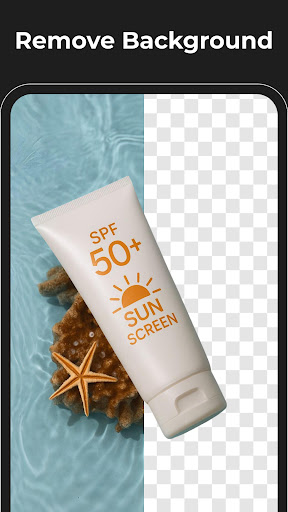
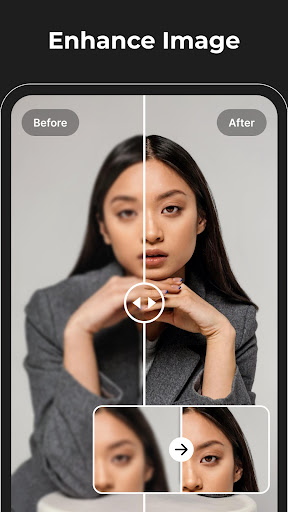
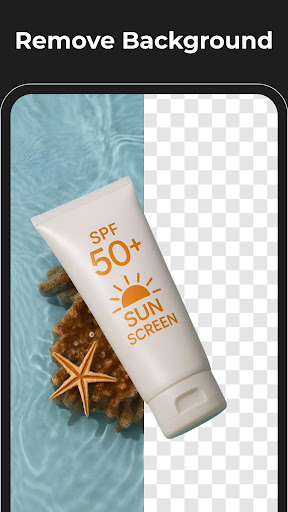
Effortlessly separate your subject from its background using our advanced background eraser. This tool not only removes backgrounds but also functions as a dehaze photo editor and a unblur picture app to sharpen and improve your images. Achieve HD-quality results similar to hd photo editor tools, perfect for enhancing product images, social media posts, and marketing visuals.
Image Enhancement & Retouching
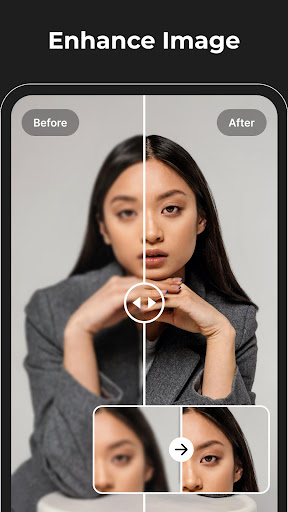
Bring your photos to life using powerful enhancement tools. Adjust sharpness, contrast, and color balance with features like improve photo quality, reshape photo editor, and low to high quality image converter. Whether you’re using a blemish remover or a wrinkle remover photo editor, every detail can be perfected to create a flawless finish.
Photo to Anime & Creative Effects
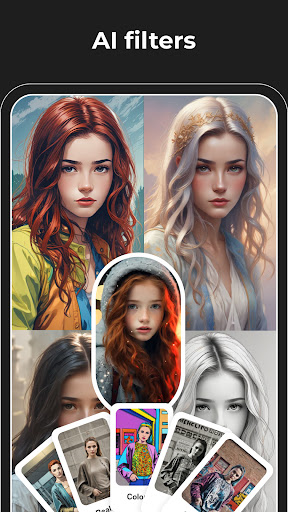
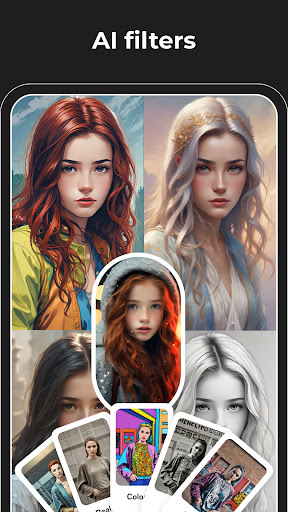
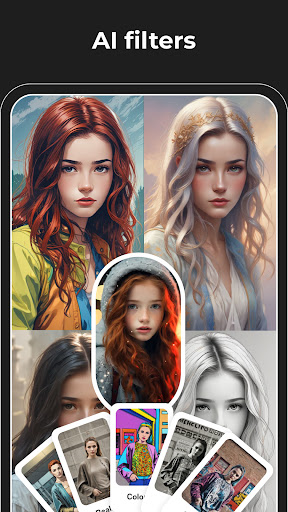
Transform your photos into dynamic, anime-style artworks with our photo to anime converter. Coupled with ai photo enhancer and ai anime generator capabilities, this feature allows you to turn ordinary images into vibrant cartoon picture apps or ai cartoon photo editor creations—perfect for unique social media content and artistic projects.
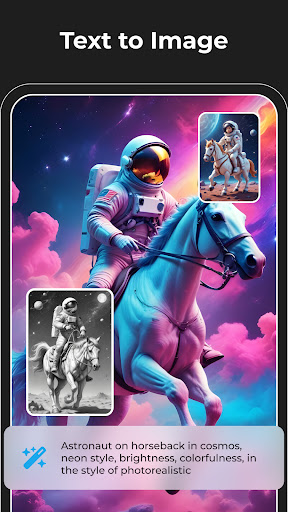
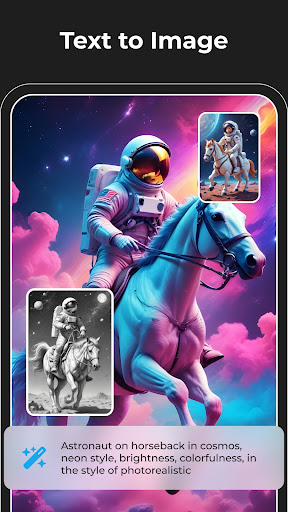
AI Image Generation & Logo Design
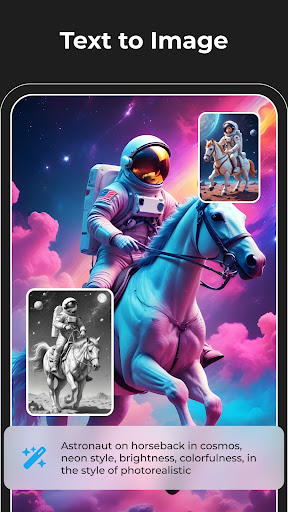
Unleash your creativity with our AI-powered image generator and ai photo generator. Experiment with innovative styles using the ai art generator free unlimited and craft stunning visuals with our ai logo generator. The ai image creator and ai generated images tools make generating creative concepts effortless and accessible for all users.
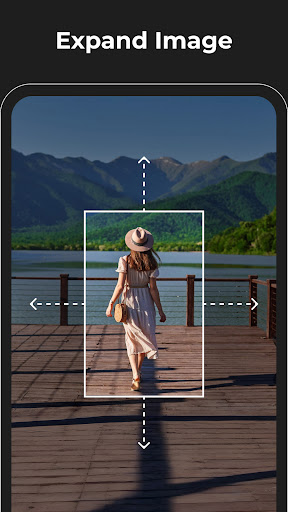
Expand Background for Better Composition
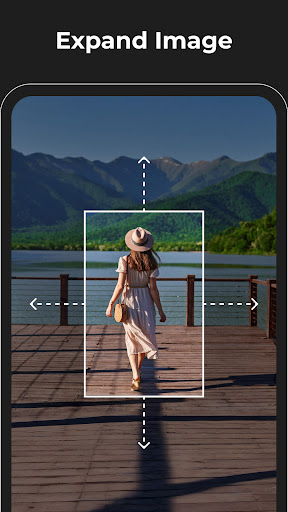
Improve your image layout by expanding the background. The expand photo feature allows you to increase the canvas size, creating a more balanced and professional composition. Ideal for designing posters, banners, or social media covers, this feature helps you craft visually appealing graphics easily.
Replace Objects on Image (Premium Feature)
Upgrade your editing capabilities with our premium object replacement tool. Easily add, remove, or swap elements like clothing, accessories, or other unwanted objects. This advanced feature ensures seamless integration in terms of color, lighting, and texture, delivering high-end, professional edits.
Experience the Power of Magic Eraser
Transform your images effortlessly with the ultimate photo editor and background eraser. From removing unwanted objects and text to enhancing photo quality and generating creative AI images, Magic Eraser stands out as your go-to edit photo app for professional-level results. Whether you're a professional photographer or a casual user, this app simplifies complex editing tasks and elevates your photo editing game.
Download Magic Eraser today and discover how easy and fun photo editing can be. With its powerful features and user-friendly interface, it’s the perfect tool for creating stunning, distraction-free images and exploring new creative possibilities.
Pros
- User-friendly interface for quick editing.
- Effectively removes unwanted objects.
- Supports high-resolution images.
- Offers a variety of editing tools.
- Provides fast processing and exporting.
Cons
- Limited features in the free version.
- Occasional glitches when removing objects.
- Advertisements can be disruptive.
- Internet connection required for full features.
- Does not support batch editing.











