
Introduction to Magic Doodle: Glow Art Drawing
Are you looking for a fun and exciting way to express your artistic side? Look no further than Magic Doodle: Glow Art Drawing, an innovative app designed to infuse your digital creations with vibrant neon effects. Perfect for artists of all skill levels, this colorful drawing application transforms ordinary sketches into mesmerizing glow-in-the-dark masterpieces. Whether you're a beginner exploring the world of digital art or a seasoned designer seeking a new palette of tools, Magic Doodle: Glow Art Drawing offers a playful and user-friendly environment to unleash your creativity.
Main Features of Magic Doodle: Glow Art Drawing
• Vibrant Neon Glow Colors
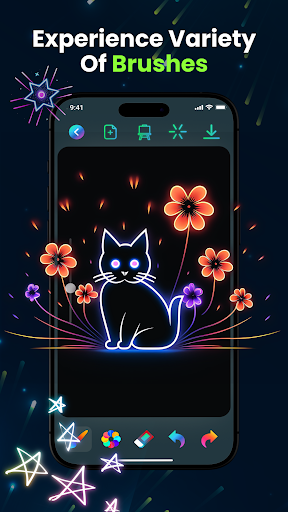
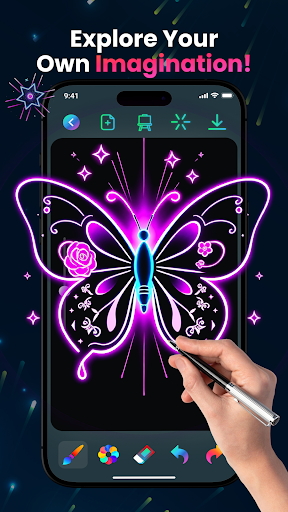
Discover an extensive range of mesmerizing neon hues that will bring your artworks to life. From electric blues and radiant pinks to luminous greens, these vibrant neon glow colors help you craft eye-catching illustrations that stand out.
✨ Glowing Brushes & Sketch Tools
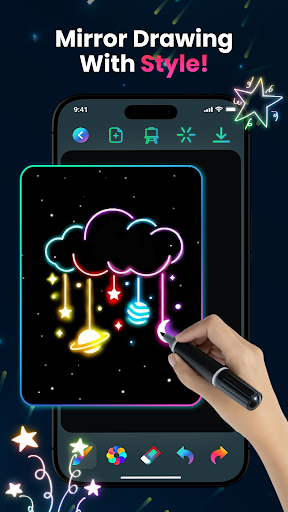
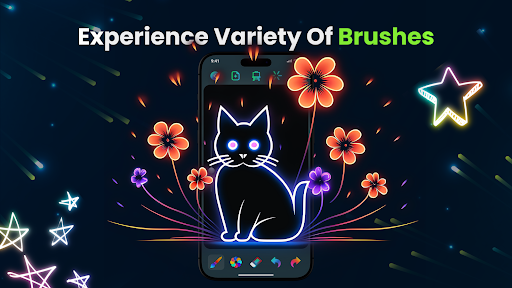
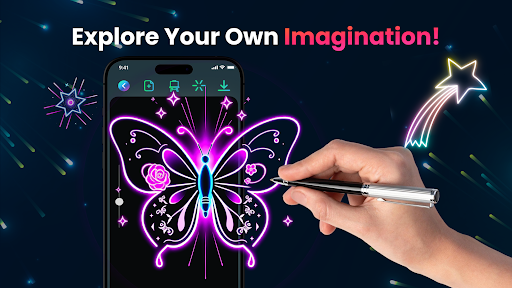
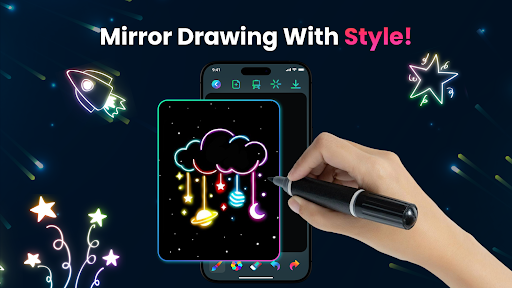
Utilize intuitive glowing brushes and sketch tools to create magical doodles effortlessly. Adjust brush sizes and effects to add depth and variety, making every stroke contribute to your glowing art masterpiece.
• Express Your Creativity
Design freely whether you're just starting out or already experienced. A wide canvas and limitless color options encourage artistic exploration—turn ideas into shining, glowing illustrations fast and easily.
⏪ Undo & Redo
Easily correct mistakes with built-in undo and redo buttons, ensuring a hassle-free creative process without any stress.
• Save & Share
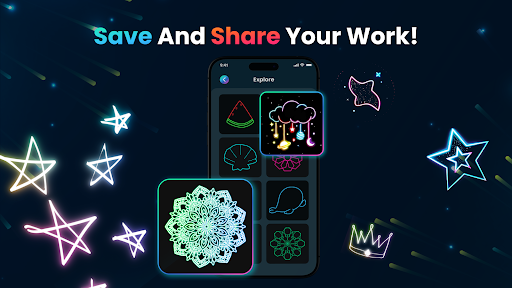
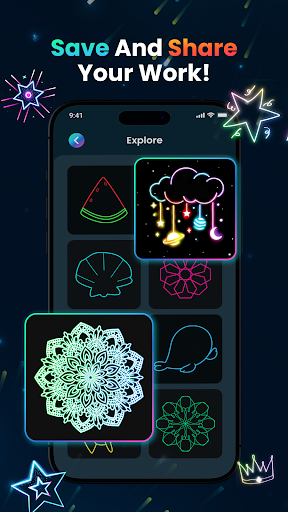
Preserve your artwork and share your glowing designs on social media or with loved ones. Sharing your neon sketches has never been easier!
➕ Easy-to-Use Interface
The app's clean and friendly interface makes it accessible for everyone, from kids to adults, allowing you to dive into glowing doodling smoothly.
• Kid-Friendly
It’s perfect for children or beginners who want to learn digital painting using fingers or predefined images, making freehand glowing art an enjoyable activity for all ages.
• Unlimited Creativity
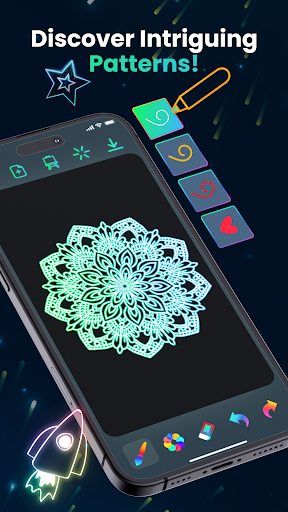
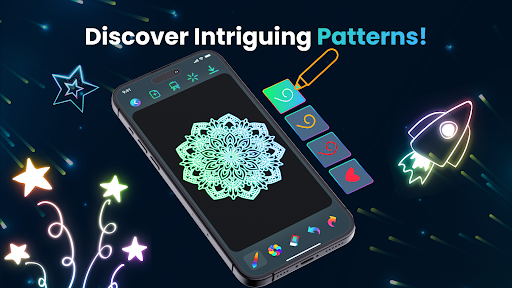
Transform your ideas into stunning glowing mandalas, neon sketches, and kaleidoscope art—unlock your imagination with endless possibilities.
Experience and User Feedback
Many users find Magic Doodle: Glow Art Drawing to be a delightful app that sparks joy and sparks artistic inspiration. The vibrant interface feels like stepping into a digital neon art studio, inviting users to create without barriers or complicated tutorials. The glow effect technology genuinely enhances artwork, giving it a futuristic, luminous appeal. Users also appreciate the ability to save and share their creations easily, making it ideal for social media sharing or personal pride.
The app encourages playful experimentation—without the pressure to produce perfection—making it almost therapeutic. It provides templates and examples, helping artists of all levels kickstart their creativity, whether tracing or creating original designs. The inclusion of playback features adds a fun way to revisit the creative process step-by-step.
Room for Improvement
While Magic Doodle: Glow Art Drawing offers plenty of creative fun, some enhancements could make it even better. For example, adding advanced editing tools such as layering or more detailed brush customization could offer more control. Incorporating a beginner tutorial or tips section might help new users get the most out of the app. On occasion, the app may lag with very detailed drawings, which could be improved for smoother performance.
Final Thoughts
Overall, Magic Doodle: Glow Art Drawing is a charming and engaging tool for anyone eager to add some sparkle to digital art. Its intuitive interface combined with glowing neon effects creates a unique and enjoyable creative environment. Whether you're an experienced artist seeking a new digital medium or someone simply looking for a relaxing activity, this app offers endless fun and artistic possibilities. Download Magic Doodle: Glow Art Drawing now and let your imagination glow like never before!
Pros
- Intuitive interface that makes navigation easy.
- Offers a wide selection of colors and brushes.
- Allows saving and sharing of artworks.
- Fosters creativity and artistic development.
- Free from advertisements disrupting the drawing experience.
Cons
- Free version has limited features.
- Needs internet connection for best performance.
- Consumes a lot of battery during use.
- May experience lag on older devices.
- In-app purchases can be costly.











