



Introduction to Logo Master - Design & Maker
If you're considering creating and designing your own logo, Logo Master - Design & Maker is undoubtedly your top choice. This innovative application offers a vast array of resources and tools that empower both beginners and seasoned designers to craft professional-quality logos with ease. Whether you’re branding a startup, a personal project, or a creative venture, Logo Master has everything you need to bring your ideas to life.
Why Choose Logo Master for Logo Design?
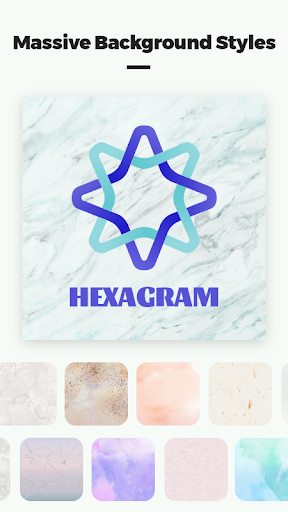
Logo Master stands out because of its comprehensive library of free assets, which makes the logo creation process accessible and effortless. It includes:
- Background image resources
- Graphic logo elements
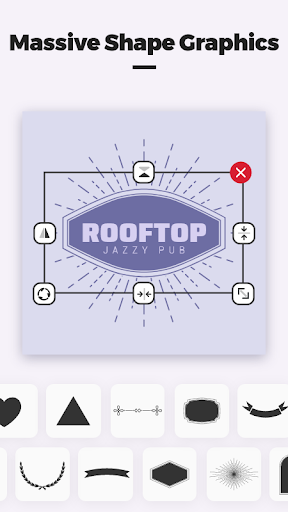
- Shape resources
Key Features of Logo Master - Design & Maker
The app offers a suite of powerful features designed to enhance creativity and streamline the logo creation process:
Customizable Design Elements
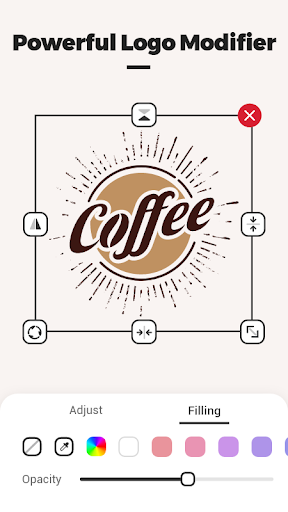
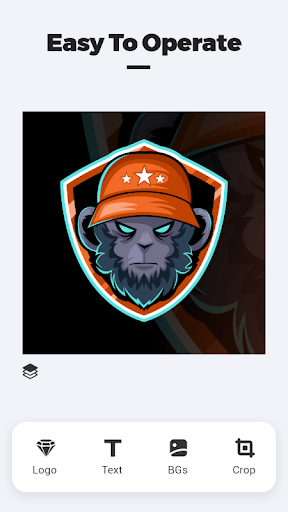
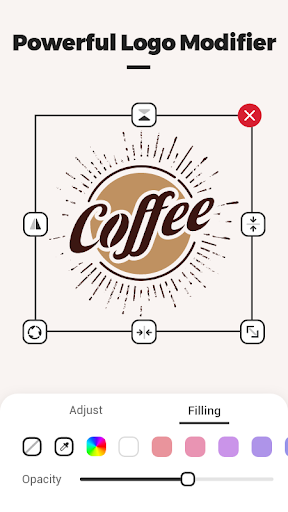
Users can change the color of the logo and adjust the size freely. This flexibility allows for precise customization to match brand colors and aesthetics. Multiple logos can be added and arranged with layered control, ensuring a professional composition.
Background and Shape Modification
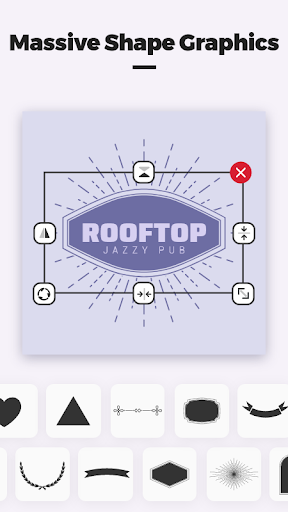
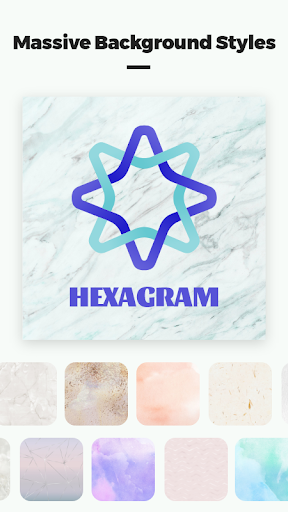
You can modify the background by selecting a solid color or inserting a picture, enhancing the visual appeal. The tool also permits shape modification—allowing you to tweak or entirely change the logo's shape to suit your design vision.
Adding and Styling Text
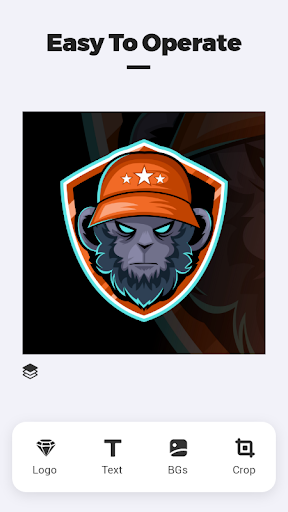
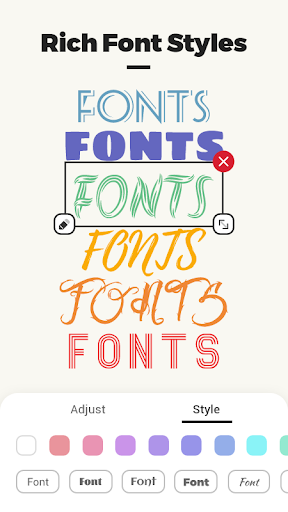
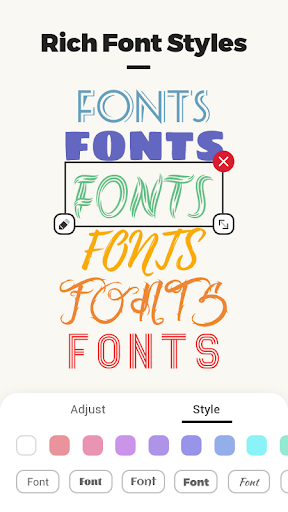
Want to incorporate text? The app makes it easy to add text and scale it freely. You can customize fonts, sizes, and positions, ensuring your branding voice is clearly communicated.
Creating Unique Logos Effortlessly
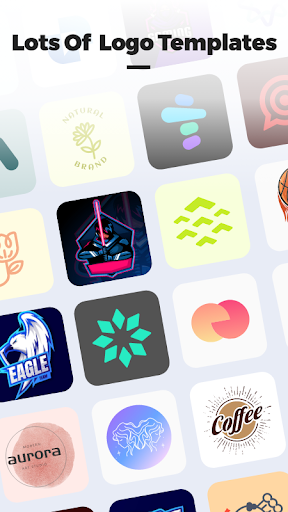
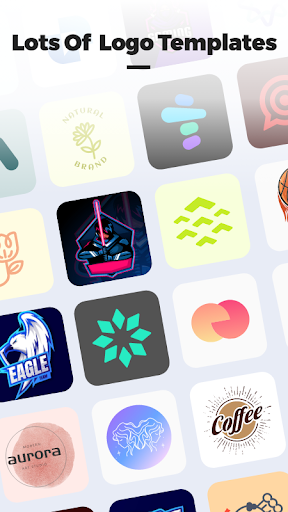
For those who have ever thought about designing a logo but felt overwhelmed, Logo Master offers an intuitive user interface that simplifies the creative process. It provides a variety of templates tailored for different industries, from tech startups to fashion brands, making it easy to customize an existing design or start from scratch.
Design Inspiration and Practical Tools
One of the standout features of Logo Master is its capacity to provide realistic mock-ups. Want to see how your logo looks on a business card or a T-shirt? The app's preview tool makes this possible, helping you visualise your design in real-world contexts. Additionally, since logos are created as vector graphics, they remain sharp and professional-looking at any size, ensuring your branding is always polished.
Unlimited Creativity Without Limits
Creativity knows no bounds with Logo Master. The app allows users to create an unlimited number of logos, perfect for entrepreneurs or designers juggling multiple projects. You can freely experiment, iterate, and perfect your designs without restrictions or distractions. Moreover, the interface remains clean and ad-free, providing a distraction-free environment that fosters creative flow.
Final Thoughts
Overall, Logo Master - Design & Maker is an essential tool for anyone looking to craft eye-catching logos quickly and easily. Its user-friendly interface, combined with a rich library of templates and customization tools, makes it suitable for beginners and professional designers alike. Whether you’re building a brand identity, designing for fun, or exploring new ideas, this app provides all the features you need to turn your vision into reality. Give it a try and discover the creative possibilities that await—your perfect logo could be just a few taps away.
Pros
- User-friendly interface for easy design creation
- Wide variety of templates available
- Affordable premium features
- Cloud storage for designs
- Cross-platform accessibility
Cons
- Limited features in the free version
- Occasional in-app advertisements
- Requires internet connection for cloud access
- No offline mode available
- Some advanced tools can be complex











