
Logo Maker : Graphic Designer
Logo Maker : Graphic Designer is your ultimate solution for effortless and professional graphic design. Whether you're creating a logo for your business, gaming brand, personal website, or side project, this all-in-one application simplifies the process with a user-friendly interface and a robust set of features. Say goodbye to complex software difficulties and hello to quick, stunning branding creations directly on your Android device.
Key Features of Logo Maker : Graphic Designer
- • Graphic Designer: Powerful graphic design app optimized for Android.
- • Workflow: Intuitive and easy-to-navigate design process.
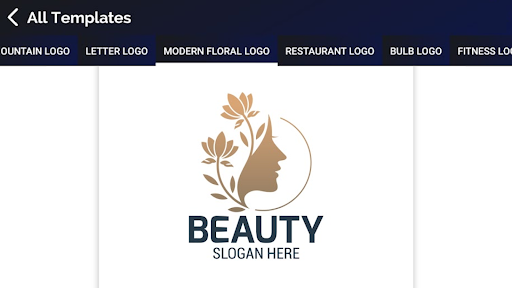
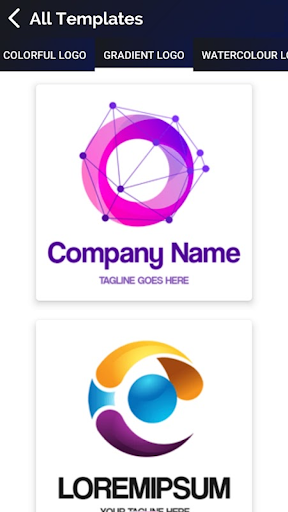
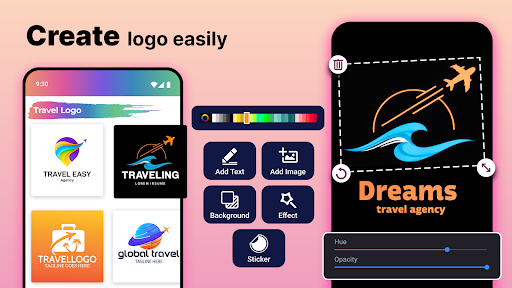
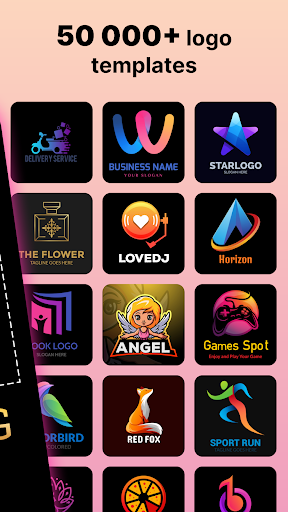
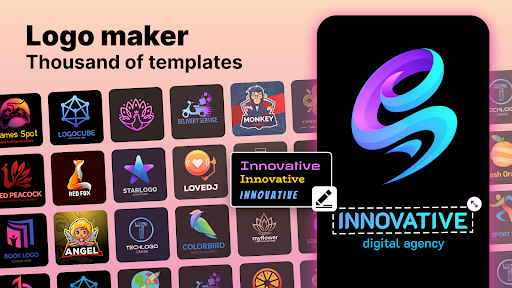
- • 100% Editable Templates: A wide collection of fully customizable templates for various branding needs.
- • Gaming Logo Maker: Specialized tools and assets for gamers to craft unique gaming logos.
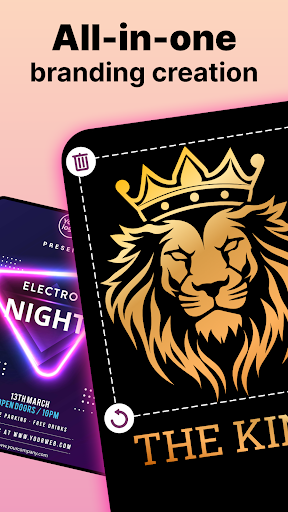
- • Poster Maker and Flyer Maker: Design promotional materials to enhance your brand visibility.
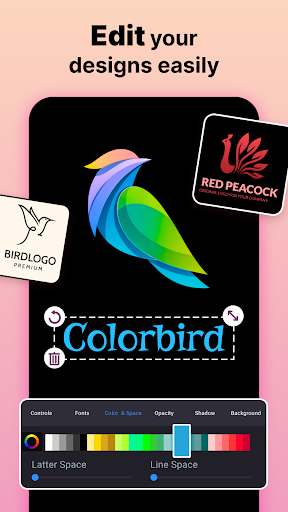
- • Fonts and Icons: A diverse library of fonts and icons to personalize your designs.
- • Monogram Maker: Create elegant monograms for a professional touch.
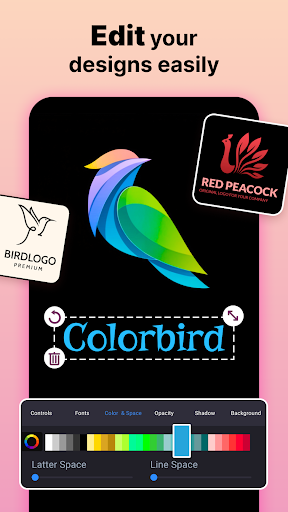
- • Custom Colors and Sizes: Flexibility to tweak colors, sizes, and layouts for perfect branding.
- • Versatile Usage: Suitable for businesses, gaming, websites, and personal projects.
Create Professional Branding Instantly
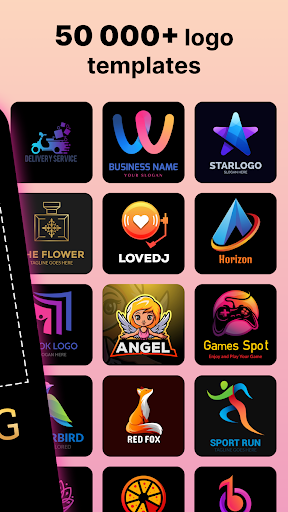
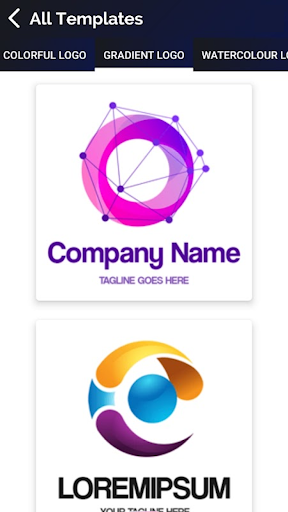
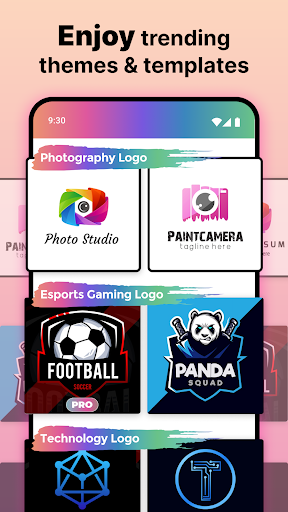
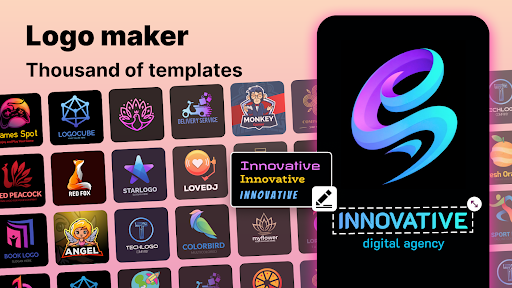
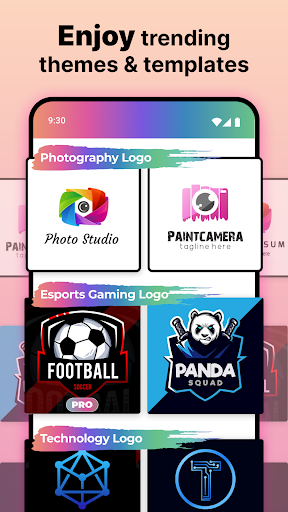
The Logo Maker : Graphic Designer app allows you to craft your logo with ease, utilizing a wide range of templates and pictures. Whether you’re designing for a startup, gaming community, or a personal brand, this tool provides a seamless experience. Users can pick from numerous templates designed specifically for different industries and purposes, ensuring your branding visually stands out. The templates are fully editable, enabling you to personalize every element, from icons to color schemes, creating a logo that truly reflects your unique identity.
Logo Designer with Pictures — Limitless Creativity
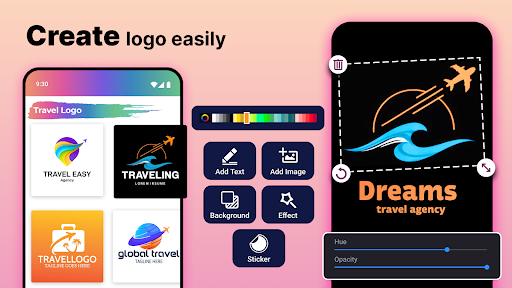
Unleash your creativity with the app’s extensive collection of images and design elements. Whether you need a monogram, a gaming logo, or a simple emblem, the logo creator offers a variety of options. Mix backgrounds, icons, and fonts to craft an eye-catching emblem. Adjust colors and sizes easily to achieve a professional-looking result that aligns with your brand identity. With the flexibility of importing your own images, your designs can be truly personalized, making your branding stand out from the crowd.
Gaming Logo Maker — Targeted Design for Gamers
Gamers will find a dedicated section in the app featuring a gaming logo maker design creator. This mode provides access to gaming-specific graphics, icons, and fonts to help you create a logo that embodies your gaming persona. Whether you’re building a clan emblem, streamer branding, or a gaming channel logo, this feature simplifies the process of designing a symbol that captures your gaming essence and makes a lasting impression in your community.
Poster and Flyer Maker — Expand Your Creative Horizons
Beyond logo design, Logo Creator includes poster and flyer maker tools, empowering you to produce promotional materials for events, launches, or social media campaigns. This versatility makes the application valuable for a wide array of design projects, helping you create cohesive branding materials that elevate your business or personal projects seamlessly. Whether advertising a product or announcing an event, the app provides intuitive tools to make your visuals pop.
Why Choose Logo Maker : Graphic Designer?
If you’ve ever found yourself in need of a professional logo with minimal effort, this app is your perfect companion. Its clean, user-friendly interface makes navigating design options straightforward for both beginners and experienced designers. The extensive library of templates and customizable options offers endless possibilities, enabling you to create logos that look professionally made without hiring a designer. The ability to export in multiple formats ensures your designs are ready for print or online use immediately, saving you time and hassle. Whether you’re working on a personal project, branding for a new business, or creating gaming assets, Logo Maker : Graphic Designer is the go-to tool to transform your ideas into eye-catching logos and promotional material—all from your Android device.
Pros
- User-friendly interface for intuitive design.
- Available selection of diverse templates.
- Elements that can be customized for unique logos.
- High-quality export options.
- Supports multiple languages.
Cons
- Limited features in the free version.
- Occasional advertisements within the app.
- Requires internet connection for certain functionalities.
- Some templates appear generic.
- No direct customer support chat available.











