
Logo Maker – Create Logos, Posters & Professional Branding
Are you seeking an easy and efficient way to craft a professional logo without dealing with complex or complicated tools? Look no further than Logo Maker, your comprehensive all-in-one graphic design application tailored for creating logos, posters, flyers, and brand visuals in just a matter of minutes. Whether you’re a business owner, gamer, content creator, or simply someone who wants to personalize your profile, this app empowers you to design unique and eye-catching logos anytime and anywhere.
Key Features
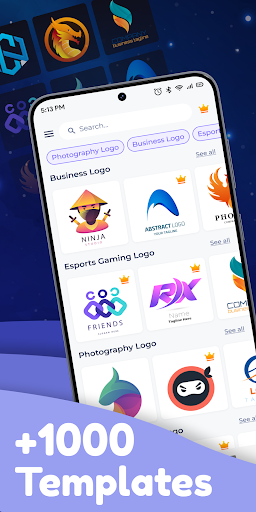
- Templates – Fully editable logo templates designed for various industries and purposes including business, gaming, social media, shops, restaurants, gyms, real estate, travel, and more.
- Fonts & Icons Library – With over 100 stylish fonts, stickers, badges, abstract icons, and shapes, you can easily spark your creativity and craft distinctive designs.
- Gaming Logo Maker – Dedicated tools and graphics tailored specifically for gamers, esports teams, clans, and avatars.
- Poster & Flyer Maker – Quickly create promotional designs for events, ads, or social media.
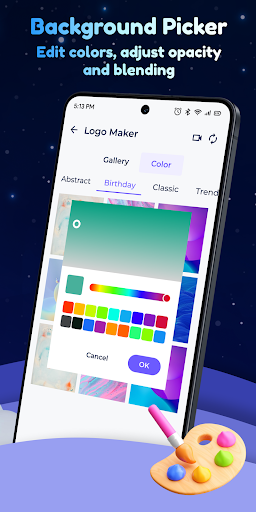
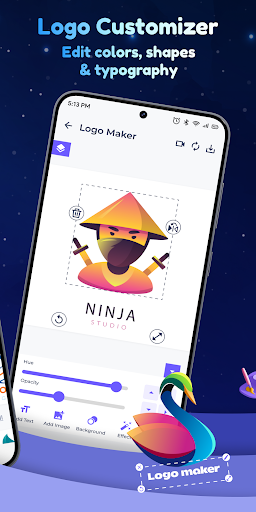
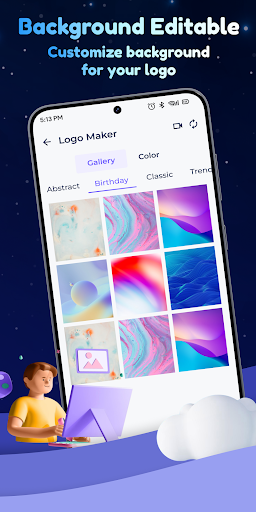
- Advanced Customization – Modify your designs easily by adjusting colors, gradients, sizes, and adding custom backgrounds or transparent PNG logos.
- Monogram & Name Art – Design personalized initials, letter logos, slogans, or use your creations as a watermark for your photos and videos.
- Smart Editing Tools – Rotate, crop, add filters, erase backgrounds, apply textures, or perform 3D rotations for a polished, professional finish.
- Save & Share Easily – Export your projects in high definition, edit them later, and share directly to popular platforms such as Instagram, YouTube, WhatsApp, TikTok, Discord, and Facebook.
Perfect For Various Users
- Businesses – Quickly build your brand identity and establish a professional image.
- Gamers & Streamers – Design esports and gaming logos that truly stand out in the crowd.
- Content Creators – Create eye-catching profile pictures, channel art, and social media graphics to elevate your online presence.
- Shops & Services – From coffee shops to gyms and salons, craft professional logos that reflect your brand’s identity.
With Logo Maker, anyone can design like a pro — no design skills required. Easily create, customize, and share your brand identity to establish a memorable presence both online and offline. Download Logo Maker today and start building your brand effortlessly on Android!
Pros
- Offers a user-friendly interface that simplifies navigation and usage.
- Provides comprehensive features that cater to various user needs.
- Delivers fast performance and efficient operation.
- Ensures data security and privacy for all users.
- Includes regular updates and improvements based on user feedback.
Cons
- Limited customization options for advanced users.
- Requires a stable internet connection for optimal functioning.
- Some features may be complex for beginners to understand.
- Occasional bugs and glitches may affect user experience.
- Free version has restrictions that may prompt users to upgrade.











