

Introduction to the Logo Maker : Logo Creator App
Are you searching for an easy and efficient way to design a professional logo for your business or personal project? Look no further than Logo Maker : Logo Creator. This innovative app serves as a one-stop solution for creating stunning logos that effectively represent your brand identity. Whether you're a small business owner, freelancer, or entrepreneur, this tool empowers you to generate high-quality logos without needing extensive design skills.
Key Features of Logo Maker : Logo Creator
Extensive Template Library
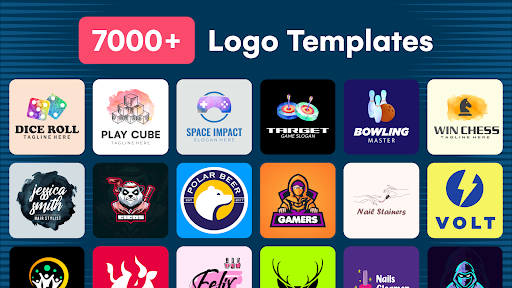
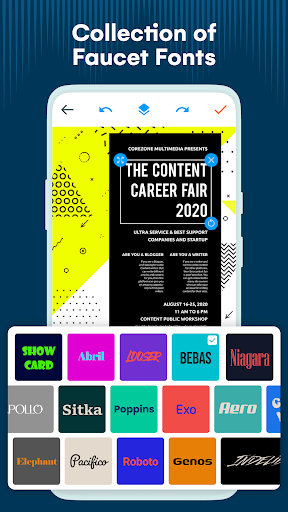
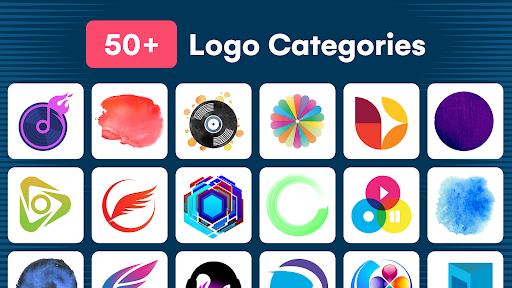
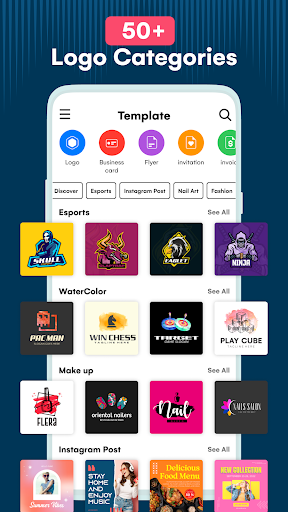
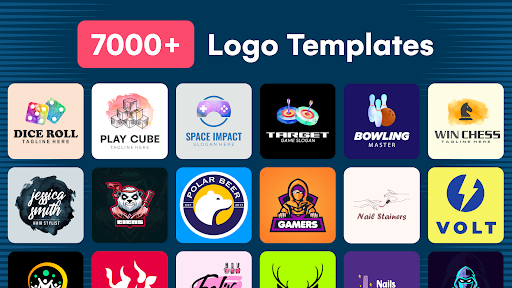
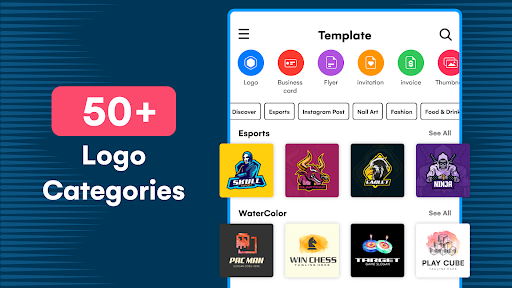
The app comes equipped with 10,000+ logo templates, along with a vast collection of logo elements and resources. This extensive library ensures that users can find a perfect template that aligns with their brand's niche, whether it's fashion, technology, esports, or watercolor artistry. The availability of diverse categories guarantees fresh ideas and creative flexibility for every user.
User-Friendly Interface & Ease of Use
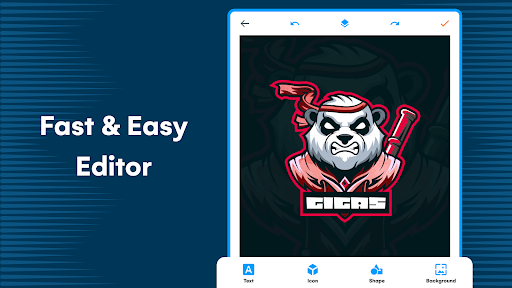
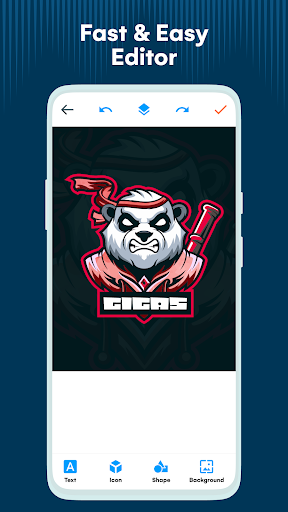
Designed with simplicity in mind, the AI-powered logo generator features an intuitive interface that allows users—even those with no prior graphic design experience—to craft professional logos with ease. The drag-and-drop functionality and straightforward customization tools make the design process smooth and enjoyable.
Customization & Personalization
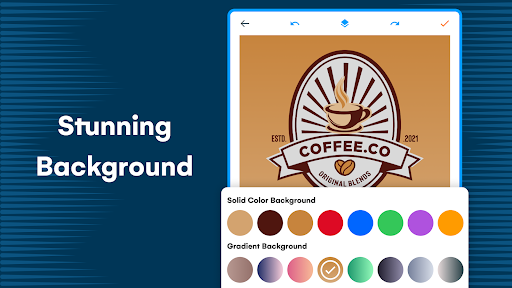
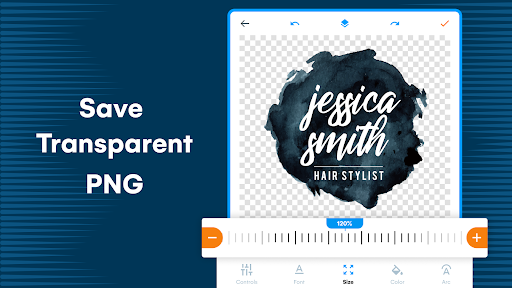
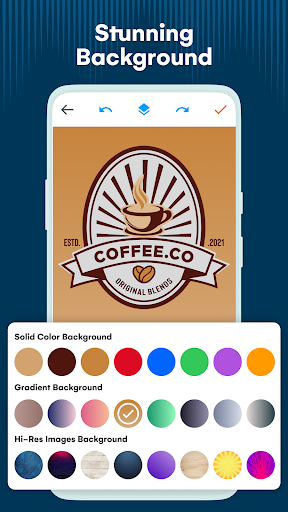
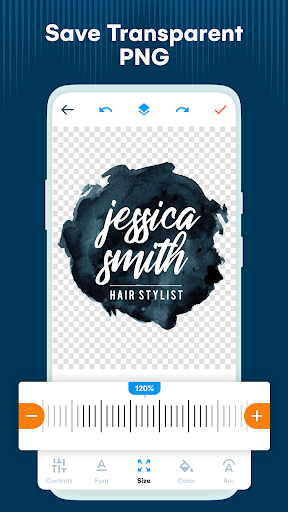
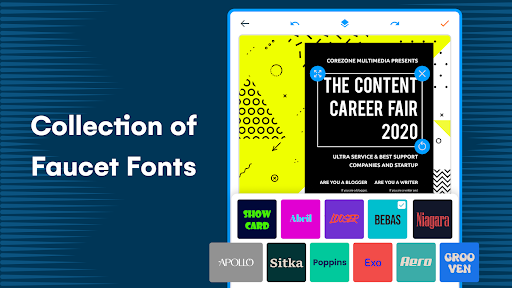
With options to add text, shapes, stickers, and modify backgrounds, users can personalize every element of their logo. The app also provides capabilities to resize components and apply custom effects, giving you full control over the aesthetics of your design. For added convenience, logos can be saved as drafts and exported in various formats suitable for online use or printing.
AI-Powered Logo Generation
The heart of this app is its AI logo generator. Simply input your brand details, select your preferred colors and logo style, and let the intelligent system do the rest. Within seconds, you'll receive a unique, professionally styled logo tailored to your specifications. This feature is perfect for saving time and achieving a professional look effortlessly.
Additional Design Resources
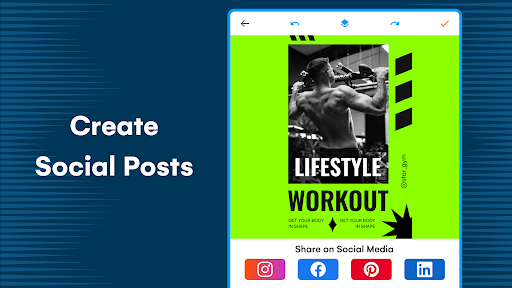
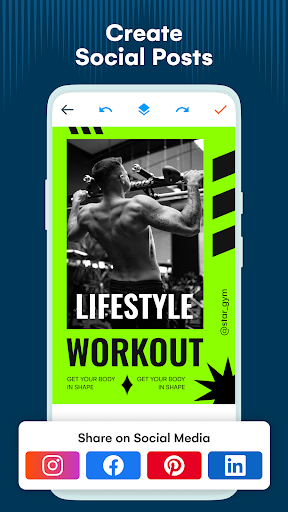
Beyond logo creation, the app offers tools for designing thumbnails, flyers, invitations, and business cards. These integrated features make it a versatile resource for building your entire brand identity in one platform.
Advantages of Using the Logo Maker
This free logo maker app provides an affordable alternative to hiring professional graphic designers, saving both time and money. With just a few input steps—such as selecting colors, fonts, and styles—you can generate a custom logo in seconds. Its resource-rich environment ensures you’re never short of creative ideas, thanks to the unlimited access to pre-designed templates.
The layered design structure simplifies customization, enabling quick adjustments to every element of your logo. Whether you want a minimalist icon or an elaborate design, this app supports your vision from start to finish.
How It Works
Getting your logo designed is simple: browse through relevant categories, select a template, customize it with your preferred elements, and then save or export the final version. The process is streamlined to ensure even beginners can produce high-quality logos without technical expertise.
Who Can Benefit from This Free Logo Maker?
This application is ideal for entrepreneurs, small business owners, freelancers, and anyone in need of a professional logo. No matter your industry—whether it’s fashion, photography, esports, automotive, or lifestyle—you’ll find suitable templates and resources to craft a matching logo that captures your brand’s essence.
Additional Features & Final Thoughts
Beyond logo creation, the app provides access to article design templates such as business cards, flyers, and thumbnails. Its rich feature set makes it a comprehensive graphic design tool tailored for small businesses and personal projects alike. With a user-friendly interface, versatile customization options, and quick AI-powered logo generation, Logo Maker : Logo Creator stands out as a top choice for individuals seeking professional-quality logos without the complexity or expense of traditional design services.
Pros
- User-friendly interface simplifies design
- Wide variety of templates to choose from
- Extensive customization options for logos
- Fast export and sharing features
- Supports multiple file formats
Cons
- Limited features available for free
- Most features require payment
- Occasional advertisements may disrupt workflow
- No offline mode support
- Some templates appear outdated
- Premium features require in-app purchases











