

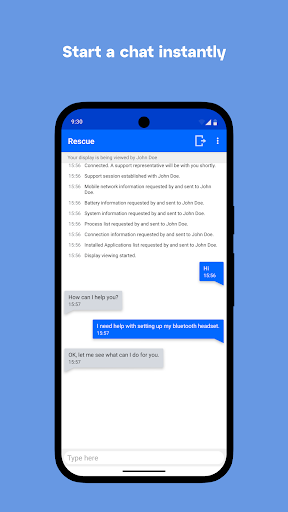
Overview of the LogMeIn Rescue Customer App
The LogMeIn Rescue Customer app is a powerful tool designed to facilitate seamless remote support for Android device users. If you've ever faced technical difficulties with your smartphone or tablet, this application acts as your direct link to professional support technicians, enabling them to diagnose and resolve issues efficiently. The app is primarily intended for users who are receiving assistance from support teams using LogMeIn Rescue, a popular remote support platform trusted by many tech service providers.
Key Features of LogMeIn Rescue Customer
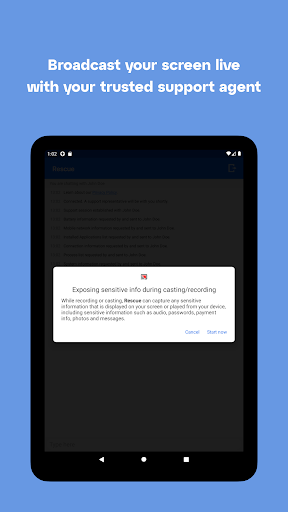
One of the standout features of the LogMeIn Rescue Customer app is its ability to support remote control of your Android device—available on many devices from top brands such as Samsung, HTC, Motorola, Huawei, Sony, Vertu, Kazam, and others. This means that during a support session, technicians can view screen content, transfer files, and manipulate device settings remotely, saving you time and effort.
The app also allows technicians to view system diagnostic info, pull and push APN configurations (Android 2.3 and above), and manage WiFi settings. These capabilities help resolve a wide variety of issues, from network problems to app malfunctions, all without needing to visit a service center.
How to Use LogMeIn Rescue Customer
Getting started is simple and straightforward:
- Install the application from the Google Play Store.
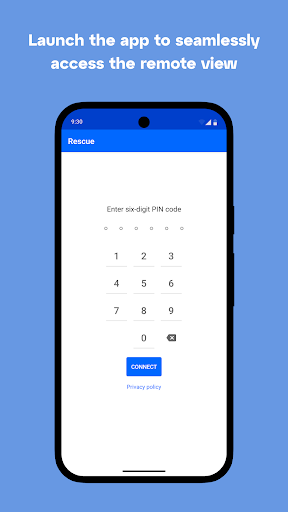
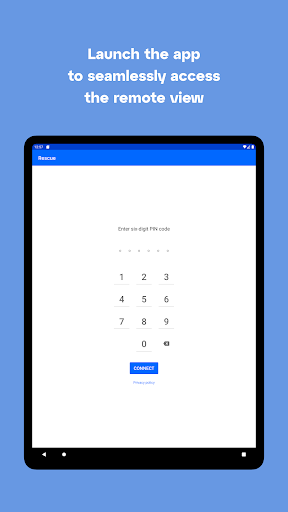
- Launch the app from your Applications menu.
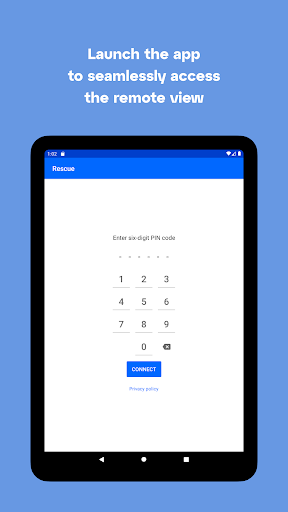
- Enter the six-digit pin code provided by your support technician.
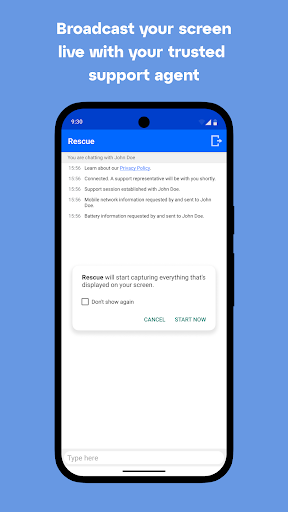
- Allow your trusted technician to connect to your device and begin troubleshooting.
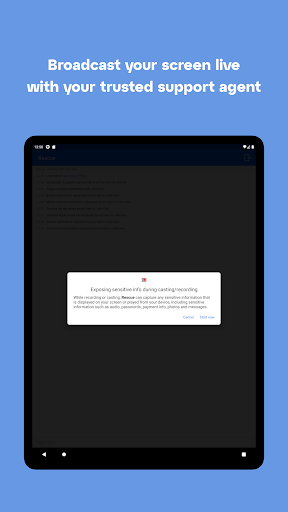
The app requires Device Administrator permissions and uses the Android accessibility service to support full remote control during a rescue session. Rest assured, LogMeIn Rescue respects user privacy and does not track activity outside the authorized support session.
Security and Privacy Considerations
The LogMeIn Rescue Customer app employs robust security measures. All support sessions are encrypted, ensuring that your data, personal information, and device remain protected throughout the troubleshooting process. This focus on security makes it a trusted choice for both individual users and organizations.
The Benefits of Using LogMeIn Rescue Customer
If you're experiencing frequent issues with your Android device—such as crashing apps, sluggish performance, or network configuration problems—this app can become an indispensable part of your mobile support toolkit. Its versatility means it is compatible with a wide range of Android devices, making it suitable to meet diverse support needs.
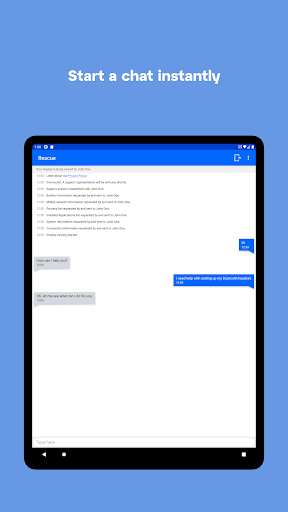
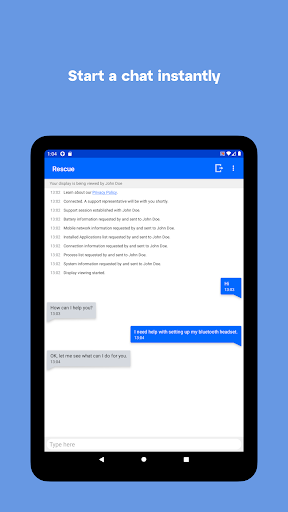
The real-time chat feature allows smooth communication with support technicians, so you're always informed about what’s happening on your device. Additionally, the ability to transfer files during support sessions simplifies the process of sharing logs, screenshots, or other data necessary for rapid diagnosis and resolution.
Overall, the LogMeIn Rescue Customer app offers peace of mind by providing quick, reliable, and secure remote support. Whether you're troubleshooting software glitches or configuring connections and settings, this app streamlines the process and saves you from the hassle of manual fixes.
Conclusion
In summary, if your Android device ever needs professional support, LogMeIn Rescue Customer offers a user-friendly and secure solution to access remote repair services. Its broad compatibility, extensive feature set, and emphasis on privacy make it an excellent choice for those seeking quick and efficient mobile device troubleshooting. Downloading this app, under the guidance of your technical support team, could very well be the best decision to keep your device running smoothly and efficiently in today’s fast-paced digital world.
Pros
- User-friendly interface for easy navigation.
- Real-time alerts for emergency situations.
- Comprehensive tracking of emergency contacts.
- Quick access to emergency service numbers.
- Offline capabilities for unreliable connections.
Cons
- Limited features in the free version.
- Requires constant GPS for accurate tracking.
- Battery drains quickly with continuous use.
- Subscription needed for premium features.
- Not compatible with older Android versions.











