
Discover the Power of Litchi for DJI Drones
Elevate your drone flying experience with Litchi, the #1 app trusted by over 5,000 users daily for DJI drone navigation. With its comprehensive features and intuitive interface, Litchi unlocks the full potential of your DJI drone, making complex flight maneuvers and professional shots easily achievable. Compatible with multiple DJI models such as the Mini 2, Air 2S, Mavic series, Phantom series, Inspire series, and Spark, this app is designed to enhance your aerial photography and videography. Please note, Litchi is not compatible with the latest DJI drones like Mavic 3 Enterprise or Mavic 3 Classic; for those, you need to use Litchi Pilot.
Purchase Litchi today and enjoy an exclusive 30% discount on your Airdata.com subscription for Litchi users—check out Airdata for more info.
Key Features of Litchi for DJI Drones
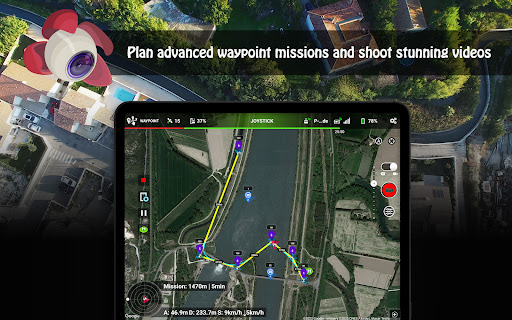
Waypoint Mode
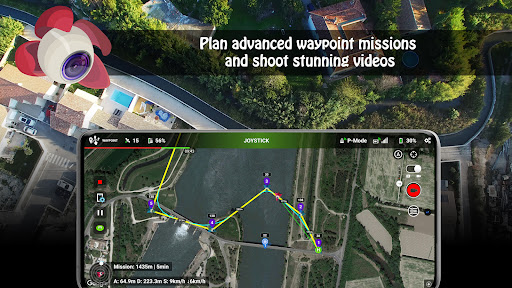
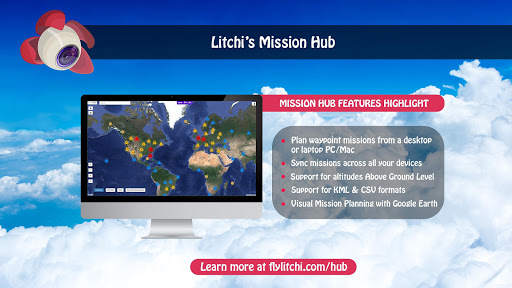
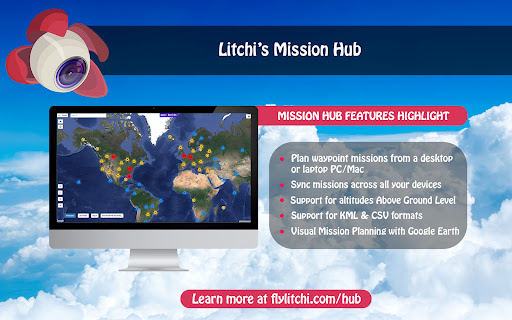
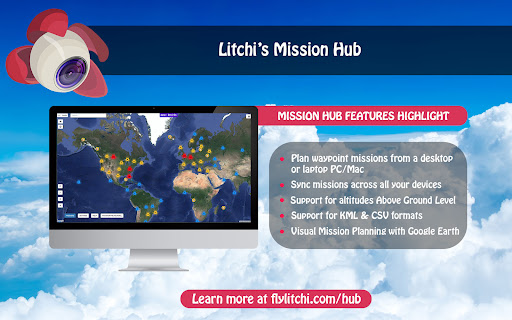
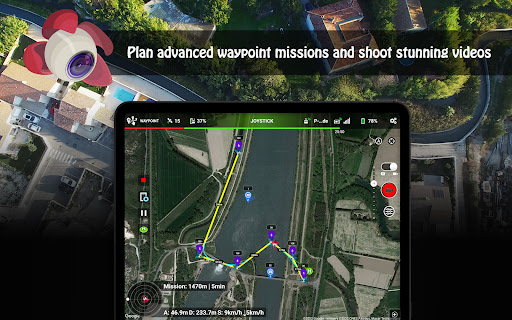
Whether you're a beginner or a seasoned professional, Litchi offers a highly intuitive yet powerful waypoint planning engine. Create detailed flight routes with precise control over altitude, speed, and gimbal pitch at each point. The seamless sync feature allows you to plan on your PC or Mac, then upload your flight paths effortlessly across all devices.
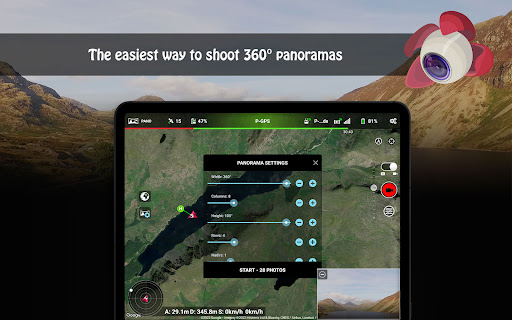
Panorama Mode
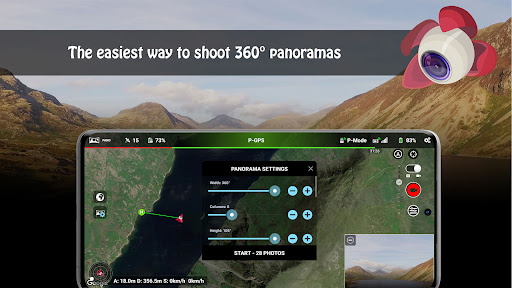
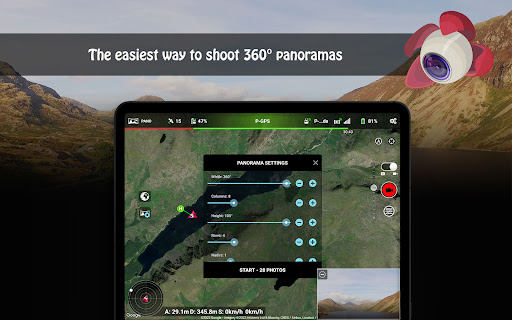
Capture stunning horizontal, vertical, and 360° spherical panoramas with ease. This mode simplifies panoramic photography, enabling you to create professional-grade images with minimal effort.
Track Mode
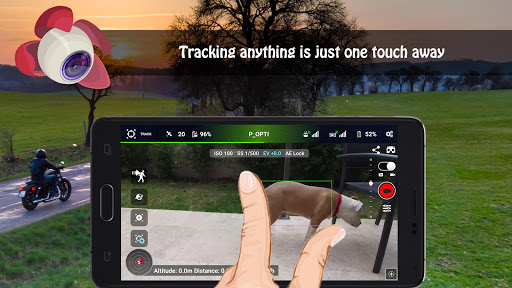
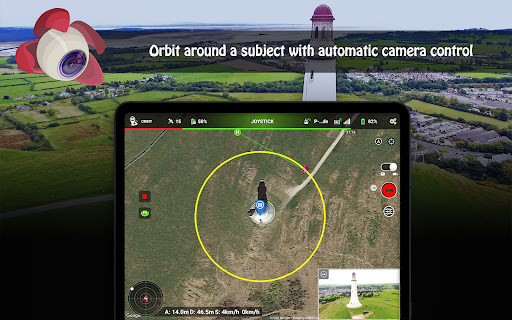
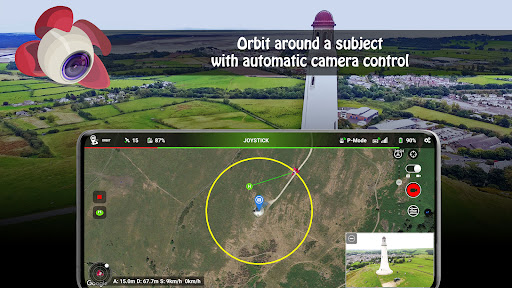
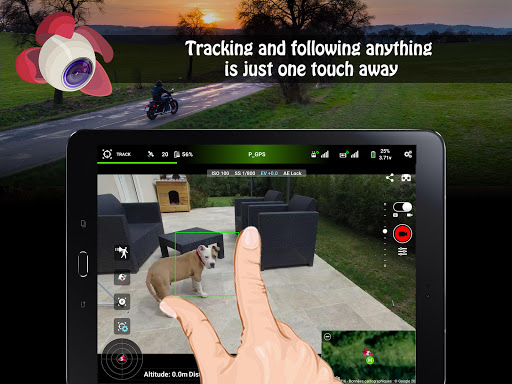
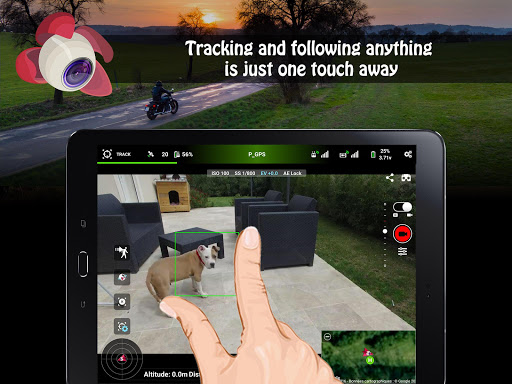
Utilizing advanced computer vision algorithms, Litchi enables your drone to understand and keep the selected object perfectly framed during flight. You can automate complex movements such as Orbit or Follow modes without manual control, making your filming smooth and professional-looking.
Follow Mode
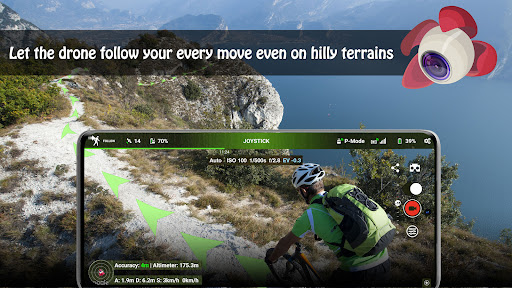
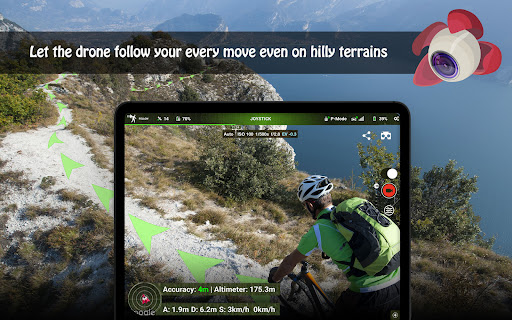
Let your drone follow your every move. Using your mobile device’s GPS and altitude sensors, Litchi keeps your drone focused on you, perfect for dynamic shooting scenarios.
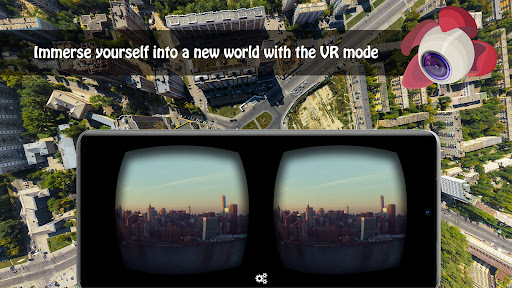
VR Mode
Experience immersive FPV flights by connecting your mobile device to VR goggles (sold separately). Watch real-time footage or manually control your drone for a thrilling first-person view experience.
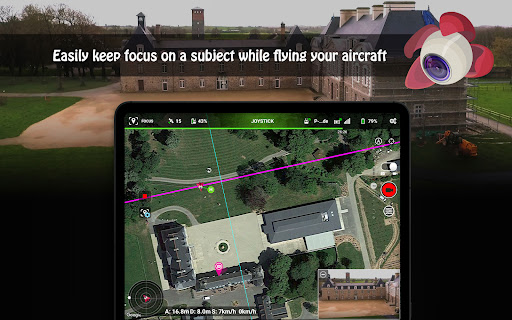
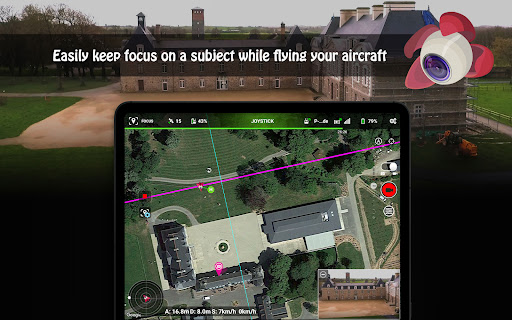
Focus Mode
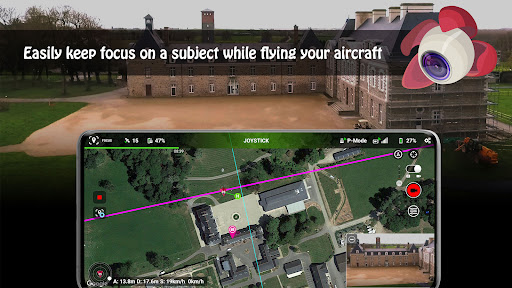
This feature assists by taking control of the drone’s gimbal and yaw axis, allowing you to concentrate on horizontal movements. It's ideal for capturing steady, professional-looking footage effortlessly.
Additional Highlights
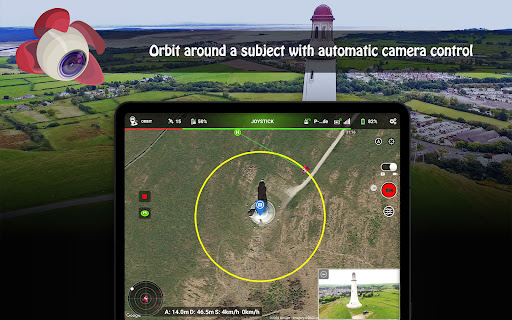
- Orbit mode for circular shots around a subject with advanced settings
- Livestream capabilities directly to Facebook or RTMP servers
- Video streaming to nearby devices via the Litchi Vue app
- Using a second smartphone as a Follow Me target with Litchi Magic Leash
- Custom RC keys functions for creating complex flight plans mid-flight
- Human-readable flight logs, automatically uploaded to Airdata UAV
- Voice alerts for warnings, automatic video recording, and Bluetooth controller support
Getting Started with Litchi
To connect Litchi with your drone, visit our help page for detailed instructions. Remember, when launching the app for the first time, an internet connection is necessary to validate your license with DJI servers.
Explore the Litchi Hub for updated tutorials, tips, and community insights. Take your drone flights to new heights and capture breathtaking aerial images with ease and precision.
Why Choose Litchi for Your DJI Drone
Many drone enthusiasts believe they’ve explored all available apps, but Litchi proves otherwise. This app transforms the way you fly and shoot, turning your DJI drone into a professional aerial cinematography tool. The intuitive interface makes complex flight paths accessible even for beginners, while powerful features like Waypoint, Panorama, and Focus modes cater to the needs of advanced users.
The virtual reality (VR) mode offers an immersive FPV experience, and with live streaming capabilities, you can share your flight live on social platforms or RTMP servers. The addition of automated flight logs and real-time voice alerts enhances safety and accountability during each flight.
Whether you want to shoot sweeping landscape shots, capture dynamic follow shots, or enjoy immersive first-person flights, Litchi provides the tools needed to elevate your drone flying adventures. With consistent updates and an active user community, it’s the ideal companion for anyone serious about aerial photography and drone piloting.
Pros
- Intuitive user interface
- Advanced waypoint settings
- Real-time video feed
- Compatible with many DJI models
- Offline map support
Cons
- Limited free features
- Occasional connectivity issues
- Battery drain concerns
- Requires DJI account
- No offline video processing











