





Introduction to LINE: Calls & Messages
LINE is revolutionizing how people communicate by bridging the gap between family, friends, and loved ones — all *for free*. This versatile messaging platform offers a comprehensive suite of features, including voice and video calls, instant messaging, and a limitless variety of entertaining stickers and emojis. Available on mobile, desktop, and Wear OS devices, LINE continues to expand its services, making communication more fun, expressive, and convenient for users worldwide.
Main Features of LINE
Messages, Voice Calls, and Video Calls
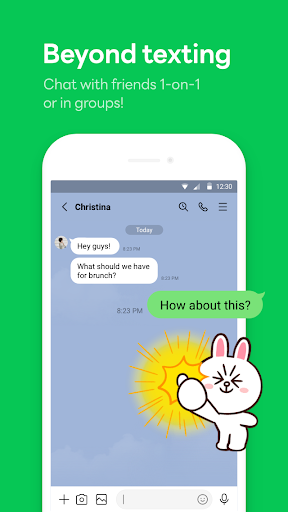
Connect effortlessly with your friends via high-quality voice and video calls. Sharing messages in real-time allows for seamless communication, whether you're at home or on the move. The platform ensures minimal lag and crisp audio, providing a smooth chatting experience across all devices.
Express Yourself with Stickers, Emojis, and Themes
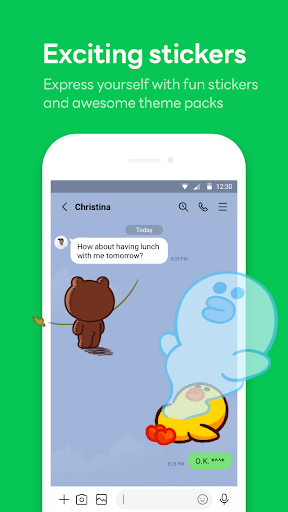
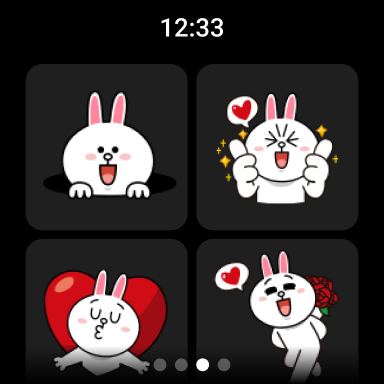
Personalize your conversations using an extensive sticker shop filled with cute, funny, and expressive stickers suitable for every occasion. Complement your chats with a variety of emojis and customize the theme of your LINE app to match your style, making your messaging experience truly unique.
Home and Access to Features
The Home section serves as your central hub, providing quick access to your friends list, upcoming birthdays, the sticker shop, and other LINE services and content. It’s designed to make navigating the platform intuitive and efficient.
Cross-Platform Seamless Connection
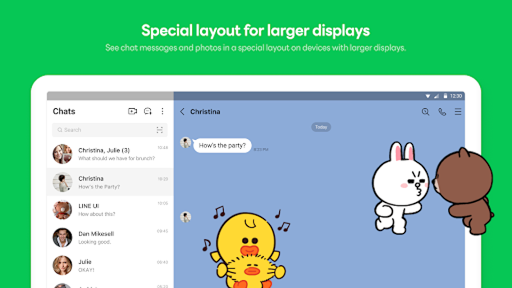
Stay connected wherever you are. LINE supports mobile devices, Wear OS smartwatches, and desktop computers, ensuring you can chat anytime and anywhere. Whether you're commuting, working, or relaxing at home, LINE adapts to your lifestyle with ease.
Keep Memo for Personal Storage
The Keep Memo feature allows you to store personal messages, photos, and videos temporarily, making it simple to organize and access important content without cluttering your main chats.
Privacy with Letter Sealing
Security is paramount with LINE's Letter Sealing. This end-to-end encryption protects your messages, call history, and location information from unauthorized access, ensuring your conversations remain private and secure.
Use on Wear OS Smartwatches
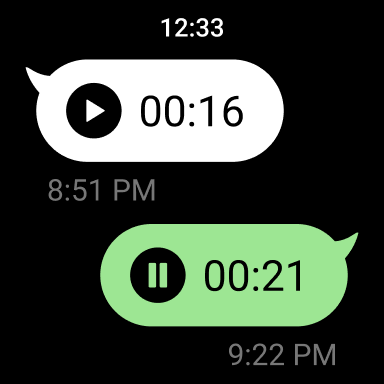
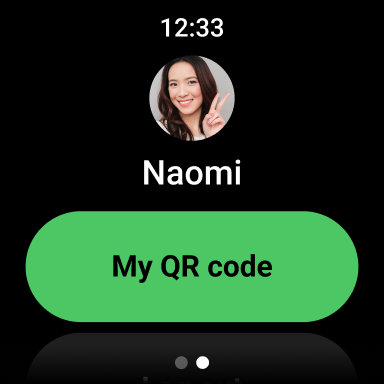
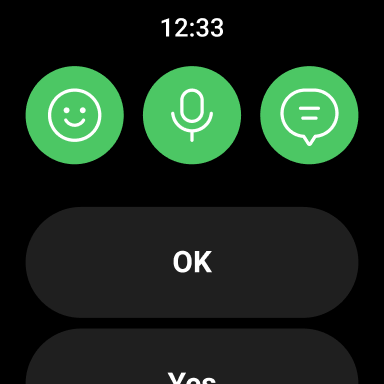
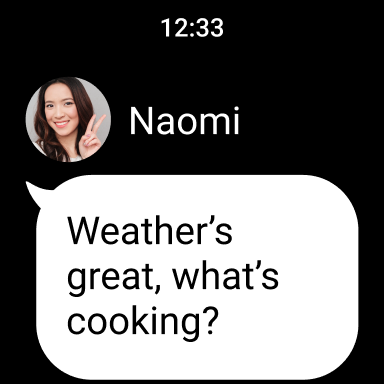
If you own a Wear OS device, you can connect it to LINE to check messages and even add the LINE app complication to your watch face for quick updates. Note that a stable data plan or Wi-Fi connection is recommended to avoid data charges, and the app functions best on Android OS version 10.0 or newer.
Note: Slow network speed or limited device storage may affect the installation and performance of LINE. Please ensure your connection and device adequacy before installation.
Getting Started with LINE: Calls & Messages
Joining LINE is straightforward — simply register you with your phone number. Available on both Android and iOS, the app features a clean, user-friendly interface ideal for both beginners and experienced users. Once inside, you’ll find your way around quickly, thanks to intuitive navigation and clear menus.
What Makes LINE Stand Out?
Exceptional Call Quality and User Experience
One of the most appreciated features is the crisp and reliable voice and video call quality even on mobile data connections. This ensures that staying in touch with loved ones is always effortless and satisfying.
Features that Add Fun and Personal Touch
The sticker shop is a highlight, offering a variety of colorful and cute stickers that turn ordinary conversations into lively exchanges. From free options to premium purchases, you have plenty of ways to personalize your chat experience.
Prioritizing Privacy and Security
With end-to-end encryption and features like Hidden Chat, LINE ensures your privacy is protected. Blocking and reporting options make it easy to manage unwanted contacts, providing peace of mind for users concerned about safety.
Beyond Messaging: Social Features
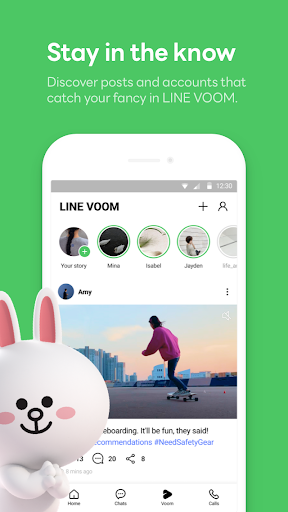
LINE also functions as a mini social media network, allowing users to share status updates, post photos, and follow official accounts for news and entertainment. The integrated LINE Today feature keeps you updated with trending news, making it a versatile app for staying socially connected and informed.
Conclusion
In summary, LINE: Calls & Messages is more than just a messaging app — it’s a comprehensive communication ecosystem designed to keep you deeply connected with friends, family, and the wider world. With its high-quality voice and video calls, playful sticker options, robust privacy features, and cross-platform support, LINE offers a fun, secure, and reliable way to communicate that fits seamlessly into your daily life. Whether you’re seeking an easy-to-use chat app or a social platform packed with features, LINE has you covered. Download it today and discover the joy of expressive and secure communication!
Pros
- User-friendly interface
- Free voice and video calls
- Extensive sticker collection
- Supports group chats
- Cross-platform compatibility
Cons
- Requires internet connection
- Can drain battery quickly
- Ads in free version
- Limited customization options
- Privacy concerns with data usage











