



Introduction to Lightroom Photo & Video Editor
Discover the power of Adobe Lightroom, a smarter photo editor designed to make your images stand out effortlessly. Whether you're capturing mesmerizing sunsets, treasured family moments, or your latest culinary adventures, Lightroom helps you craft shareworthy photos in just seconds. Its state-of-the-art photo editing tools enable you to fix images, enhance overall quality, and even edit videos with ease.
With Lightroom, you have advanced features packed into a sleek, pocket-sized app—perfect for curating your social media feed or snapping flawless shots on the go. It's your versatile companion for creating images you'll be proud to share, all accessible anytime, anywhere.
Why You Should Try Lightroom
Easily Make Your Photos Look Amazing
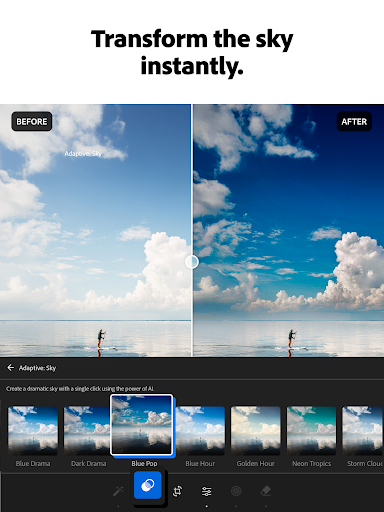
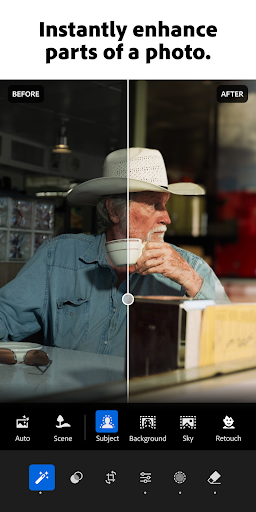
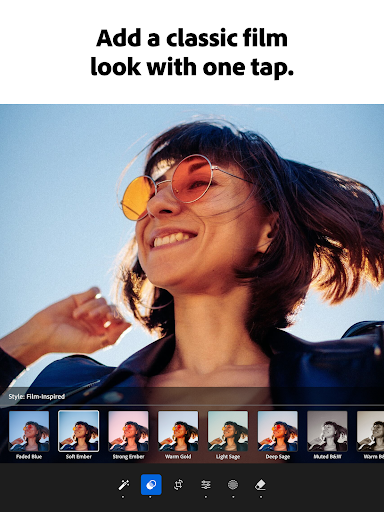
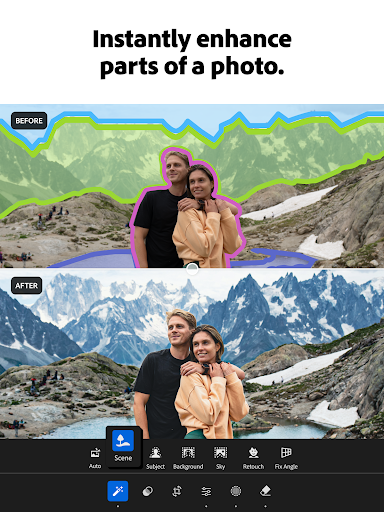
Transform ordinary photos into stunning visuals with just a few taps. The picture editor allows you to brighten images, soften backgrounds, or touch out blemishes quickly. The one-tap features like Quick Actions and Adaptive Presets streamline your editing process, enabling you to enhance photo quality in seconds.
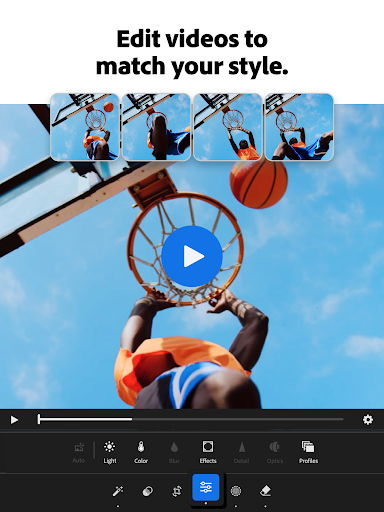
Discover an array of presets for photos, from popular filters to custom-made looks, giving you the creative freedom to craft your signature aesthetic. Plus, the integrated video editing capabilities bring your clips to life with a range of tools for adjusting light, color, and applying stylish presets.
Remove Distractions and Blur Backgrounds
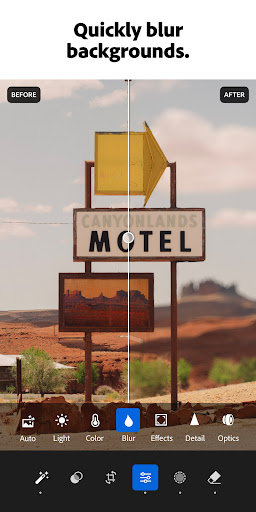
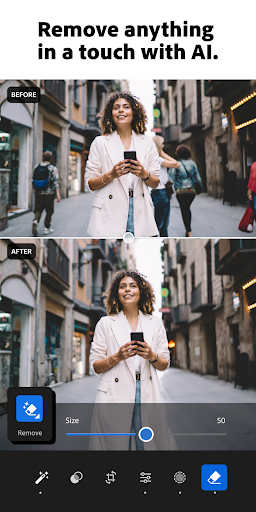
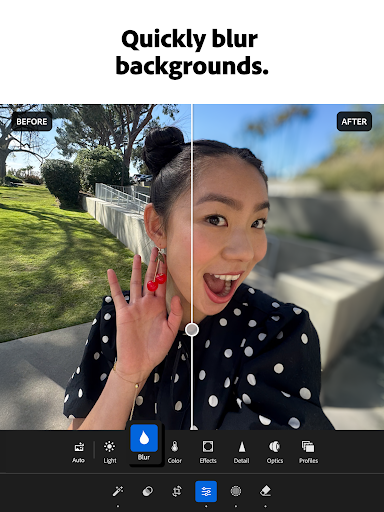
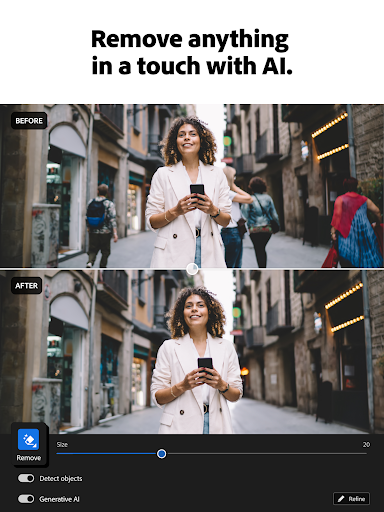
Achieve a professional finish using advanced photo editor tools. Blur backgrounds for a polished effect, fine-tune details, or utilize Generative Remove to delete objects or erase people from your photos seamlessly. These features help you craft flawless images without complicated software.
State-of-the-Art Photo Editing
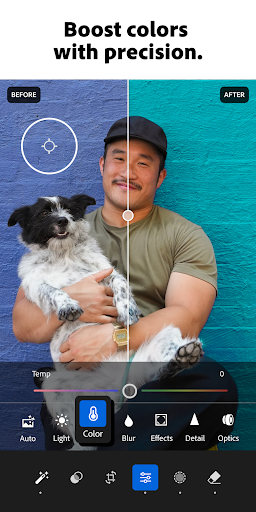
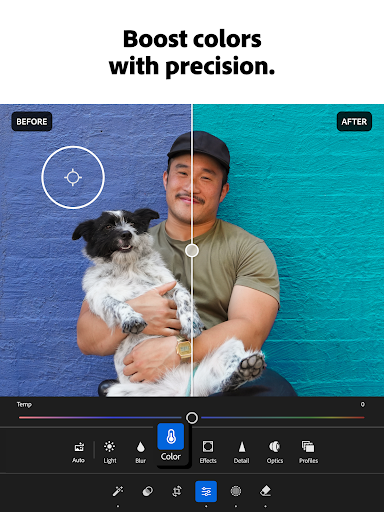
Take full control over your images by adjusting exposure, highlights, and shadows. Play with presets, high-definition photo effects, and color grading options such as hue and saturation. Add dynamic effects like blur or bokeh to create depth and focus. The innovative AI photo editor suggests optimal edits, making quick fixes or adding personal touches straightforward—even for beginners.
Explore Community Inspiration and Advanced Features
Find Inspiration from a Global Community
Browse a vast selection of photo filters and presets shared by creative enthusiasts worldwide. Whether you prefer bold, AI-enhanced edits or subtle enhancements for portraits, you can find inspiration that matches your style or create your own unique look.
Effortless Batch Editing
Save time by applying your favorite edits across multiple photos. The batch editing feature allows you to copy and paste adjustments, ensuring consistency in your projects and making every photo feel like it was crafted with the same care.
Designed for All Skill Levels
Whether you’re a professional photographer or just starting out, Lightroom offers a user-friendly interface combined with powerful tools. For those seeking more detailed control, features like selective adjustments and healing brushes are available, allowing fine-tuned edits to specific areas of your images. The app also supports RAW file editing—perfect for serious photographers wanting maximum flexibility.
Enhance Your Video Content
Not just limited to photos, Lightroom extends its powerful editing capabilities to videos. Adjust light, color, and apply creative presets to bring your video clips to life. Whether you're making social media reels or professional content, the intuitive tools help you craft captivating videos with minimal effort.
Seamless Cloud Integration and Learning Resources
The cloud storage feature, powered by Adobe Creative Cloud, ensures your projects are synchronized across multiple devices. Start editing on your phone and finish on your tablet or desktop without missing a beat.
Additionally, Lightroom fosters a vibrant community where users can share work, exchange feedback, and learn from tutorials and tips provided within the app. This supportive environment inspires continuous growth and refinement of your editing skills.
Conclusion: Elevate Your Photography Game
In summary, Lightroom Photo & Video Editor is a versatile, user-friendly app designed for all levels of photography and video editing enthusiasts. Its combination of advanced features, community support, and seamless synchronization makes it an invaluable tool for creating stunning visuals. Whether you're enhancing images for social media, professional projects, or exploring your creative potential, Lightroom helps you craft captivating content effortlessly.
Embrace the power of Lightroom today and unlock your full creative potential—happy editing!
Pros
- User-friendly interface suitable for beginners
- Robust editing features for professionals
- Supports RAW image file format
- Smooth cloud synchronization across multiple devices
- Broad variety of filters and preset options
Cons
- Premium features require a subscription
- May be demanding on older hardware
- Limited capabilities for video editing
- occasional app crashes have been reported
- In-app purchase costs can add up











