
Introduction to LightMeter: A Professional Light Meter for Photographers
LightMeter is a dedicated application designed for *old school photographers* and *advanced amateurs* who shoot **analog photography**. This app transforms your smartphone into a reliable light meter, providing precise exposure measurements essential for capturing beautifully exposed images. Whether you're shooting film or digital, LightMeter offers a range of features tailored to meet the needs of both hobbyists and professionals.
Core Features and Capabilities of LightMeter
Among its many features, LightMeter enables users to measure both *reflected* and *incident* light, which are fundamental techniques in photography for achieving perfect exposure. The *reflected light meter* requires a compatible device capable of saving exposure data to EXIF, while the *incident light meter* works on most devices that have a light sensor. This dual functionality equips photographers with versatile tools to assess scene lighting accurately. Notable features include an *ISO range from 3 to 6400*, *low light alert*, and the option to mute the camera (depending on local laws). The app displays *EXIF* and *sensor information*, includes *calibration* options to fine-tune measurements, and provides *vibration feedback* when measuring or holding a reading. Users can also *hold* incident light readings for reference, select an *alternative ISO mode*, and utilize *state and ISO recall* upon resuming the app. For photographers using devices with zoom, there’s a *spot measurement* mode for targeted lighting analysis.
Ease of Use and Interface
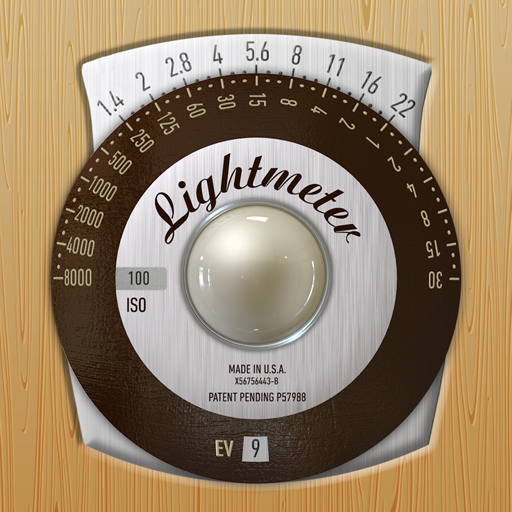
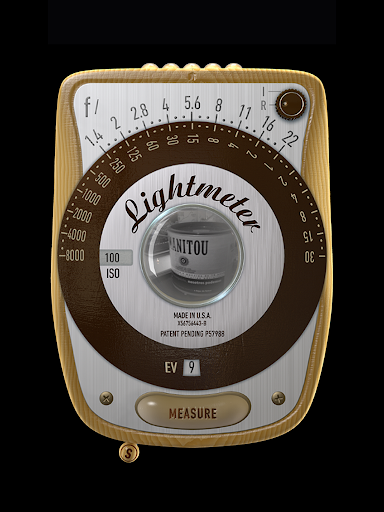
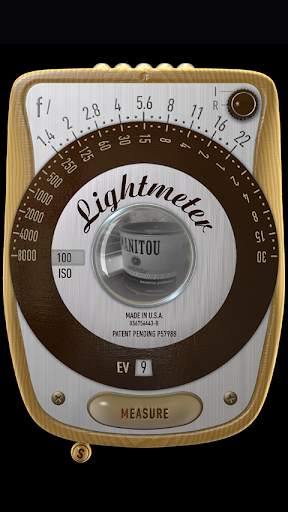
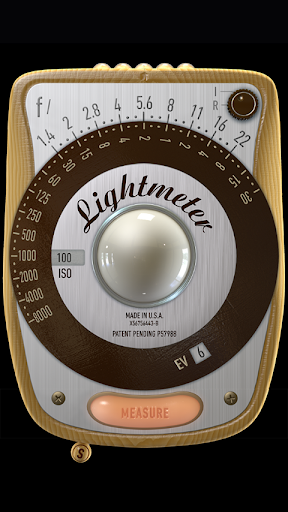
LightMeter features an intuitive, user-friendly interface that allows quick setup and straightforward operation, making it accessible for users with no prior experience. Simply open the app, point your device’s camera at the scene, and obtain real-time light measurements. Its compatibility with ultra-high-resolution screens ensures that details remain sharp and readings easy to view regardless of your device. The app supports *all screen types*, including *extra high resolution*, guaranteeing a seamless experience across various smartphones and tablets. The *calibration* feature allows advanced users to adjust readings for specific camera profiles or personal preferences, while *state and ISO recall* ensures continuity between sessions.
Why Photographers Love LightMeter
A major advantage of LightMeter is its **reliability and precision**—vital qualities when aiming for perfect exposure. By accurately measuring *reflected* and *incident* light, photographers can prevent *overexposed* highlights or *underexposed* shadows, ensuring each shot is perfectly balanced. This is particularly valuable for *film shooters* or those working in complex lighting conditions that demand meticulous exposure control. Additionally, LightMeter offers unparalleled *portability*—replacing the need for carrying bulky physical light meters. With everything integrated into your smartphone, you can confidently take on professional shoots or spontaneous outdoor photography without extra gear. Its *manual mode* grants full control over settings like ISO, shutter speed, and aperture, making it suitable for both *professional photographers* and *serious enthusiasts*.
Ideal for Both Beginners and Experts
Whether you’re a budding photographer or a seasoned professional, LightMeter adapts to your skill level. Its straightforward operation makes it easy for beginners to grasp fundamental exposure concepts, while its advanced features like *calibration*, *spot metering*, and *ISO recall* serve the needs of advanced users. The app supports *multiple ISO settings*, accommodating various camera types—from modern digital cameras to vintage film cameras—ensuring flexibility in every shooting scenario.
Conclusion: Enhance Your Photography with LightMeter
In summary, LightMeter stands out as an *indispensable tool* for anyone dedicated to capturing well-exposed photos. Its combination of accuracy, versatility, and user-friendly design makes it a top choice among *photography apps*. Whether you’re exploring *analog photography*, fine-tuning exposure in tricky lighting, or simply seeking to elevate your photographic skills, LightMeter has the features needed to take your work to the next level. Embrace this powerful app and see how it transforms your approach to photography—bringing professional-grade exposure control into your pocket.
Pros
- Provides precise measurements suitable for photographers
- Features an intuitive and easy-to-use interface
- Operates independently of internet connection
- Compatible with a variety of camera models
- Delivers swift response times
Cons
- Limited access to free features
- Does not support night mode
- Contains advertisements in the free version
- Requires manual calibration for accuracy
- Available only in English











