

Introducing Kling AI: AI Image&Video Maker
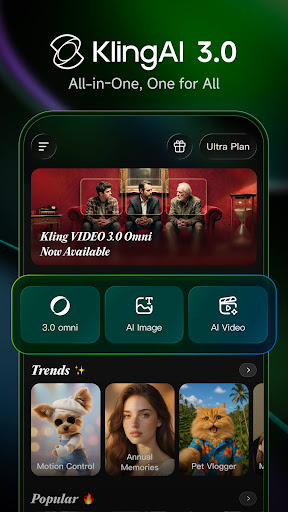
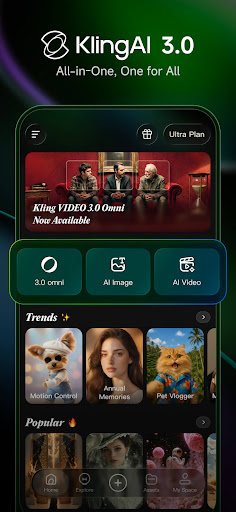
Kling AI is a state-of-the-art AI creative studio that has garnered widespread praise from creators around the globe. It is powered by the advanced Kling large model and Kolors large model, enabling users to effortlessly generate and edit high-quality images and videos. Whether you're looking to bring your ideas to life or seek inspiration from a vibrant community of fellow creators, Kling AI offers the tools you need to unleash your creativity and make stunning visual content.
Key Features of Kling AI
AI Video Generation
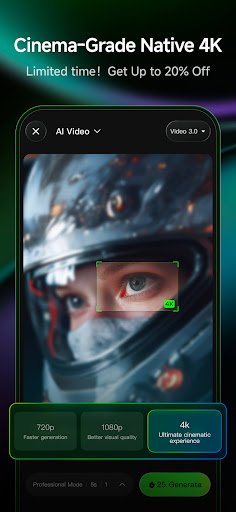
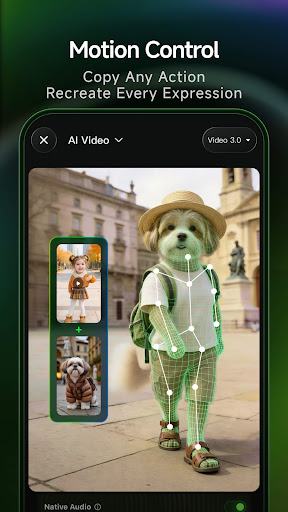
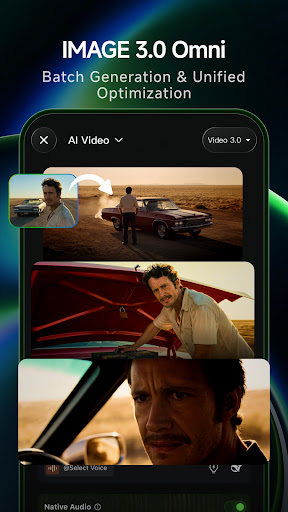
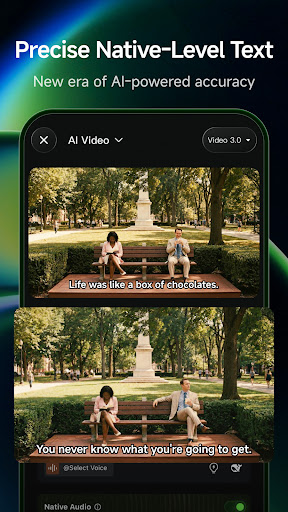
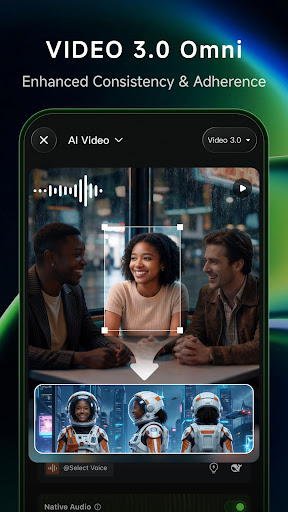
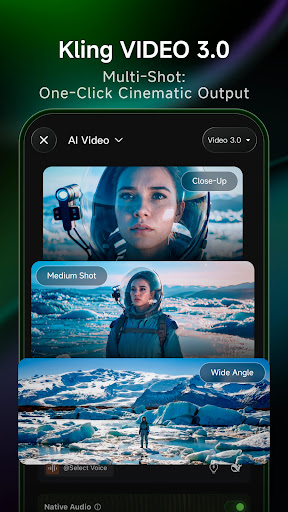
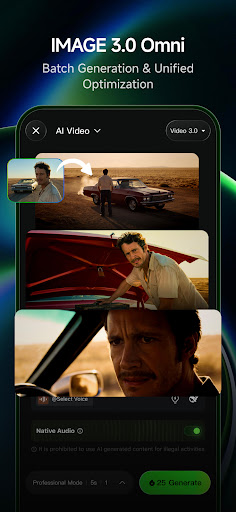
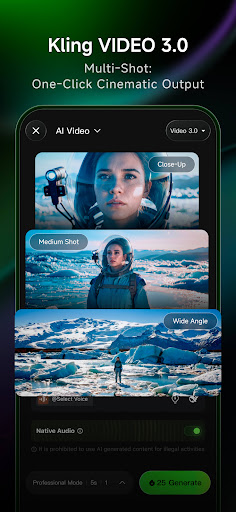
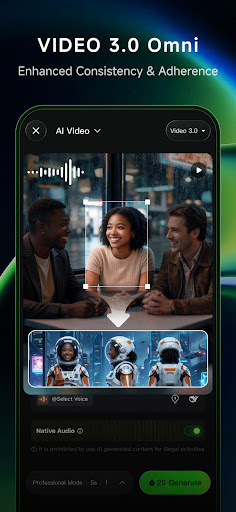
Kling AI supports both Text-to-Video and Image-to-Video generation. By simply entering a descriptive text prompt or uploading an image, users can watch their ideas morph into impressive high-resolution videos up to 1080P. The video extension feature allows for the creation of creative content that can extend up to 3 minutes, making it suitable for social media, presentations, or personal projects.
AI Image Generation
This app excels at Text-to-Image and Image-to-Image generation, offering a diverse array of styles and dimensions. Users can generate captivating images from simple text prompts or references. Additionally, a single click allows you to convert static images into dynamic videos effortlessly, expanding your creative possibilities with minimal effort.
Community and Collaboration
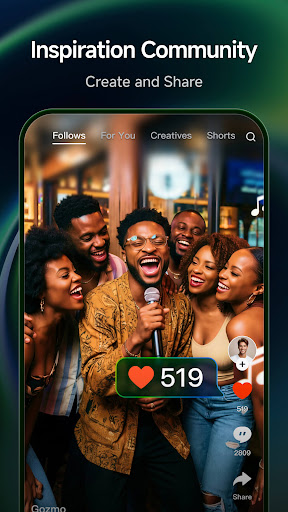
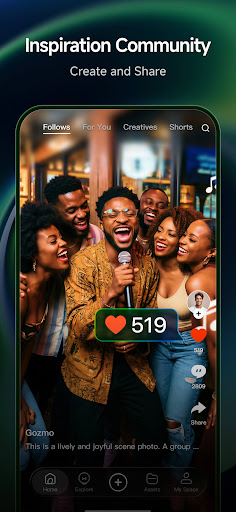
Kling AI comes with a vibrant community feature, where users can browse and be inspired by works from other creators. Collaboration is seamless, as you can easily clone a favorite image or video from the community and personalize it to fit your style or project needs. This fosters a collaborative environment that sparks new ideas and innovation.
Why Choose Kling AI?
If you're interested in creating stunning images and engaging videos with minimal fuss, Kling AI is your ideal partner. Thanks to its intuitive user interface, even beginners can navigate and utilize its features with ease. The platform offers a variety of templates, filters, and AI-generated suggestions that help enhance your content in real-time, ensuring your creative outputs are always polished and professional.
What sets Kling AI apart is its ability to handle both images and videos seamlessly, allowing users to switch between mediums effortlessly. The app supports high-resolution outputs, guaranteeing crisp and clear results every time. Whether you're creating content for social media, marketing, or personal projects, Kling AI provides the tools to bring your visions to life quickly and efficiently.
Personal Experience and Final Thoughts
Using Kling AI felt like having a creative assistant right in my pocket. In my testing, I found it incredibly easy to produce polished videos with dynamic transitions and special effects, all without spending hours editing. The app’s AI-powered suggestions provided handy tips that elevated my projects, making the entire process smooth and enjoyable.
Whether you're a seasoned creator or just starting out, Kling AI makes content creation accessible and fun. Its blend of powerful features, user-friendly design, and AI-driven assistance helps you craft stunning images and videos effortlessly. If you're looking to enhance your creative workflow or explore new visual ideas, Kling AI: AI Image&Video Maker is definitely worth a try. Unlock your potential and let your imagination run wild today!
Pros
- Produces impressive AI-created content
- Intuitive interface suitable for beginners
- Delivers high-resolution images and videos
- Processes media files quickly
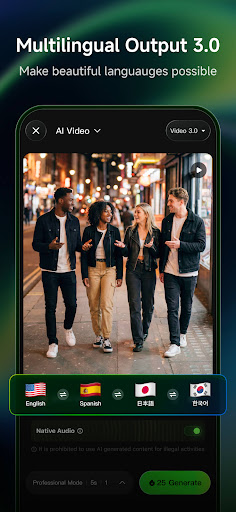
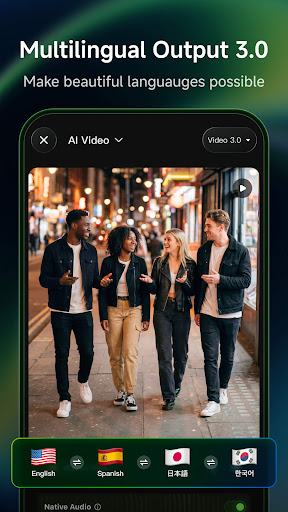
- Supports multiple languages
Cons
- Requires a reliable internet connection
- Sometimes experiences bugs during video rendering
- Offers limited free features
- Premium subscription is costly
- Uses a large amount of device storage











