

Jobber: Field Service Software icon

Jobber: Field Service Software

6.29K
4.4
Installs
1.00M
Version
6.76.0
Advertisement
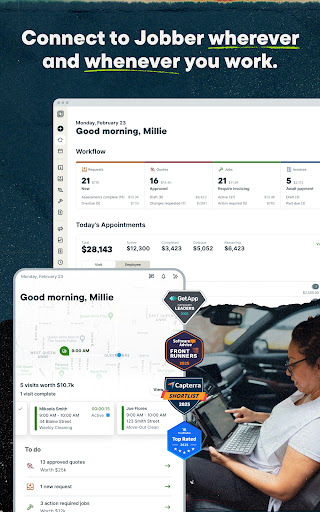
Jobber: Field Service Software screenshot
Advertisement

Jobber: Field Service Software — A Game-Changing Tool for Field Pros

Jobber helps field service teams schedule jobs, send invoices, and get paid faster. Whether you run HVAC, cleaning, landscaping, or construction, this all-in-one platform brings quoting, dispatching, invoicing, and payments into one place—saving you time and helping your business grow. With a focus on simplicity and reliability, Jobber keeps field operations organized so you can focus on delivering great service.

Core Features that Save Time and Boost Revenue

Quotes & Estimates

Win more jobs with fast, professional quotes that clients can approve online. This accelerates bidding for HVAC, cleaning, landscaping, and construction projects against the competition.

Smart Scheduling & Dispatch

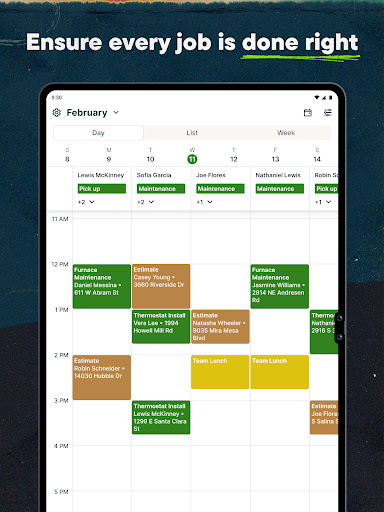
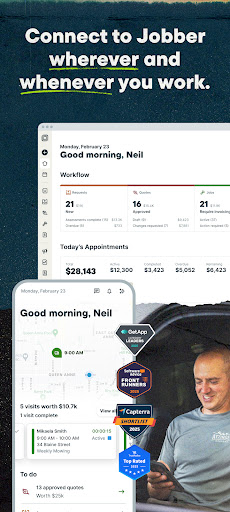
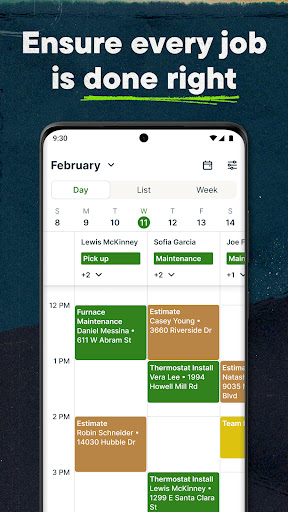
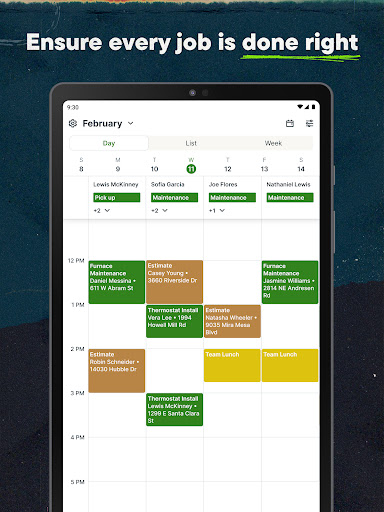
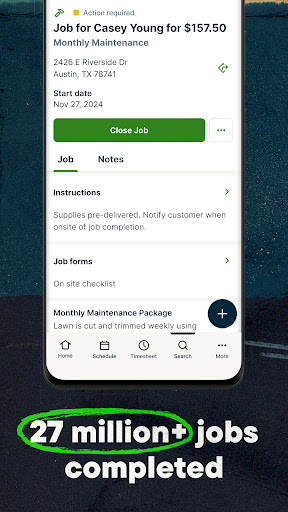
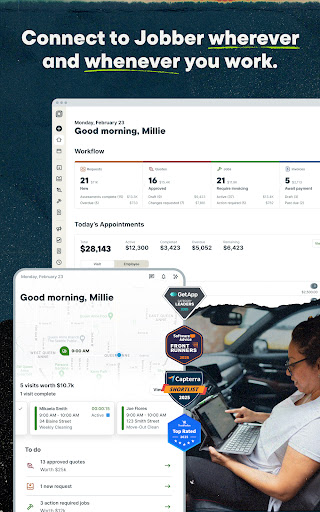
Plan schedules, manage calendars, and dispatch tasks with real-time updates. Your team can stay on the same page from anywhere, reducing missed appointments and delays.

Invoicing & Payments

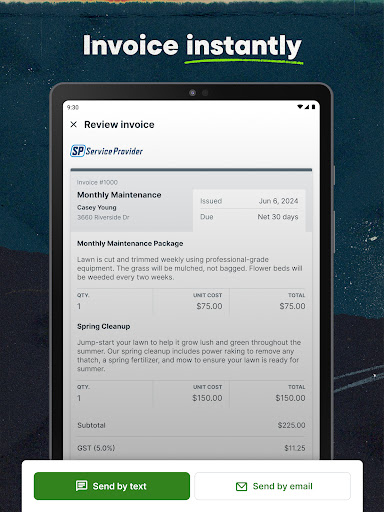
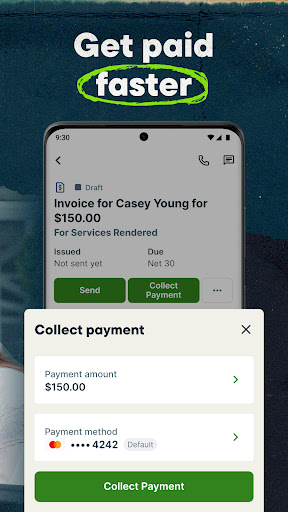
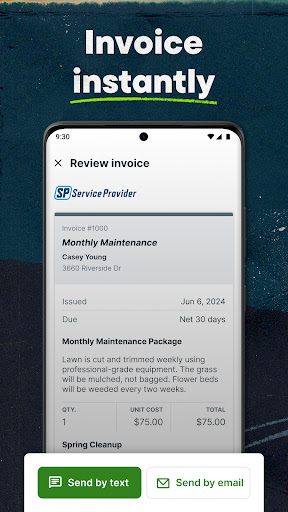
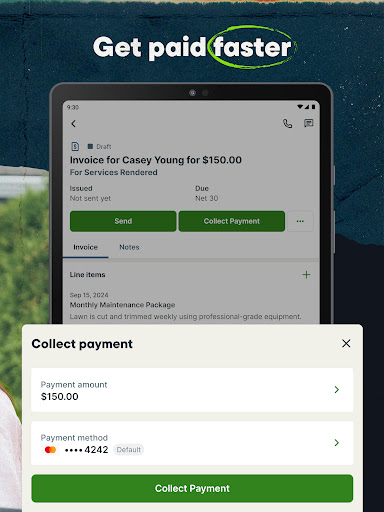
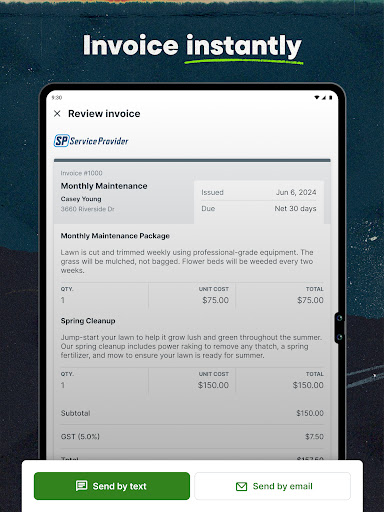
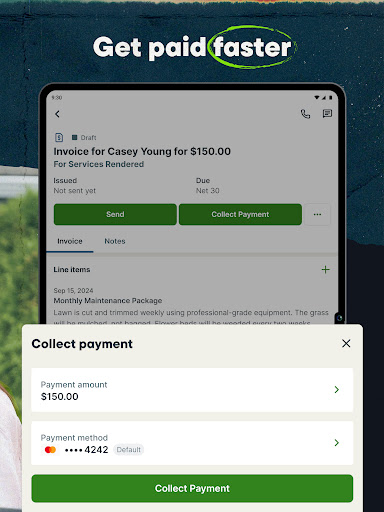
Create branded invoices, send them instantly, and collect online payments. Track transactions in one place, and enjoy smoother cash flow. Jobber also integrates with QuickBooks and other accounting tools for seamless bookkeeping.

Client Communication & CRM

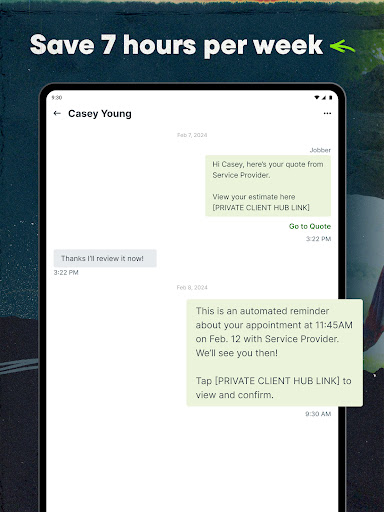
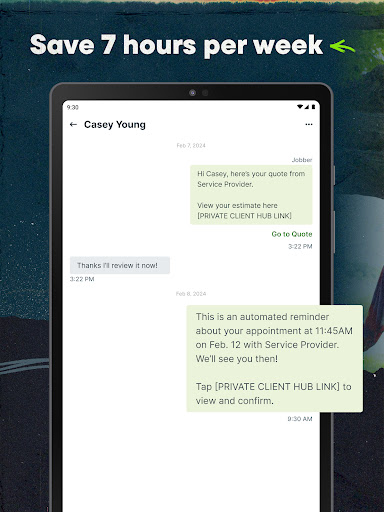
Store client details, track interaction history, and automate follow-ups. This helps you nurture relationships, reduce no-shows, and keep customers satisfied.

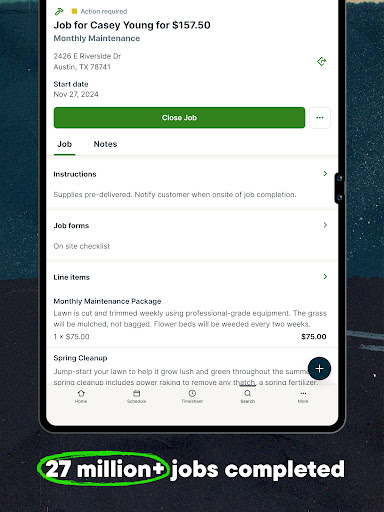
Job Tracking & Organization

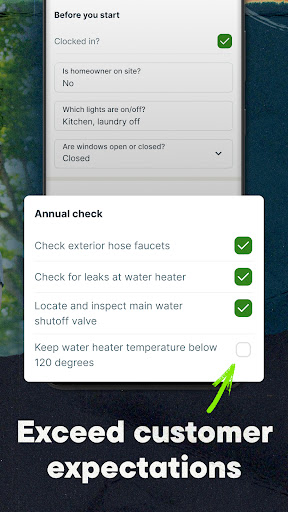
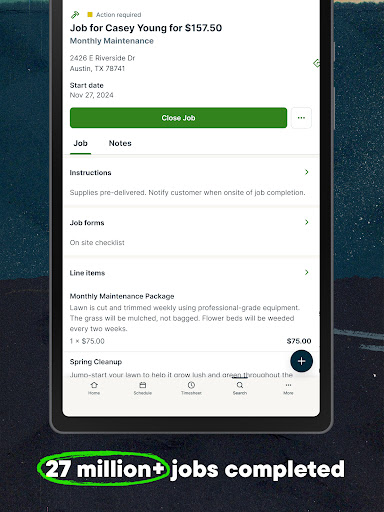
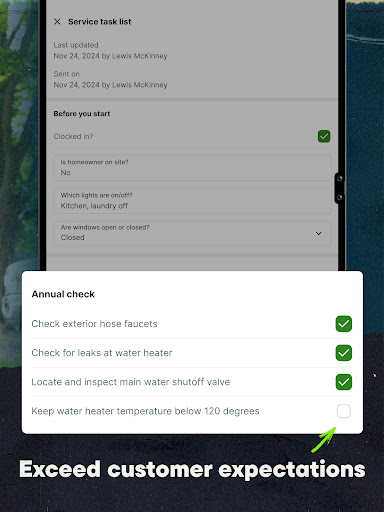
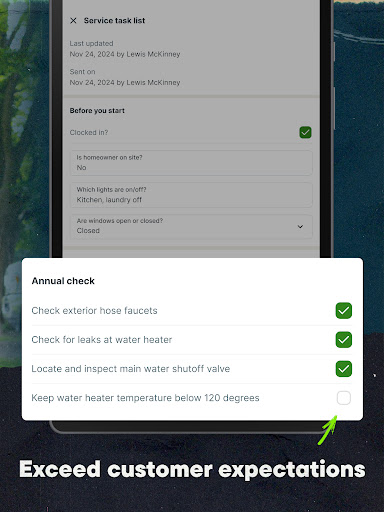
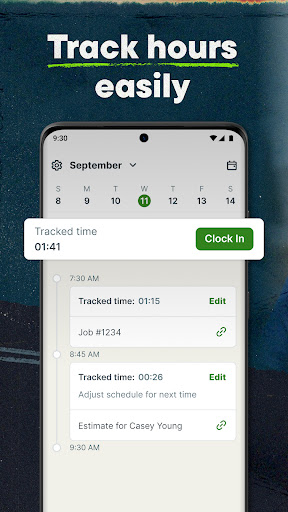
Keep job history, client notes, and important documents organized so you can reference past work and plan future services with ease.

Designed for Industry Leaders and Growing Teams

Jobber serves 50+ service industries, including HVAC, cleaning, handyman, maid services, contractors, landscaping, pool service, plumbing, roofing, and electrical work. More than 250,000 service professionals rely on Jobber to stay organized, bill accurately, and scale their operations. With built-in integrations like QuickBooks and Stripe, you can centralize your workflow without juggling multiple tools.

Getting Started with Jobber

Whatever your team size, Jobber brings efficiency, professionalism, and simplicity to field service management. Start a free trial to experience streamlined scheduling, quotes, invoicing, and customer management firsthand—and take your business to the next level.

Pros

  • Intuitive, easy-to-navigate interface
  • Efficient tools for scheduling and dispatch
  • Robust client management features
  • Seamless QuickBooks integration
  • Customizable invoice templates

Cons

  • Limited offline functionality
  • Premium features carry a higher price
  • Occasional calendar synchronization issues
  • Mobile app lacks some desktop capabilities
  • Variable response times from customer support

Download From Google Play
Advertisement

Frequently Asked Questions

What is Jobber: Field Service Software used for?

Jobber is a comprehensive field service management platform designed to help small to mid-sized businesses run operations more efficiently. It includes features such as scheduling, invoicing, client management, and job tracking, making it well suited for service-oriented industries like HVAC, plumbing, cleaning, and landscaping. By simplifying communication and administrative tasks, Jobber enables teams to focus on delivering high-quality service to their clients.

Can Jobber integrate with other apps and software?

Yes. Jobber supports integrations with a range of apps to extend its capabilities. It can connect with popular accounting tools such as QuickBooks and Xero, as well as customer relationship management systems and payment processors, giving you a unified platform to manage operations, finances, and client interactions efficiently.

Is Jobber suitable for businesses of all sizes?

While Jobber is primarily designed for small to medium sized field service operations, its scalable features can support larger businesses as well. The platform offers multiple pricing plans and customization options to fit different needs. Very large enterprises may require more robust, tailor-made solutions.

How does Jobber support customer management?

Jobber provides a robust customer management system that helps organizations store and organize client information. Users can maintain detailed client profiles, track communication history, and manage appointments and service requests. This centralized approach improves service quality and enhances team collaboration by ensuring everyone has up-to-date client data for more personalized and efficient service delivery.

What are the pricing options available for Jobber?

Jobber offers a range of pricing plans designed to fit different business needs and budgets. Plans typically include scheduling, invoicing, and client management, with optional add-ons for extra functionality. Billing is available monthly or annually, and a free trial is commonly offered for new users. Pricing details are on Jobber's official website.

You May Like










