
Introducing iScanner - Your Ultimate PDF Scanner App
Looking for a powerful PDF scanner to streamline your workflow? iScanner is the ultimate scanner application designed to help you create high-quality digital documents effortlessly, no matter where you are. Whether you're working remotely, studying, or managing personal tasks, iScanner makes scanning on the go fast, reliable, and simple.
Key Features of iScanner
Document Scanner
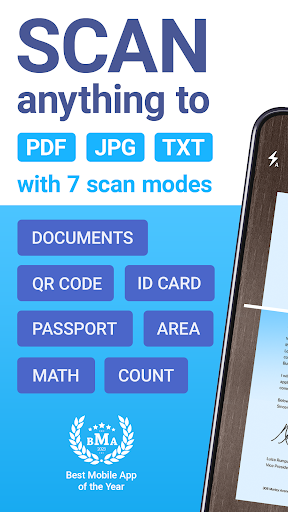
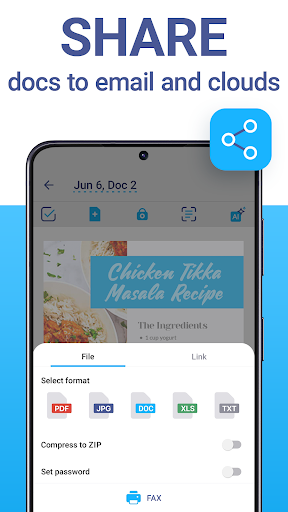
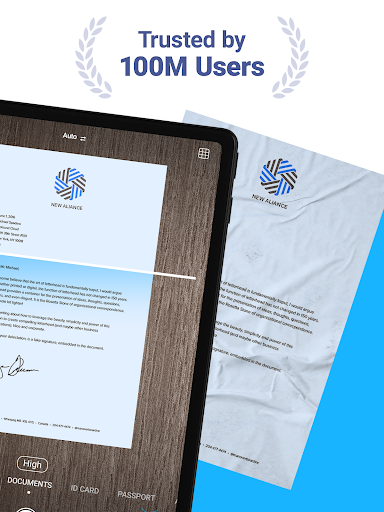
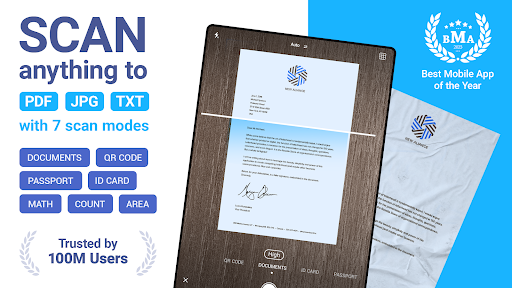
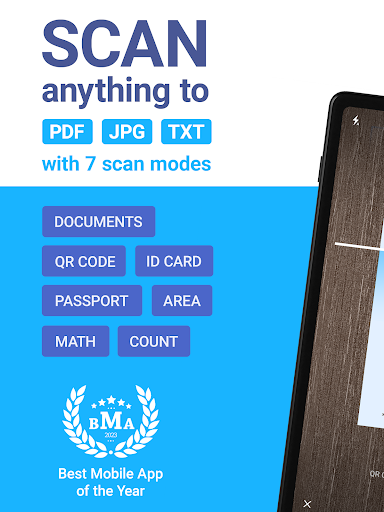
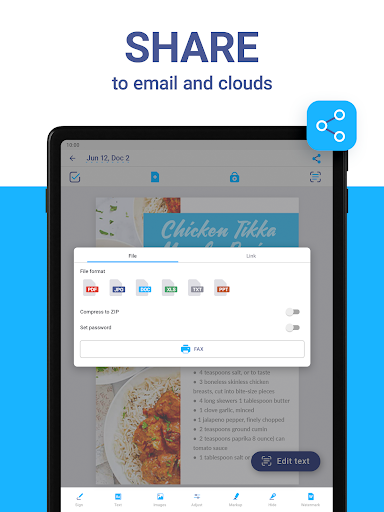
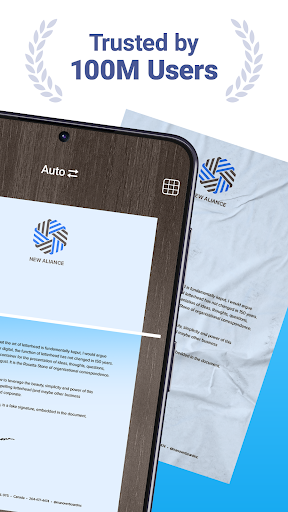
This app is perfect for professionals, students, and anyone needing a dependable tool to digitize documents or photos. Easily convert contracts, tax forms, receipts, handwritten notes, assignments, and more into polished digital files. Save your scans as PDF, JPG, or TXT formats with just a few taps. The scanner ensures clear and sharp results every time by automatically adjusting borders and enhancing document clarity.
Cloud Storage & File Management
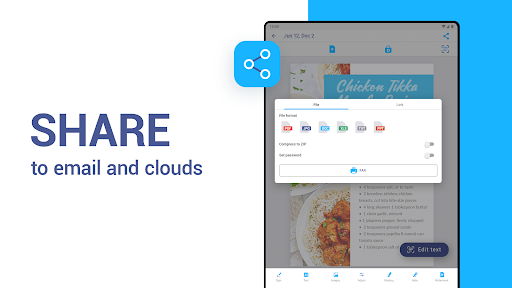
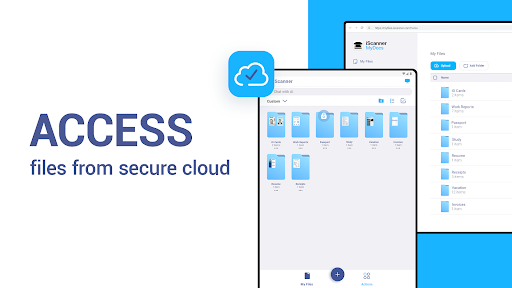
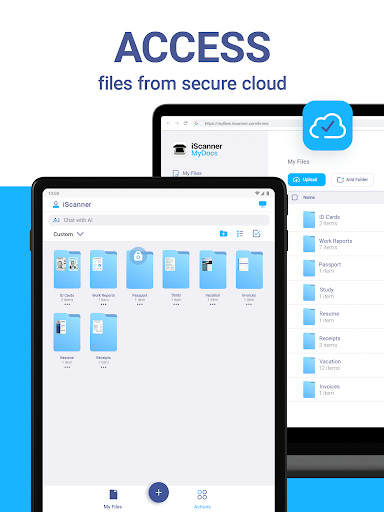
Enjoy seamless syncing of your scanned files across devices. Access your documents through any web browser or platform. The intuitive file manager allows you to organize files with folders, drag-and-drop features, and PIN protection to safeguard confidential information.
Powerful AI-Powered Tools
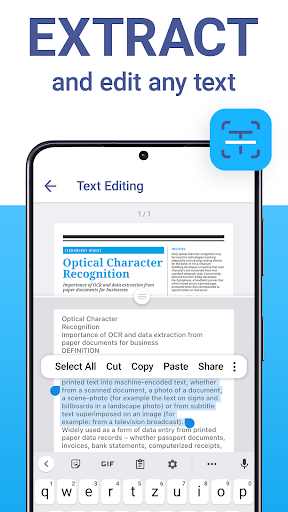
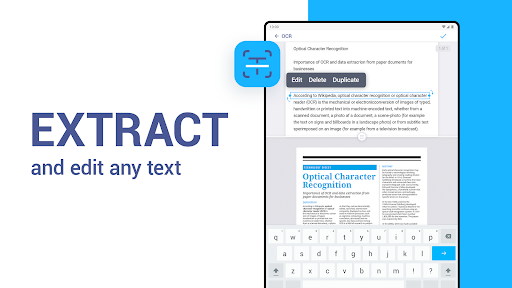
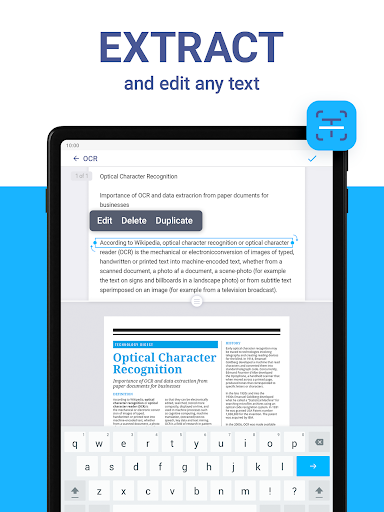
Harness the power of AI to automatically detect and refine document borders with an AI-enhanced scanner. Use OCR technology in over 20 languages to extract text from your scans. Additionally, you can remove blur, enhance clarity, and erase unwanted objects directly within the app. Advanced AI tools also enable you to summarize, edit, and refine text for a professional finish.
Full PDF Editing Capabilities
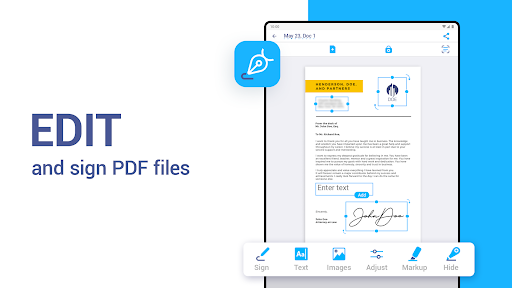
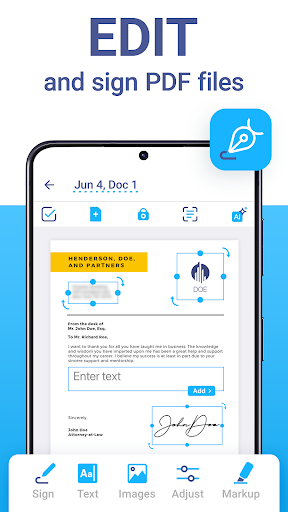
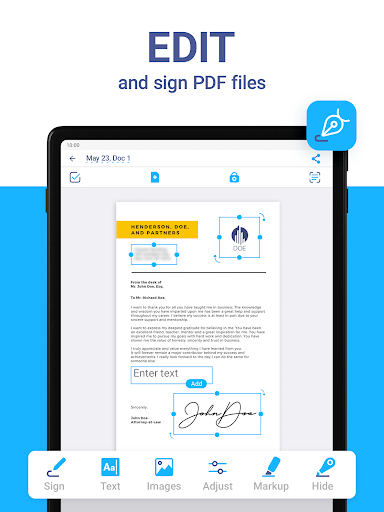
Create and sign documents manually or insert a digital signature image. Add text to forms, use autofill templates, and secure your files with watermarks or by blurring sensitive information. Combine multiple documents into one or split PDFs by pages to suit various needs.
Versatile Scanner Modes
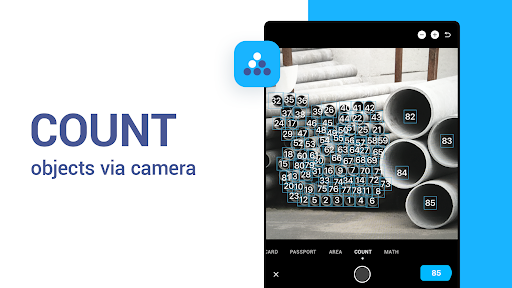
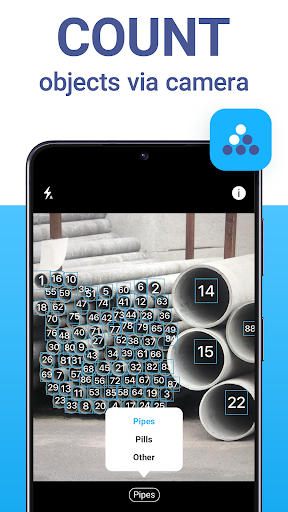
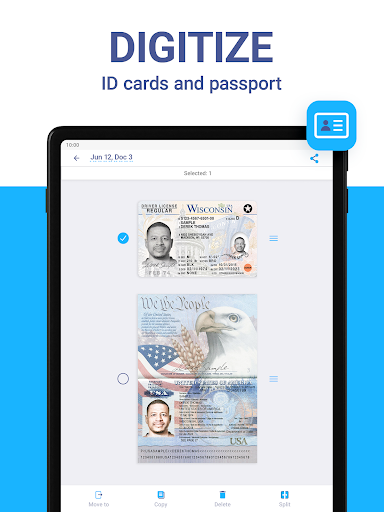
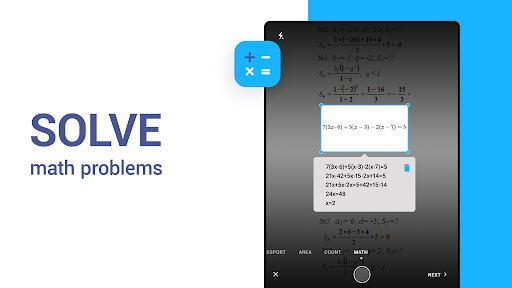
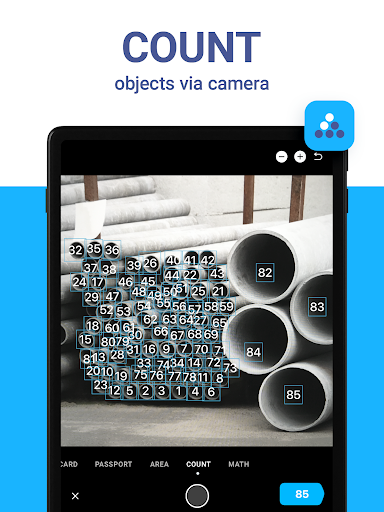
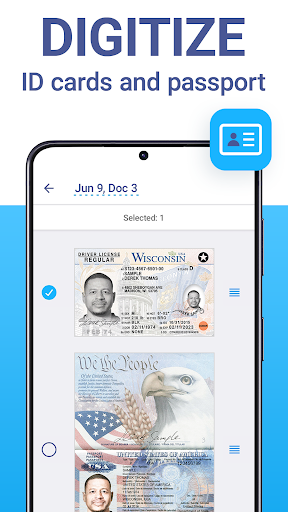
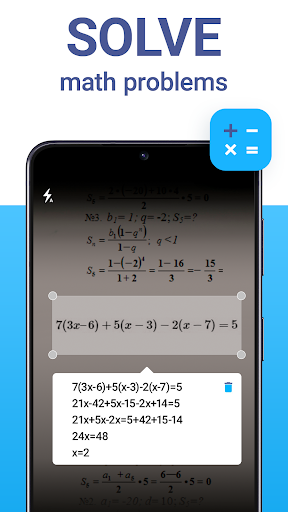
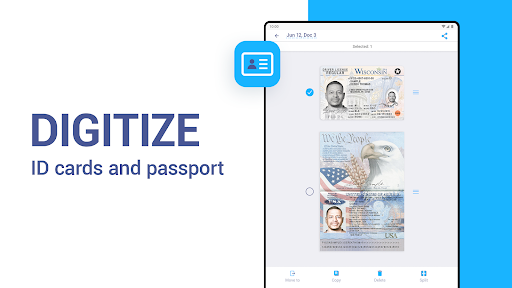
iScanner offers specialized modes tailored for different scanning tasks: Document Mode for multipage PDFs, ID-Card & Passport Mode for personal identification, Math Mode for solving equations, QR Code Mode for scanning QR codes, Area Measurement Mode for calculating object dimensions, and Object Counter Mode for counting items automatically.
Why Choose iScanner?
iScanner isn’t just a basic scanning app; it’s an all-in-one PDF scanner packed with innovative features designed to enhance your productivity and streamline your document management. It provides exceptional speed, precision, and quality regardless of document size or type. Whether you're digitizing personal notes, professional contracts, or academic assignments, iScanner is the comprehensive solution for all your scanning needs.
Experience the flexibility of a versatile PDF scanner app optimized to make your work and study life easier and more organized. With support for multiple formats, cloud storage integration, and advanced AI tools, iScanner is your go-to app for effortless document digitization and management.
Learn More
Visit our website to explore more features and improvements. Our Privacy Policy and Terms of Service are available for your review, ensuring transparency and security. We value your feedback and strive to enhance your experience with iScanner. For support and inquiries, refer to the official support channels.
Pros
- Intuitive user interface
- Rapid scanning process
- High-quality PDF output
- Supports multiple languages
- Secure storage for documents
Cons
- Subscription required for premium features
- Occasional advertisements in the free version
- Limited free storage capacity
- Requires internet connectivity for cloud synchronization
- Potential high battery consumption











