

Introduction to Invoice2go: Easy Invoice Maker
If you're looking for a reliable, user-friendly solution to handle invoicing and payments, Invoice2go: Easy Invoice Maker from BILL is an excellent choice. Designed with small business owners, freelancers, and contractors in mind, this app offers a comprehensive platform to create professional invoices, manage expenses, and accept payments seamlessly. Trusted by users across over 160 countries, Invoice2go aims to simplify your business operations, helping you get paid faster and stay organized.
Key Features of Invoice2go: Easy Invoice Maker
Create Professional Invoices and Estimates Quickly
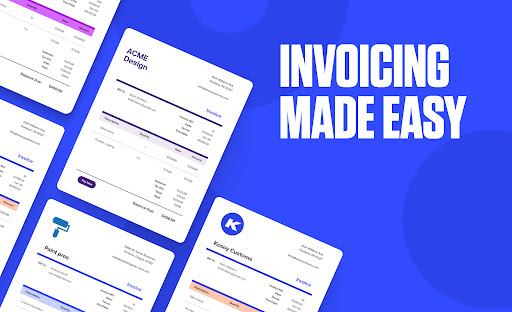
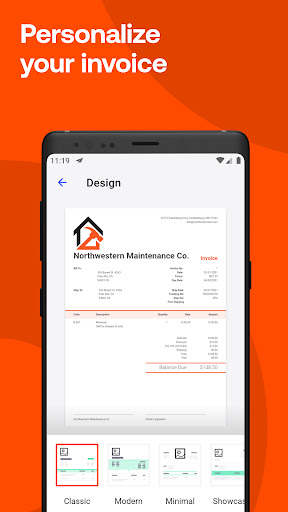
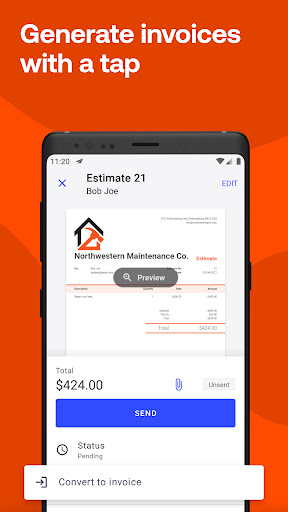
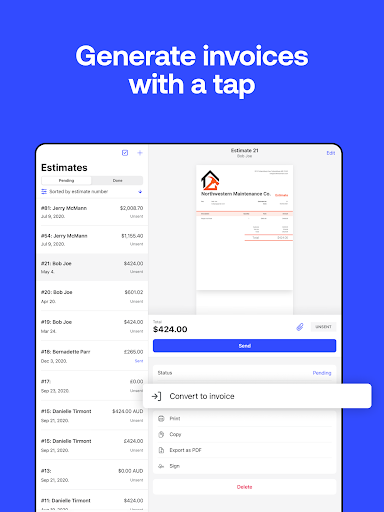
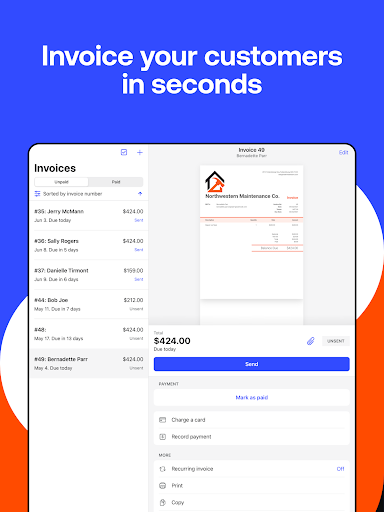
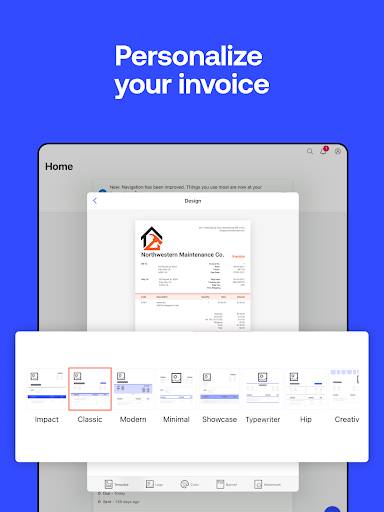
With Invoice2go, generating invoices, estimates, receipts, or bills takes just seconds. The app's powerful invoice maker allows you to customize templates with your company logo and relevant information, ensuring each document reflects your brand's personality. You can easily convert estimates into invoices with a tap, making it easier to close deals and improve your cash flow.
Efficient Payment Processing
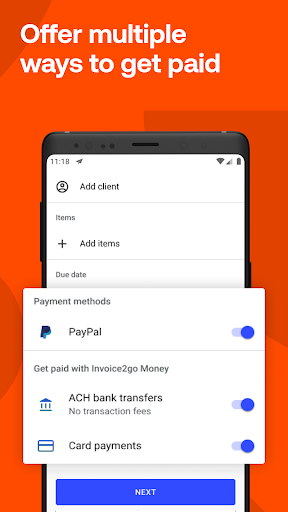
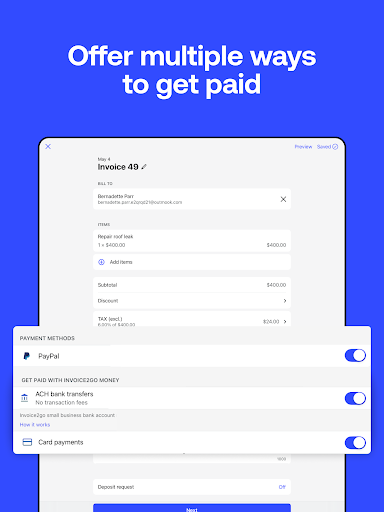
Accept payments from anywhere using popular options like credit cards, debit cards, PayPal, or Google Pay. Mobile payout features such as Invoice2go Money enable you to get paid in as fast as 24 hours—no more waiting days for payments. Automated payment reminders help you chase overdue invoices effortlessly, and you can send billing receipts instantly to your clients, streamlining your billing process.
Expense and Receipt Management
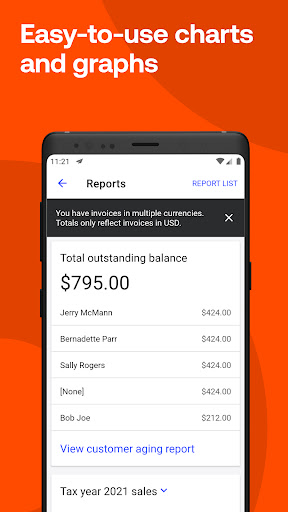
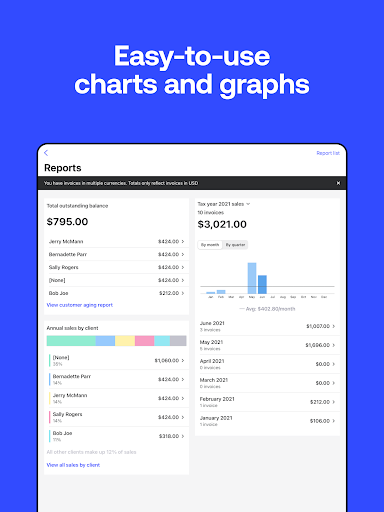
Need to track business expenses? Simply snap a photo of receipts to securely store and categorize expenses directly within the app. Save recurring expenses for quick access, and generate expense reports with just one tap. This feature is perfect for freelancers and small business owners looking to keep their finances organized and ready for tax season.
Project and Client Management
Keep everything in one place with Projects: a central hub to manage estimates, invoices, client contact details, notes, photos, and files. This consolidated overview makes it easier to stay on top of multiple clients and ongoing jobs, all within an intuitive interface.
Integrations and Customization
Invoice2go integrates seamlessly with popular accounting and business tools like QuickBooks, Xero, Gusto, MYOB, and Zapier. You can create multiple invoice templates tailored to your business needs, customizing each with your branding elements for a consistent professional appearance.
User Experience and Ease of Use
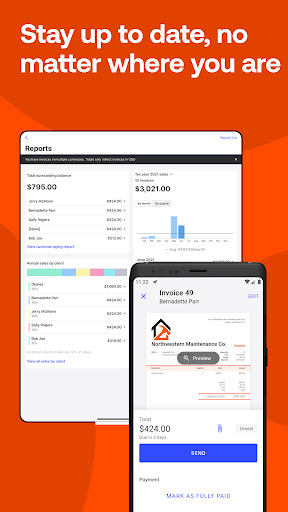
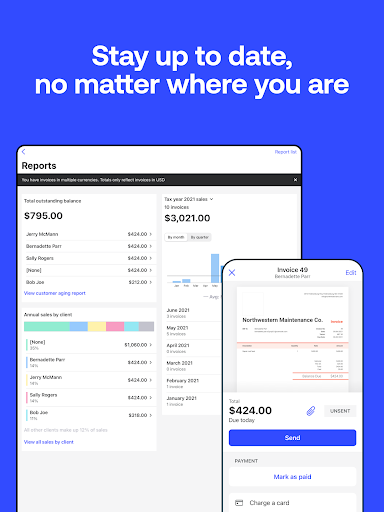
The app’s design emphasizes simplicity and accessibility. Setting up your account is quick, and navigating through the dashboard feels intuitive, whether you're tech-savvy or a beginner. Recent invoices are easily accessible, and duplicate options save time on repetitive tasks. Creating mobile invoices on the go means you can bill clients anytime, anywhere, boosting your productivity and cash flow.
Why Choose Invoice2go: Easy Invoice Maker?
Whether you're a self-employed professional, a small business owner, contractor, or freelancer, Invoice2go acts like your virtual assistant—helping you send professional invoices, track expenses, and manage payments without the hassle. The app's competitive advantages include customizable templates, quick invoice creation, multiple payment options, and strong integrations. Plus, you can try it risk-free with a 30-day free trial before selecting one of the subscription plans that best fit your needs.
Overall, Invoice2go strikes a balance between powerful functionality and user-friendly design, making it an ideal tool to streamline your invoicing process and accelerate your business growth. Say goodbye to spreadsheets and manual calculations, and hello to a modern, efficient way to manage your finances all in your pocket.
Pros
- User-friendly interface for quick navigation.
- Provides customizable invoice templates.
- Supports multiple currencies suitable for international business.
- Features expense tracking and reporting tools.
- Enables synchronization across devices for easy access.
Cons
- Restricted functionalities in the free version.
- Sometimes experiences synchronization problems with the cloud.
- Customer support may be slow to respond.
- Subscription fees might be high for small-scale users.
- Limited integration options with third-party applications.











