

Discover the Power and Flexibility of Infinite Painter: The Ultimate Digital Art App
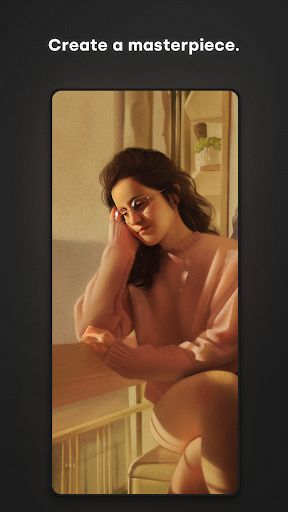
Are you searching for a top-tier digital painting and sketching application that combines intuitive design with powerful features? Look no further than Infinite Painter. Renowned as one of the best-designed apps for tablets, phones, and Chromebooks, Infinite Painter is trusted by millions of artists worldwide. Whether you’re a hobbyist, passionate creator, or professional illustrator, this award-winning app offers an extensive toolkit to bring your creative visions to life.
Engaging Features That Elevate Your Creativity
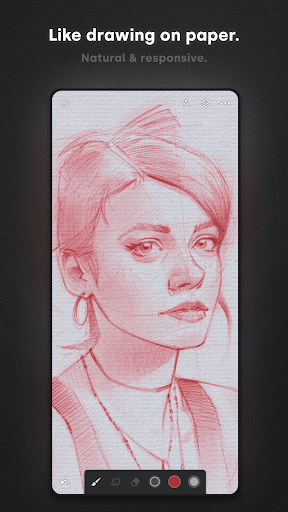
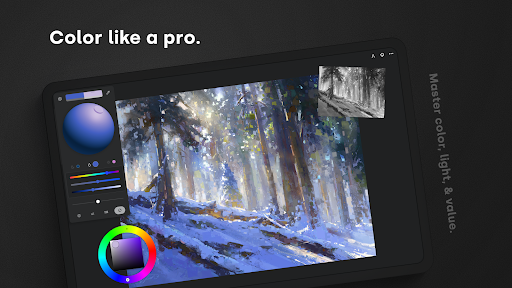
Infinite Painter boasts a minimal and intuitive interface that minimizes clutter, allowing artists to focus solely on their work. Its robust, powerful tool set includes best-in-class pencils, brushes, and effects that cater to both beginners and seasoned professionals. Thanks to the rich feature set, users can seamlessly produce detailed sketches, vibrant paintings, or intricate illustrations.
Reimagining Brushes for Realistic Art
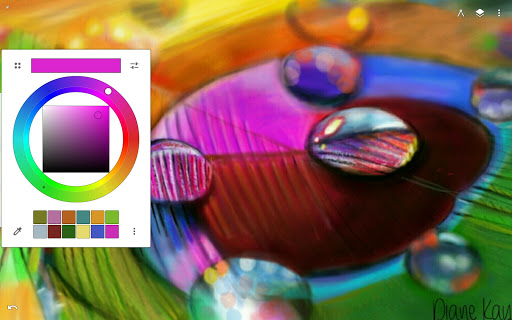
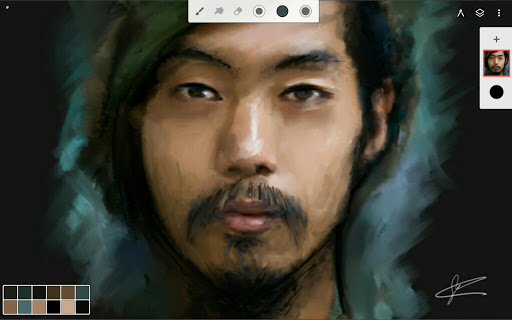
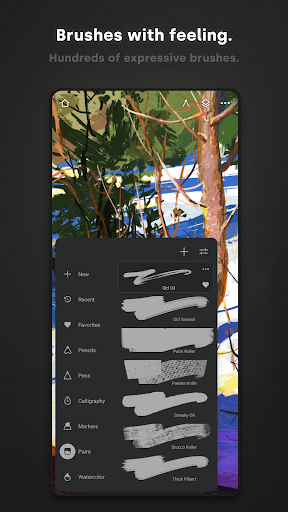
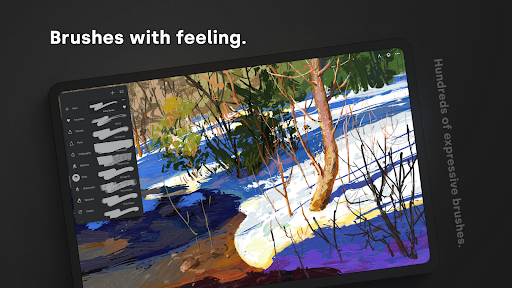
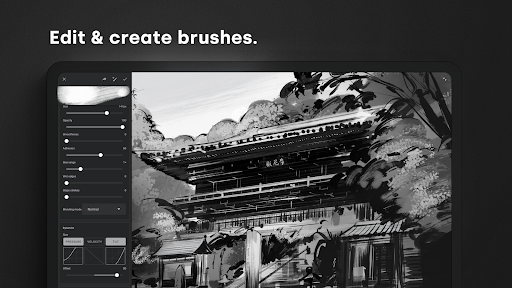
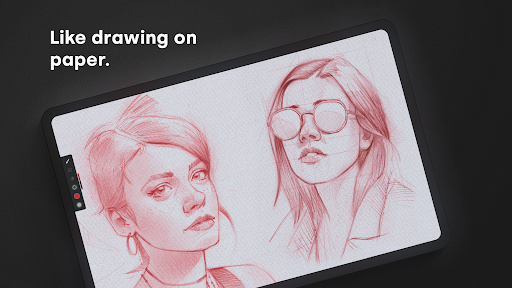
One of the standout features of Infinite Painter is its extensive collection of hundreds of built-in brushes. These brushes provide a realistic brush-to-canvas interaction, making your digital art feel natural and authentic. With over 100 customizable brush settings, artists can fine-tune their tools to match their unique style. The app supports full pressure and tilt sensitivity, especially beneficial for stylus users, enabling dynamic strokes with easily adjustable realtime color and live effects. You can also import and export custom brushes or organize your favorite brushes and sets for quick access.
Optimized Workspace for Creative Freedom
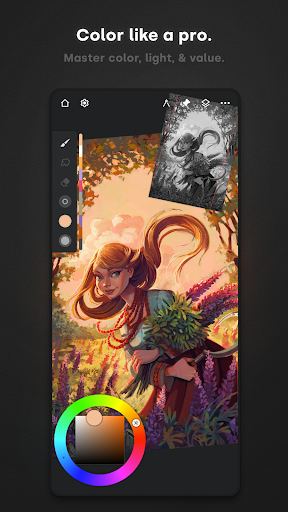
Infinite Painter’s interface prioritizes more canvas space and less clutter. Features like assigning separate functions to finger or stylus controls, expanding and collapsing layers, and docking brush settings streamline your workflow. Gestures such as rotating, flipping, or grouping layers with a pinch offer intuitive navigation. The app even allows you to quickly access the eyedropper for color selection and drag to adjust the canvas, enabling a smooth and immersive creative experience.
Tools Making Artistic Process Seamless
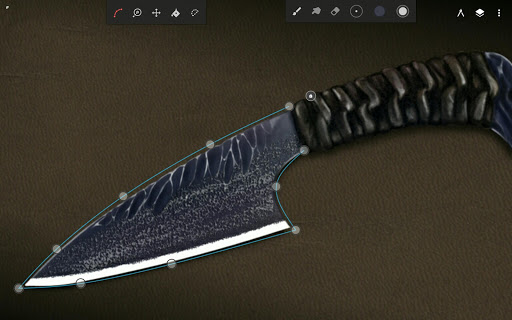
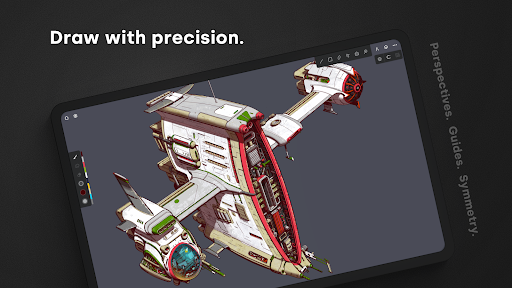
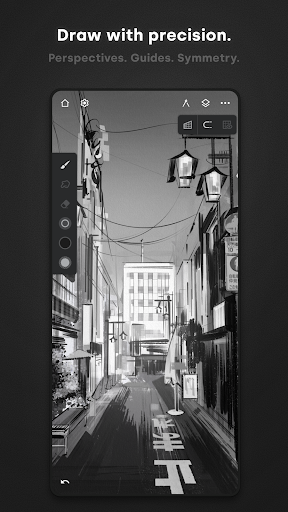
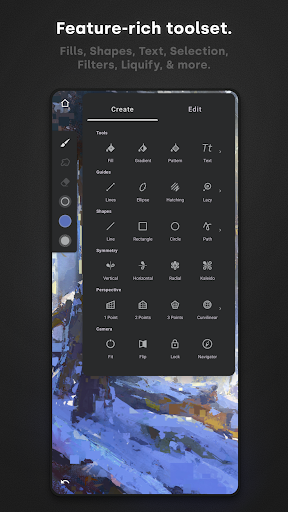
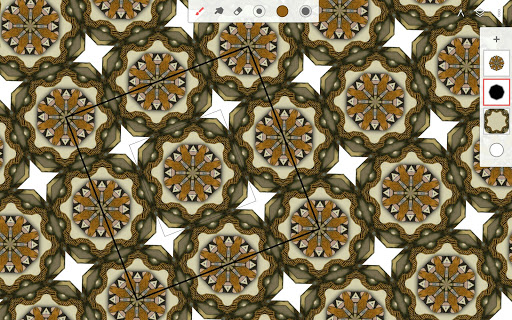
To make art creation less laborious, Infinite Painter supports pin tools and actions directly on the main interface. You can add multiple reference images, use step back in Project History to review earlier versions of your work, and quickly save and load projects. Its diverse tools including symmetry modes like Radial or Kaleidoscope, precise Guides and Shapes, and smart shape detection facilitate complex compositions and perfect details.
Perspective and Pixel-Perfect Editing
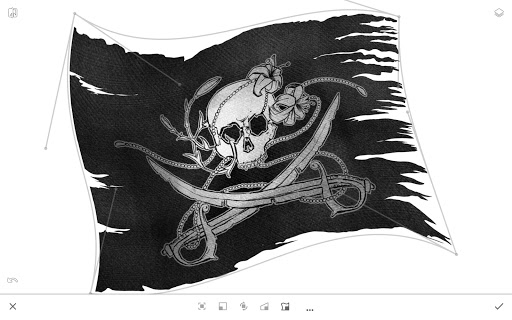
Create 3D cityscapes using Perspective Guides or drag geometric shapes in perfect perspective with features like Rectangle and Circle Perspective. The app also excels at pixel-perfect editing functionalities, including seamless pattern projects, advanced selection and masking tools, and industry-leading transformations. With the ability to select layers, apply gradient and pattern fills, and utilize live Tolerance adjustment through tools like Magic Wand, you can refine every detail of your artwork.
Comprehensive Creative Toolbox
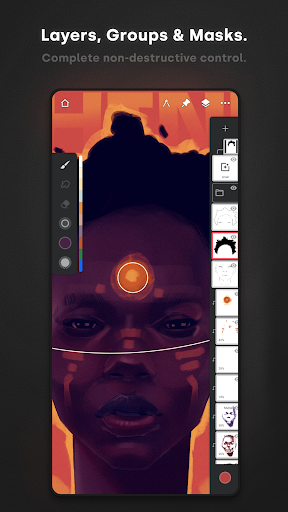
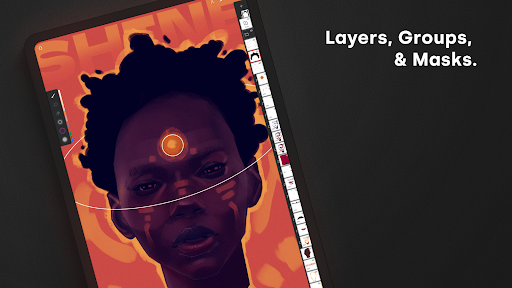
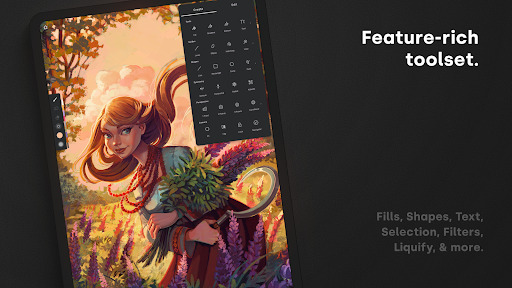
Infinite Painter offers comprehensive support for layering with 30 blend modes, masks for layers, adjustments, and groups, and clipping masks. Enhance your artwork with features like Gradient Map, Color Curves, and over 40 live Filter effects. You can also employ professional tools such as Liquify, cropping, resizing, and pattern creation. The smart layering system enables multiple transformations without quality loss, akin to Photoshop®.
Streamlining Workflow for Professional Artists
Infinite Painter enables efficient project handling through importing from Photos, Camera, Clipboard, and Image Search. Export your finished work in various formats including JPG, PNG, WEBP, ZIP, layered PSD files, or Painter projects. Its sharing capabilities allow you to connect with an ever-growing community, inspiring creativity and collaboration.
Flexible Plans: Free and Pro Versions
Enjoy a free version offering core features such as 3 layers at device resolution, basic tools, seamless pattern projects, all built-in brushes, and smart shape detection. For professional-level needs, the Pro version unlocks HD canvas sizes, extensive layers and adjustments, layer groups and masks, over 40 advanced tools, and customization options to elevate your digital art capabilities.
Take Infinite Painter Anywhere
Designed for maximum portability, Infinite Painter is compatible with smartphones, tablets, and Chromebooks—bringing your creativity wherever inspiration strikes. Its deep color support and versatile tools facilitate a professional-grade experience on the go.
Final Verdict: The Artist’s Companion
If you’re looking for a comprehensive, user-friendly digital painting app packed with features that rival desktop software, Infinite Painter is an excellent choice. Its thoughtfully designed interface, extensive brush library, precise tools, and workspace customization make it ideal for artists at every level. Whether you’re sketching ideas, refining illustrations, or crafting complex scenes, Infinite Painter empowers you to create with confidence and ease. Embrace the freedom to turn your artistic visions into reality—because with Infinite Painter, the possibilities are truly infinite.
Pros
- Comprehensive set of professional drawing tools.
- Highly customizable brushes for varied needs.
- Smooth and user-friendly interface.
- Supports high-resolution canvases for detailed work.
- Regular updates introducing new features.
Cons
- May experience occasional performance lag on older devices.
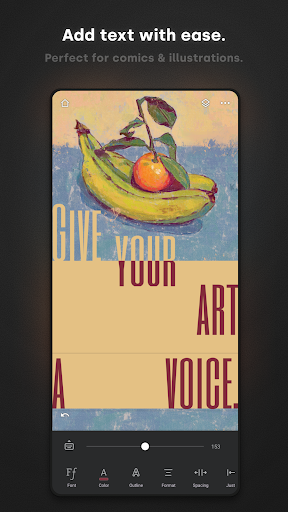
- Limited functionality in the text tool.
- Can be intimidating for beginners to learn.
- Full features available only through in-app purchases.
- Some features entail a learning curve.











