

Incognito Browser - Go Private icon

Incognito Browser - Go Private

54.28K
4.7
Installs
5.00M
Version
708
Advertisement
Incognito Browser - Go Private screenshot
Advertisement

Incognito Browser - Go Private: The Ultimate Privacy-Focused Web Browser for Android

Looking for a web browser that prioritizes your online privacy and security? Incognito Browser - Go Private offers a seamless, anonymous browsing experience for Android users. This free, fast, and secure private browser is designed to protect your digital footprint with robust features like built-in ad blocking, multiple privacy modes, and support for modern Web3 technologies. Whether you're concerned about trackers, cookies, or just want a cleaner browsing session, Incognito Browser might be your perfect companion.

Key Features of Incognito Browser

Absolute Privacy

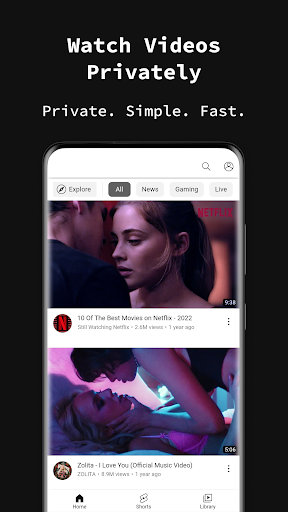
With automatic incognito mode, all your browsing data—including history, cookies, and sessions—is instantly wiped when you exit the app. This ensures no digital footprints are left behind, offering you complete online anonymity. Built to prevent any traces of your activities, it provides a safe environment for sensitive tasks like checking dating sites or social media discreetly.

Private Browsing & History-Free Sessions

Perfect for users who want a clutter-free device, this browser does not store any browsing history or cache. Every session is fresh, ensuring your device stays clean from any traces of your activities.

Tracker-Free & Security

Experience browsing without sneaky first-party or third-party trackers. Additionally, users can enhance security by locking the app with a password or fingerprint, adding another layer of protection against unauthorized access.

Additional Privacy & Customization Features

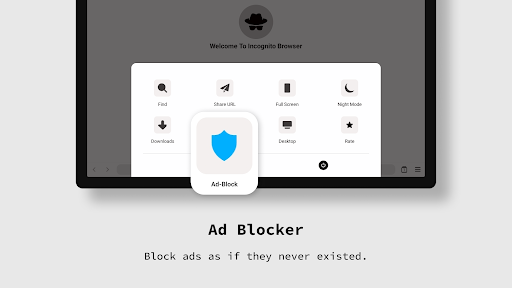
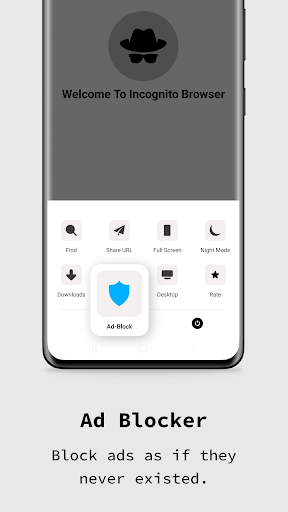
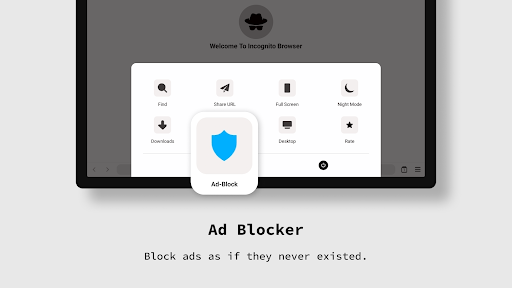
  • Robust AdBlocker: Browse content without intrusive ads, making your experience smoother and less cluttered.
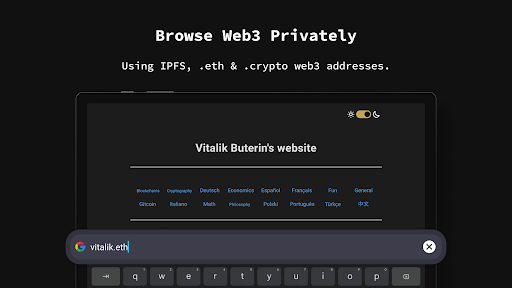
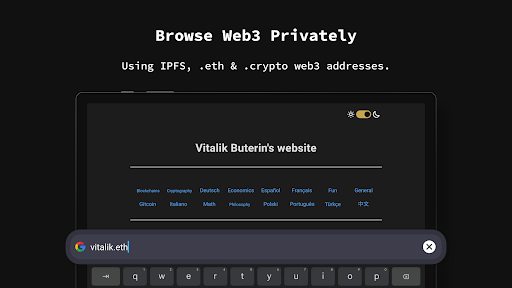
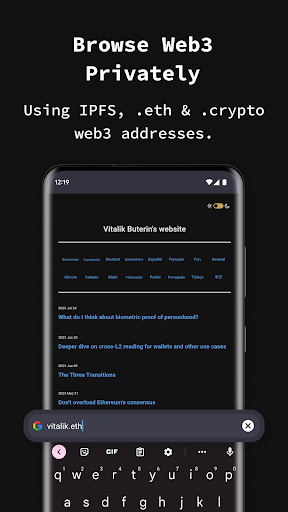
  • Web3 & IPFS Support: Now supporting decentralized web technologies including IPFS and Web3 address formats like .eth and .crypto, ensuring future-proof browsing capabilities.
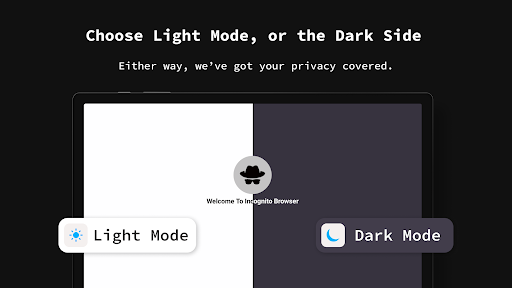
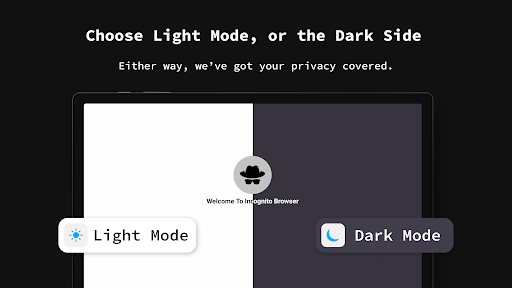
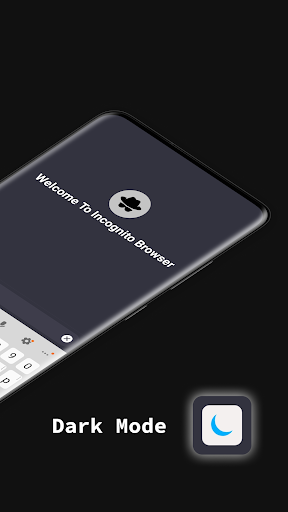
  • Dark Mode: Nighttime browsing is easier on your eyes with a dedicated dark user interface.
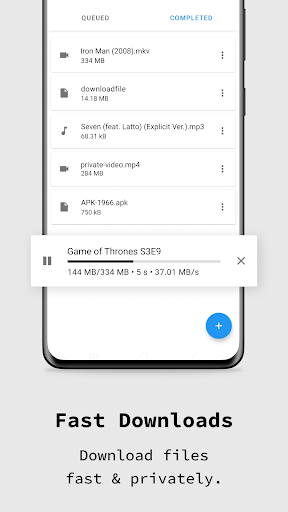
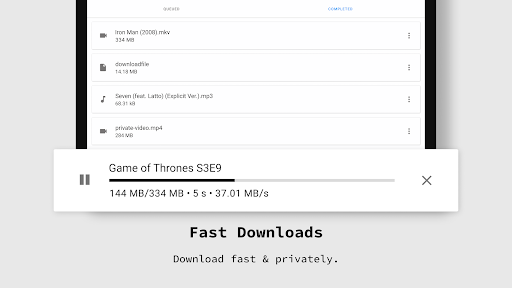
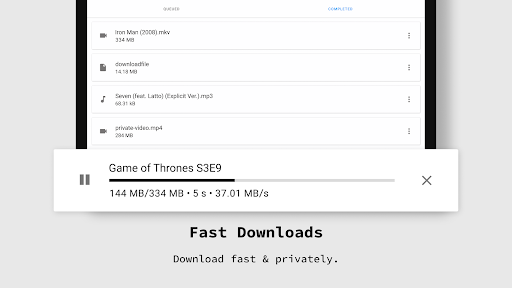
  • Fast Downloads: Download files quickly while maintaining your privacy and anonymity.
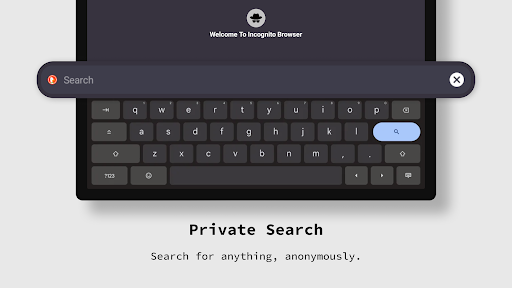
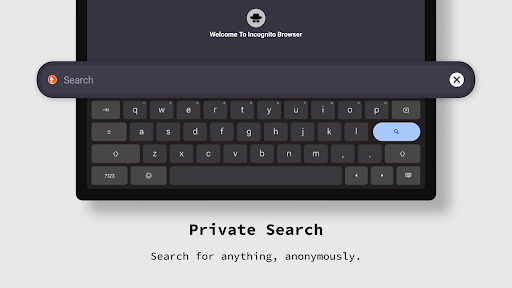
  • Multiple Search Engines: Choose your preferred search engine such as Google, DuckDuckGo, or Bing, for a customized browsing experience.
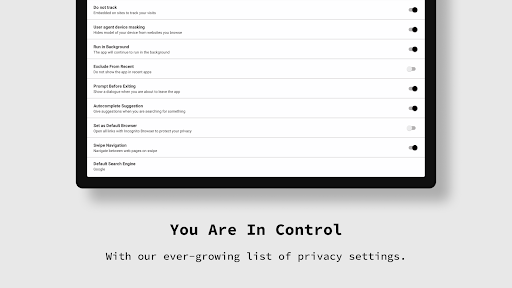
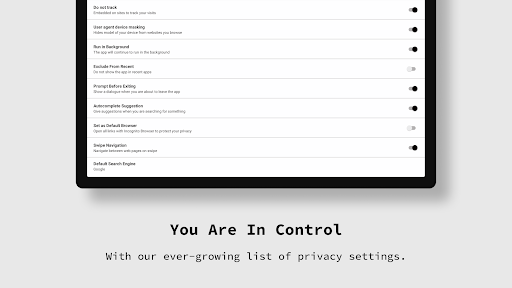
  • Agent Cloaking: Hide your device and browser identity, and access desktop sites from your mobile device.
  • Tabbed Browsing: Easily switch between multiple web pages, enhancing productivity and multitasking.
  • Minimalist UI: Streamlined design maximizes viewing space, free of unnecessary clutter.
  • Language Support: Available in 13 languages including English, Spanish, and Portuguese, making it accessible worldwide.
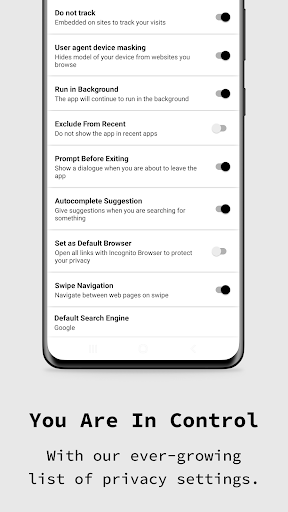
  • Custom Settings: Fine-tune your browsing preferences, from JavaScript to cookie management.

User Experience and Performance

The moment you open Incognito Browser - Go Private, you'll notice its simple, minimalist interface, free from distractions. The app focuses entirely on preserving your privacy while providing an intuitive navigation experience. Its lightweight design ensures quick load times, even with privacy features enabled, allowing you to browse the web efficiently without sacrificing speed.

The built-in download manager is another highlight, organizing your files neatly. Multiple tab support and easy access to settings enable a smooth, customized browsing environment. Plus, the open-source code increases transparency, ensuring trustworthiness and security.

Whether you're a casual user or someone with higher privacy concerns, this browser's straightforward user interface makes it easy for anyone to get started. The support for multiple languages further enhances its accessibility for a global user base.

Why Choose Incognito Browser - Go Private?

If safeguarding your privacy while browsing on Android is a priority, Incognito Browser - Go Private stands out as an excellent choice. Its features are curated to ensure your digital footprint remains minimal, and your online activities are shielded from trackers and surveillance. Plus, with support for emerging Web3 protocols, it prepares you for the decentralized internet era.

From fast downloads and ad-blocking to privacy lock features and a clean, clutter-free UI, this app checks all the boxes for privacy-conscious users. Whether you want to browse social media discreetly, perform sensitive searches, or simply enjoy a faster, ad-free experience, this private browser has you covered.

Download Incognito Browser - Go Private today to experience next-level online privacy and security on your Android device. Protect your digital life, browse anonymously, and enjoy a seamless internet experience with confidence.

Pros

  • Fast and responsive browsing experience
  • No registration required for use
  • Supports multiple tabs for multitasking
  • Built-in ad blocker enhances privacy
  • Compact and user-friendly interface

Cons

  • Limited customization options available
  • No built-in VPN for extra security
  • Occasional crashes on older devices
  • Lacks advanced features like desktop mode
  • Some ads bypass the ad blocker

Download From Google Play
Advertisement

Frequently Asked Questions

What makes Incognito Browser different from other browsers?

Incognito Browser - Go Private is specifically designed for privacy-focused browsing, ensuring that your history, cookies, and session details are not saved after you close the app. It prioritizes user privacy and security, making it an ideal choice for those who want to keep their online activities confidential.

Is Incognito Browser completely ad-free?

Yes, Incognito Browser is entirely ad-free, providing a smooth and uninterrupted browsing experience. This distinguishes it from many other browsers that often feature intrusive advertisements, allowing you to focus solely on your content.

Can I download files using Incognito Browser?

Yes, Incognito Browser supports file downloads, enabling you to save your favorite content directly to your device. The browser ensures that your downloads are quick, secure, and private while accessing various files and media.

Does Incognito Browser support multiple tabs?

Incognito Browser allows users to open multiple tabs for better multitasking. You can easily switch between tabs without losing your browsing session, providing a seamless experience for managing multiple web pages at once.

Is Incognito Browser available on both Android and iOS?

Yes, Incognito Browser - Go Private is available for download on both Android and iOS platforms. This ensures users across different devices can enjoy its privacy features and experience secure browsing regardless of their operating system.

You May Like










