
Introduction to iDraw
iDraw is a versatile digital drawing application that transforms your mobile device into a powerful and intuitive art studio. Designed for both beginners and professional artists, this app offers a wide range of features that cater to various creative needs. Whether you're doodling during a meeting, developing your children's interest in painting, or working on complex illustrations, iDraw makes creating art accessible and fun.
Features for Kids: Developing Creativity and Interest in Painting
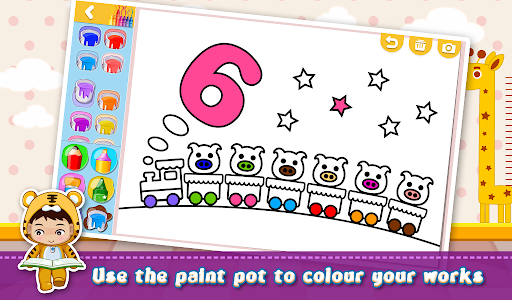
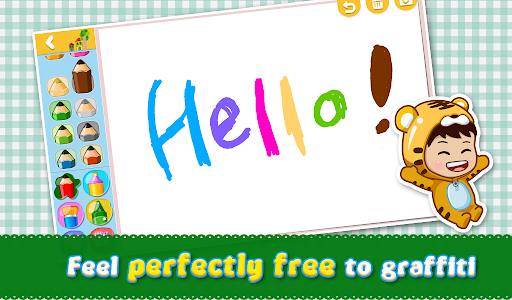
One of the standout functionalities of iDraw is its focus on younger users, especially children. The app incorporates a child-friendly, cartoon-style interface that is both easy to navigate and engaging. It starts by introducing children to graffiti as an initial step toward developing interest in painting and drawing, fostering their creativity from an early age.
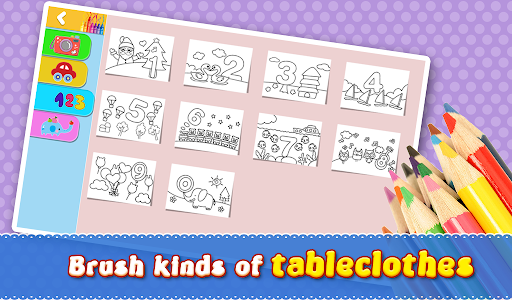
Children can see tangible progress with each work they complete, which helps instill a sense of pleasure and achievement. The app enhances the enjoyment of painting by offering rich chartlets—pre-designed templates and drawing guides—that children can experiment with. Furthermore, lots of tableclothes are provided to decorate their artwork, making the process more colorful and personalized.
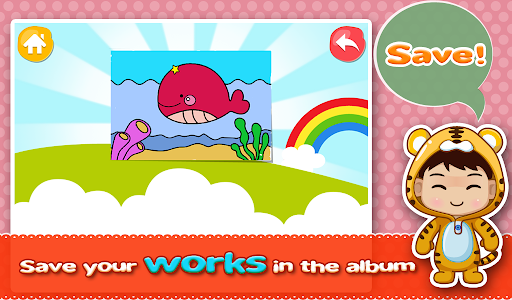
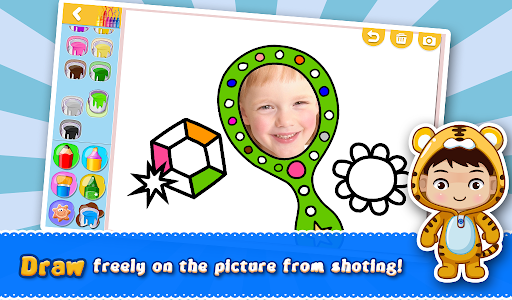
Managing their creative projects is straightforward with iDraw, allowing children and parents alike to organize, save, and revisit artworks easily. The big-head portraits included in the features add an element of fun and interest, encouraging children to love drawing and explore their artistic potential.
Easy and Intuitive Drawing Experience
Beyond its kid-friendly design, iDraw excels as a digital drawing app suitable for users of all ages. The app's interface is clean and cartoon-inspired, making it easy to use even for beginners. With just a few taps, users can select from a variety of brushes, pencils, and textures to bring their ideas to life.
The app provides a range of brushes and tools that mimic traditional art materials, giving users the freedom to experiment and create. Whether it's detailed illustrations or simple doodles, iDraw supports your artistic journey.
Advanced Tools for Professional Artists
For experienced artists, iDraw offers robust features like layers, blending modes, and vector drawing tools, enabling the creation of complex and detailed artwork. The layer management system allows for better organization and editing, which is essential for professional workflows.
The app also supports stylus input, providing a responsive and natural drawing experience that closely resembles working on paper. Export options in multiple formats make sharing your masterpieces on social media or with clients straightforward and hassle-free.
Community and Sharing Capabilities
Part of what makes iDraw special is its community aspect. Users can easily share their artwork on various social media platforms, reaching a wider audience and gaining inspiration from other talented artists. The integrated community gallery acts as a hub where users can view and comment on each other's work, fostering a collaborative environment.
Whether you’re looking to showcase your portfolio or gather feedback, iDraw provides all the tools needed to connect with a vibrant art community and find motivation to improve your skills.
Conclusion: Is iDraw Worth It?
In summary, iDraw is a comprehensive digital drawing app that combines user-friendly design with advanced artistic features. It is perfect for beginners who want to explore their creativity, as well as for professional artists seeking powerful tools on the go. Whether you're developing your child's interest in painting or producing intricate designs, iDraw caters to all levels of artistic skill.
If you're searching for a mobile drawing studio that is easy to use, packed with features, and supported by a lively community, then iDraw is definitely worth the download. Get ready to unleash your creativity and turn your ideas into stunning artwork, anytime and anywhere!
Pros
- User-friendly interface for straightforward navigation.
- Extensive selection of drawing tools provided.
- Supports exporting in various file formats.
- Regular updates introduce new features.
- Available on both Android and iOS platforms.
Cons
- Limited features in the free version.
- In-app purchases can be costly.
- May experience lag on older devices.
- Requires internet connection for cloud functionalities.
- Steep learning curve for new users.











