
Introduction to ibis Paint
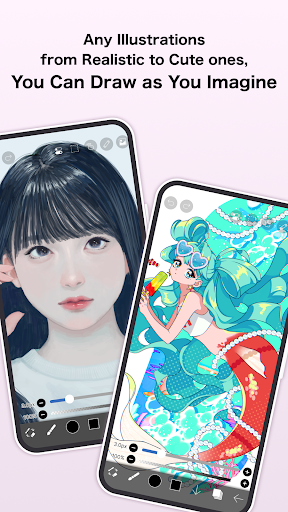
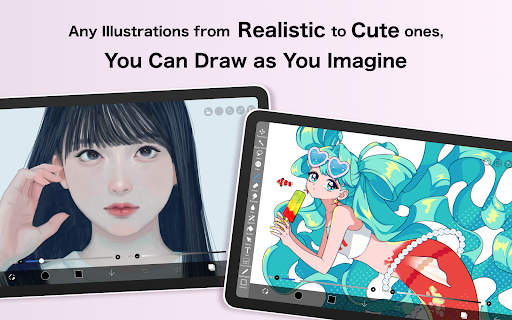
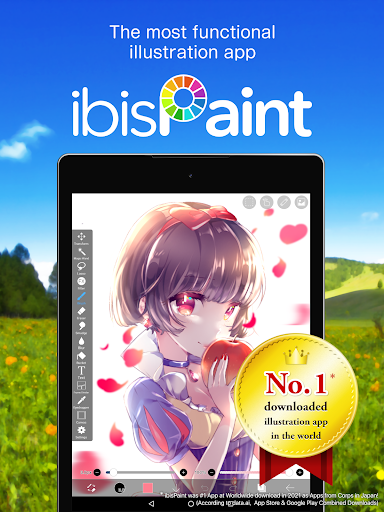
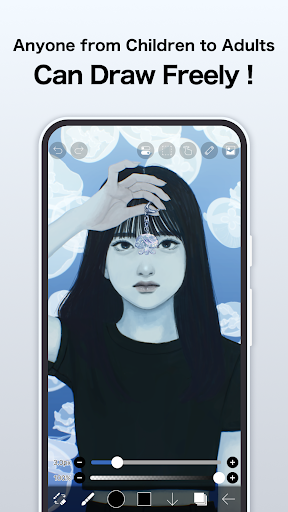
Have you ever dreamed of creating stunning artwork right from your phone or tablet? Look no further than ibis Paint, a versatile digital drawing app that has revolutionized the way artists of all levels express their creativity. Whether you're a beginner doodling for fun or a seasoned professional working on complex illustrations, ibis Paint serves as a powerful, yet user-friendly, mobile art studio that fits right into your pocket. With a comprehensive set of tools, robust features, and an active community, this app maximizes your artistic potential wherever you go.
Unleashing Creativity at Your Fingertips
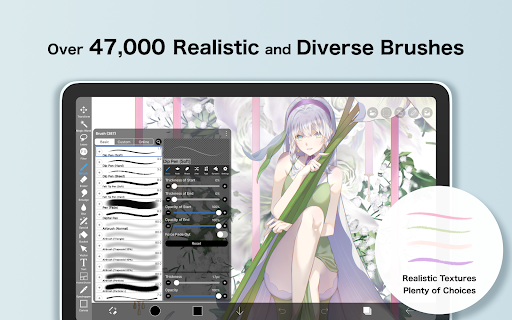
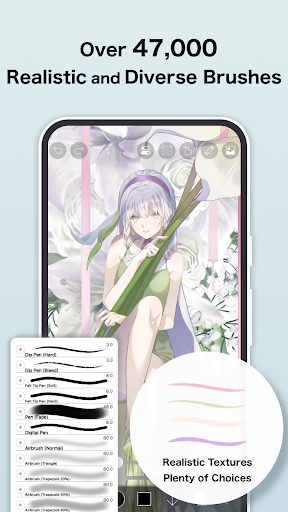
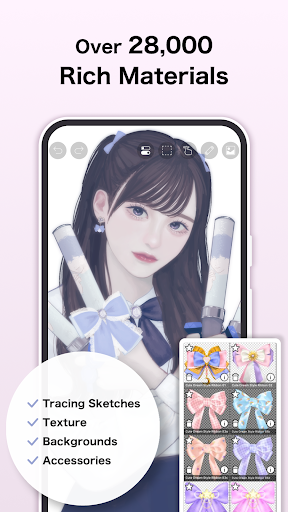
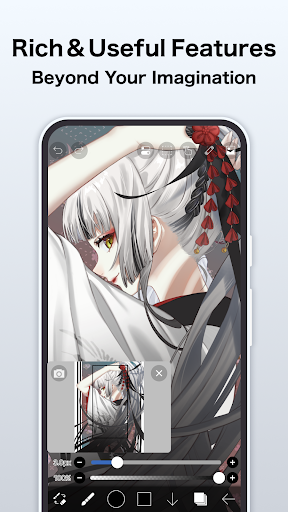
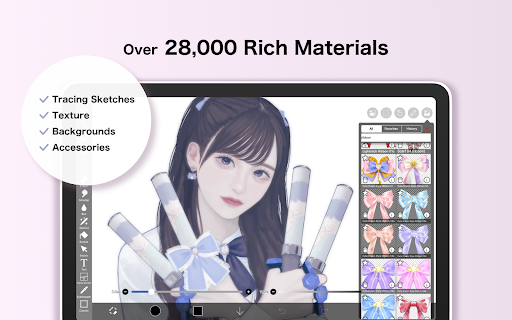
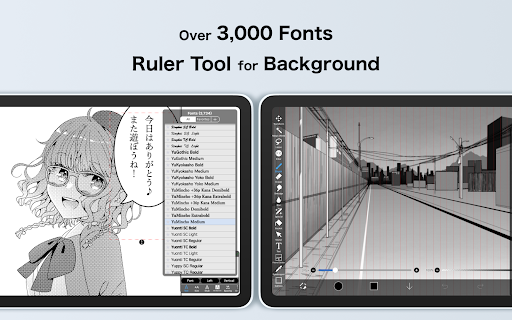
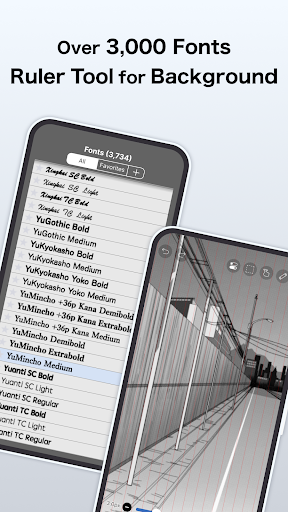
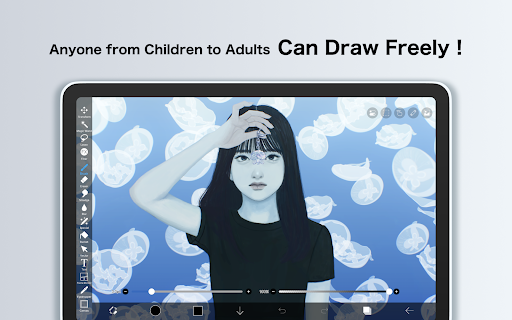
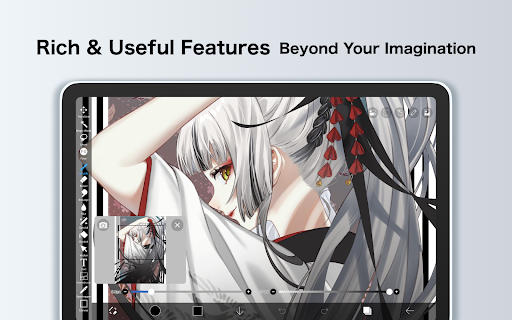
One of the standout qualities of ibis Paint is how it makes advanced art creation accessible and effortless. Imagine having a full-fledged art studio in the palm of your hand, packed with over 47,000 brushes, more than 27,000 materials, and over 2,100 fonts. Coupled with 84 filters and 46 screentones, the app allows you to experiment with a wide range of artistic styles and effects. The intuitive interface ensures that even newcomers can easily find their way around, making the process of creating digital art enjoyable and frustration-free.
Diverse Brush Options for Every Style
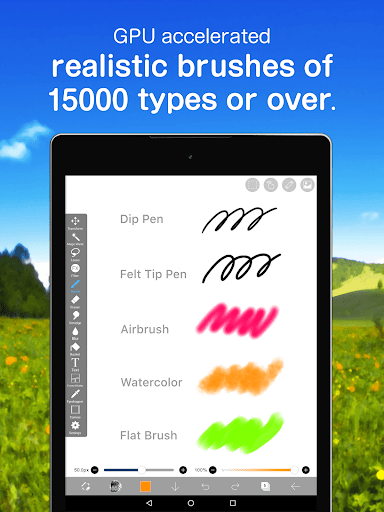
If your artistic process involves brushes, then ibis Paint is a dream come true. The app provides an extensive collection of over 47000 types of brushes including dip pens, felt tip pens, digital pens, air brushes, fan brushes, flat brushes, pencils, oil brushes, charcoal, crayons, and stamps. Whether you prefer watercolor washes, textured oil finishes, or detailed sketching, you’ll find brushes tailored to your needs. The customization options further enable you to tweak each brush’s size, opacity, flow, and other parameters—giving you full control over your artistic tools.
Layer Management Made Easy
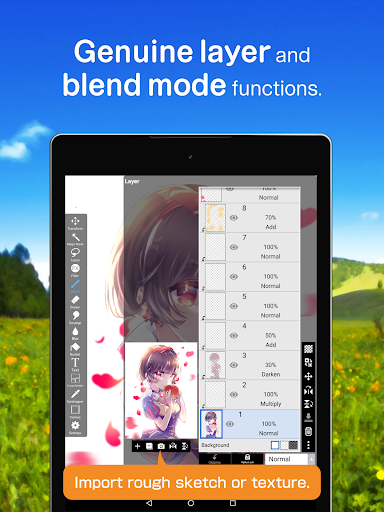
For artists who value flexibility, ibis Paint excels with its advanced layer features. You can add as many layers as you need, each with individual settings such as opacity, blending modes, and transparency. Features like clipping masks allow for non-destructive editing, enabling precise adjustments without damaging your original artwork. Additional functions include layer duplication, importing images, inverting directions, rotating, and zooming. To keep organized, you can assign custom names to layers, making complex editing workflows more manageable.
Powerful Features for Manga and Text
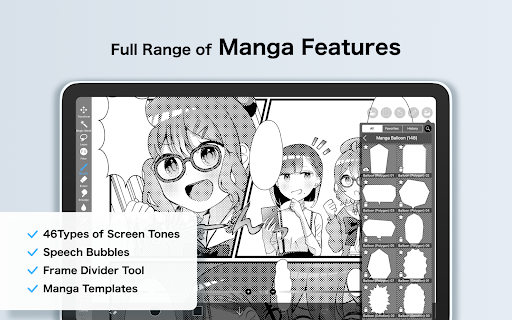
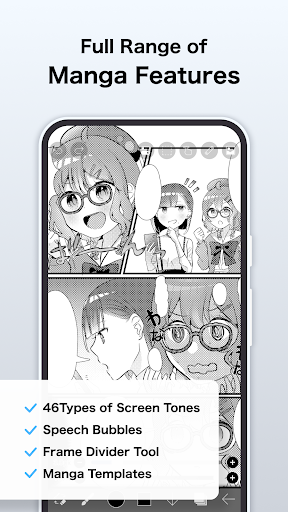
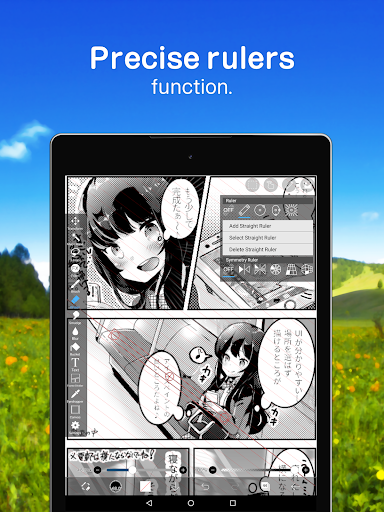
Beyond basic drawing, ibis Paint offers specialized tools for manga artists and comic creators. Its advanced text tool supports multiple orientations such as vertical and horizontal text, with stroke options, font selection, and multiple text layers. This makes creating speech bubbles, sound effects, or titles quick and efficient, perfect for manga, comics, or illustration projects.
Subscription and Purchase Plans
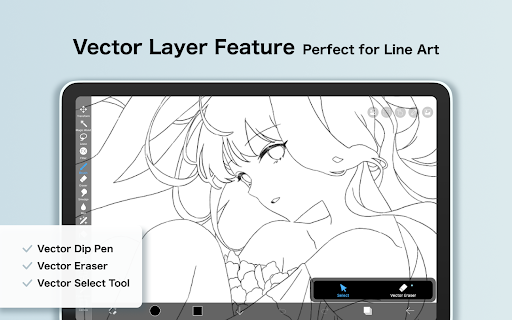
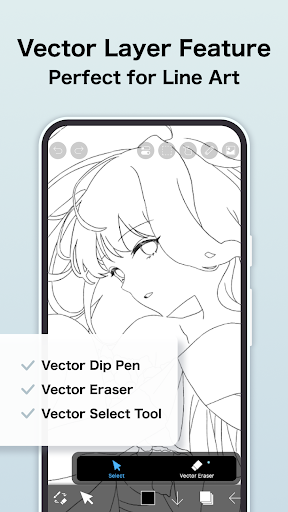
The app is available in various plans to suit different user needs. The free version provides a solid set of tools but includes advertisements. Upgrading to ibis Paint (paid version) removes ads and unlocks additional features. For enthusiasts seeking premium capabilities, Prime Membership offers a monthly or yearly subscription that provides benefits such as 20GB of cloud storage, exclusive resources like vector tools, Prime Materials, special Prime Canvas Papers, advanced filters like the Tone Curve and Gradation Map, and more. The Prime Membership also allows for importing custom brushes, removing watermarks from videos, and accessing exclusive artwork and materials.
Community and Learning
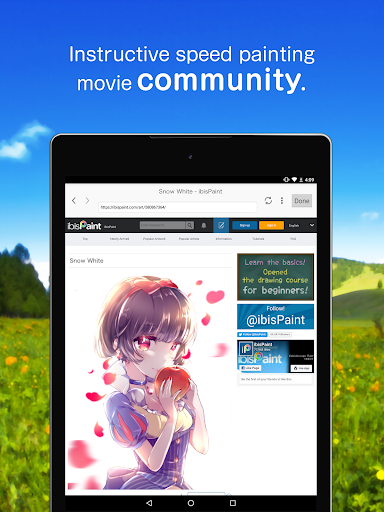
ibis Paint fosters a vibrant community where artists share their work, exchange feedback, and find inspiration. The app's built-in tutorial videos, hosted on its YouTube channel, help users learn new techniques and explore creative possibilities. Whether you’re looking for tips on brushwork, coloring, or manga paneling, the community and Learning resources make continuous growth easy.
Additional Features
Key functionalities include stroke stabilization for smooth lines, various ruler tools such as radial and symmetry rulers, and clipping masks for complex compositions. The app also enables recording your drawing process, perfect for creating tutorials or showcasing your workflow. Importing and exporting artwork in multiple formats ensures flexibility for sharing and professional use.
Conclusion
In summary, ibis Paint is more than just a drawing app; it’s a comprehensive platform designed to inspire and empower artists. Whether you’re into manga, digital painting, animation, or sketching, this app offers a robust set of tools, a supportive community, and a flexible purchase plan to suit your creative journey. Download ibis Paint today and unlock your artistic potential with a powerful, feature-rich digital canvas right on your device.
Pros
- A wide variety of brushes available for detailed artwork.
- Intuitive interface facilitating easy navigation.
- High-resolution canvas ensures superior artwork quality.
- Various customizable tools to suit different needs.
- Supports real-time drawing with multiple layers.
Cons
- May be overwhelming for beginners.
- Advertisements in the free version can be disruptive.
- Some features need in-app purchases.
- May experience occasional lag on older devices.
- Internet connection required to access all features.











