


Discover the Power of ibis Paint X: A Versatile Digital Art Studio
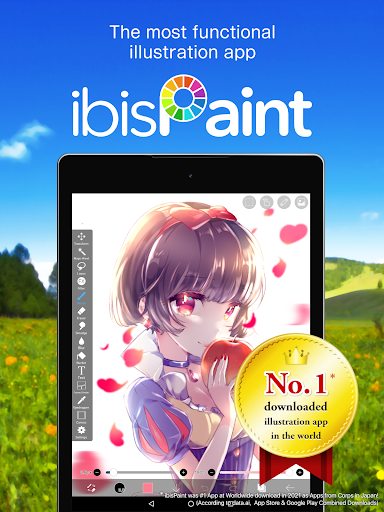
Ever wondered how talented artists create those stunning digital artworks directly on their smartphones? Look no further than ibis Paint X, a highly popular and feature-rich drawing application that transforms your mobile device into a professional-grade art studio. With over 460 million downloads as part of its series, ibis Paint X offers an impressive suite of tools and features designed for artists of all levels, from beginners to seasoned professionals.
Unleash Your Creativity with Extensive Tools and Features
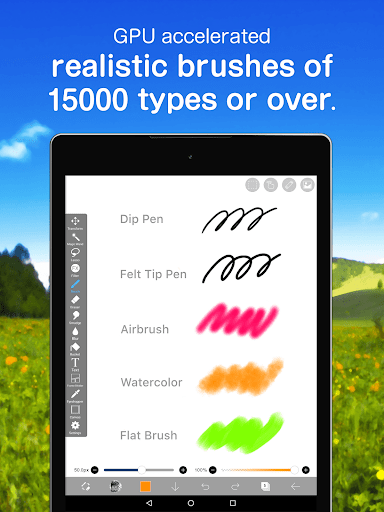
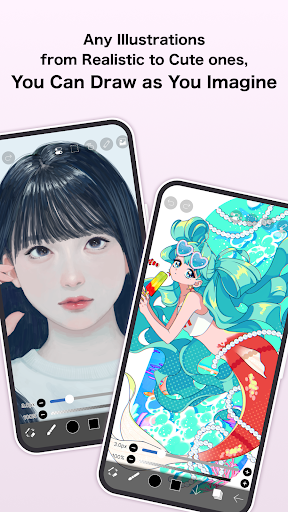
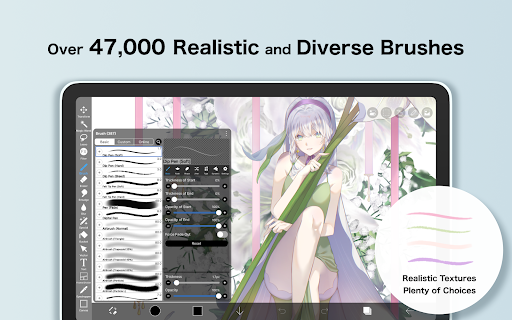
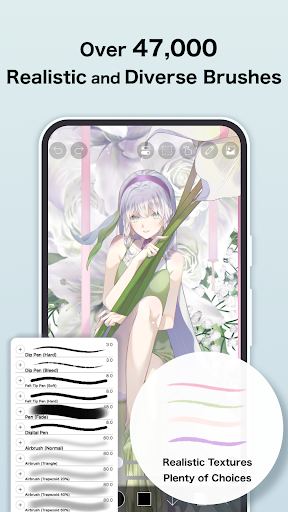
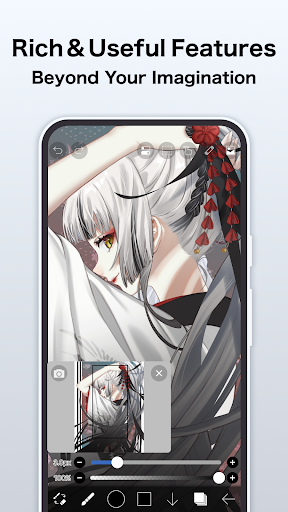
One of the standout aspects of ibis Paint X is its enormous collection of artistic tools. The app boasts over 47,000 brushes — including dip pens, felt tips, air brushes, fan brushes, pencils, oil brushes, charcoal, crayons, and stamps — allowing artists to achieve a wide variety of styles and effects. Each brush can be customized heavily to match your specific needs, whether you're sketching a rough draft or adding fine details to a final illustration.
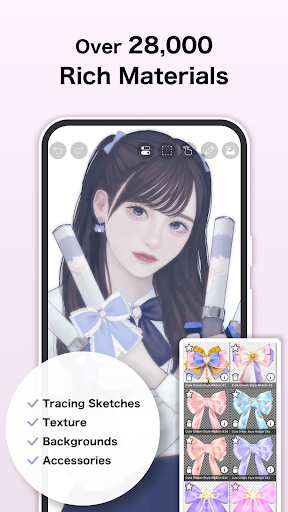
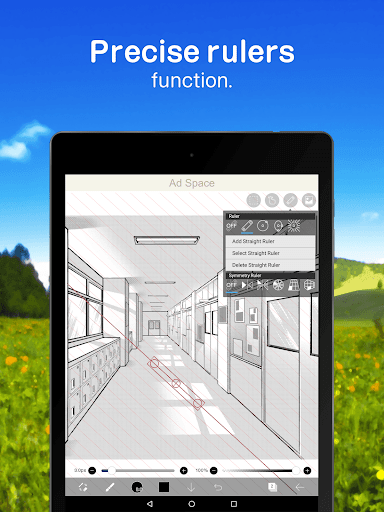
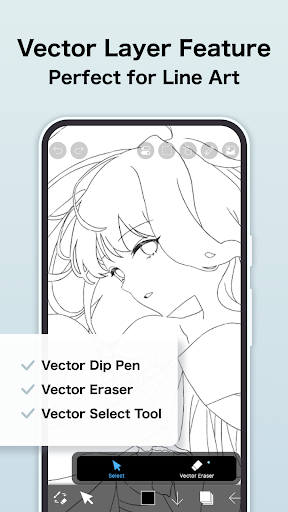
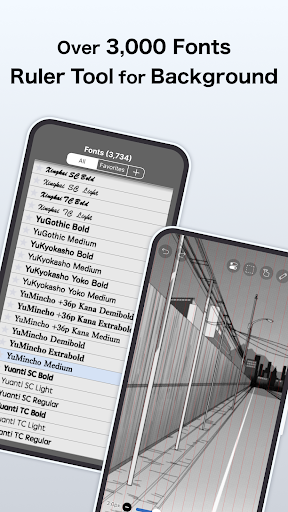
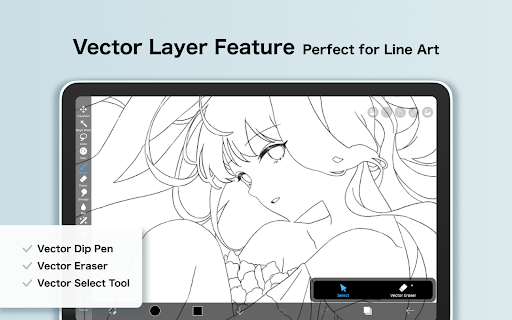
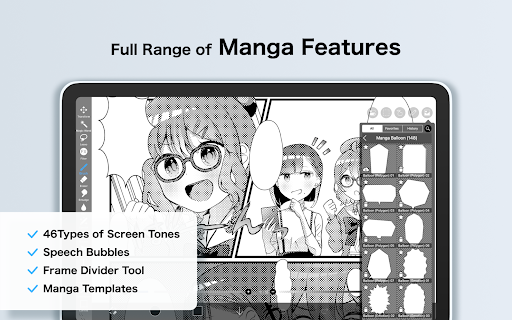
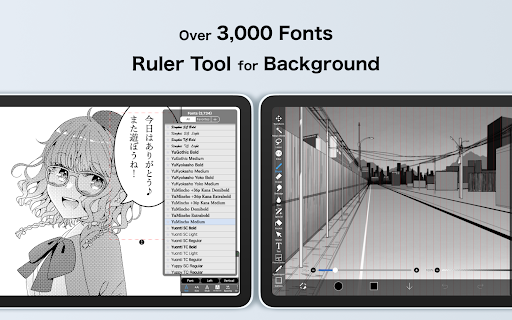
Beyond brushes, ibis Paint X provides over 27,000 materials, more than 2,100 fonts for text creation, along with 84 filters, 46 screentones, and 27 blending modes. These professional features enable users to create complex, layered artworks with seamless effects. The app also includes advanced features like stroke stabilization, various rulers such as radial or symmetry rulers, clipping masks, as well as a powerful Vector tool and animation capabilities, offering a comprehensive environment for diverse creative projects.
User-Friendly Design with Advanced Capabilities
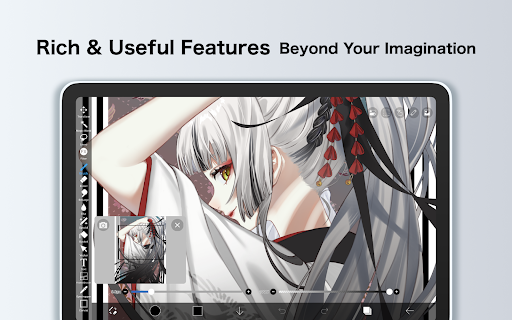
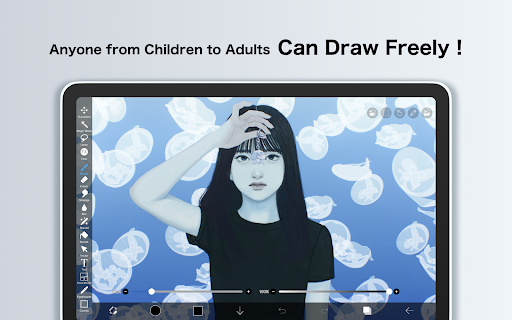
Despite its wealth of features, ibis Paint X is designed with an intuitive and easy-to-navigate interface. The layout is clean and straightforward, making it accessible to new users while still offering depth for professional artists. With smooth rendering at up to 60 fps, drawing feels natural and comfortable, thanks to its utilization of OpenGL technology. Artists can also record their drawing process as a video, perfect for sharing tutorials or documenting their creative journey.
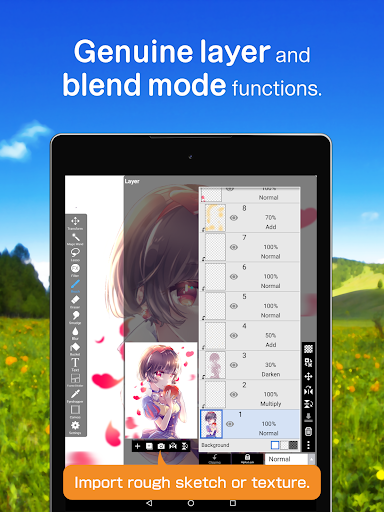
The app supports unlimited layers, each with customizable parameters such as opacity, alpha blending, and blending modes like add, subtract, or multiply. Other handy layer tools include duplication, image import, rotation, flipping, zooming, and renaming, providing flexibility for complex compositions. The inclusion of a sophisticated text tool with vertical, horizontal, stroke, and font selection further enhances its versatility.
Special Features for Manga and Communication
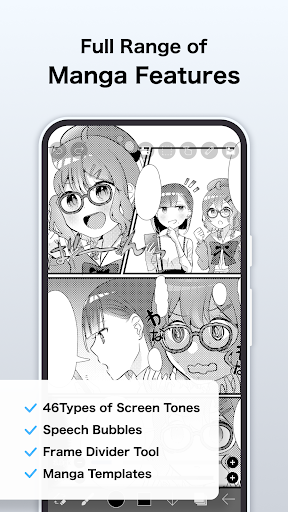
If you're into manga or comic creation, ibis Paint X offers an advanced text tool supporting vertical, horizontal, and stroke effects, along with multiple text layers. This makes creating manga-style panels and dialogues straightforward and efficient.
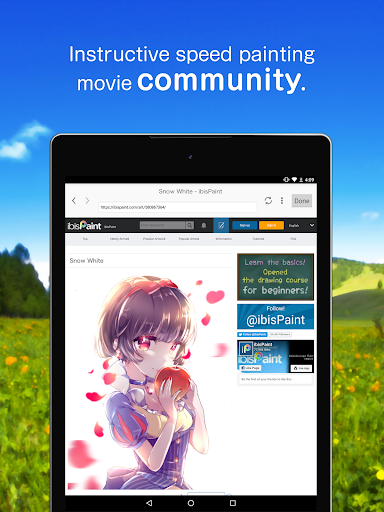
Additionally, the app emphasizes community engagement through its SNS features, where users can share their artwork and learn new techniques from others by watching drawing process videos. Tutorials uploaded to the app's official YouTube channel further assist users in mastering the app's extensive toolkit.
Flexible Purchase Plans and Prime Membership Benefits
The application is available in different purchase plans, including a free version with ads and a paid version that removes advertisements and unlocks advanced features. Users can opt for a Remove Ads Add-on or subscribe to Prime Membership, available as monthly or yearly plans. Prime members enjoy benefits such as 20GB cloud storage, exclusive materials and canvas papers, access to the vector tool, tone curve and gradation filters, and more. A free trial period is available for new Prime members, allowing them to explore premium features before committing.
Additional Information and Support
What makes ibis Paint X particularly impressive is its integration of professional techniques within a mobile-friendly environment. The app continuously updates with new features, ensuring artists have the latest tools at their fingertips. For any questions or support, users can access the official support page or consult tutorials. Please note that any reviews about questions or bugs may not receive direct responses, so contacting official support is recommended.
In terms of privacy, data collection is limited to audio signals when using the SonarPen device, with data only used for communication purposes and never stored or transmitted elsewhere.
Conclusion: Your Portable Digital Art Studio
Whether you're a beginner eager to learn digital drawing or a professional seeking a portable, powerful art tool, ibis Paint X offers an all-in-one platform packed with professional features. Its extensive brush library, layer capabilities, animation functions, and community features make it an ideal app for creating stunning artwork anywhere, anytime. Give ibis Paint X a try and discover how it can elevate your artistic journey, all from the convenience of your mobile device.
Pros
- User-friendly interface for effortless navigation.
- A wide selection of brushes and tools available.
- Regular updates improve functionality.
- Supports layers and blending modes.
- Community features for sharing artwork.
Cons
- Contains advertisements in the free version.
- Some features require in-app purchases.
- Recommended to use on high-performance devices.
- Complex features may have a learning curve.
- Limited 3D capabilities.











