
HD Camera: Your Ultimate Photography Companion
Are you passionate about capturing stunning moments or simply looking to enhance your mobile photography? The HD Camera app is a feature-rich camera application designed to help both amateur and professional photographers alike create high-quality, captivating photos with ease. With an intuitive interface and powerful tools, HD Camera transforms your device into a professional-grade camera, allowing you to take amazing photos with professional effects, filters, and advanced settings.
Key Features of HD Camera
Professional Effects with Different Styles
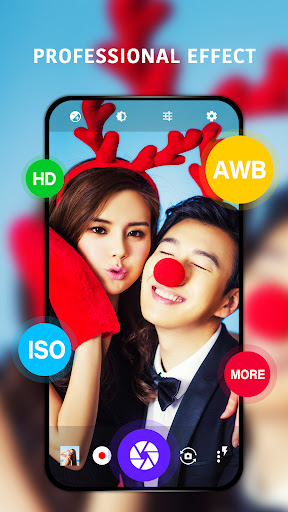
Discover a variety of stunning professional effects to give your photos a unique look. Whether it’s vintage, cinematic, or artistic styles, these effects help you craft visually striking images effortlessly.
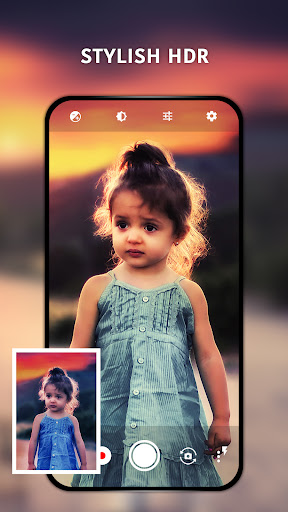
Stylish HDR for Better Low-Light Photography
The Stylish HDR feature enhances images captured in low-light or backlit scenes, providing brighter and more balanced photos. This ensures that your nighttime shots or backlit portraits are clear and vibrant without any additional editing.
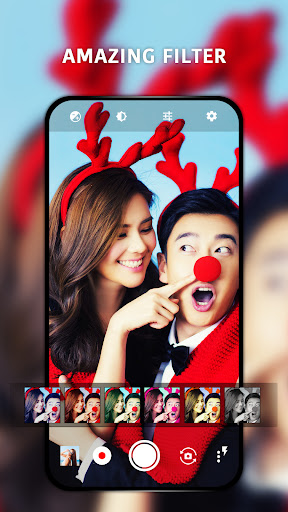
Real-time Filters for Instant Preview
One of the standout features is the Real-time Filter capability. Preview various filters instantly before capturing your photo or recording a video, enabling you to perfect your shot on the spot. This is ideal for social media enthusiasts seeking that perfect Instagram or TikTok aesthetic.
Advanced Camera Controls
HD Camera supports comprehensive focus modes, color effects, and adjustments like white balance, ISO, and exposure compensation/lock. Additionally, you can turn on the torch for better lighting in dark environments, giving you complete control over your photography settings.
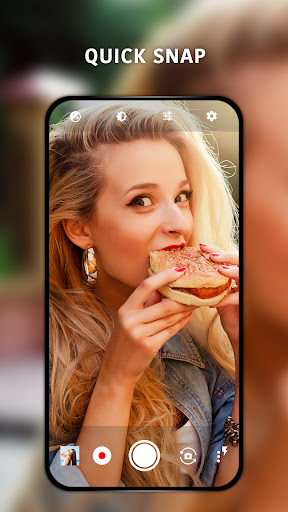
Quick Snap, Continuous Shooting, and Auto-Stabilize
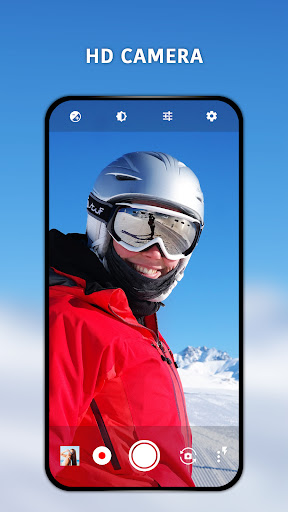
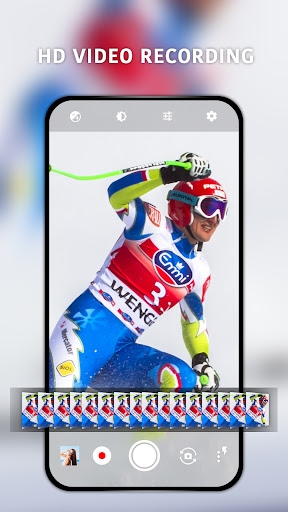
The app offers a Quick Snap feature for fast capturing, along with Continuous Shooting mode to take multiple photos in quick succession. The Auto-stabilize feature helps you shoot steady images, reducing blurriness for professional-looking results. With just one touch, you can effortlessly take beautiful HD photos.
Enhanced User Experience
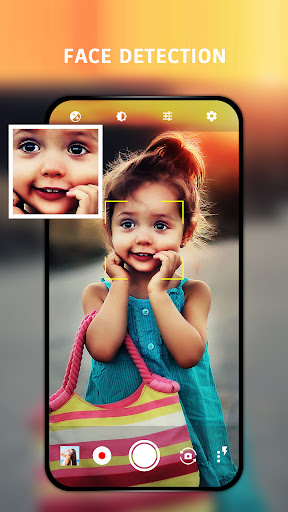
Using HD Camera is straightforward and smooth. Its user-friendly interface means you can quickly access and adjust settings like ISO, white balance, and exposure, making it suitable even for beginners. The app performs efficiently without lag, ensuring you never miss capturing a fleeting moment. Plus, it’s free from intrusive advertisements, allowing you to focus solely on your photography.
Compatibility is another key advantage. The HD Camera app is optimized for both Android and iOS devices, providing a consistent high-quality experience across platforms. Whether you’re using a smartphone or a tablet, HD Camera adapts seamlessly to your device’s capabilities.
Why Choose HD Camera?
If you're seeking a versatile camera app that combines ease of use with advanced features, HD Camera is an excellent choice. It enables you to elevate your mobile photography without the need for expensive equipment or extensive editing skills. Whether capturing landscapes, selfies, or action shots, this app empowers you to produce professional-looking images effortlessly.
Next time you’re out exploring or attending special events, give HD Camera a try and see how it transforms your everyday photos into stunning visual stories. Capture more memorable moments in **High Definition** and share your creativity with the world!
Pros
- High-resolution image capture
- User-friendly interface
- Wide range of filters
- Fast image processing
- Easy social media sharing
Cons
- Consumes significant battery
- Large app size
- Limited editing tools
- Ads in free version
- Requires modern hardware











