


Gruveo - Video Conferencing
Experience seamless and private communication with Gruveo, the innovative video conferencing app that simplifies virtual calls. Whether you need a quick quick voice or video chat without the hassle of signing up or downloading multiple apps, Gruveo offers an effortless solution designed for both casual users and professionals.
Key Features of Gruveo
Instant Voice and Video Calls
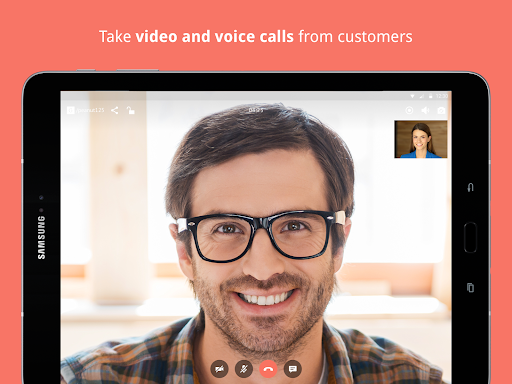
With Gruveo, your customers or contacts can connect to you using just a • Link :. Simply share your unique Gruveo link, and the other party can initiate a call directly in their browser—no signups or app installations needed. On your side, you can answer calls on your preferred device, whether it’s a smartphone, tablet, or desktop.
Real-Time Notifications and Communication
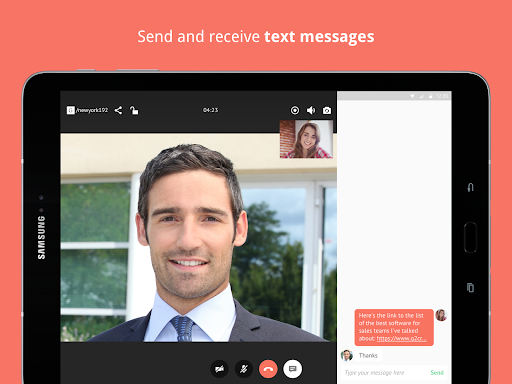
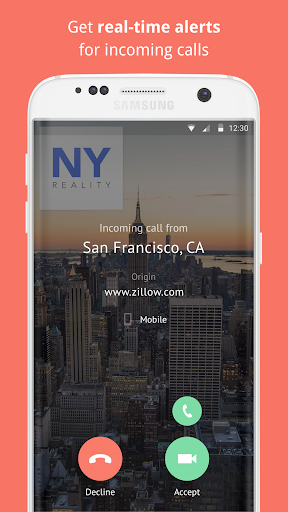
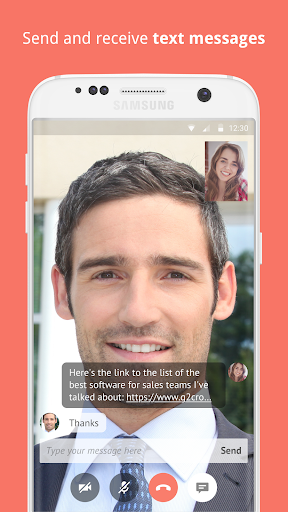
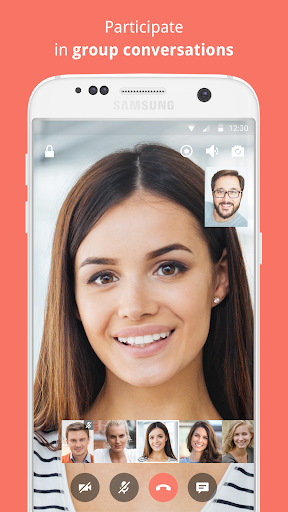
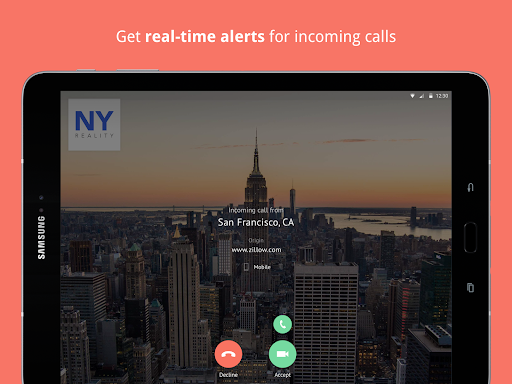
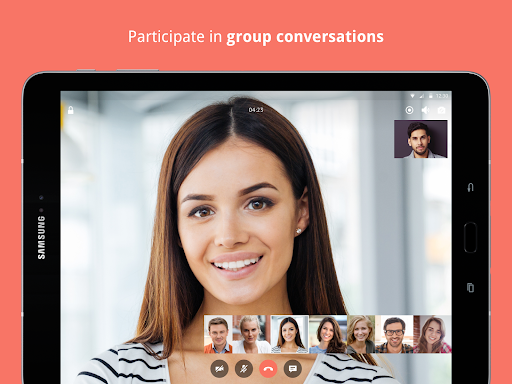
The Android version of Gruveo keeps you informed with instant alerts about incoming calls, allowing you to promptly answer via voice or video. During calls, users can send and receive text messages, participate in group conversations, and enjoy features like • Cloud Call Recording : for keeping records of important meetings or conversations.
Enhanced Video Quality and User Experience
Designed for optimal video and audio clarity, Gruveo ensures a smooth communication experience. Features like Selfie Mode help improve your video quality, and the intuitive interface makes managing calls straightforward—no complex menus or settings to navigate.
Call Rooms, Group Calls, and Favorites
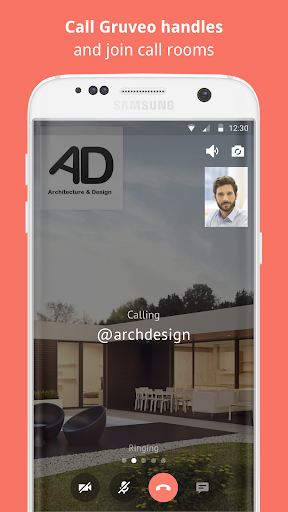
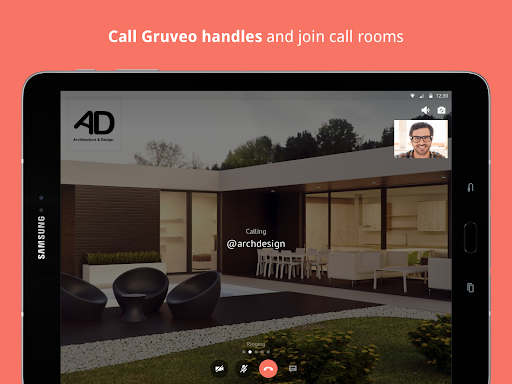
Join call rooms for quick, one-time conversations or organize multiple calls with call rooms. You can also mark your favorite rooms and permanent links for easy access later. Additionally, the app enables calling other Gruveo links, fostering versatile communication options.
Privacy and Flexibility
One of Gruveo's standout features is its focus on • anonymous calling : no need to share your personal info or email address. Simply generate a unique link, and you’re ready to connect, making it an ideal choice for users prioritizing privacy.
Moreover, the app’s cross-platform compatibility allows seamless use across Android, iOS, and web browsers. Switch devices effortlessly without losing the context of your ongoing calls, making Gruveo perfect for professionals on the go or casual users who value flexibility.
Why Choose Gruveo?
If you’re tired of cluttered, complicated conferencing apps, Gruveo provides a simple, fast, and privacy-conscious alternative. It’s suitable for various scenarios—from professional meetings to casual catch-ups with friends. Its high-quality audio and video, combined with features like instant call alerts and group conversations, make it a reliable communication tool in today’s digitally connected world.
Whether you’re a tech enthusiast or someone who prefers straightforward solutions, Gruveo is designed to meet your needs without overwhelming you with unnecessary features. It’s a free, user-friendly app that allows you to connect effortlessly without complicated signups or lengthy setup processes.
In summary, if you’re looking for a no-frills, highly effective, and private video conferencing app that works across devices and platforms, then Gruveo - Video Conferencing might be the perfect addition to your digital communication toolkit. Try it today and experience the simplicity of instant, secure virtual meetings.
Pros
- High-quality video calling.
- User-friendly interface.
- No account needed to start calls.
- Cross-platform compatibility.
- Secure and encrypted communication.
Cons
- Limited features in the free version.
- Occasional connectivity problems.
- Requires a stable internet connection.
- No recording feature available in the free version.
- Premium features come at a higher cost.











