

Introduction to Google Voice: A Comprehensive Communication Tool
Are you tired of juggling multiple phone numbers or managing different messaging apps? Google Voice offers a simple yet powerful solution to streamline your communication experience. Whether you're working from your office, relaxing at home, or on the move, this innovative app provides you with a dedicated phone number for calling, texting, and voicemail management. Compatible with smartphones and computers, Google Voice syncs effortlessly across all your devices, ensuring you never miss an important message or call. Designed primarily for personal Google Accounts in the US and select Google Workspace markets, Google Voice is an ideal choice for users seeking a unified communication platform—though certain features like text messaging may vary by region.
Key Features of Google Voice
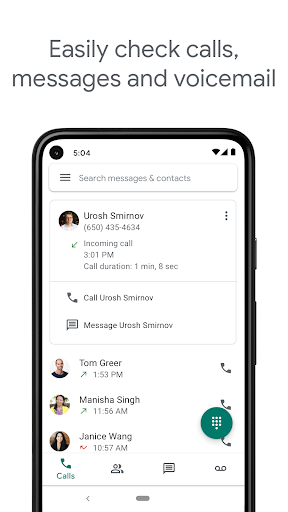
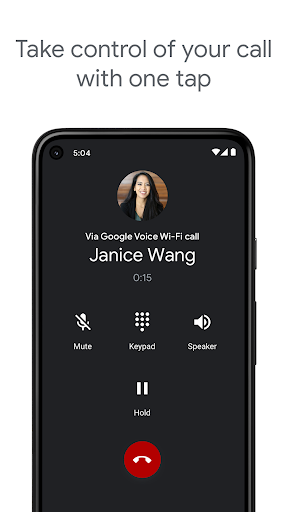
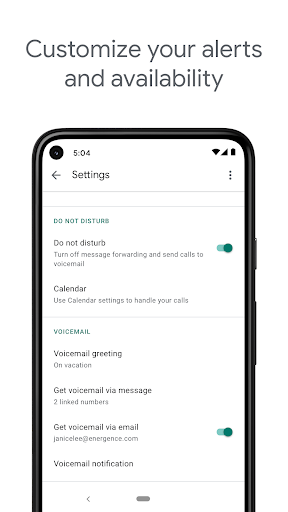
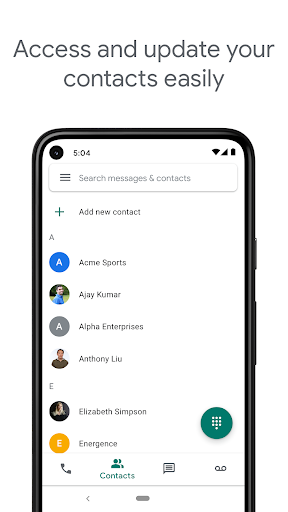
One of the standout benefits of Google Voice is its comprehensive set of features aimed at giving users control and flexibility. The app automatically filters out spam and allows you to block unwanted callers, ensuring your conversations stay safe and relevant. Personalize your experience by managing call forwarding, text messages, and voicemail settings to suit your schedule and preferences. The ability to back up and search through your call history, text conversations, and voicemails makes it easy to retrieve important information whenever needed.
Unified Messaging Across Devices
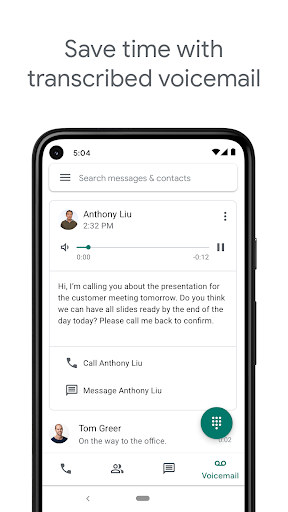
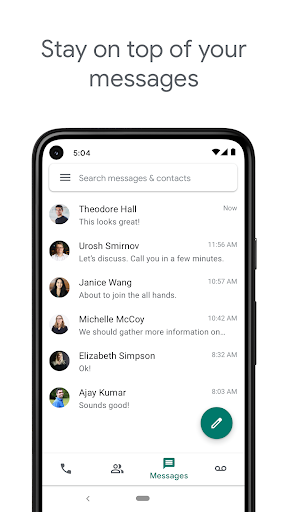
<Google Voice enables sending and receiving SMS and MMS messages—such as photos and documents—across all your devices. So, whether you're typing on your desktop or smartphone, your conversations remain synchronized. Voicemail is transformed with advanced transcription features, converting your voicemails into text that you can read within the app or have sent directly to your email, making it easier to stay updated even when you can't listen to messages.
International Calling at Competitive Rates
Have loved ones abroad? With Google Voice, you can make international calls at cost-effective rates, saving money compared to traditional carrier charges. Keep in mind that calls made via the Google Voice for Android app use your phone's standard minutes when dialing through an access number, which might incur charges, especially when traveling internationally.
Why Choose Google Voice?
If managing multiple communication channels feels overwhelming, Google Voice offers a streamlined, collaborative experience. It seamlessly integrates with other Google services like Gmail and Calendar, providing a unified platform for your calling, texting, and voicemail needs. Its intuitive interface is user-friendly for both tech-savvy users and beginners alike, making setup and everyday use straightforward.
Enhanced Control and Privacy Features
With Google Voice, you have extensive control over your communications. Block spam calls effortlessly, filter unwanted numbers, and set custom rules for details like forwarding calls or messages. Transcribed voicemails can be read anytime, giving you flexibility and quick access to messages when listening isn't practical.
Final Thoughts
In conclusion, Google Voice is more than just a calling app—it's a comprehensive communication platform that simplifies your digital life. Whether you need a secondary phone number for business or personal use, or want to consolidate your messaging apps, Google Voice offers a reliable, feature-rich solution. Its tight integration within the Google ecosystem, combined with features like spam filtering, message backup, and international calling, makes it a valuable tool for anyone seeking organized and efficient communication. Although it’s currently limited to the US and select markets, Google Voice is worth exploring for those who want a smarter way to stay connected.
Pros
- Free US number for calls and texts
- Integration with Google services
- Voicemail transcription service
- Customizable call forwarding
- Support for multiple devices
Cons
- Limited international call support
- Requires internet connection for full functionality
- Complex initial setup process
- No support for emergency calls
- Occasional issues with call quality











