

Google Photos: The All-in-One Solution for Photos and Videos
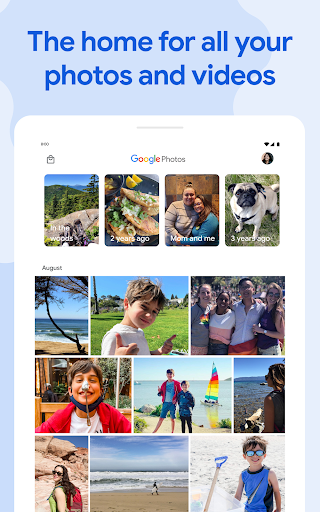
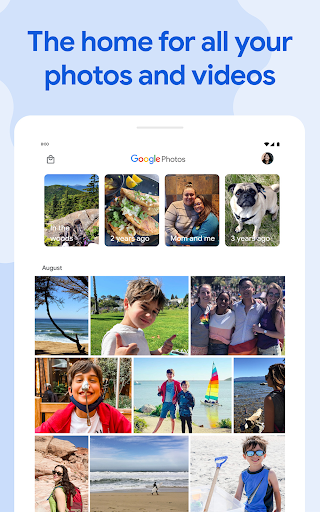
Google Photos is the home for all your photos and videos, providing automatic organization and effortless sharing. Celebrated as "The best photo product on Earth" by The Verge and referred to as "Google Photos is your new essential picture app" by Wired, this app is designed to cater to the way you take and manage photos today.
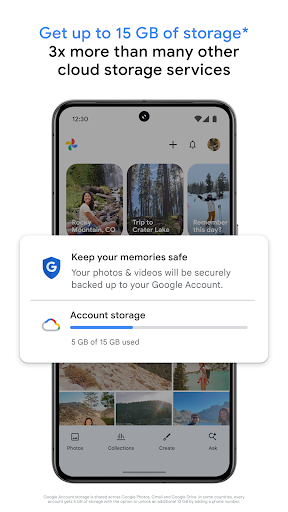
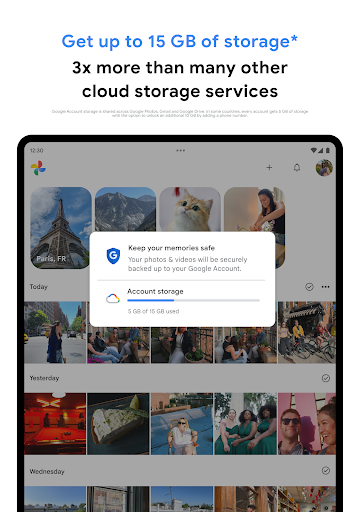
With the official Google Photos app, you gain access to a suite of features such as shared albums, automatic creations, and an advanced editing suite. Every Google Account includes 15 GB of free storage, allowing you to back up your photos and videos in High quality or Original quality. These backups are accessible from any connected device via the app or at photos.google.com, ensuring your memories are always within reach.
Some of the standout features include:
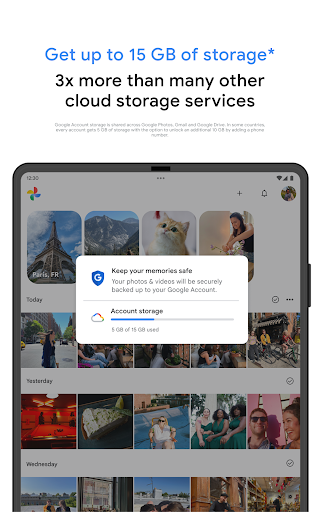
- 15 GB of Storage: Store up to 15 GB of photos and videos securely, with the option to upgrade via Google One subscriptions. Photos backed up in high quality before June 1, 2021, do not count toward your storage limit.
- Free Up Space: Easily remove photos from your device after they are safely backed up, freeing up local storage with a simple tap.
- No Ads: Google Photos values your privacy. It doesn't sell your data or use your photos for advertising purposes.
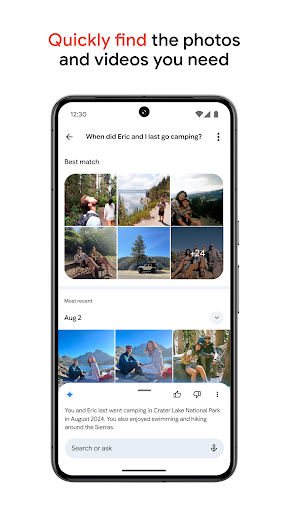
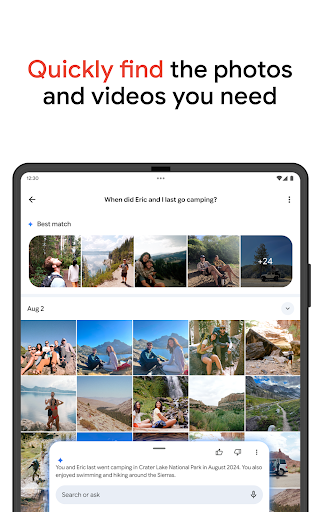
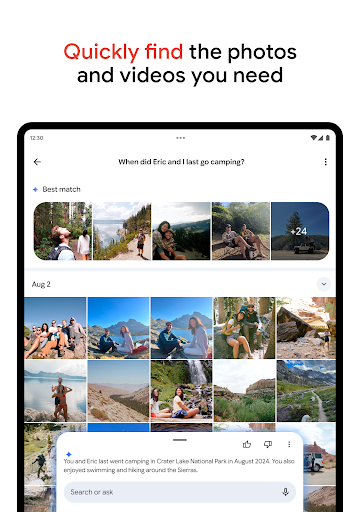
- Powerful Search: Search by people, places, and objects without tagging, thanks to smart recognition technology.
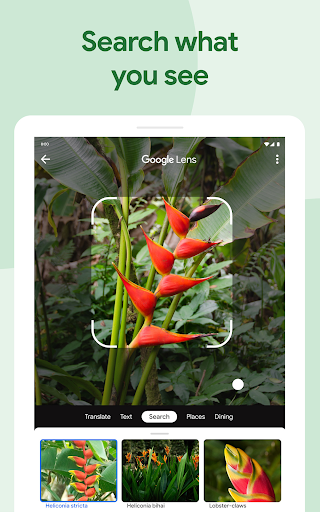
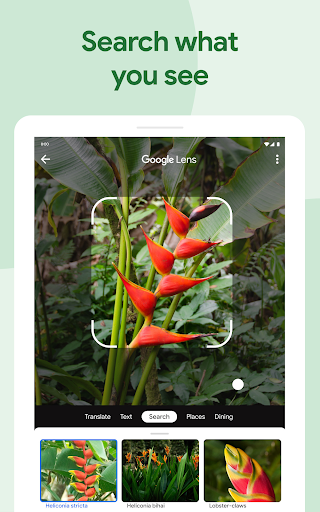
- Google Lens: Search for information, translate text, identify plants and animals, and more, directly from your photos.
- Advanced Editing Suite: Enhance your photos with intuitive tools, filters, and adjustments to achieve professional-looking results.
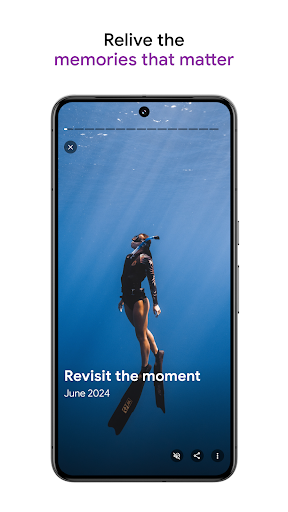
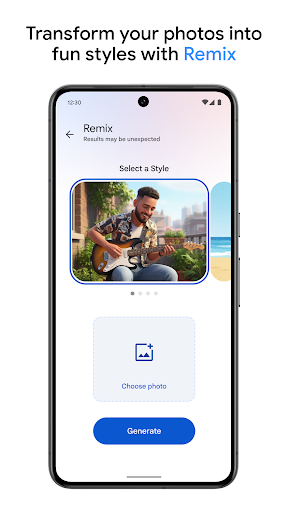
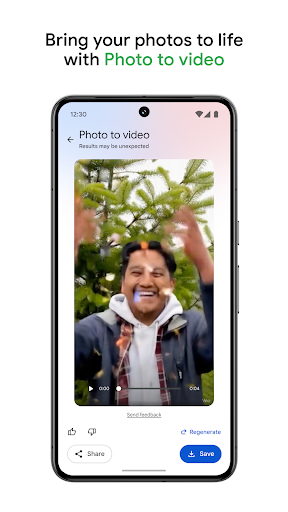
- Automatic Creations: From your photos, Google Photos can automatically generate movies, collages, panoramas, and animations.
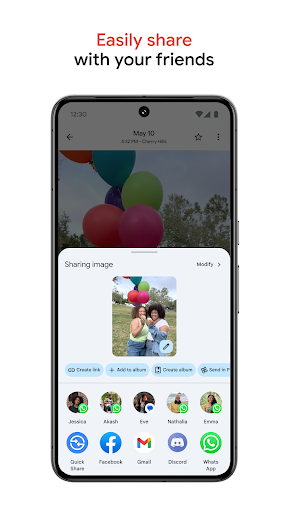
- Sharing Suggestions: Easily share photos with friends through smart suggestions, making sharing seamless and fun.
- Live Albums: Automatically add new photos of selected people or pets, keeping your albums fresh without manual updates.
- Photo Books: Create printed photo books in minutes from your phone or computer, with personalized collections from your trips or special moments.
- Instant Sharing: Share photos instantly via links, email, or messaging apps.
- Shared Libraries: Grant trusted contacts access to your entire photo library for collaborative memories.
Google Photos is also available for Wear OS devices like the Google Pixel Watch, allowing you to set your favorite photos as your watch face for a personalized experience.
Explore more about Google Photos by visiting the support page. Start managing your digital memories smarter and more effortlessly today.
Personal Experience with Google Photos: Streamlining Photo Chaos
Have you ever found yourself drowning in a sea of photos, struggling to find that one perfect shot from last summer’s beach trip? If so, you’re not alone. Recently, I embarked on a digital journey with Google Photos, and it’s become like having a personal photo assistant living right in my pocket.
From the moment I opened the app, I was greeted with an interface that practically whispered, "Relax, I’ve got this." It automatically backs up and organizes my photos in ways that feel almost magical. All my images are neatly sorted by date, location, and even faces, thanks to its smart recognition technology. No more endless scrolling through my camera roll to find that elusive picture of my dog in sunglasses.
One of the features I love most is the search capability. I simply typed "beach" into the search bar, and instantly, every beach photo I’ve ever taken appeared. It recognizes landmarks and events, making it a breeze to relive my favorite moments. Honestly, it exceeded my expectations, transforming how I view my photo library.
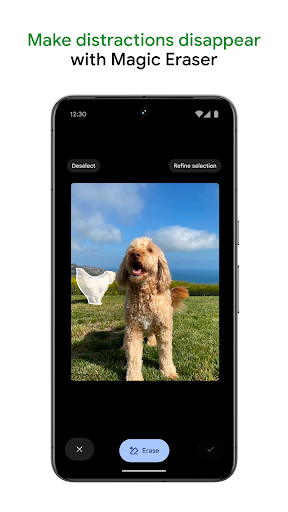
Editing photos has also become effortless. Google Photos offers an intuitive suite of editing tools that let me apply filters, adjust brightness, and even remove unwanted objects with just a few taps. The best part? I don’t need to be a graphic designer to make my photos look amazing.
Sharing memories is now more straightforward than ever. I created shared albums and invited friends to contribute their photos, perfect for group trips or family gatherings. It’s a practical solution that avoids the awkward “Can you send me those photos?” scenario.
If your device storage is always full, you'll appreciate the free up space feature. After backing up to the cloud, the app can remove local copies, optimizing your phone’s storage without losing access to your treasured memories.
All in all, Google Photos has revolutionized my digital photo experience. It’s intuitive, efficient, and surprisingly proactive in anticipating my needs. If you’re looking to organize your photos effortlessly and relive your favorite moments with ease, this app is definitely worth trying. Your camera roll—and your sanity—will thank you.
Pros
- Unlimited free storage for photos under 16MP.
- Automatic organization and search capabilities.
- Access and synchronization across multiple devices.
- Simplified sharing and collaboration features.
- Compatibility with various media formats.
Cons
- Limited editing functionalities.
- No option for manual photo sorting.
- High-quality storage is a paid feature.
- Privacy concerns regarding data usage.
- Internet connection required for backups.











