

Introduction to Google Messages
Google Messages is the official messaging application developed by Google, revolutionizing how over a billion users stay connected every day. Powered by Rich Communication Services (RCS), this app serves as a modern upgrade from traditional SMS and MMS, bringing a richer, more interactive texting experience to your fingertips.
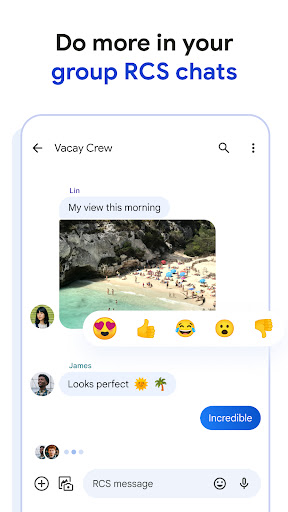
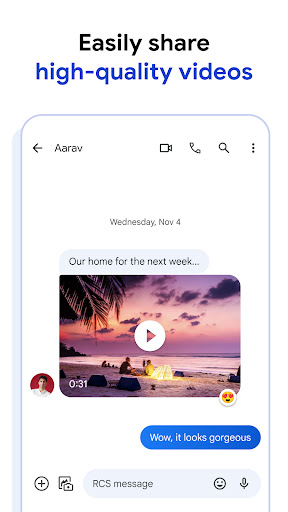
With Google Messages, users can effortlessly share high-resolution photos and videos, enjoy dynamic group chats, and connect seamlessly with other RCS-enabled devices—including your iPhone friends. As the industry-standard messaging technology, RCS enriches conversations with features like seen receipts, real-time typing indicators, and high-quality media sharing, elevating your messaging beyond simple text.
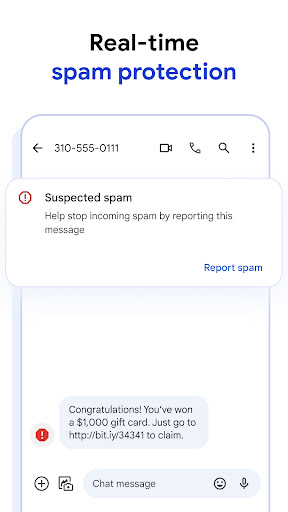
The app adapts to your lifestyle, offering customization options like chat bubble colors and fun selfie GIFs. It emphasizes your privacy with end-to-end encryption for personal chats and provides advanced spam protection, making messaging safer and more private. Compatible across multiple devices, including tablets and computers, Google Messages ensures your conversations are continuous and effortless across all your gadgets.
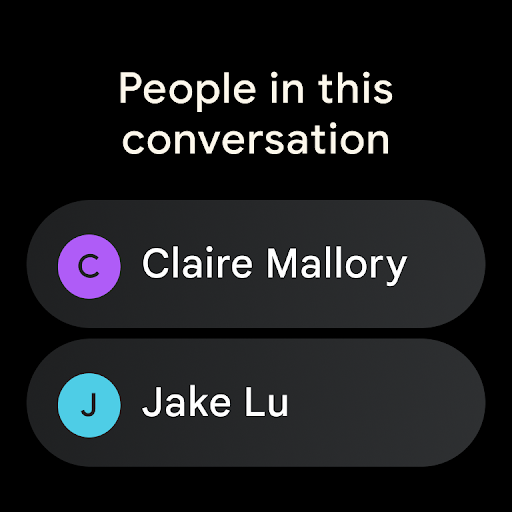
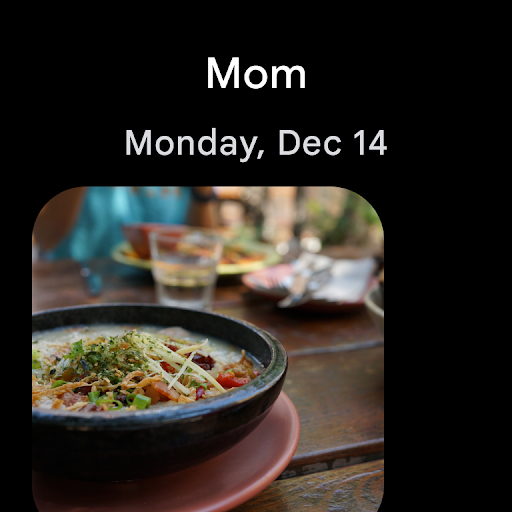
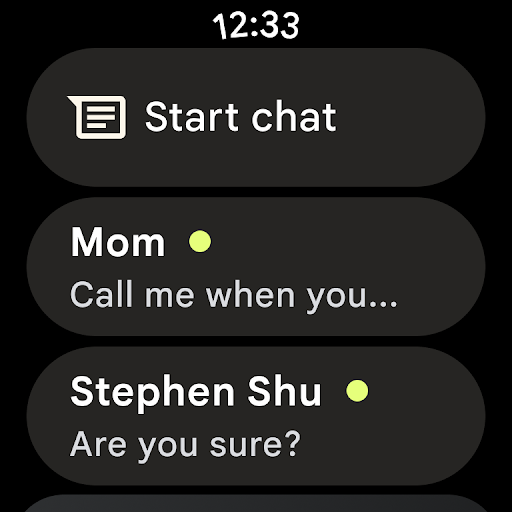
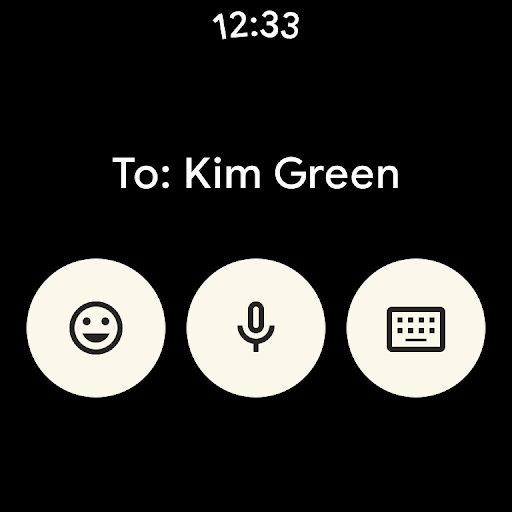
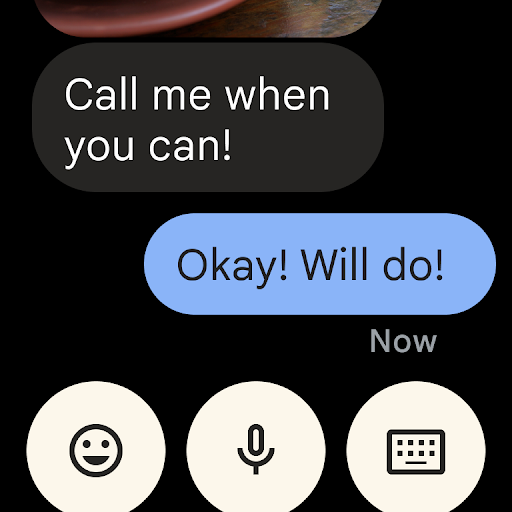
Availability of RCS features can vary depending on your region and carrier, and a mobile data plan might be necessary. Additionally, some features may require signing up for beta testing, and support on Wear OS makes it even more accessible for smartwatch users.
Why Google Messages Stands Out
Effortless Communication and User-Friendly Design
One of the most compelling aspects of Google Messages is its simplicity. The app boasts a clean, intuitive interface that feels like walking into a tidy room—everything is where you expect it to be, with no clutter or unnecessary distractions. This straightforward design makes messaging quick and effortless, even for those new to smartphones.
Advanced Features Enhancing Your Messaging Experience
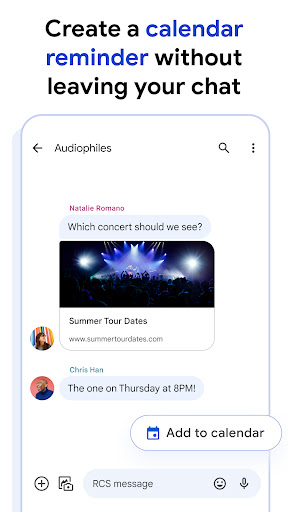
Digging deeper, the app supports Rich Communication Services (RCS), enabling high-quality media sharing, read receipts, and real-time typing indicators. These features help bridge the gap between traditional texting and modern messaging, making your conversations more dynamic and engaging. Additionally, Google Messages allows you to send and receive messages directly from your computer via the Messages for web feature, transforming your laptop or tablet into an extension of your phone. This seamless integration makes staying connected more convenient than ever.
Security and Customization for a Personal Touch
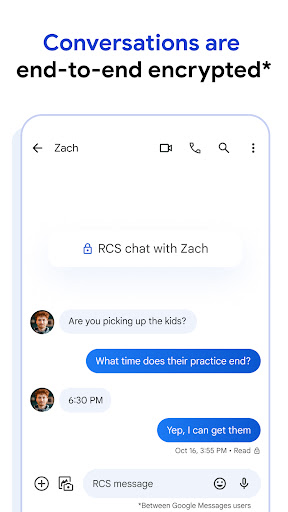
Security is a top priority with Google Messages. The app provides end-to-end encryption for one-on-one chats, ensuring your private conversations are protected from eavesdropping—whether from Google or third parties. Moreover, personalization options like themes and chat bubble colors let you create a messaging environment that reflects your personality and style, turning ordinary chats into a personalized experience.
Seamless Multidevice Experiences
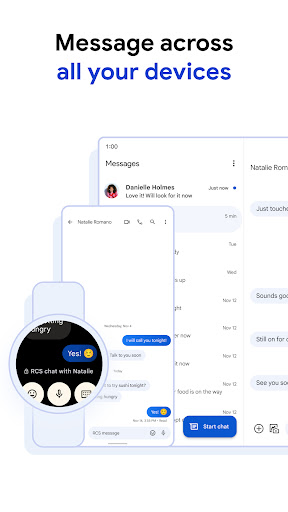
Whether you’re chatting on your phone, tablet, or computer, Google Messages makes it easy to pick up exactly where you left off. This synchronized experience means your conversations continue smoothly across all your devices, making messaging more flexible and integrated.
The Perfect Choice for Modern Communicators
If you’re looking for a messaging app that combines simplicity, security, and rich features, Google Messages is your ideal companion. It offers a sophisticated upgrade to basic texting, turning everyday communication into a more expressive, safe, and connected experience. Whether sharing moments with friends, coordinating with colleagues, or keeping family updated, this app adapts seamlessly to your lifestyle.
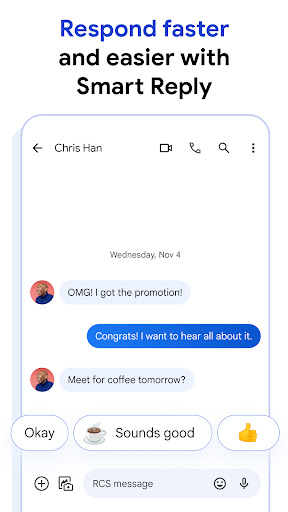
Compatible on smartphones, tablets, and smartwatches, Google Messages continues to evolve, offering new features and regional support to enhance your messaging journey. With robust encryption and innovative AI-powered suggestions like Magic Compose, staying in touch has never been easier—or more secure.
In a world flooded with messaging options, Google Messages stands out as a balanced blend of elegance and functionality, helping you communicate more naturally and securely. It’s not just about sending texts—it's about making every conversation richer, safer, and more personal.
Pros
- Seamless integration with Android devices
- Extensive media sharing capabilities
- Supports RCS for improved messaging experience
- User-friendly and intuitive interface
- End-to-end encryption ensures secure conversations
Cons
- Limited functionality on non-Android platforms
- Messages may sometimes experience delivery delays
- Lacks advanced customization features
- Requires internet connection for RCS functionalities
- No built-in message translation feature











