





Overview of Google Meet
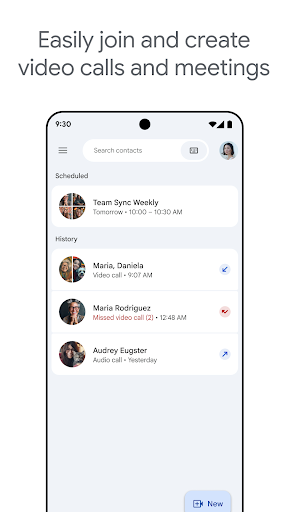
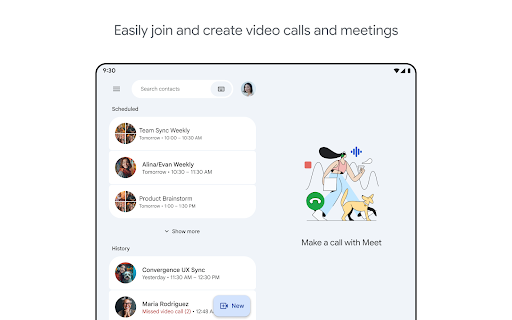
Google Meet is a high-quality video calling application designed to facilitate meaningful and engaging interactions with your friends, family, colleagues, and classmates no matter where they are located. The platform offers a variety of connection methods: you can make spontaneous calls, schedule meetings, or send a video message that participants can view and respond to later. This flexibility makes it a versatile tool for both personal and professional use.
Key Features of Google Meet
Seamless Connectivity and Collaboration
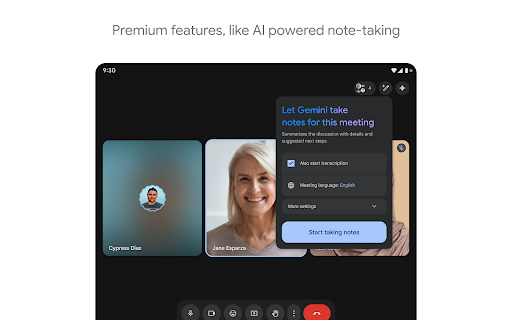
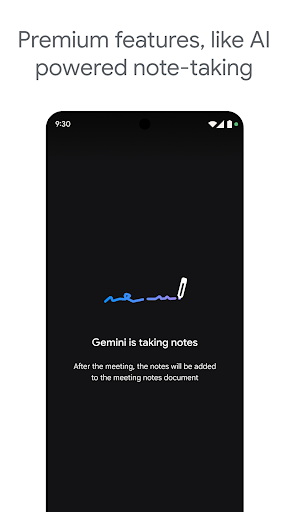
The app integrates seamlessly with other Google Workspace apps like Gmail, Docs, Slides, and Calendar. This integration streamlines scheduling and participating in meetings, ensuring your workflow remains uninterrupted. With features like noise cancellation, in-call chat, and recordings (premium feature), Google Meet helps you run smooth and engaging meetings whether for work, study, or social gatherings.
Interactive and Fun Communication Tools
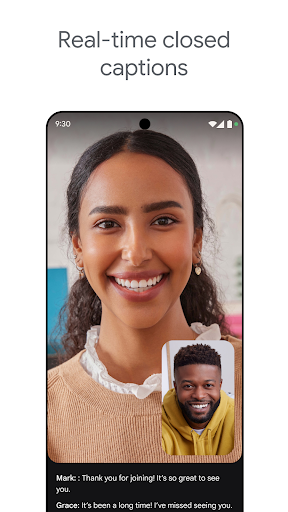
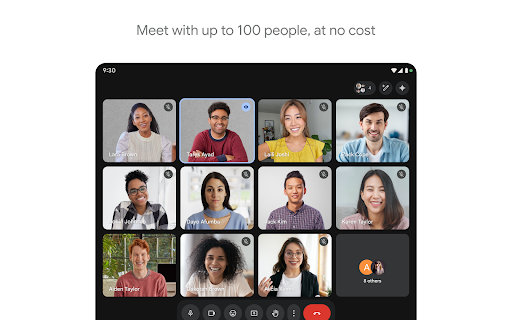
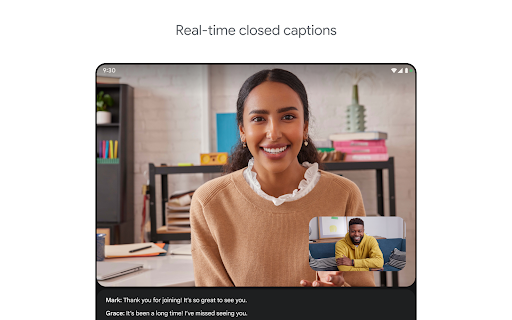
Enjoy making spontaneous calls or hosting video meetings with up to 100 participants. You can stay connected for up to 24 hours in one-on-one calls and conduct group meetings for up to 60 minutes at no cost. The app also supports real-time translated captions in over 70 languages, making communication accessible globally.
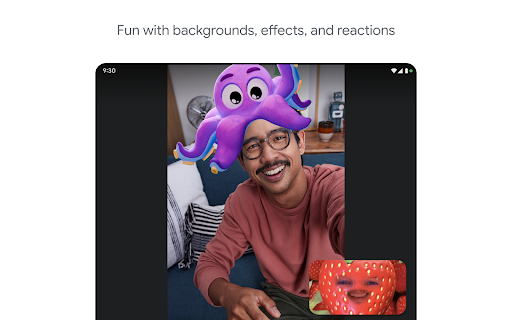
During calls, users can utilize in-call chat to share ideas or questions without interrupting the conversation. To add a fun touch, in-call emojis, background effects, and animations can be used to personalize your virtual meeting experience. Share visuals like photos, videos, and presentations effortlessly to collaborate or share recent memories.
The on-the-go mode provides audio-only functionality with larger controls, perfect for walking, commuting, or driving. The app works across various devices, including mobile phones, tablets, web browsers, and smart devices, ensuring everyone can join regardless of their platform.
For high-quality video calls, Google Meet offers up to 4K video quality, bandwidth permitting. It dynamically adjusts video quality based on your internet connection, making sure your video call stays smooth. Additional features like recording (premium), noise cancellation, and more are available for enhanced meeting management.
User Experience and Practical Insights
Getting Started with Google Meet
Setting up Google Meet is straightforward. You can easily download it from the Google Play Store or Apple App Store. Once installed, signing in requires only your Google account. The user interface is clean, intuitive, and user-friendly, enabling you to schedule or join meetings within a few taps or clicks—perfect for users of all experience levels.
Performance and Reliability
The app delivers excellent video and audio quality, maintaining stability even with large groups. It handles group meetings effectively, making it suitable for webinars, classes, and large team collaborations. While rare, connectivity issues may occur depending on internet strength, but overall, Google Meet is recognized for its reliability and performance.
Conclusion
In summary, Google Meet stands out as a reliable, feature-rich, and easy-to-use video conferencing solution ideal for both casual and professional settings. Its integration with the Google ecosystem, combined with advanced features such as noise cancellation, real-time captions, and visual sharing, makes it an excellent choice for virtual meetings. Whether you need quick spontaneous calls or scheduled calls for larger groups, Google Meet adapts to your needs, providing a seamless virtual communication experience. If you haven't yet explored this versatile app, now is the perfect time to give it a try and enhance your remote interactions.
Pros
- High-quality video calls
- Integration with Google Workspace
- Easy screen sharing
- Support for real-time captions
- Free to use for basic features
Cons
- Requires a Google account
- Limited features in the free version
- Occasional connectivity issues
- No built-in virtual backgrounds
- Group calls are limited to 1 hour











