
Discover the Power of Google Chrome: The Ultimate Web Browser
Google Chrome is renowned as one of the fastest, most secure, and most reliable web browsers available today. Designed by Google, this browser offers an impressive array of features that enhance your online experience, whether you're on a computer, tablet, or smartphone. With seamless integration into the Google ecosystem, Chrome makes browsing more efficient, personalized, and safe. From quick searches to advanced security measures, Chrome is the go-to option for both casual users and power users alike.
Key Features of Google Chrome
Best-In-Class Search and AI Integration
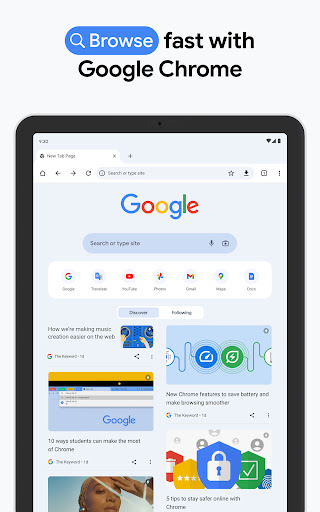
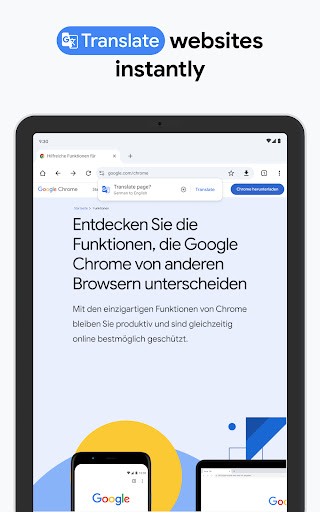
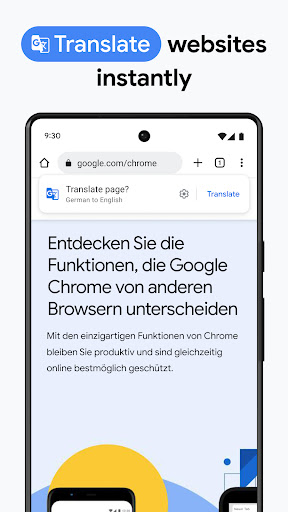
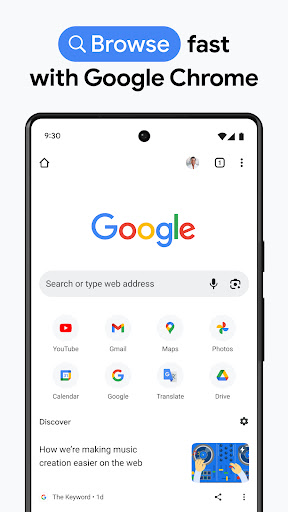
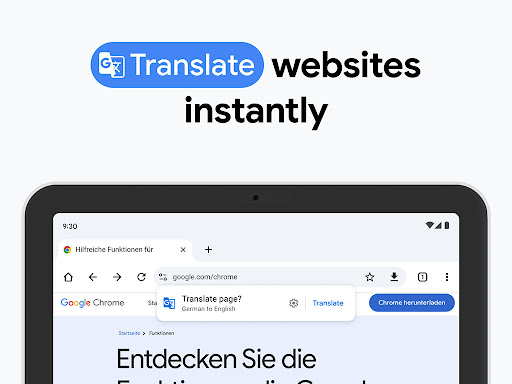
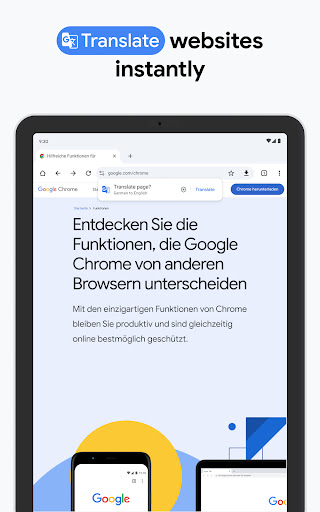
One of Chrome’s standout features is its search with Google, enabling you to find information swiftly and effortlessly. Whether you’re typing in a query or using voice search, Chrome provides instant answers, saving you valuable time. The browser also integrates with Google Lens, allowing you to search what you see using your camera—perfect for identifying objects, plants, or products around you. Additionally, the built-in Google Translate feature supports over 130 languages, allowing you to translate entire websites with just a single click—breaking down language barriers and opening up the world for you.
Superior Security and Privacy
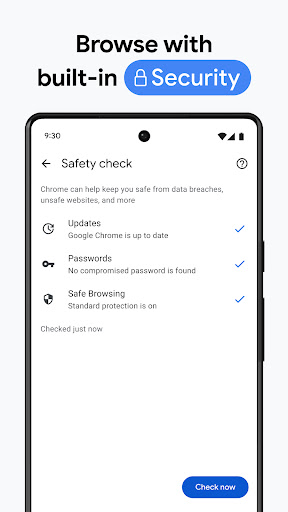
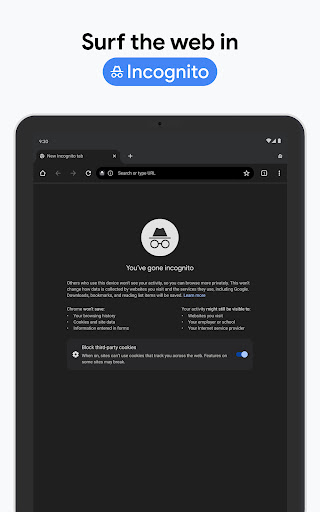
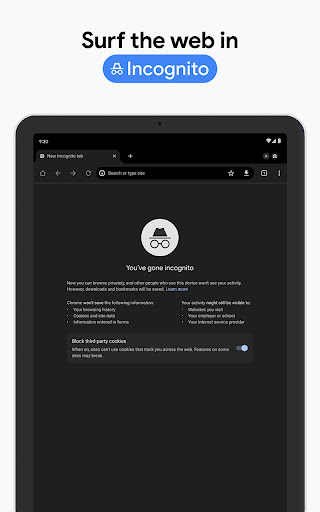
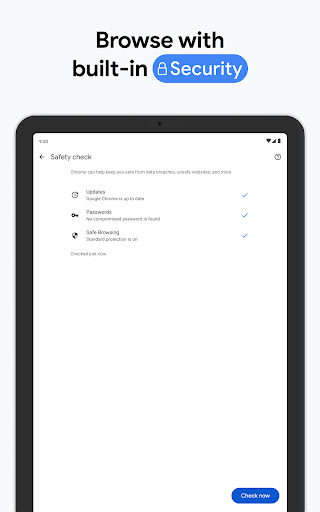
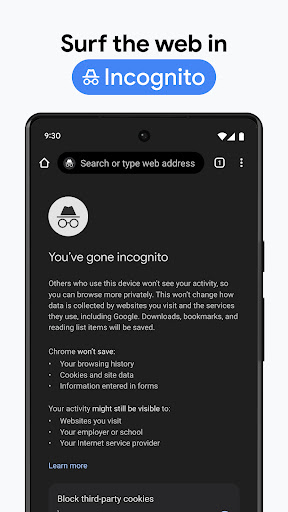
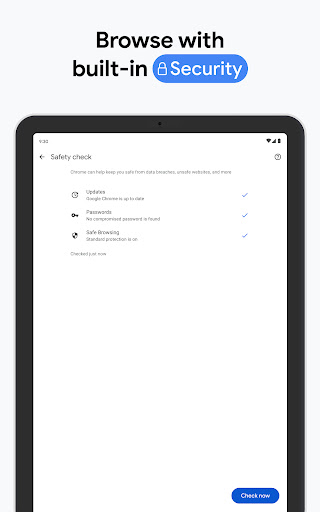
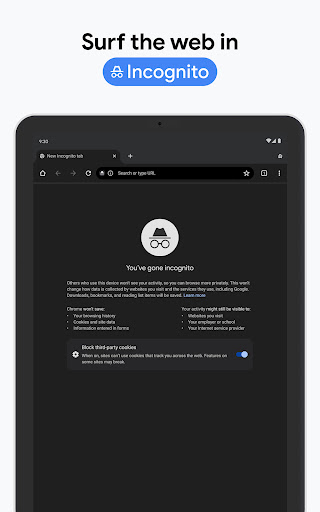
Browsing safely is a top priority with Google Chrome. The browser incorporates Enhanced Protection Mode, providing you with the highest level of security while browsing the web. Regular Safety Checks alert you to potential threats or issues with your browser and browsing habits. Furthermore, Chrome's Password Manager helps generate, store, and alert you about vulnerable passwords, ensuring your online accounts stay protected. You can also customize your privacy settings, block third-party cookies, and manage site permissions to suit your preferences. These features make Chrome a trustworthy digital bodyguard for your online activities.
Access and Synchronize Across Devices
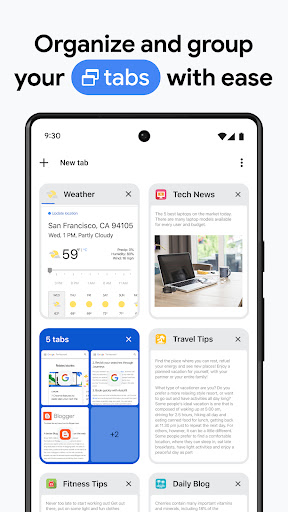
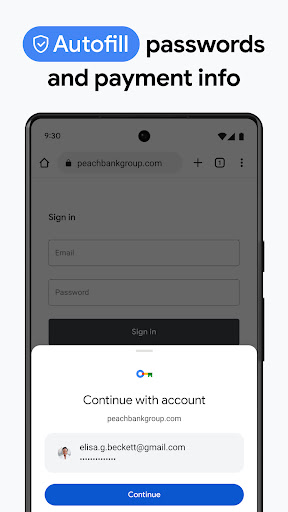
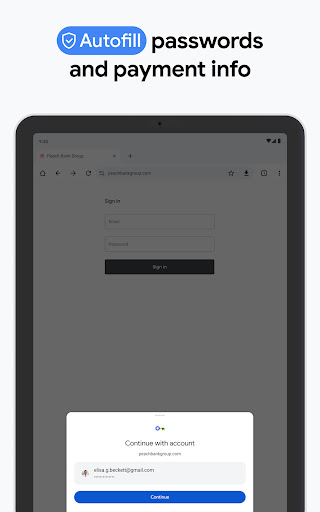
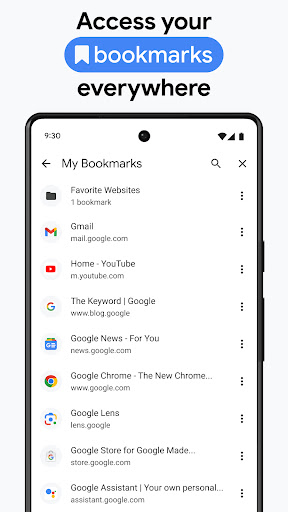
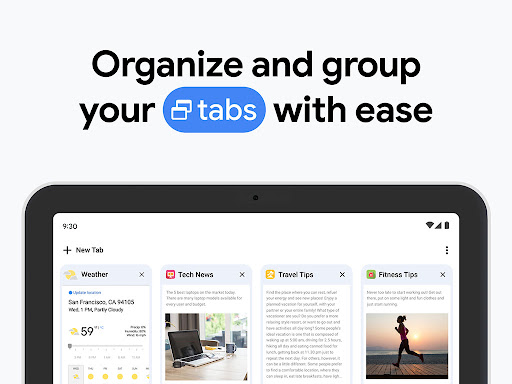
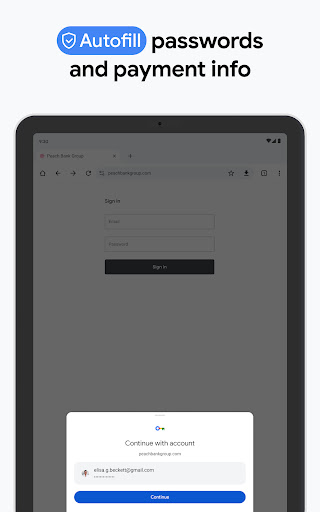
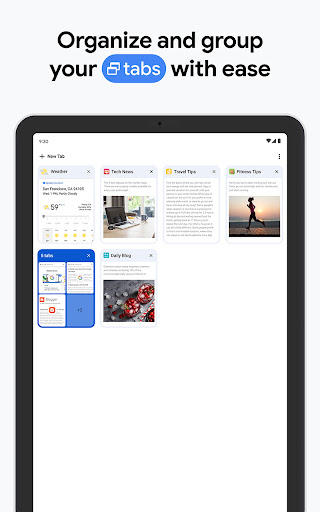
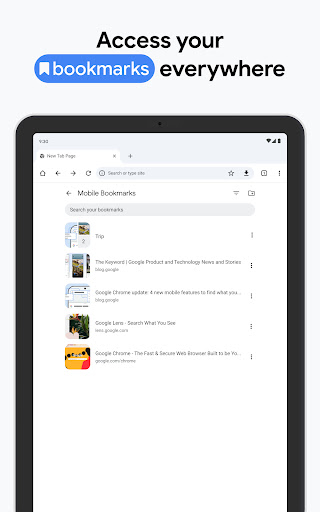
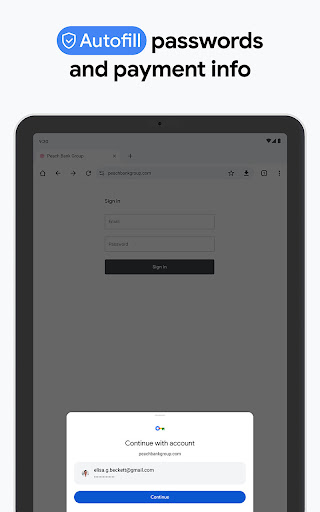
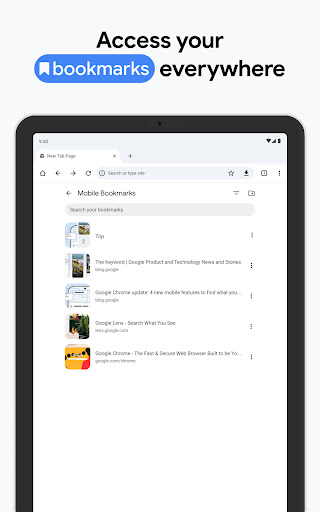
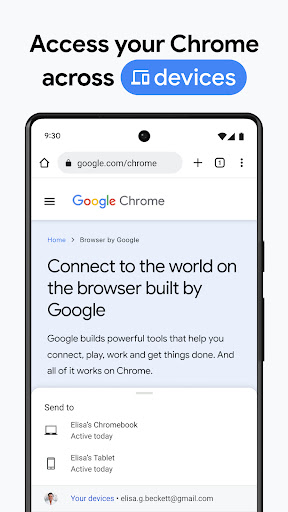
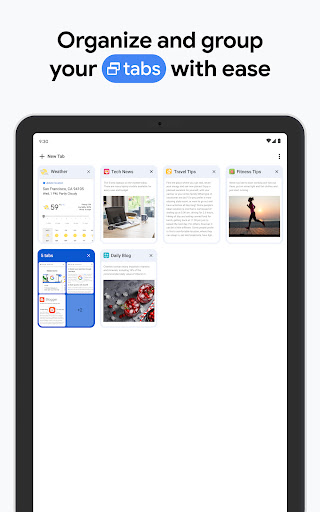
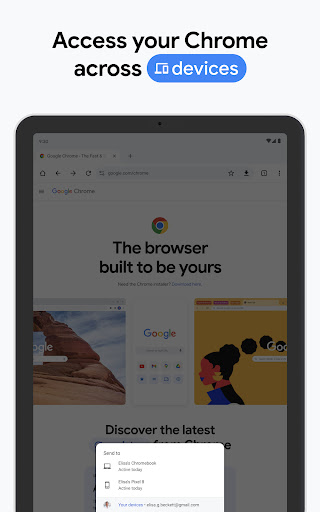
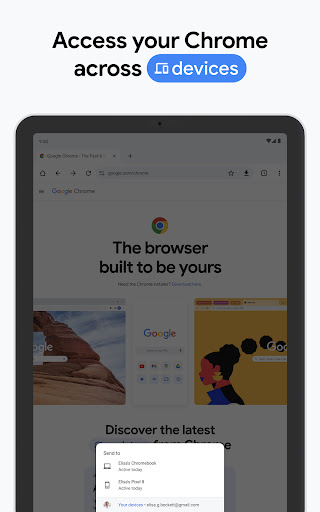
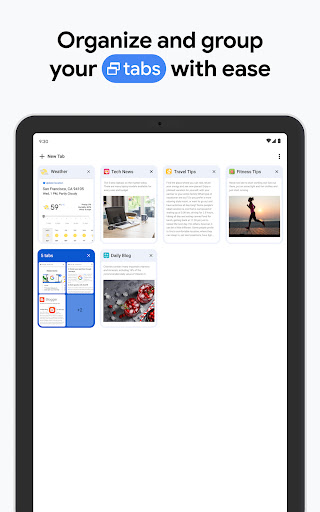
One of the main advantages of Google Chrome is its capability to sync your browsing data across multiple devices. By signing in, you can access your bookmarks, tabs, passwords, and history seamlessly whether you're on your phone, tablet, or desktop. This level of synchronization ensures a consistent and personalized web experience everywhere. The Tab Groups feature allows you to organize your open tabs into logical collections, making multi-tasking easier and more organized. Plus, the Autofill feature saves time by automatically filling in saved payment details, addresses, and passwords, making shopping online or filling out forms faster and more convenient.
Enhanced User Experience and Customization
Intuitive and User-Friendly Interface
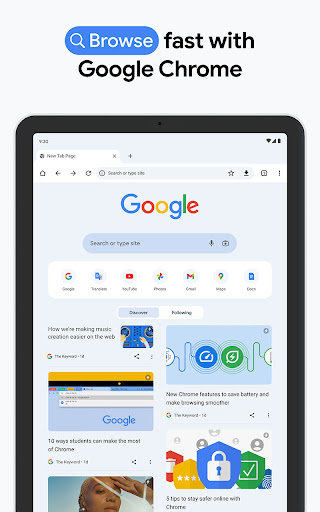
Chrome’s clean, minimalistic interface prioritizes ease of use. Without cluttered menus or unnecessary buttons, navigation is straightforward, even for first-time users. The logical placement of controls and features ensures a smooth browsing experience—allowing you to focus on what matters most. The innovative tab grouping system helps organize your open pages, reducing clutter and improving productivity.
Extensions and Personalization
For users who love to customize, Chrome’s Web Store offers a vast selection of extensions. From ad blockers to productivity boosters, these add-ons can significantly enhance your browsing capabilities—transforming Chrome into a personalized internet hub tailored to your needs. Whether you want to streamline your workflow or block unwanted ads, the extensions provide endless possibilities to optimize your online activities.
Why Choose Google Chrome?
With its lightning-fast browsing speed, robust security features, seamless syncing, and extensive customization options, Google Chrome remains a top choice for millions worldwide. Its deep integration with Google services makes it an ideal browser for those already immersed in the Google ecosystem. Whether you’re searching for quick answers, organizing your browsing sessions, or ensuring your privacy, Chrome offers a comprehensive solution that adapts to your digital lifestyle. Experience the difference today and see why Chrome continues to lead the web browser market.
Pros
- Fast and efficient browsing experience.
- User-friendly interface with easy navigation.
- Seamless integration with Google services.
- Extensive library of extensions and add-ons.
- Supports multiple platforms and synchronization.
Cons
- Can consume significant device memory.
- Privacy concerns with data collection.
- Occasional compatibility issues with sites.
- High battery usage on mobile devices.
- Limited customization options for UI.











