
Elevate Your Drone Experience with the Go Fly Drone Remote Controller
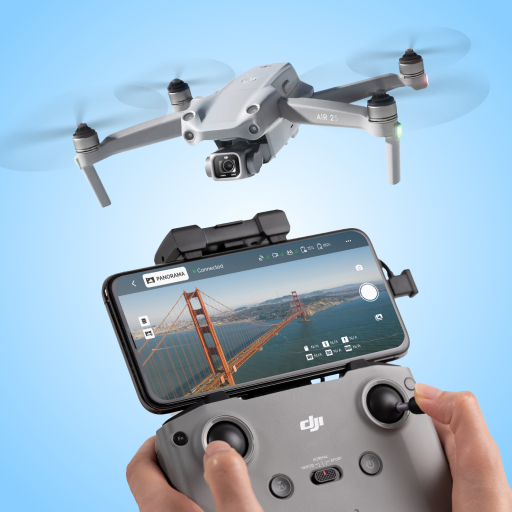
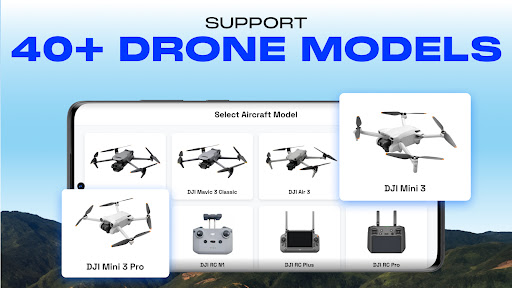
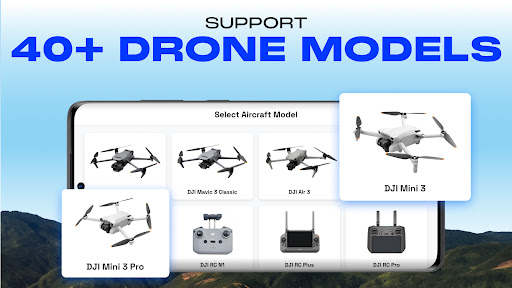
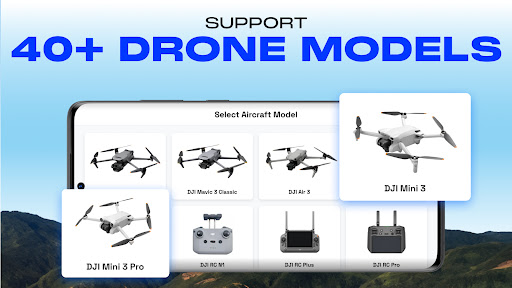
Are you passionate about drone flying and looking to enhance your UAV performance? The Go Fly Drone Remote Controller app is your ultimate companion, designed to empower both amateur and professional drone pilots. Supporting over 40+ UAV drone models (compatible with Android Mobile SDK 5.10), this app offers a comprehensive set of features tailored to optimize your aerial adventures. Whether you own a DJI Mavic 3, Mini 3, Phantom 3, Matrice series, or other popular drones, the Go Fly Drone Remote Controller is built to unlock the full potential of your UAV.
Modern Features for an Enhanced Flying Experience
The Go Fly Drone Remote Controller stands out with its intuitive interface and robust capabilities that cater to all skill levels. Here’s a glimpse of what this powerful drone app offers:
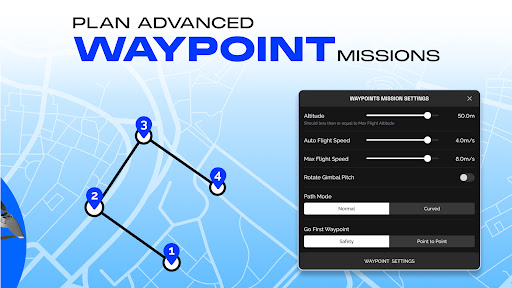
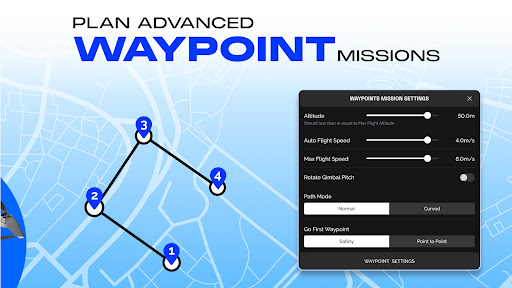
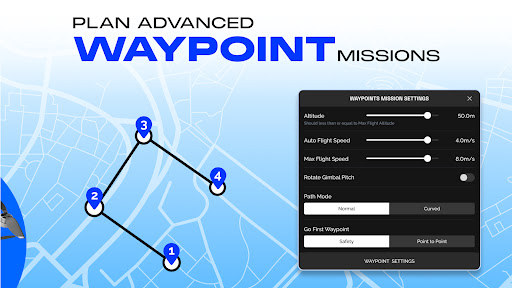
- Waypoint Mission: Effortlessly create precise flight paths and waypoint missions, compatible with Phantom series drones. Whether you’re a beginner or a seasoned pilot, this feature makes autonomous flying straightforward.
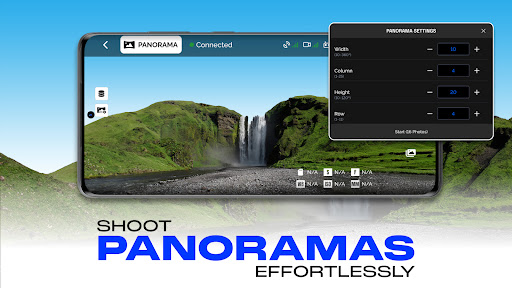
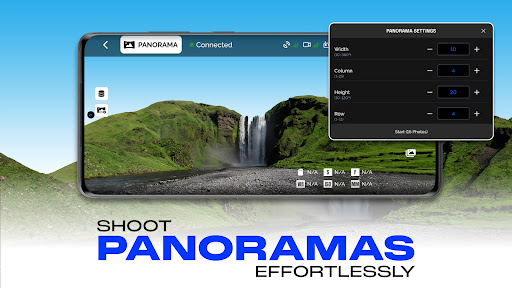
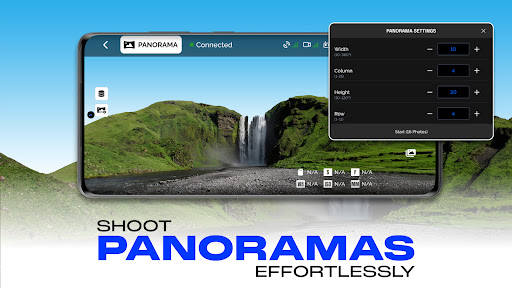
- Panorama Capture: Capture stunning 360-degree horizontal and vertical panoramas seamlessly by controlling your drone’s camera. Perfect for capturing breathtaking landscapes and creative shots.
- Focus Mode: Simplify control by managing the drone's yaw axis and gimbal, enabling you to concentrate on horizontal movements without worrying about complex gimbal adjustments.
- Smart Flight Modes: Fly your drone with ease using predefined GPS navigation modes. These modes enhance your flying experience across all supported drone models, making navigation and control intuitive.
- On-screen Exposure Graph: Monitor exposure levels in real-time for precise camera control, ensuring your photos and videos are perfectly lit.
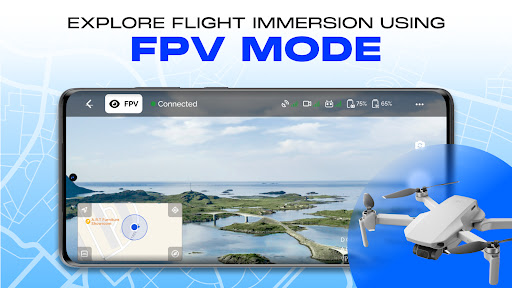
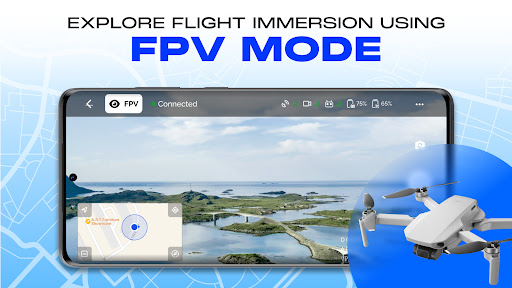
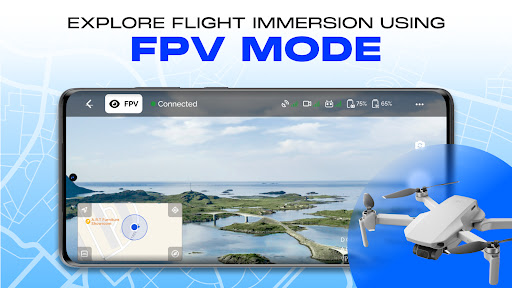
- User-Friendly Interface: Navigate easily with a clean and responsive design, providing live drone camera views directly on your phone for seamless control and navigation.
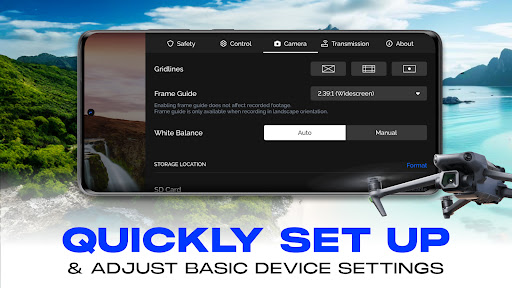
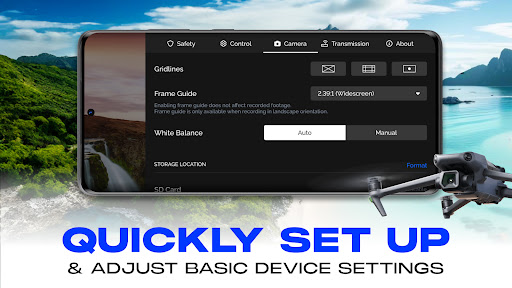
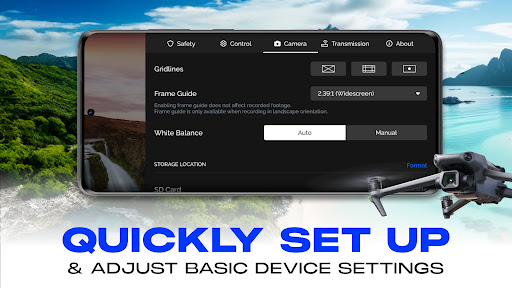
- Customizable Camera Settings: Fine-tune ISO, shutter speed, white balance, and more to achieve professional-quality shots.
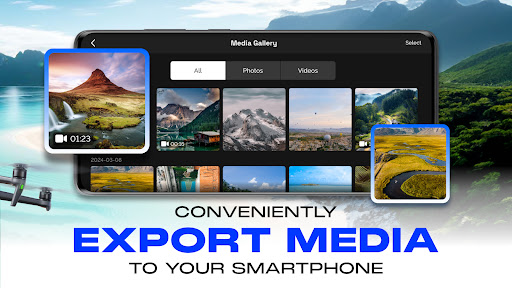
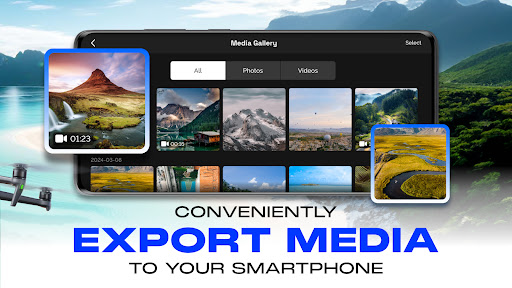
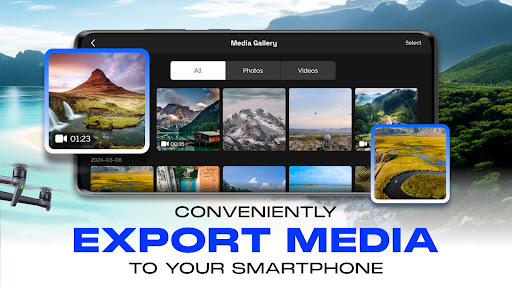
- Quick Media Export: Save high-resolution images and videos directly to your phone, simplifying sharing and post-processing workflows.
- Tutorials and Guides: Access comprehensive tutorials that help you get started quickly and optimize your UAV performance, transforming beginners into confident drone pilots.
Compatibility and Supported Models
The Go Fly Drone Remote Controller is compatible with a wide range of drone models under Android Mobile SDK 5.10, including:
- Mini 3 Pro, Mini 3
- RC Plus, RC N1, RC Pro
- Mavic 3 Series (including Mavic 3, Mavic 3 Pro, Mavic 3 Enterprise, Mavic 3M, Mavic 3T)
- Pilot 2 App, Assistant 2
- Matrice Series (Matrice 300 RTK, Matrice 350 RTK, D-RTK 2 Mobile Station)
- Zenmuse Series (H20, H30, P1, L1, L2)
- Matrice 30 Series
Why Choose the Go Fly Drone Remote Controller?
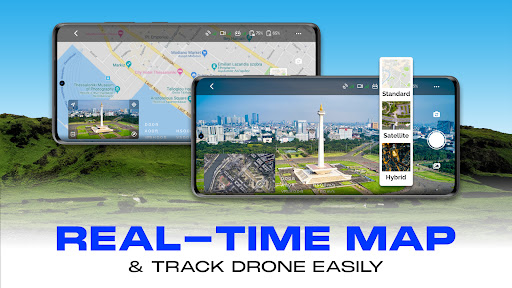
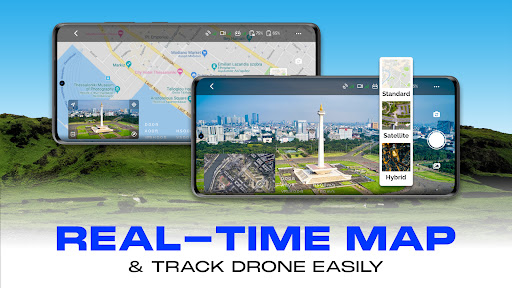
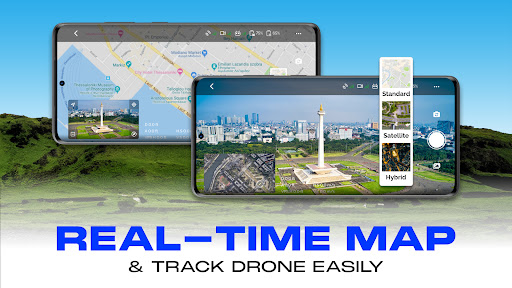
In a market flooded with drone applications, the Go Fly Drone Remote Controller distinguishes itself through its robust feature set and user-centric design. It combines essential tools such as real-time telemetry (battery, altitude, speed), customizable camera control, and seamless connectivity, all within an easy-to-navigate interface. Whether you're flying for recreation or professional aerial photography, this app is a reliable partner, simplifying complex operations and providing insightful tutorials to hone your skills.
Conclusion: Your Next-Level Drone Pilot Companion
After exploring the features and capabilities of the Go Fly Drone Remote Controller, it’s clear that this app is a game changer in the drone community. Its ability to support multiple drone models, combined with innovative features like waypoint missions, panoramic capture, and smart flight modes, makes it an indispensable tool for drone enthusiasts of all levels. Designed to maximize your UAV’s performance and streamline your flying experience, this app transforms your drone from a mere gadget into a powerful aerial tool. If you’re eager to elevate your drone flights, improve your photography, or explore autonomous flying, the Go Fly Drone Remote Controller is your ultimate flying companion. Get ready to take to the skies with confidence and precision!
Pros
- User-friendly interface suitable for all skill levels
- Compatible with a wide range of drone models
- Provides real-time flight metrics and data
- Supports offline maps for remote locations
- Allows customization of control settings
Cons
- Limited functionality in the free version
- Reports of occasional app crashes
- Consumes a high amount of battery power
- Not optimized for older devices
- Requires a subscription for access to premium features











