
Introduction to Gmail: The Ultimate Email App
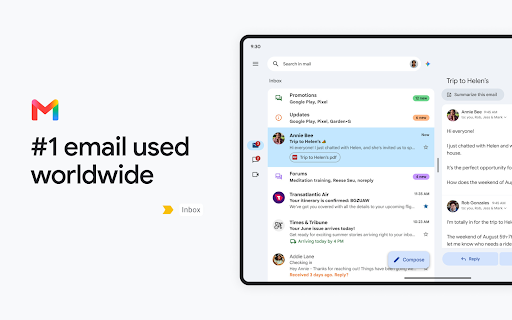
The official Gmail app offers a streamlined and secure way to manage your emails on Android devices. Designed to enhance productivity, it combines robust security features, real-time notifications, multiple account support, and a powerful search function that spans your entire mail history. Whether you're on your smartphone or tablet, Gmail's intuitive interface makes handling emails effortless.
Main Features of Gmail
The Gmail app is packed with features that make email management efficient and user-friendly. Key highlights include:
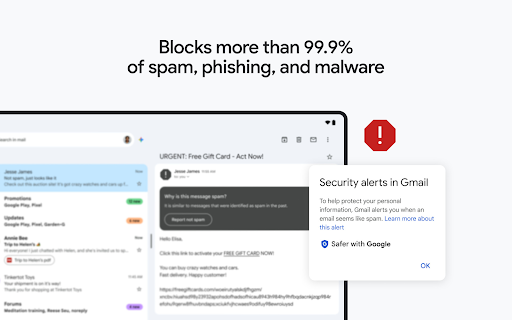
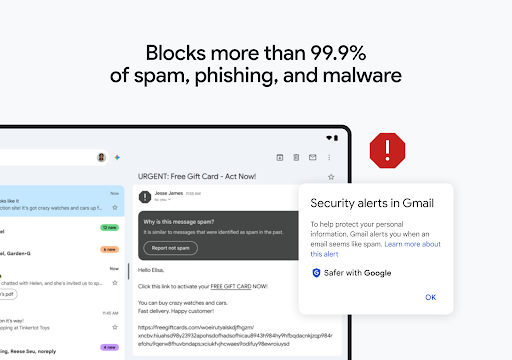
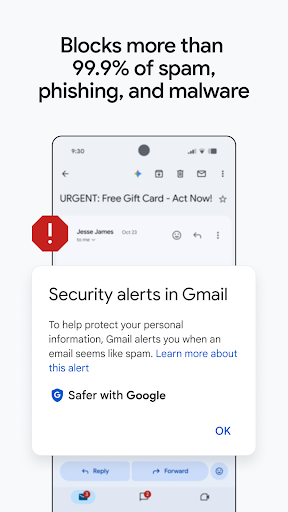
- Automatic spam filtering: Blocks over 99.9% of spam, phishing, malware, and dangerous links, keeping your inbox safe and clutter-free.
- Undo send: Cancel a message before it’s sent to avoid embarrassing mistakes.
- Google Chat integration: Connect with colleagues and friends easily through in-app chat for quick communication and collaboration.
- Spaces: Organize people, topics, and projects in dedicated spaces for group collaboration.
- Google Meet: Enjoy high-quality video calls directly within Gmail.
- Smart Reply: Respond swiftly to emails with suggested replies powered by AI.
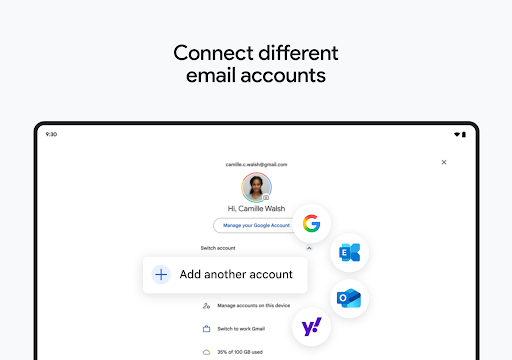
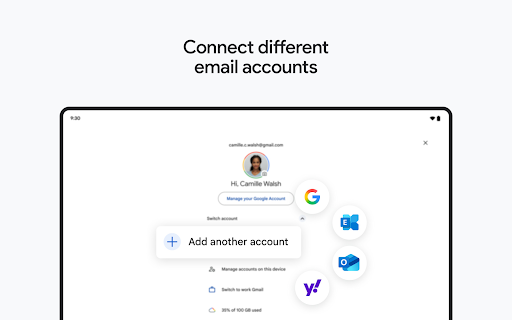
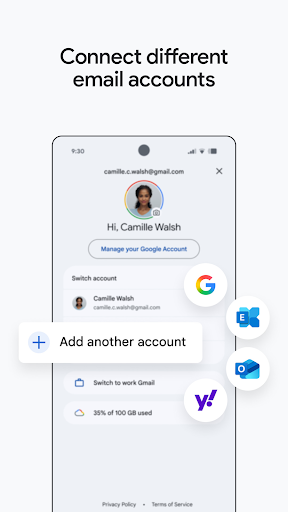
- Multiple account support: Seamlessly switch between personal and work accounts in one app.
- File sharing: Attach and share files effortlessly from your device or cloud storage.
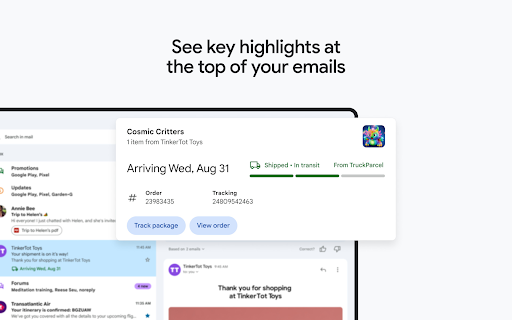
- Notification center and lock screen alerts: Stay updated instantly with customizable notifications.
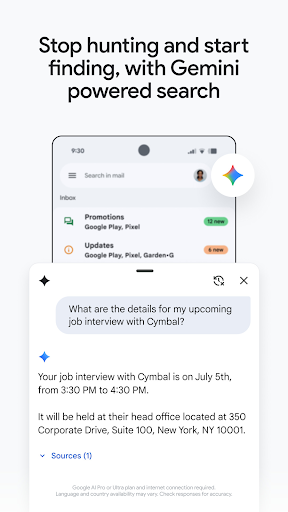
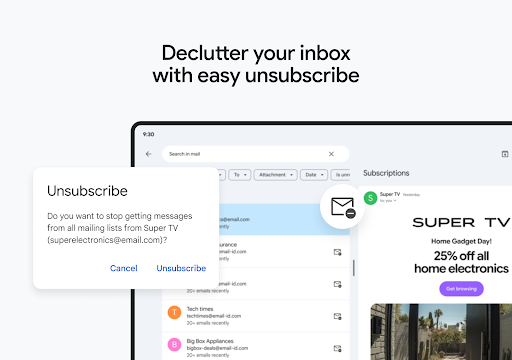
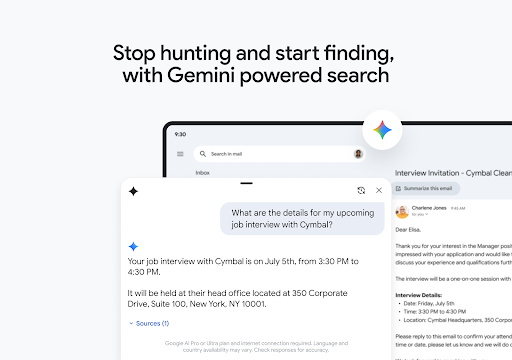
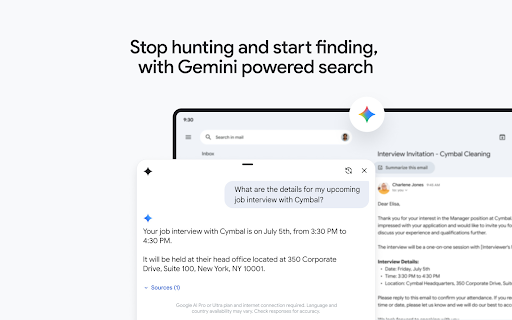
- Powerful search capabilities: Find emails quickly using instant results, predictive typing, and spelling suggestions.
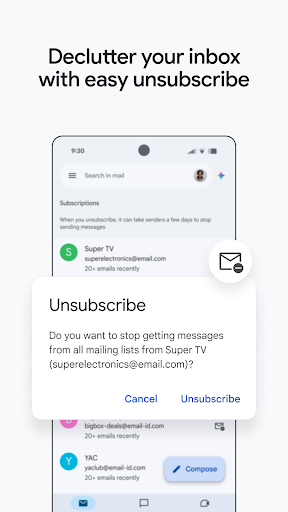
- Organizational tools: Label, star, delete, and report spam to keep your inbox tidy.
- Swipe gestures: Archive or delete emails swiftly to manage your inbox efficiently.
- Threaded conversations: Read and reply to emails in organized conversations for clarity.
- Auto-complete contacts: Easily select contacts from Google contacts or your phone as you compose emails.
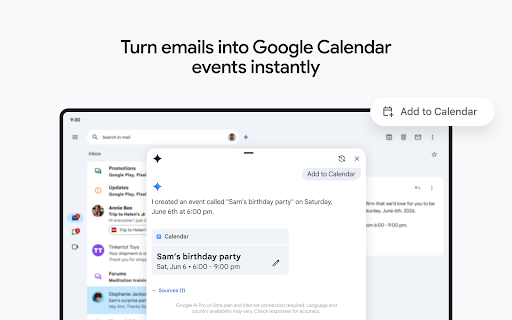
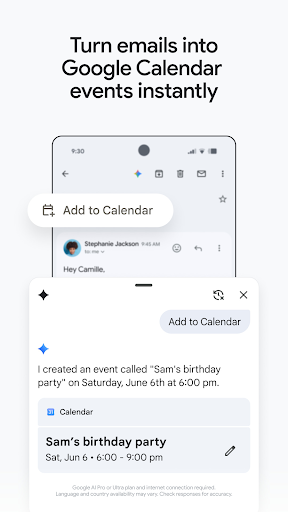
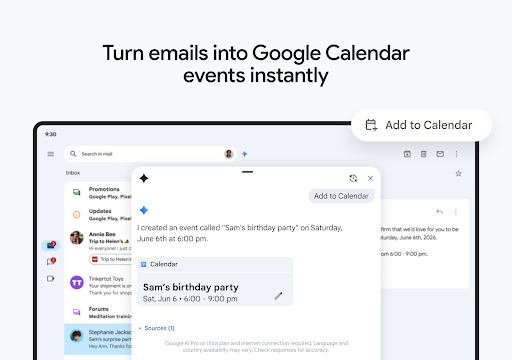
- Calendar integration: Respond to Google Calendar invites directly within the app.
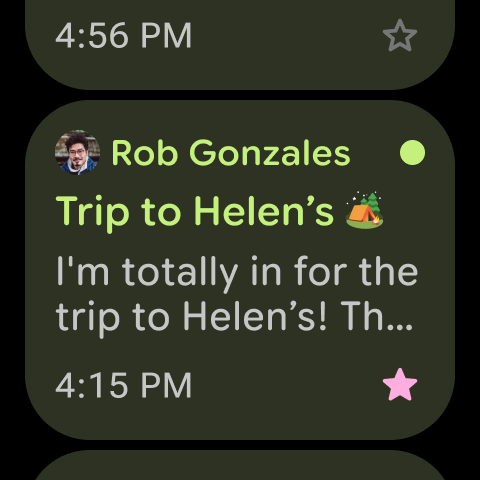
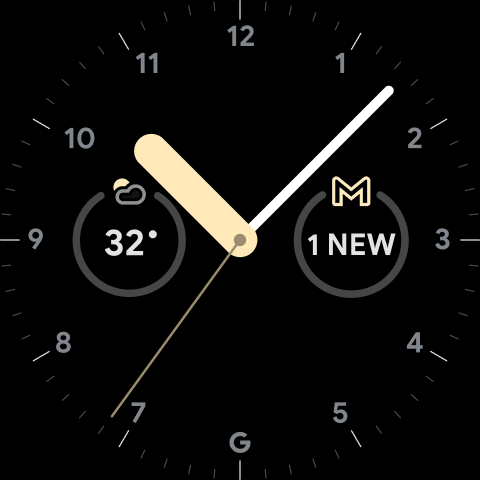
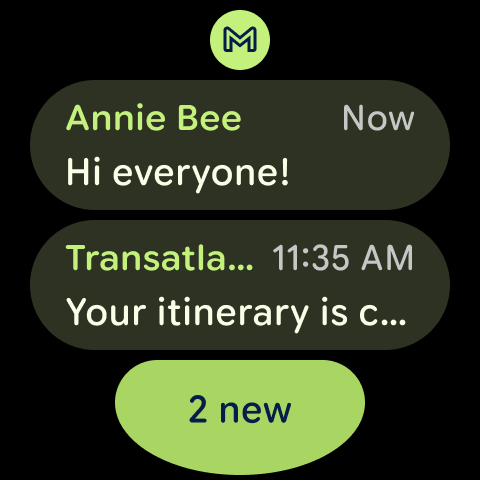
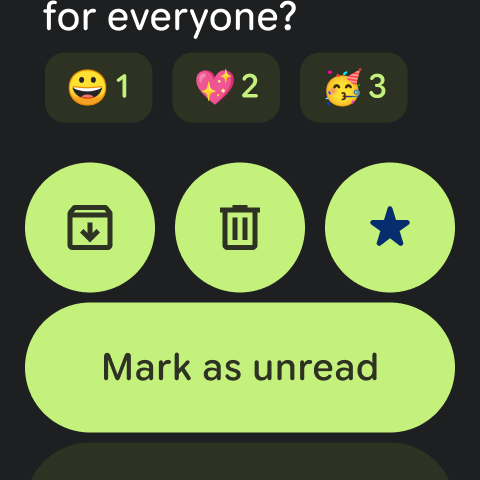
- Wear OS support: Add a Gmail complication or tile on your smartwatch for quick email overviews.
Enhanced Productivity with Google Workspace
Gmail is part of Google Workspace, which enables seamless team collaboration. Users can:
- Connect via Google Meet or Google Chat without leaving Gmail.
- Send invites through Calendar and add actions directly to task lists.
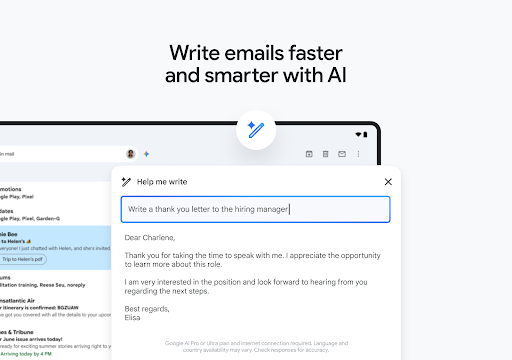
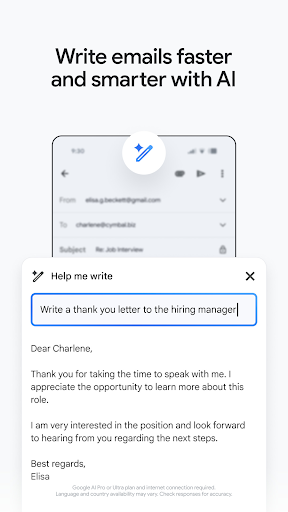
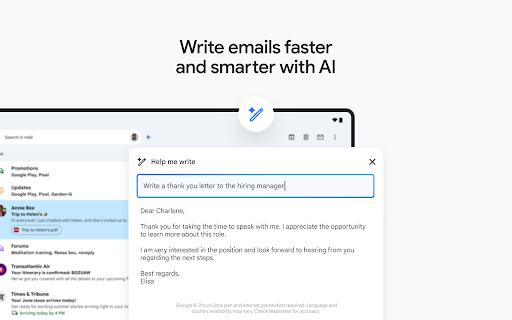
- Leverage AI-powered suggested actions such as Smart Reply, Smart Compose, grammar suggestions, and nudges, making work faster and more efficient.
- Benefit from advanced security measures that block over 99.9% of spam, phishing, and malware, ensuring your data remains protected.
User Experience and Security
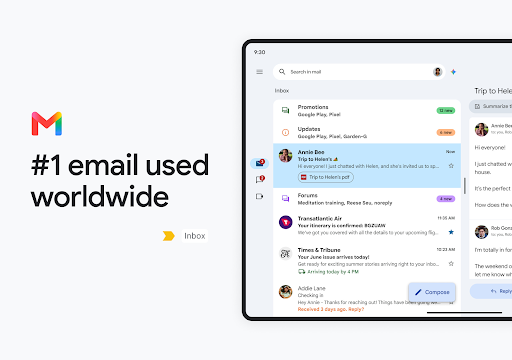
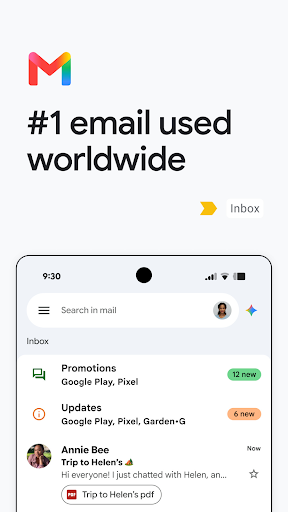
Gmail emphasizes an intuitive and sleek design that requires little to no manual to navigate. Its smart categorization automatically sorts incoming emails into Primary, Social, and Promotions tabs, allowing users to focus on what matters most. The powerful search feature enables instant retrieval of past emails by simply typing keywords, predictions, or spell check suggestions.
Security is a top priority, with features like two-step verification adding an extra layer of protection. The built-in spam filter is highly effective, minimizing unwanted emails. Additionally, users get 15 GB of free storage space, supporting extensive mail archiving without concern for capacity limitations. The offline mode allows reading and composing emails without an internet connection, with messages sent once reconnected.
Conclusion: Why Choose Gmail?
To sum up, Gmail is more than just an email app; it’s a comprehensive productivity tool that keeps your digital life organized and secure. With its user-friendly interface, robust features, and seamless integration with Google services, it is the ideal choice for both personal and professional communication. Whether managing work emails, social updates, or casual conversations, Gmail delivers a reliable and efficient experience.
If you’re seeking a smart, secure, and highly functional email app, give Gmail a try—you’ll discover how much simpler and more organized your digital communication can be.
Pros
- User-friendly interface with easy navigation.
- Seamless integration with Google services.
- Robust spam filtering capabilities.
- Offers 15GB of free storage space.
- Supports multiple accounts easily.
Cons
- Can be overwhelming with too many features.
- Occasional syncing issues with some devices.
- Limited offline capabilities.
- Ads can be intrusive for some users.
- Privacy concerns related to data usage.











