

Introducing the GIF Maker, Video to GIF Editor: Your Ultimate Creative Tool
Have you ever wished to instantly capture that perfect moment from a video and turn it into a shareable, eye-catching GIF? Look no further than the GIF Maker, Video to GIF Editor, a powerful and user-friendly app designed to help both casual users and professionals create stunning GIFs right from their mobile devices. Whether you're aiming to craft hilarious memes, memorable GIFs from videos, or animated slideshows from your photos, this app offers a comprehensive suite of features to bring your ideas to life with ease.
Seamless Conversion: Turn Videos into Memorable GIFs
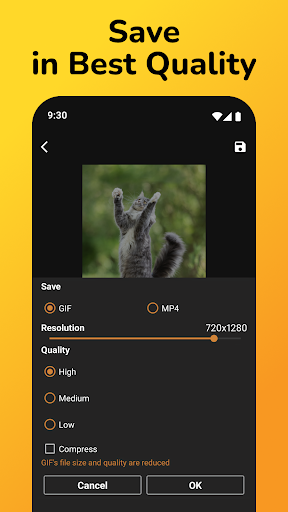
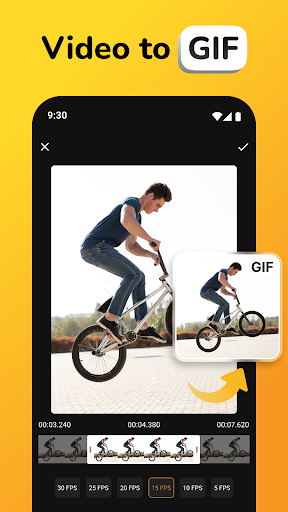
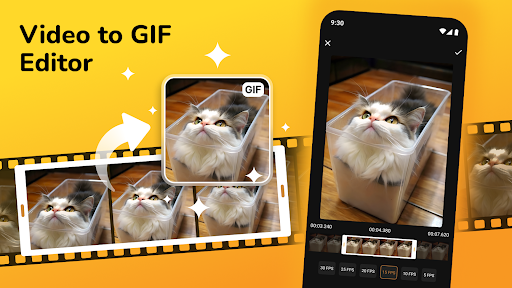
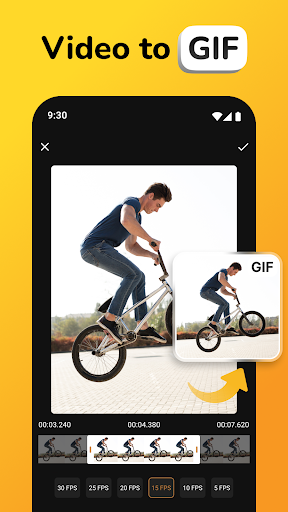
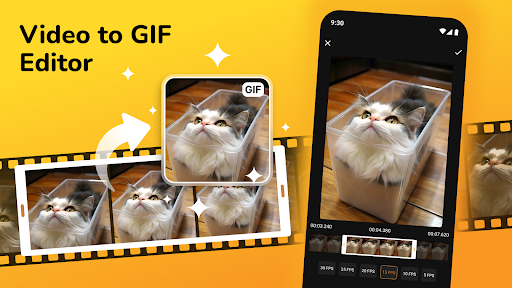
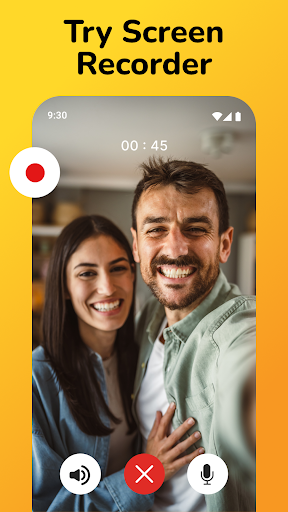
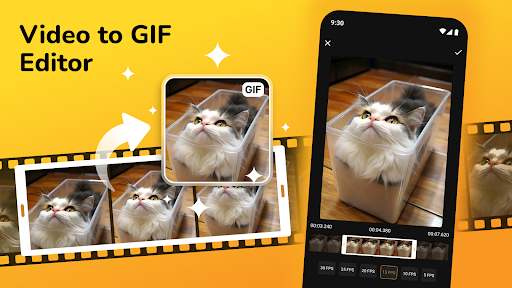
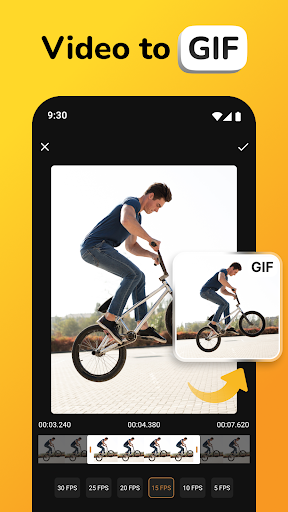
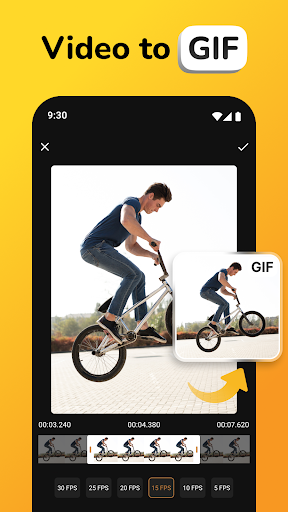
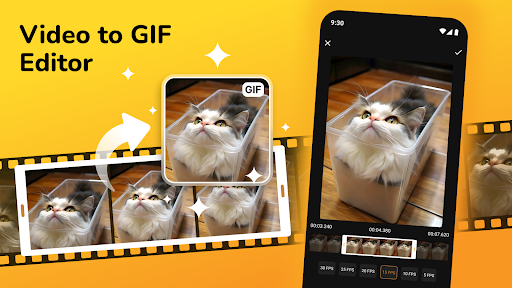
The core of this app revolves around its ability to quickly convert videos into high-quality GIFs. Simply upload your video, select your favorite segment with an intuitive trimming tool, and transform that clip into a dynamic GIF in seconds. The Video to GIF Converter feature ensures a smooth process, making it effortless even for beginners to create engaging animations. Support for a variety of video formats including MP4, AVI, and MOV means you don't need to worry about format compatibility—just upload and start creating.
Creative Customization at Your Fingertips
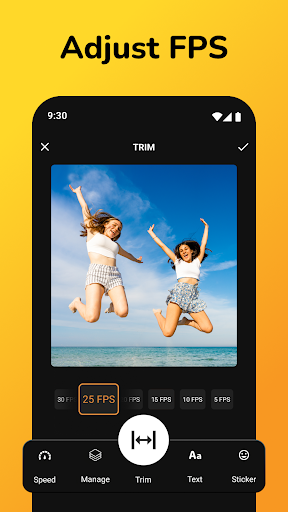
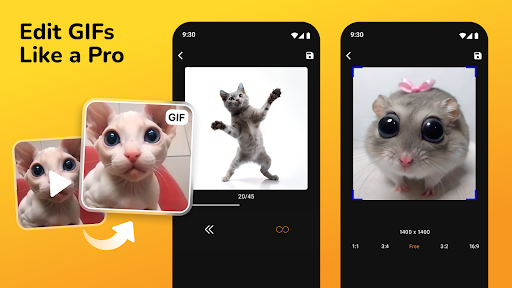
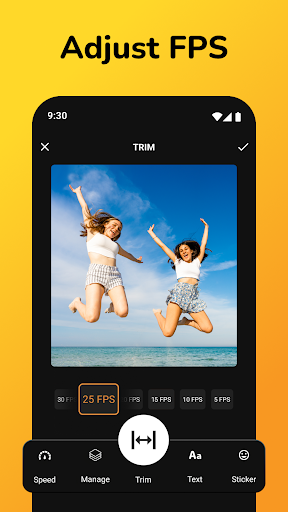
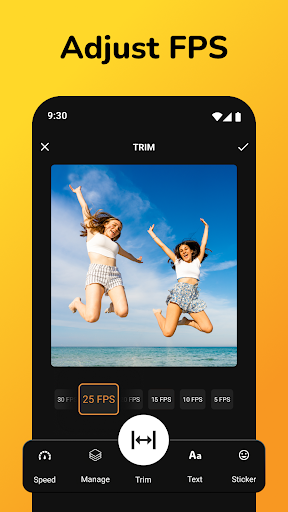
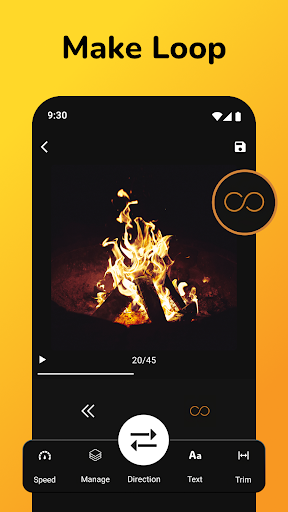
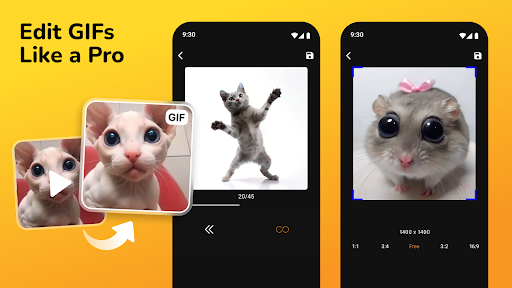
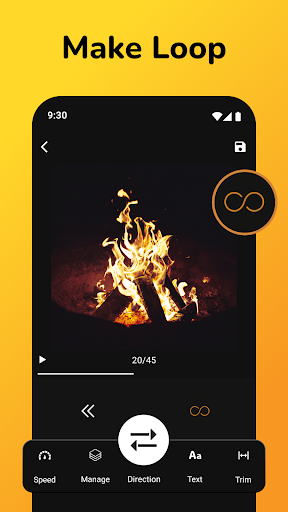
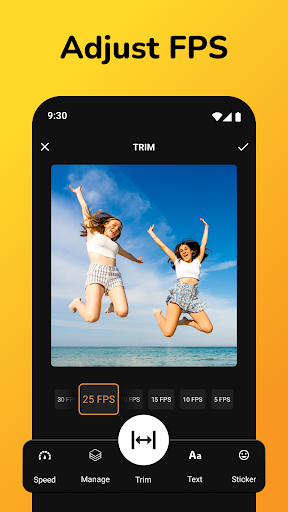
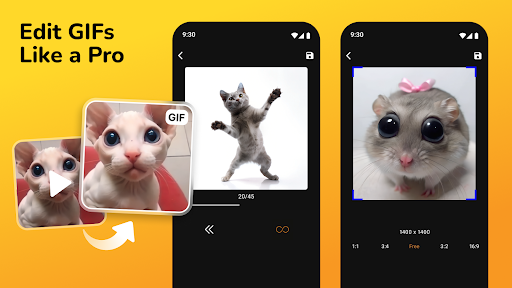
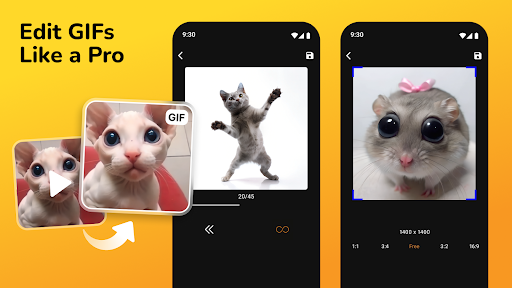
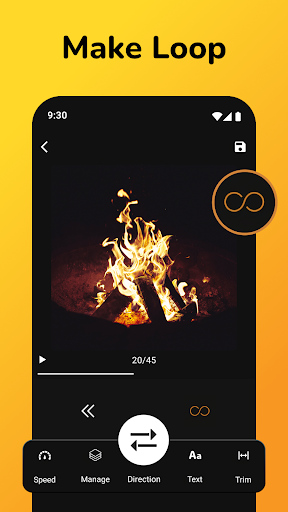
One of the standout aspects of the GIF Maker, Video to GIF Editor is its extensive customization options. You can adjust frame rates, control the playback speed, and add personalized text, stickers, or overlays to make each GIF uniquely yours. Want to add a funny caption or some quirky emojis? No problem. The app also provides editing tools to crop, trim, and apply effects, empowering you to craft the perfect animated image that captures your mood or message.
Transform Photos into Dynamic Slideshows
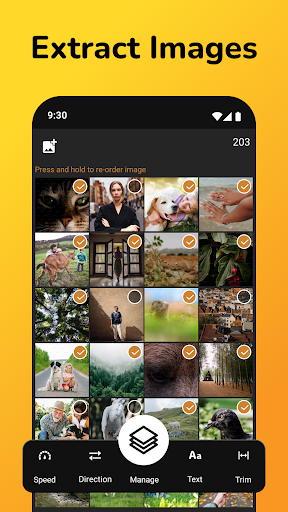
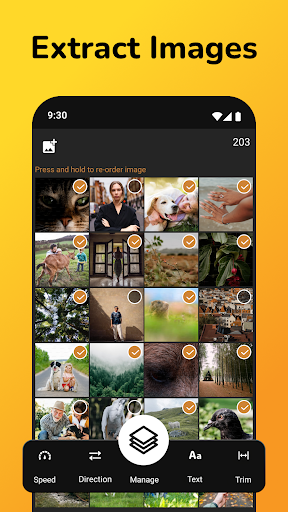
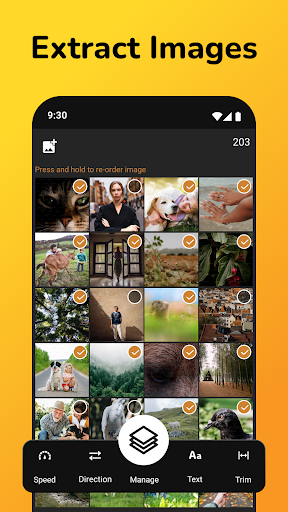
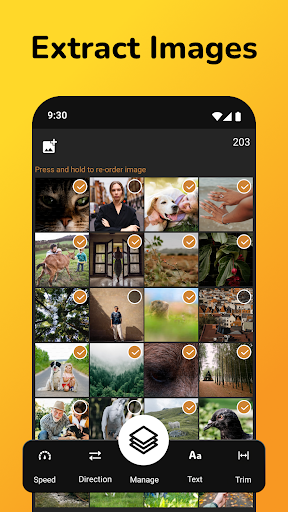
Beyond videos, this app shines in its ability to animate your favorite photos. The GIF Maker From Pictures allows you to select multiple images, arrange their order, and merge them into seamless slideshows. Enhance your visual story by adding filters, effects, and text overlays—perfect for creating memorable birthday montages, travel highlights, or fun group photos that come alive as GIFs. The Gifs Creator From Photos feature provides flexible options for combining images into captivating animations.
Easy Sharing and Saving Options
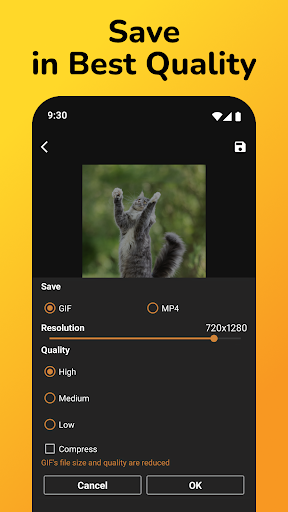
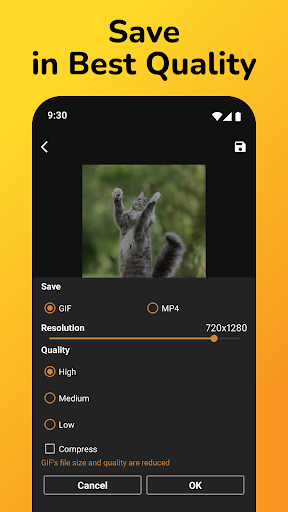
Once your GIF is ready, sharing it is as simple as a tap. The app offers direct sharing buttons to popular social media platforms like Instagram, Facebook, and Twitter, making it effortless to showcase your creativity with friends and followers. Alternatively, you can save your GIFs directly to your device’s gallery for later use or offline sharing. The smooth performance and lightweight design ensure you can create and share GIFs without overloading your device or experiencing crashes.
Why Choose the GIF Maker, Video to GIF Editor?
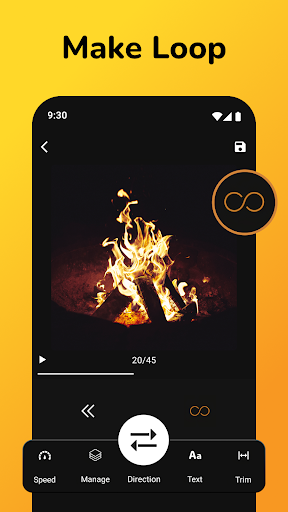
This versatile GIF creation tool caters to a wide range of needs—whether you want quick, fun animations or professionally edited GIFs. Its intuitive interface is perfect for beginners, while its advanced features appeal to seasoned editors seeking more control. The Make A GIF Editor and Make GIF Creator features give you comprehensive editing capabilities to fine-tune your animations—adjust speed, crop, add overlays, and insert custom elements effortlessly.
Start Creating Today!
If you're searching for a reliable and feature-rich GIF maker, the GIF Maker, Video to GIF Editor is the perfect app to turn your ideas into captivating animations. Whether you're capturing a funny moment, highlighting a special scene, or creating personal slideshows, this app provides all the tools you need within a simple interface. Dive into the world of animated GIFs and unlock your creativity—your next viral meme or memorable animation is just a few taps away!
Pros
- User-friendly interface for quick GIF creation
- Supports multiple video formats for conversion
- Wide range of editing tools available
- High-quality output without losing details
- Allows adding text and stickers easily
Cons
- Limited free version features
- Occasional app crashes reported
- Ads can be intrusive at times
- No option for batch processing
- Requires in-app purchases for premium features











