
Unleash Your Creativity with GIF Maker & GIF Editor
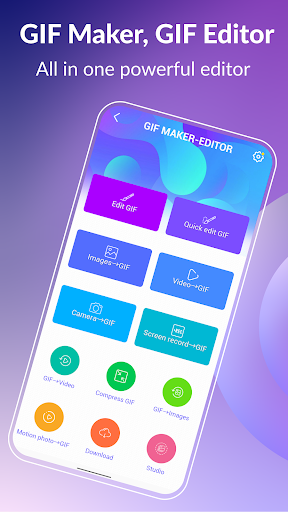
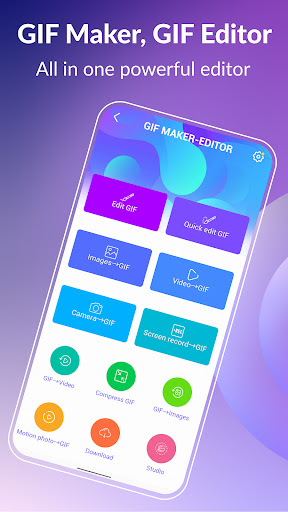
Discover the ultimate gif app designed to empower you to craft and edit high-quality animated GIFs effortlessly. The GIF Maker & GIF Editor combines a user-friendly interface with a comprehensive suite of tools that let you transform images, videos, screen recordings, and even existing GIFs into stunning animations. Whether you're a hobbyist or a professional, this versatile application supports a broad range of popular formats such as PNG, JPEG, MP4, MPEG, FLV, 3GP, and of course, GIF, giving you endless creative possibilities.
The app’s customizable environment offers options like a dark or light theme to match your mood or working style, making the creative process even more enjoyable. With support for up to 22 languages including English, Français, Español, 한국인, 中文, 日本語, and many more, it’s accessible for users worldwide.
Feature-Rich GIF Creation and Editing
Transform Memories into Stunning GIFs
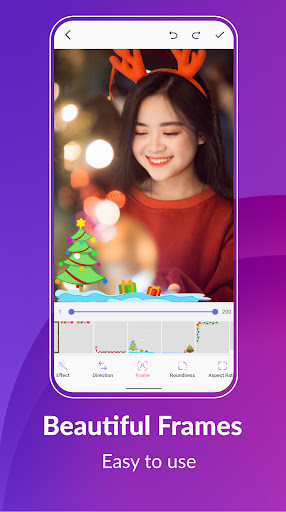
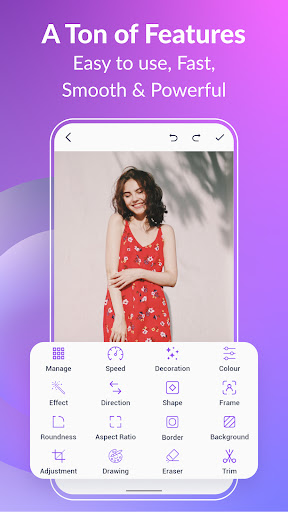
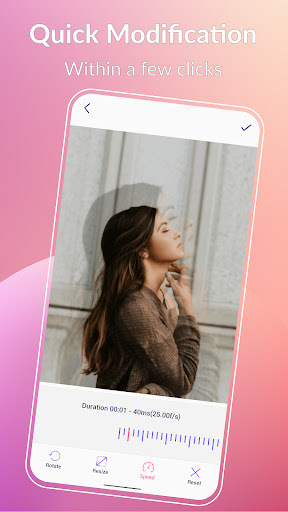
With GIF Creator & GIF Editor, turning your memories into captivating animated GIFs is straightforward. Import video clips, combine multiple images, or record your screen to generate high-quality GIFs in just a few taps. The app offers numerous editing tools, including crop, resize, speed control, stickers, filters, trim, and aspect ratio adjustment. Support for up to 400 frames and 50 frames per second ensures your animations are smooth and detailed. Once completed, you can save your creations as high-quality GIFs or videos, all without watermarks.
Optimize Your GIFs with Compression
Need to share your GIFs more easily? The GIF compressor feature makes it simple to reduce file sizes while maintaining quality. Choose from multiple quality settings to find the perfect balance for quick sharing across platforms.
Convert GIFs to Videos & Vice Versa
Convert your GIFs into videos with just three clicks, preserving resolution and quality for seamless playback. This makes editing and sharing even more flexible and efficient.
Customize Backgrounds & Enhance Effects
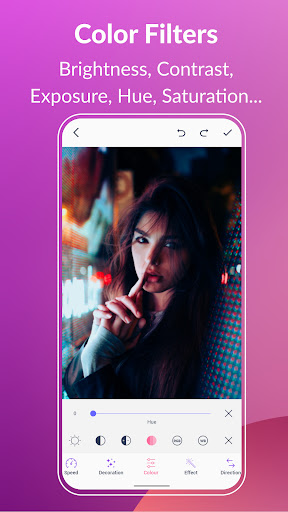
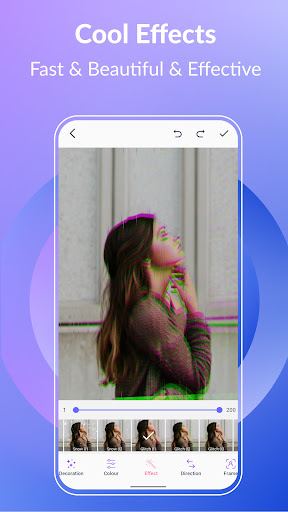
Make your GIFs stand out with various background options, including transparent, black, white, solid colors, gradients, and blur effects. Add flair with cool effects like 1977, Amaro, Hefe, Glitches, VHS, and more, along with color filters to adjust brightness, contrast, hue, and saturation.
Text Labels, Stickers, and Emojis
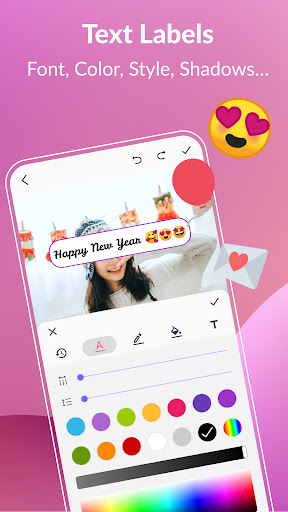
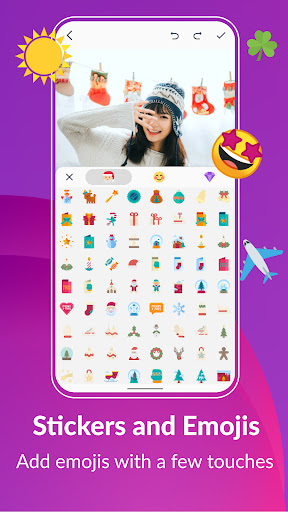
Enhance your GIFs with personalized text labels, choosing from a variety of fonts, colors, shadows, and backgrounds. Add fun with a collection of stickers and emojis, adjusting their appearance and timing to perfect your message or joke.
Manage and Share Your GIF Collection
Keep your GIFs organized and easily accessible with the app’s collection management feature. Extract individual frames for further editing or use the sharing options to post your animations directly to popular platforms like WhatsApp, Facebook, Twitter, Instagram, Giphy, Tiktok, and others. Show off your creative skills and reach a wider audience effortlessly.
Personal Experience and Creative Possibilities
If you're someone who loves GIFs as much as I do, you'll find GIF Maker & GIF Editor captivating. The onboarding process is seamless, with an intuitive interface that feels welcoming and easy to navigate. Creating GIFs from videos or images is simple yet powerful — I experimented with a funny clip of my dog, adjusting its speed and adding filters to enhance the humor. Similarly, stitching multiple photos into a GIF was quick and produced impressive results.
Editing features cater to all skill levels, allowing you to trim, resize, add stickers, and apply effects effortlessly. The ability to make quick modifications or detailed adjustments makes this app perfect for both casual users and serious creators. Once your GIFs are ready, sharing options are integrated directly within the app, so you can post your creations instantly on various social media channels or save them in high quality for future use.
In conclusion, GIF Maker & GIF Editor is an essential tool for anyone passionate about animated GIFs. Its creative toolkit empowers you to produce eye-catching animations, experiment with effects, and share your masterpieces with ease. Whether you want to create funny memes, highlight moments from videos, or craft artistic animations, this app offers everything you need to bring your ideas to life. Dive into the world of GIF creation and see how far your creativity can go!
Pros
- User-friendly interface for quick edits
- Wide variety of editing tools available
- Supports multiple file formats for import
- Fast processing and export times
- Allows adding text and stickers to GIFs
Cons
- Limited advanced editing features
- Occasional app crashes reported
- Ads can be intrusive
- Watermark on free version exports
- Some features require in-app purchases











