
Discover the Magic of GIF Maker, GIF Editor Pro
Are you passionate about creating eye-catching animated GIFs but overwhelmed by complex software? Look no further! GIF Maker, GIF Editor Pro is the ultimate all-in-one GIF app designed to unleash your creativity effortlessly. Whether you're a social media fanatic, a content creator, or simply love adding flair to your messages, this powerful application transforms your ideas into stunning animations with ease and precision.
Intuitive Interface for Seamless GIF Creation
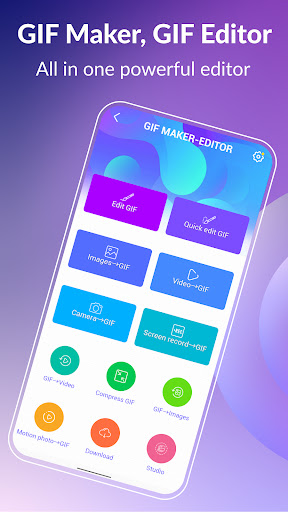
Right from the start, GIF Maker & GIF Editor Pro welcomes you with a sleek, user-friendly interface that makes navigation simple—even for those new to GIF editing. The clean design ensures that all tools are accessible and organized, guiding you step-by-step through the process of making incredible GIFs. Whether you're transforming photos, videos, screen recordings, or existing GIFs, the app’s intuitive layout helps you dive right into your creative projects without any technical hassle.
Versatile Features to Bring Your Ideas to Life
Support for Multiple Formats and High-Quality Output
GIF Maker & GIF Editor Pro supports a broad range of popular image and video formats including PNG, JPEG, MP4, MPEG, FLV, 3GP, and GIF. It allows you to create animated GIFs supporting up to 600 frames at 720x1280 (HD) pixels. Best of all, your creations are generated without watermarks, ensuring a professional finish every time.
Customization and Editing Tools
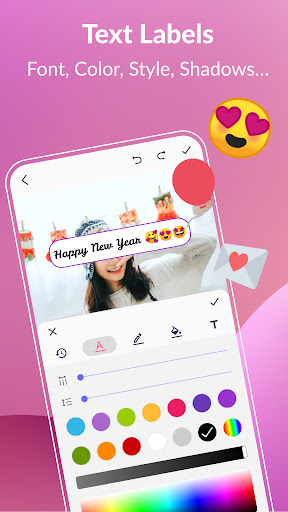
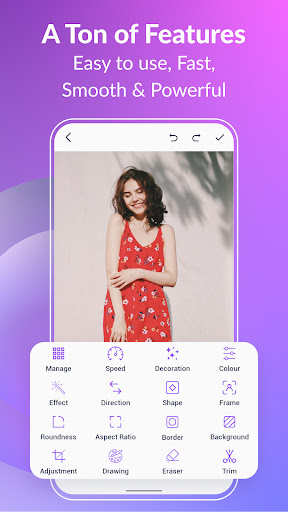
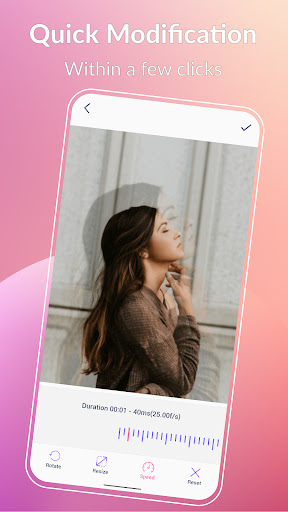
Personalize your GIFs with a suite of editing options such as crop, resize, adjust speed, add emojis, filters, stickers, modify aspect ratio, roundness, and more. These tools enable you to craft GIFs that perfectly match your unique style. You can also add captivating text labels with customizable fonts, colors, shadows, and timing to make your messages stand out. Need to make quick edits? The quick edit feature allows resizing and speed adjustments within seconds.
Background Customization and Effects
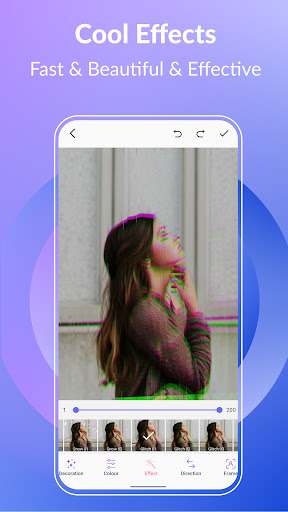
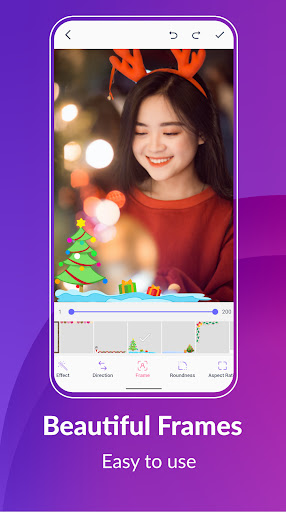
Make your GIFs truly eye-catching by customizing backgrounds using transparent, solid colors, gradients, blur effects, or solid hues. Enhance your animations with trendy effects like vintage VHS, glitch, or early bird filters, and frame your creations with beautiful borders or picture frames to add a professional touch.
Color Adjustments and Filters
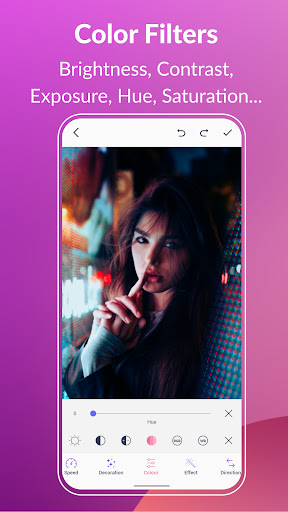
Bring your GIFs to life with vibrant color filters. Adjust brightness, contrast, hue, saturation, white balance, and exposure settings to achieve the perfect mood and tone. This flexibility ensures every GIF you produce looks stunning and visually cohesive.
Add Text, Stickers, and Emojis
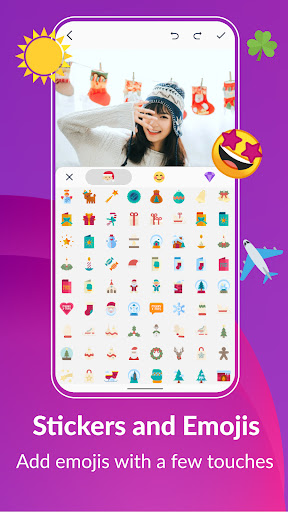
Incorporate fun and expressive elements effortlessly. The app provides a wide range of stickers and emojis, plus stylish text labels, which you can customize in style, size, and timing. This feature is perfect for creating memorable memes or adding humorous messages to your animations.
Manage and Share Your GIF Collection
Easily organize your GIFs within the app. Extract individual frames from any GIF in just three clicks or share your creations directly via popular platforms like WhatsApp, Facebook, Twitter, TikTok, Giphy, and more. With support for multiple languages including English, Français, Español, 中文, 日本語, and others, the app caters to a global audience for collaborative and social sharing.
Optimize and Convert GIFs
Want to make your GIFs smaller for faster sharing? Use the built-in GIF compressor to balance quality and file size. Also, effortlessly convert GIFs into videos with seamless quality, giving you more versatility for your multimedia projects.
Why Choose GIF Maker, GIF Editor Pro?
This GIF creation and editing app stands out because of its comprehensive feature set, ease of use, and support for high-quality output without watermarks. Whether you’re crafting memorable moments, designing engaging content for social media, or just having fun creating animated memes, GIF Maker & GIF Editor Pro equips you with everything you need. Plus, with support for up to 22 languages, users worldwide can enjoy a smooth, localized experience tailored to their language preference.
Get started today and elevate your digital storytelling with GIF Maker & GIF Editor Pro. It’s the perfect tool to ignite your creativity, craft stunning GIFs, and showcase your unique style to the world!
Pros
- User-friendly interface suitable for beginners
- Supports various image formats
- Quick processing times
- Produces high-quality GIF outputs
- Offers a range of editing tools
Cons
- Lacks advanced editing features
- Sometimes crashes unexpectedly
- Contains advertisements in the free version
- Full features require in-app purchases
- High-quality GIFs result in large file sizes











