



Gallery - Photo Album: Your Ultimate Offline Photo and Video Management Tool
Discover the Gallery - Photo Album, a powerful offline app designed to simplify the way you manage, edit, and secure your photos and videos. This user-friendly application offers a comprehensive suite of features that cater to everyone—from casual users to photography enthusiasts. With its sleek interface and robust capabilities, it transforms your device into an organized media hub.
Intuitive Photo and Video Organization
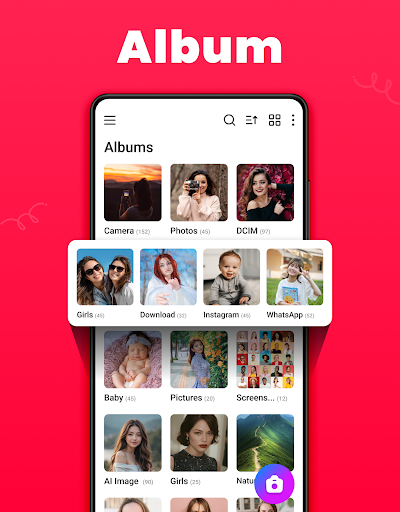
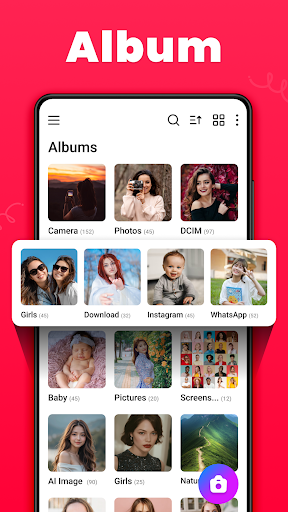
The Gallery - Photo Album automatically sorts your media by • path, date, and location, making it effortless to locate your favorite memories. Whether you want to revisit a summer trip or find a specific picture from years ago, this app's smart organization system is your go-to solution. Additionally, it enables you to create and manage • albums, providing a personalized way to categorize your media collection.
Enhanced Photo Editing and Customization
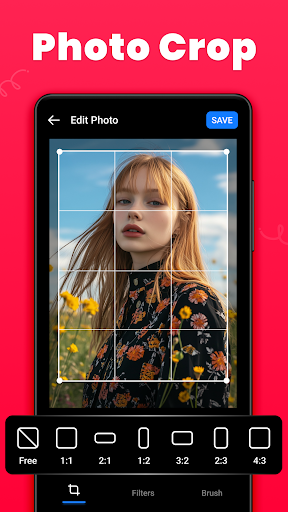
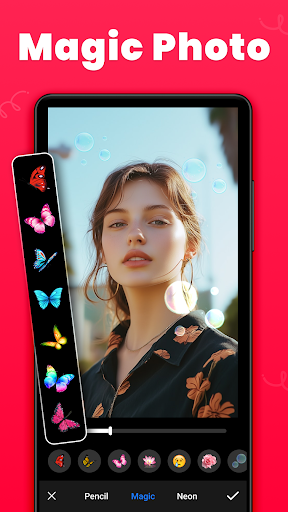
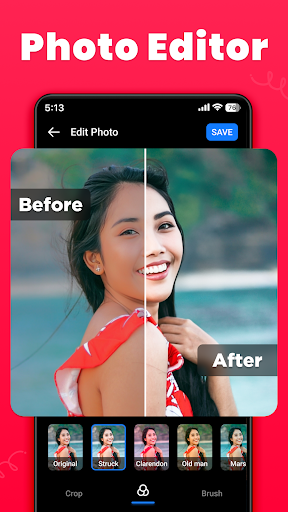
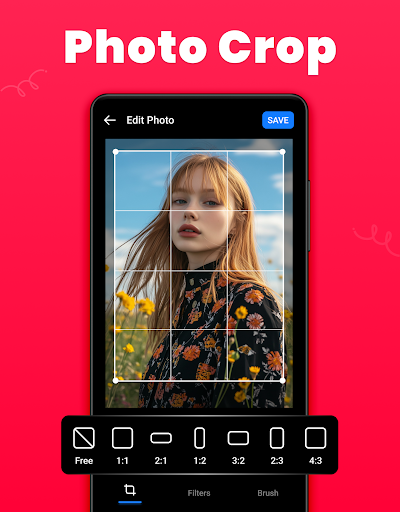
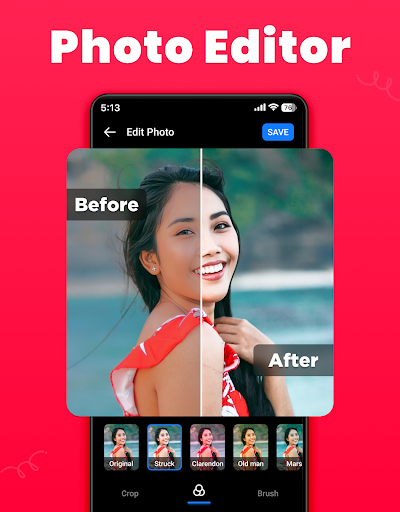
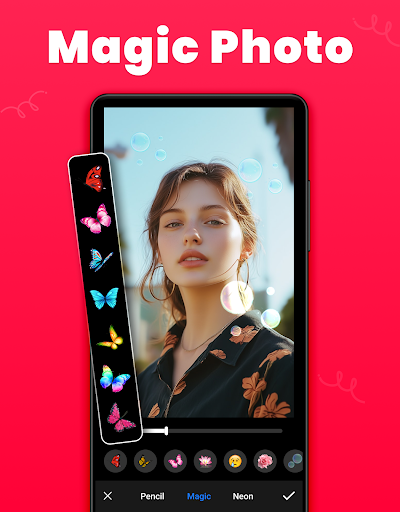
The built-in photo editor offers handy tools such as crop, filter, and brush to refine your images. Want to crop a photo to perfect framing or add artistic effects? You can do all this within the app without switching to another tool. The editor allows you to improve colors, apply various effects, and even decorate photos with stickers, ensuring every picture looks just right before sharing or saving.
Secure and Private Media with Gallery Lock
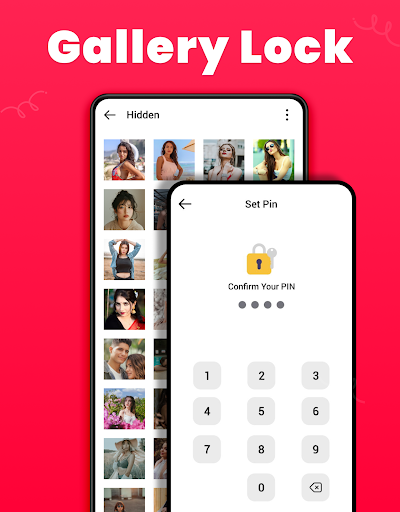
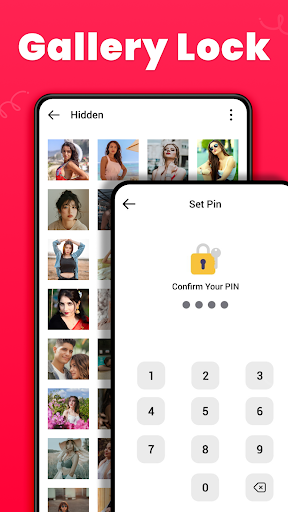
Privacy is a top priority, and the Gallery Lock feature offers a • vault to safeguard your sensitive photos and videos. Protect your private moments with a PIN, password, or biometric lock. This secured compartment keeps prying eyes away from your most personal media, ensuring your memories stay private. To fully utilize features like file encryption and management on Android 11 devices, you’ll need to enable • All Files Access permission, including • MANAGE_EXTERNAL_STORAGE rights.
Easy Media Recovery and Backup
Accidentally deleted a precious photo or video? No worries. The app includes a Recycle Bin where deleted media is temporarily stored, allowing you to recover items easily. You can also permanently delete files directly from this space. This feature helps you keep your memories safe and prevents accidental data loss, giving you peace of mind.
Seamless Sharing and Downloading
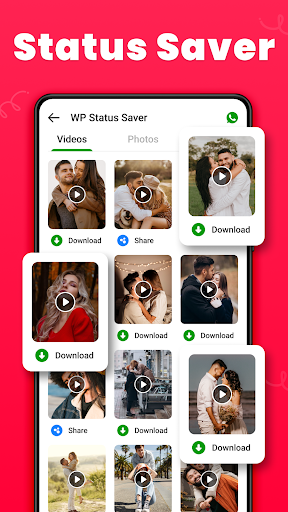
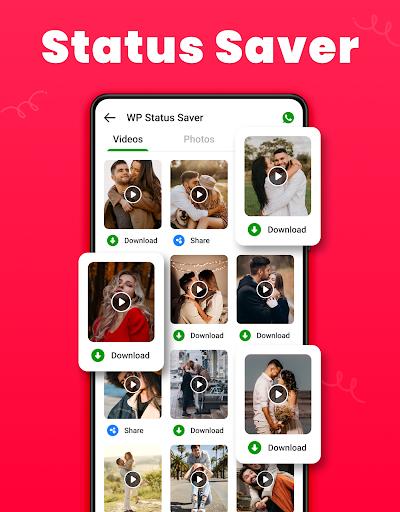
Sharing your favorite moments is straightforward with options to share directly to social media platforms, messaging apps, or via email. The app intelligently compresses photos to maintain quality while ensuring quick uploads. You can also download WA statuses—your WhatsApp status photos or videos—with just a single click, making it easy to save and reuse media from your chat app.
Offline Operation and Lightweight Design
Enjoy the convenience of managing your media offline, without the need for an internet connection. The Gallery - Photo Album is optimized to be small in size, ensuring it does not consume much storage space. Its modern and lightweight design guarantees a fast and responsive experience, whether you’re browsing, editing, or organizing your media.
Additional Features for a Complete Media Experience
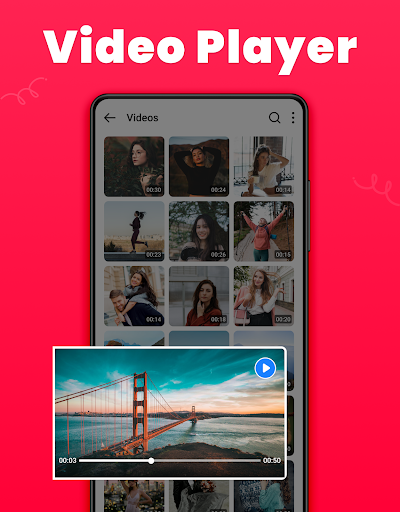
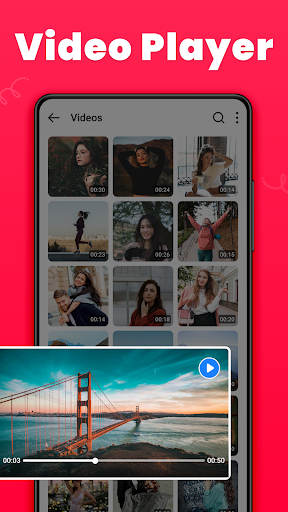
This app also allows you to set wallpapers, create favorite lists for quick access, and switch between light and dark modes. With options to view media as a list or grid, and sort albums by name, date, or path, it offers a highly customizable environment for every user’s needs. Plus, the app supports HD video playback and offers a modern interface that’s both attractive and easy to navigate.
Conclusion: Your Complete Photo & Video Organizer
In summary, Gallery - Photo Album is more than just a photo viewer. It’s a comprehensive tool that empowers you to organize, edit, secure, and share your media effortlessly. Whether you want a reliable offline gallery, protective password vault, or quick editing tools, this app covers all bases. Its clean design and robust features make it a must-have for those who cherish their digital memories. Download it today and enjoy a seamless media management experience that keeps your memories safe, beautiful, and easily accessible.
Pros
- User-friendly and straightforward interface.
- Supports a broad variety of image formats.
- Quick loading times for photos and videos.
- Provides secure cloud backup options.
- Comprehensive editing tools available.
Cons
- Includes advertisements in the free version.
- Access to premium features requires a subscription.
- Limited free cloud storage capacity.
- Occasional application crashes.
- Needs frequent updates.











