




Gallery - Photos & Videos: The Ultimate Photo Management Tool
Are you tired of endlessly scrolling through your device, trying to find that memorable photo or video, only to give up in frustration? Discover the convenience and efficiency of Gallery - Photos & Videos, a fast, secure, and smart gallery application designed to revolutionize your media management experience. Whether you're an avid photographer, social media enthusiast, or someone who simply wants to keep their memories organized, this lightweight yet feature-rich photo gallery app is your perfect companion.
Streamlined Organization for Your Precious Memories
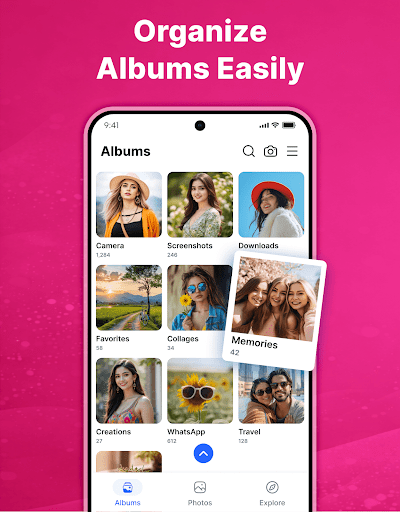
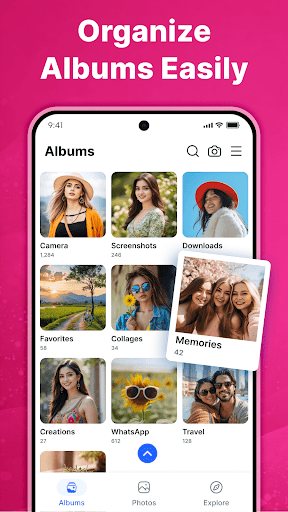
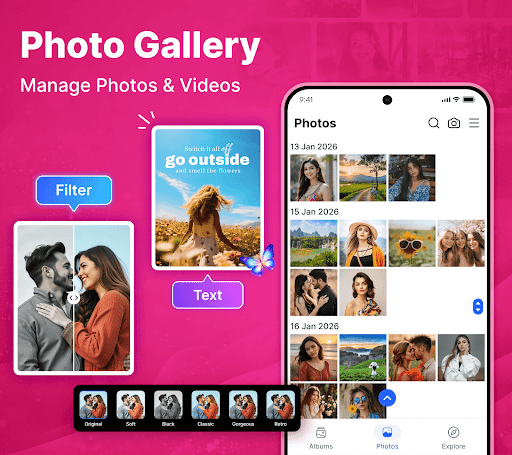
When you first open Gallery - Photos & Videos, you'll notice its clean and intuitive interface, which encourages easy navigation and quick access to your media. The app automatically categorizes your photos and videos into albums based on various criteria like location, people, and events. This intelligent tagging and sorting powered by advanced AI technology make it a breeze to find exactly what you're searching for. Whether it's a collection from a recent trip or a series of adorable pet videos, each media piece has its dedicated place in your organized library.
Powerful Features That Enhance Your Media Experience
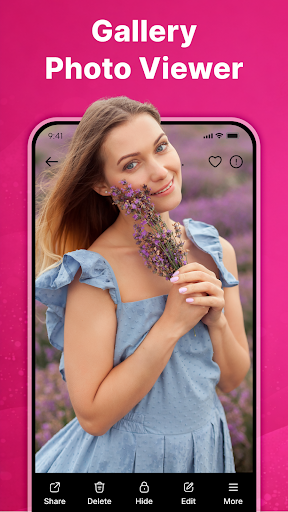
Photo and Video Viewing
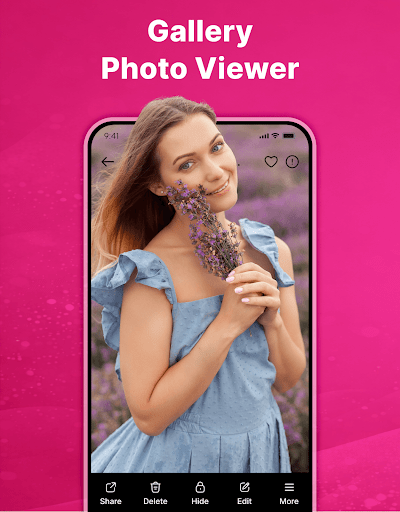
Enjoy smooth video playback and seamless browsing through all your media assets. The app supports all types of image and video formats, ensuring compatibility with your entire collection.
Secure Privacy and Data Protection
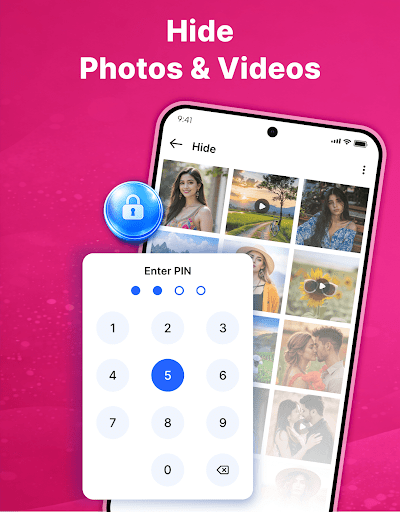
Protect your most sensitive memories with the Gallery Lock feature, which allows you to hide private photos and videos in a secure vault. Lock your files with a PIN or fingerprint, keeping prying eyes away. The app emphasizes data security, especially on Android 11 and above, through file encryption and manage external storage permissions.
Editing and Creative Tools
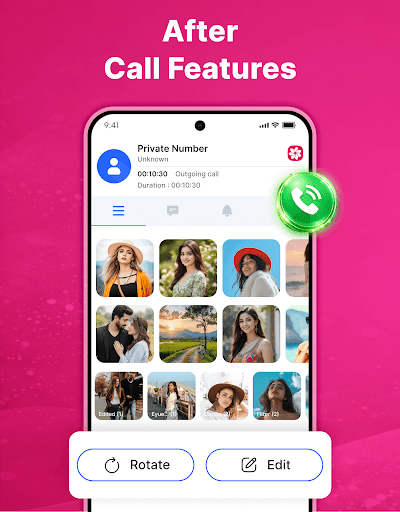
Enhance your photos with integrated editing tools that include various filters, cropping options, and even adding emojis. Want to create a memorable slideshow? The app lets you compile your images and videos, add music, and share nostalgic moments effortlessly.
Efficient Media Management
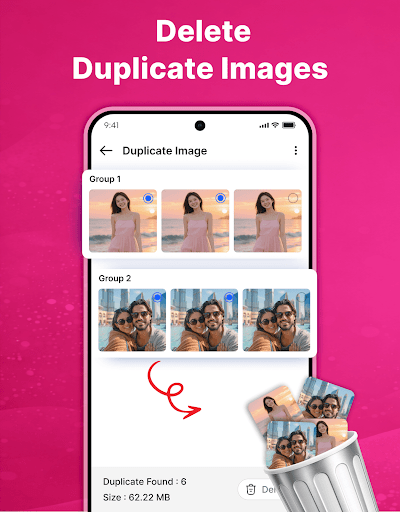
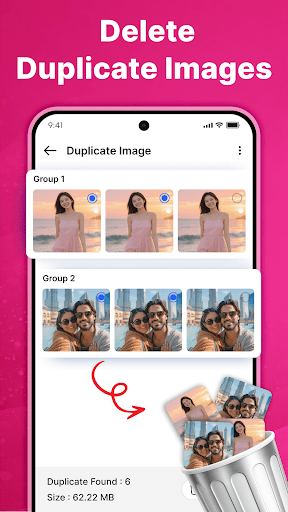
Remove duplicate media files to free up storage space and keep your gallery uncluttered. Easily rename, delete, or share media directly from the app. The Explore feature automatically categorizes content into relevant groups, simplifying browsing and discovery. Also, you can restore accidentally deleted files from the Trash.
Offline Access and Sharing
Access your entire collection offline without an internet connection, ensuring your memories are always within reach. Share your favorite photos and videos directly to social media platforms or messaging apps, making sharing moments quick and hassle-free.
Additional Customization and Unique Features
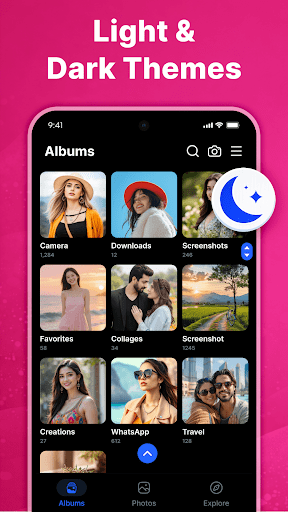
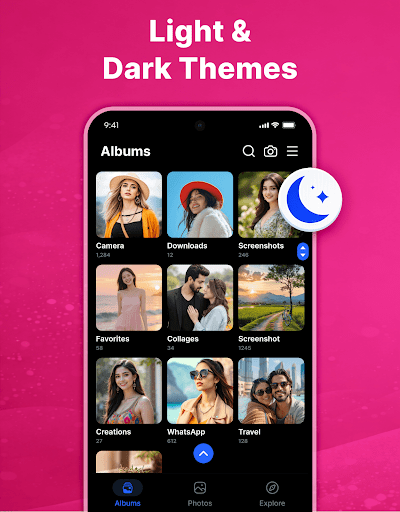
Set the theme of the app to light or dark based on your mood or preference. Create personalized albums to organize your media systematically and efficiently. The search function allows you to quickly locate photos or videos by keywords or categories, saving you time and effort.
Why Choose Gallery - Photos & Videos?
This application stands out because of its lightweight nature and swift performance, supporting all popular media formats. It simplifies your media management, allowing you to relive your treasured memories instantly. Its smart features, such as AI tagging and categorization, ensure your galleries are always organized and easy to navigate. Privacy and security are paramount with secure vaults to hide sensitive files, combined with an easy-to-use interface that caters to users of all levels. Whether you're editing photos, organizing albums, or sharing moments, this app offers a comprehensive suite of tools to enhance your digital photo experience.
Start Managing Your Photos & Videos Today
Download Gallery - Photos & Videos now and experience a new level of control over your media collection. If you find this app useful, support us by leaving a ⭐⭐⭐⭐⭐ review. Say goodbye to cluttered folders and lost memories—your perfect photo management solution is just a tap away!
Pros
- User-friendly interface
- Fast photo loading
- Seamless cloud synchronization
- Range of editing tools
- Simple photo organization
Cons
- Limited free storage capacity
- Occasional advertisements
- Lacks advanced editing features
- Requires internet connection for cloud synchronization
- Drains battery during extended usage











