

Gallery - Photo Gallery & Album: Your Ultimate Photo Management Solution
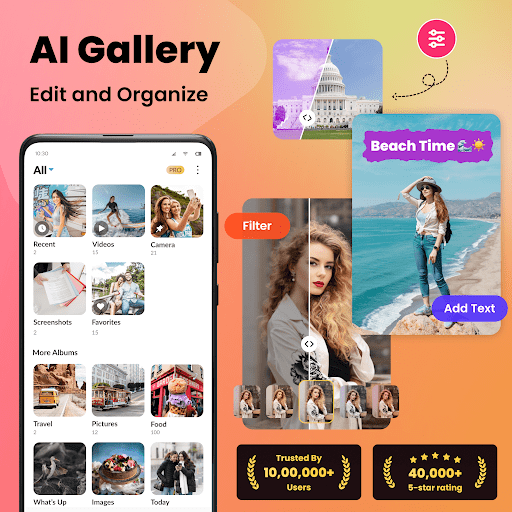
If you're searching for a comprehensive and easy-to-use photo gallery app to organize, manage, and secure your photos and videos on Android, look no further than Gallery - Photo Gallery & Album. This versatile media organizer combines powerful features with intuitive design, making it perfect for both casual users and photo enthusiasts alike.
Designed to keep your memories safe and accessible, this photos app offers an organized approach to photo management. Whether you want to browse your collection smoothly or protect sensitive media, this app has you covered with features like automatic categorization, powerful search, and security options.
Key Features of the Gallery - Photo Gallery & Album App
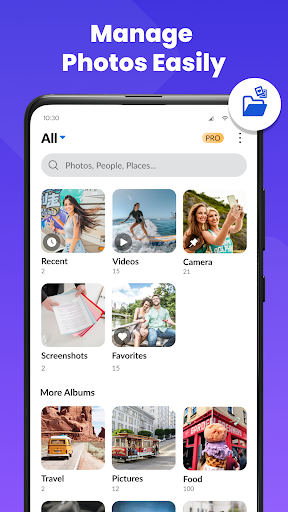
Organize Your Photos, Videos & Albums
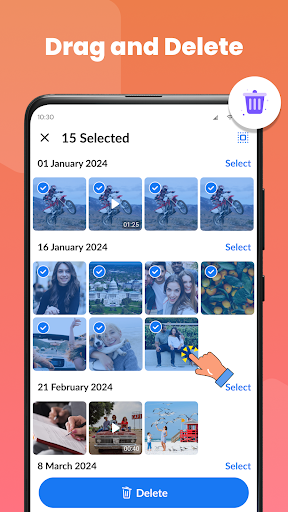
The app automatically arranges your media by •date, •location, and •folders. This ensures your memories are always at your fingertips, allowing quick browsing and efficient filtering. Managing photos across multiple SD cards becomes effortless within the app, providing a seamless experience. Additionally, through the recycle bin, you can retrieve deleted photos and videos, keeping your albums tidy and organized.
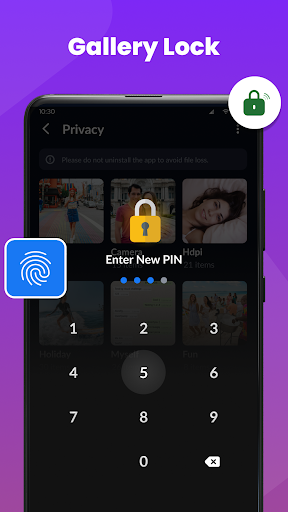
Secure Your Media
Privacy is a top priority. Gallery - Photo Gallery & Album allows you to protect your private media with a PIN, password, or fingerprint. You can create password-protected folders to hide sensitive photos and videos, ensuring your private moments stay confidential. For added security, the app supports setting up a security question for password recovery, so you don’t lose access to your protected content.
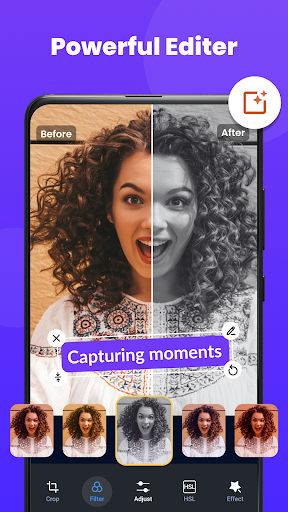
Edit Photos & Videos Easily
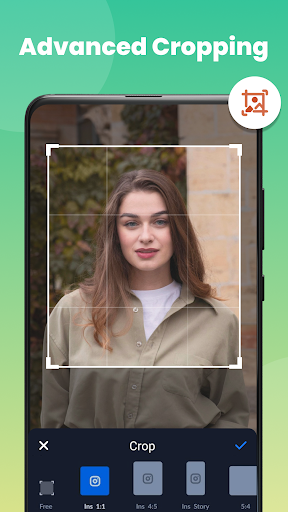
Within the app, you can enhance your photos with the integrated photo editor. Crop, rotate, resize, and apply filters to give your images a professional touch. Personalize your photos further by adding text overlays or creative effects, all without leaving the app.
Effortless Media Management
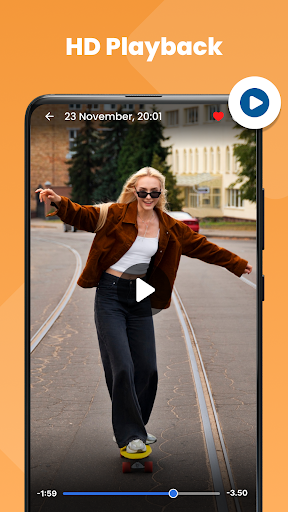
Enjoy smooth HD video playback inside the gallery with its built-in media player. Rename, delete, share, and edit media files conveniently, maintaining a well-organized collection. The app offers multiple view options, including grid or list format, with sorting features based on name, date, size, and more.
Smart and Advanced Features
Optimize your device storage by detecting and removing •similar photos. Manage large videos and screenshots efficiently. Create photo slideshows with customizable intervals to relive your favorite memories. The app operates without requiring internet access, ensuring complete privacy for your media.
Additional Functionalities and User Experience
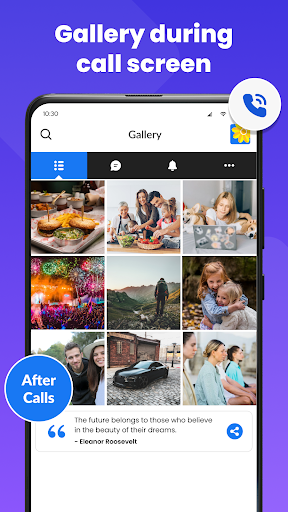
The interface of Gallery - Photo Gallery is sleek, modern, and user-friendly, making navigation a breeze even for beginners. The app automatically categorizes your media, which means you spend less time sorting and more time enjoying your photos. Its powerful search functionality allows you to find specific images simply by entering keywords, saving you hours of scrolling.
Supported formats extend beyond JPEGs and PNGs, accommodating a wide range of media types. Quick editing tools enable you to crop, rotate, and apply filters without compromising image quality. This means your memories remain crisp and clear, ready to be shared or stored securely.
Security features allow you to lock important albums, providing peace of mind that your private media will stay protected. Sharing options are extensive: send individual photos or entire albums with just a few taps. Creating shared albums enables multiple users to contribute, perfect for family events or group trips.
All these features combine to make Gallery - Photo Gallery & Album an essential app for managing your digital photo collection efficiently, securely, and stylishly. Whether preserving personal memories or organizing professional portfolios, this app offers complete control over your media assets.
Pros
- Intuitive interface with straightforward navigation
- Supports a wide range of image and video formats
- Fast loading times and smooth performance
- Access media offline without internet connection
- Secure and private storage for photos
Cons
- Limited options for photo editing
- No integration with cloud backup services
- Advertisements can sometimes be disruptive
- Lacks advanced search features
- Occasional issues with video playback bugs











