


FX File Explorer: Plus License – The Ultimate File Management Solution for Android
Are you tired of cluttered, inefficient file management apps that slow down your productivity? Look no further than FX File Explorer: Plus License. This powerful add-on transforms your Android device into a Swiss Army knife for managing your files, media, and cloud storage seamlessly, all within a sleek and intuitive interface. Whether you're a casual user or a professional needing advanced features, FX File Explorer: Plus License offers a comprehensive suite of tools that make organization effortless.
What Is FX File Explorer: Plus License?
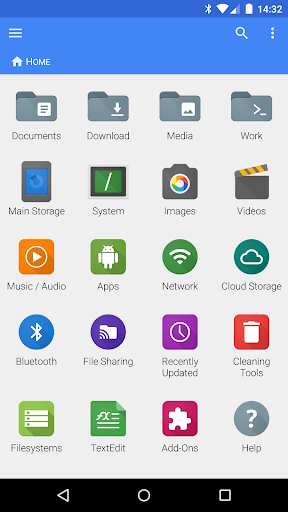
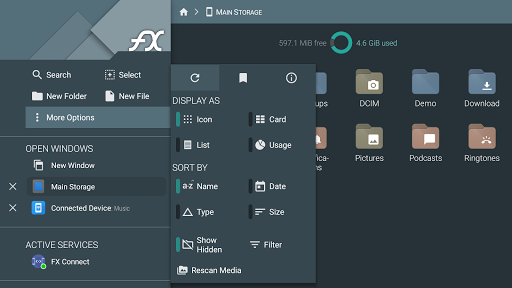
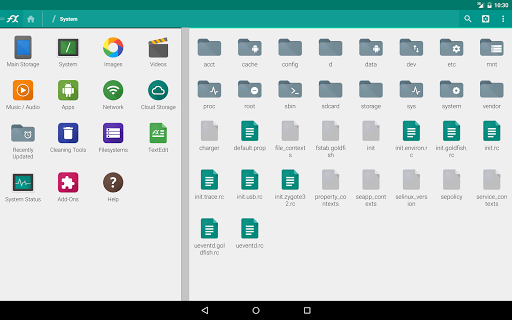
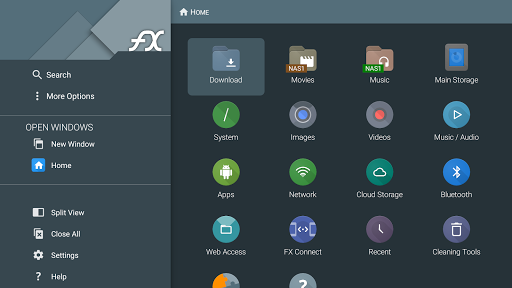
FX File Explorer: Plus License is an essential premium add-on that extends the capabilities of the free FX File Explorer app. It adds extensive media, networking, and cloud capabilities, transforming your basic file manager into a comprehensive digital organizer. It's important to note that this is exclusively a license key; you must have the main FX File Explorer application installed to unlock its features. Once activated, the Plus License introduces two new categories—"Internet and Network" and "Media"—to the FX home screen, allowing quick access to advanced functionalities.
Enhanced Media and File Capabilities
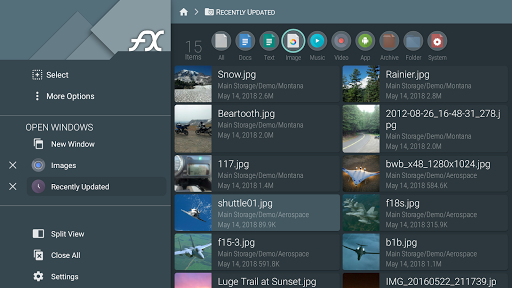
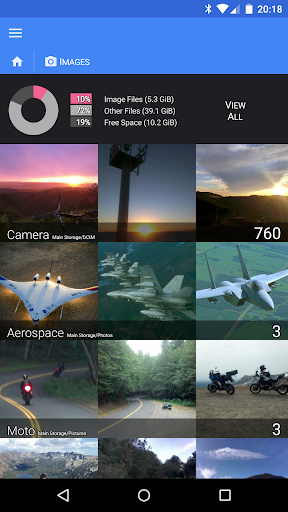
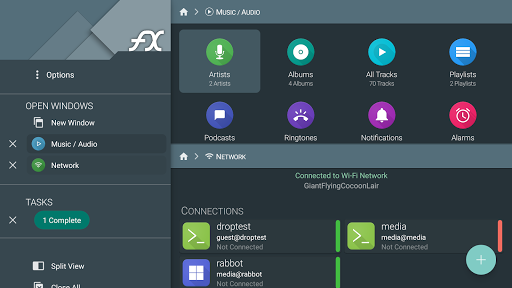
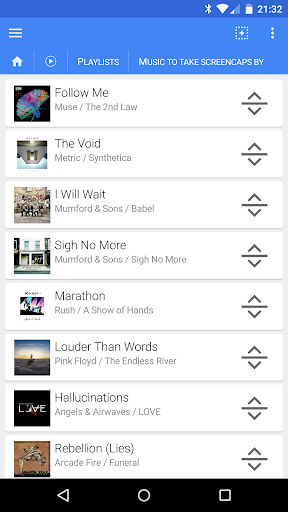
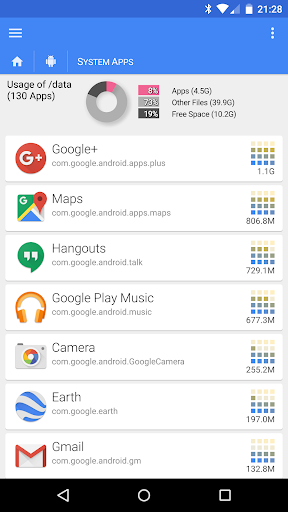
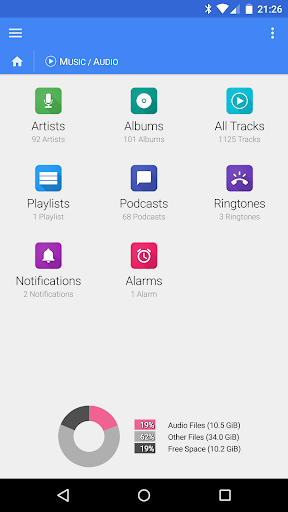
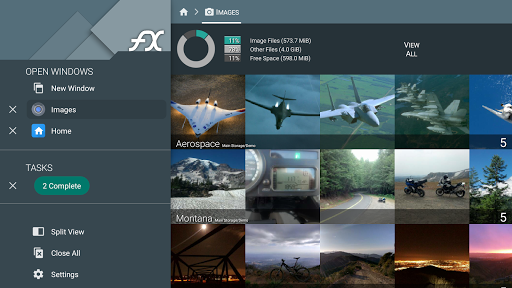
FX File Explorer: Plus License offers a rich array of media management features. With it, you can create and extract encrypted ZIP files using AES-128 or AES-256, ensuring your sensitive data remains secure. The app also enables you to browse and manage installed applications, view images and media collections, and organize your music by artist, album, or playlist. Drag-and-drop support simplifies playlist reordering, making multimedia management more intuitive than ever.
Media File Handling
Enjoy seamless browsing of image, video, and audio collections. The media playback capability allows you to stream video and audio directly from network shares or cloud storage services to your preferred media player applications. This means your entertainment is just a tap away, with all your media files accessible from a single, unified interface.
Powerful Networking and Cloud Integration
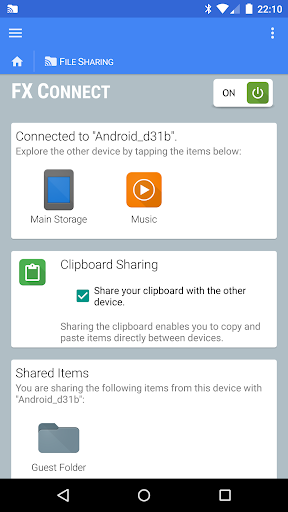
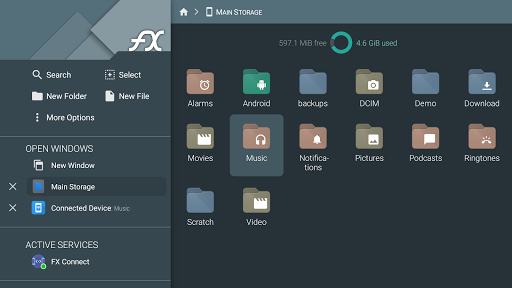
The Plus License significantly enhances your connectivity options. It introduces FX Connect, enabling direct file transfer between two phones via NFC or Wi-Fi, simplifying local sharing without the need for cables or third-party apps. FX Web Access extends your file management capabilities by allowing you to browse and manage files through your computer’s web browser, making remote access effortless.
Supported Network and Cloud Services
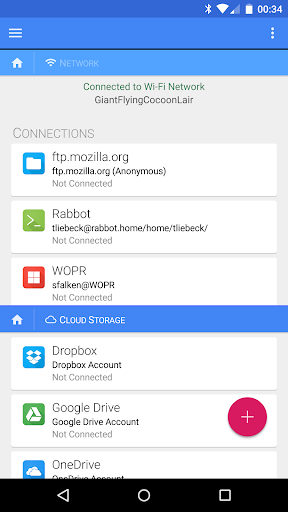
The app supports a broad range of networking protocols, including Windows networking (SMB), FTP (including secure FTP-S and FTP-ES), SSH FTP, and WebDAV. Cloud storage services like Google Drive (including Google Docs), Dropbox, SugarSync, Box, and SkyDrive are fully integrated, enabling you to access, stream, and manage your cloud files directly from FX. Additional features include network discovery through multicast DNS (mDNS) and support for SMB shares on your local network, ensuring seamless connectivity across all your digital assets.
Additional Features for Enhanced Security and Convenience
Security is a top priority with the encrypted keyring feature, which safeguards sensitive passwords from prying eyes, especially when using public networks. Furthermore, you can download and convert Google Drive or Google Docs files into widely-used formats such as Microsoft Word, Excel, PowerPoint, OpenDocument, or PDF, streamlining your workflow.
Bluetooth Capabilities
The Plus License also unlocks Bluetooth features, including OBEX Push for file sharing, Bluetooth FTP client, and device discovery/pairing options. These functions make exchanging files between devices straightforward and hassle-free.
Why Choose FX File Explorer: Plus License?
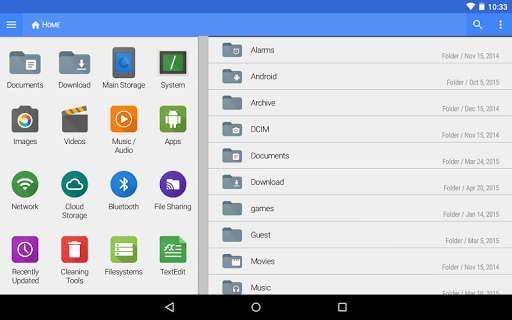
This license elevates your Android file management experience, making it faster, more secure, and more versatile. Its user-friendly interface, combined with advanced features like media streaming, cloud integration, encrypted storage, and powerful network protocols, ensures you have all the tools needed for efficient digital organization. Perfect for users who want a reliable, ad-free app that handles everything from simple file transfers to complex cloud management.
Final Verdict
FX File Explorer: Plus License is more than just a file manager—it's a comprehensive productivity enhancer that simplifies how you handle files, media, and cloud services. Its robust features and clean design make it a must-have for anyone looking to optimize their Android device’s file management capabilities. Download FX and try out its free version first—it will quickly become an indispensable part of your digital life. Once you experience the enhanced functionalities, the Plus License will be a worthwhile investment in your productivity and security.
Pros
- Comprehensive file management features.
- Supports a wide range of file formats.
- User-friendly interface design.
- No ads in the Plus version.
- Integrated cloud storage support.
Cons
- Full features require payment.
- Lacks advanced editing tools.
- Occasional synchronization issues.
- Limited capabilities in the free version.
- Does not include an integrated media player.











