

Freepik: Design & edit with AI
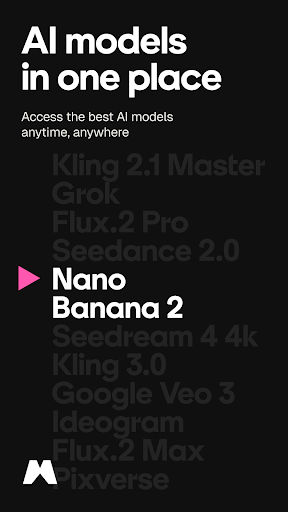
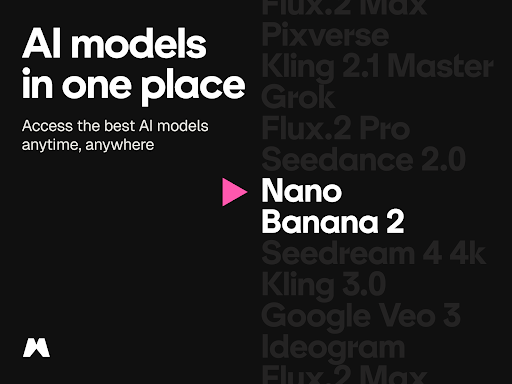
Freepik: Design & edit with AI is a comprehensive mobile creative suite built for Android that puts a full AI-powered studio in your pocket. Whether you’re designing content, editing photos, or generating AI-driven videos, this app brings powerful tools right to your fingertips—from anywhere. The AI Image Generator lets you turn text into visuals quickly, supporting models such as Imagen 3 and 4, Flux, Classic, Ideogram, Mystic, and Seedream. Explore a range of creative styles—from realistic to abstract to cinematic—tailored for marketing visuals, product shots, and social posts.
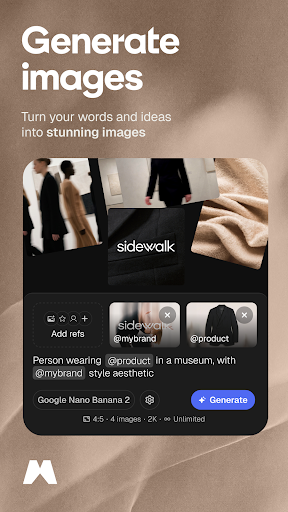
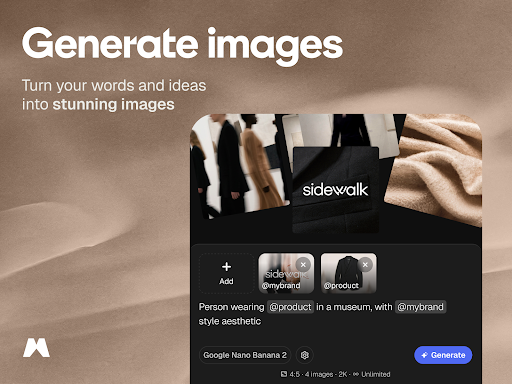
AI Image Generator
Generate striking images from simple prompts and experiment with different stylistic options to match your brand voice. With multiple AI models, you can iterate on concept art, hero images, and social visuals, choosing the look that best fits each project.
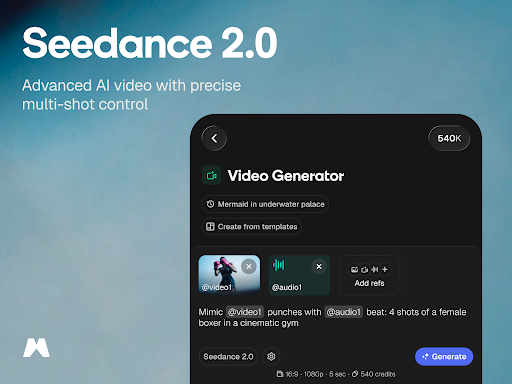
AI Video Generator
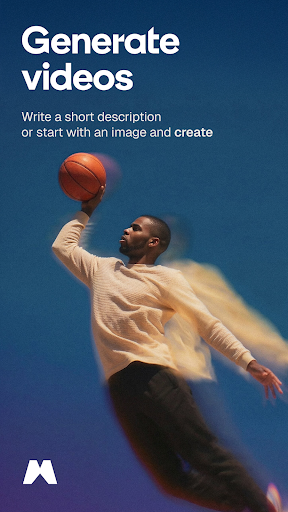
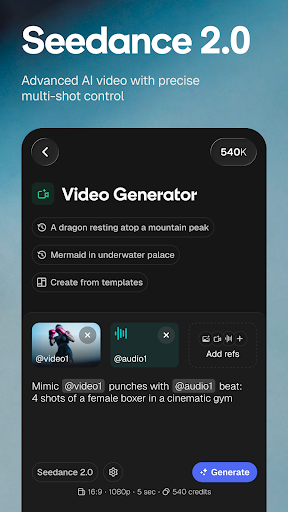
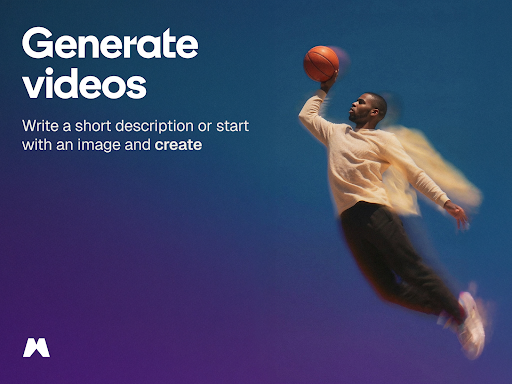
Create engaging videos from ideas using a suite of AI-powered models—including Veo 3, Kling 2.1, Runway Gen 4, MiniMax Hailuo 02, PixVerse 4.5, and more. Produce animated, cinematic, or realistic clips from text prompts or photos, making it ideal for social media stories, product showcases, or rapid ad creatives.
Editing & Enhancement Tools
Must-try tools include:
- AI Photo Editor to touch up, retouch, or enhance images with intelligent improvements
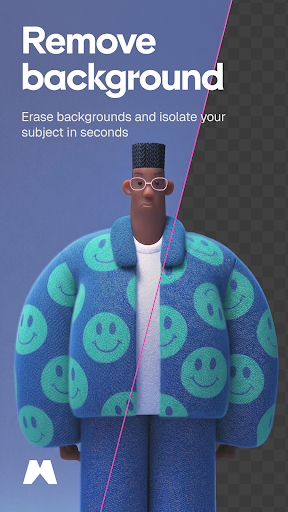
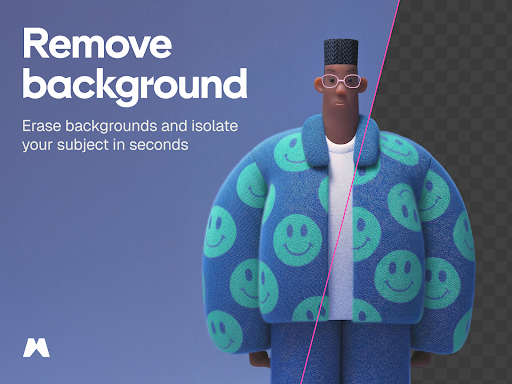
- Background Remover to isolate subjects and replace backgrounds in one tap
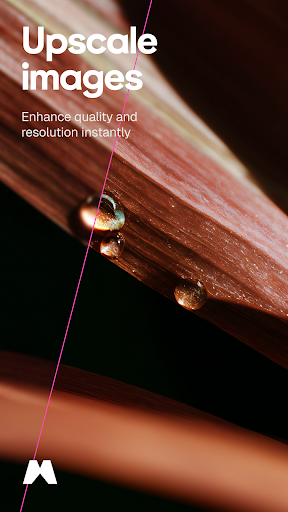
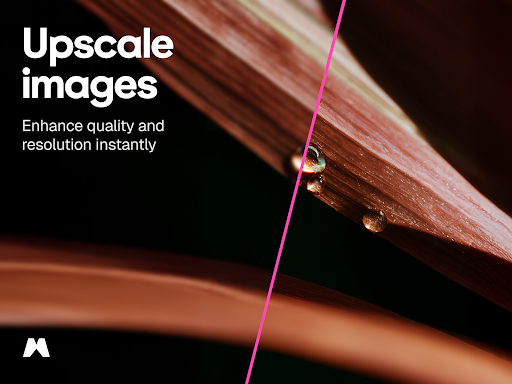
- Image Upscaler to improve resolution and clarity for web, print, or high‑res campaigns
- Video Editor to trim, cut, and refine videos directly on your Android device
- Animate Images to add motion and create eye-catching stories and posts
Stock Assets & Library
Access a vast content library with millions of resources, including photos, videos, icons, vectors, templates, mockups, and PSDs. All assets are fully customizable for any project and are updated daily to keep your content fresh and relevant.
Made for All Creators
The Freepik app is designed to empower everyone who creates:
- Small businesses & entrepreneurs: craft ads, menus, flyers, or product visuals in minutes
- Content creators: generate AI visuals and videos for Instagram, TikTok, YouTube, and more
- Creative professionals: access advanced design tools and AI models in a mobile-friendly format
- Design beginners: start exploring with easy workflows and friendly interfaces
- Mobile-first users: a full-featured design studio ready wherever you are
Key Features
- Advanced AI tools for image, video, and photo generation
- All-in-one editor and design toolkit for creators on the go
- Built-in background remover, upscaler, and animation features
- AI models include: Imagen 4, Veo 3, Kling 2.1, Mystic, and more
Download Freepik today and start designing smarter, anytime, anywhere. Elevate your creative workflow with an Android-friendly, AI-powered design studio that fits in your pocket.
Pros
- Intuitive interface for rapid edits
- Extensive library of free resources
- AI tools enhance the creative workflow
- Seamless integration with other platforms
- Regular updates introducing new features
Cons
- Internet connection is required for full functionality
- Some features are behind a paywall
- Occasional AI processing glitches
- Advertisements can be intrusive at times
- Limited export formats in the free version











