

Fotor - AI Photo Editor
Fotor is an all-in-one AI Ghibli photo editor that empowers users to make their photos stand out with just a few simple steps. Whether you are an artist, photography enthusiast, or someone who loves editing, Fotor offers endless creative possibilities for all your photo editing needs. This innovative app combines powerful AI tools with a user-friendly interface, making it accessible for beginners while providing advanced features for pros.
Key Features of Fotor
Within the Fotor app, users can access a wide range of tools designed to enhance and customize their photos effortlessly:
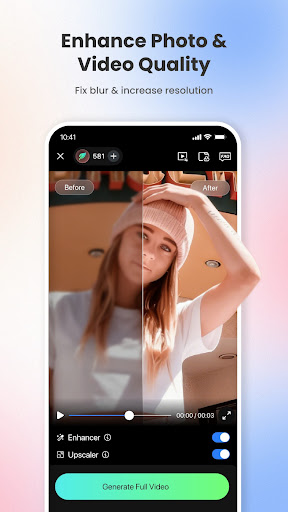
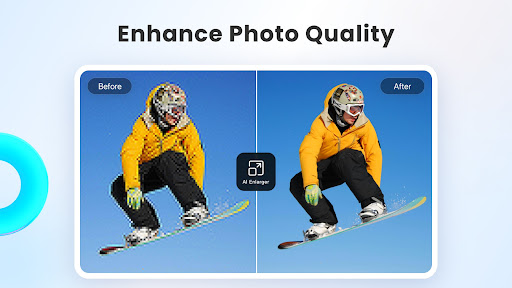
- AI Photo Enhancer: Instantly clarifies blurry photos, fixes graininess, pixelation, and low-resolution images, delivering crisp, high-quality results.
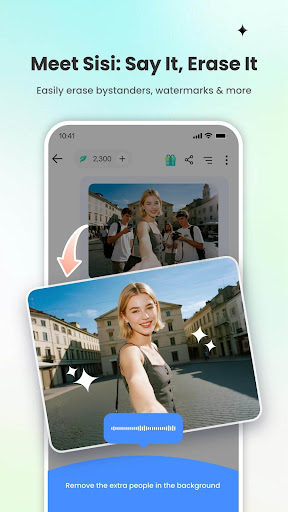
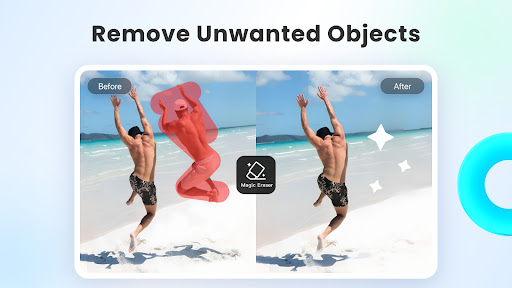
- Magic Eraser: Removes unwanted elements such as bystanders, watermarks, or buildings from photos and videos without compromising quality, ideal for users with no prior editing experience.
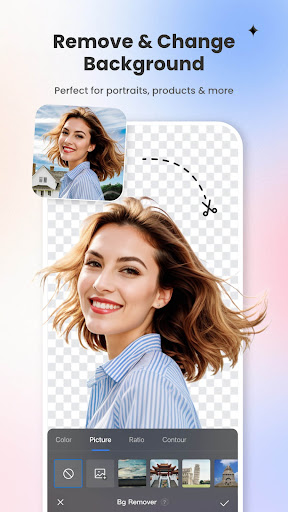
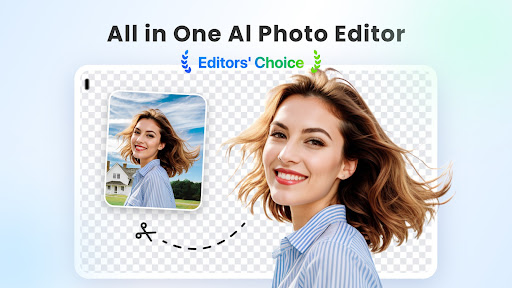
- BG Remover: Extracts subjects from backgrounds with a single click, enabling seamless background replacement to create personalized and professional-looking images.
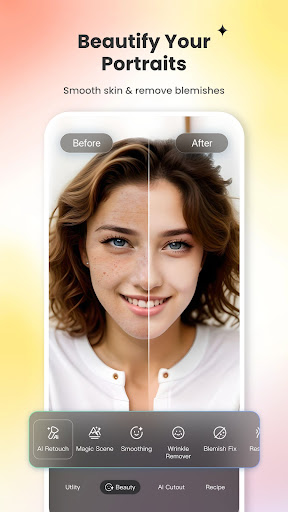
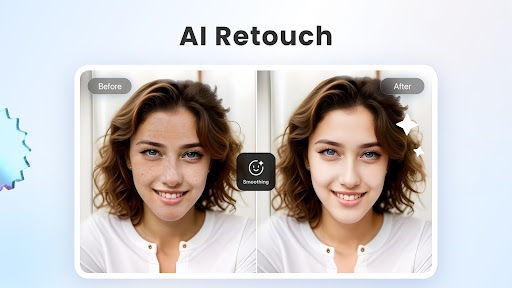
- AI Retouch: Achieves flawless skin by natural smoothing and blemish removal, giving your portraits a refined appearance.
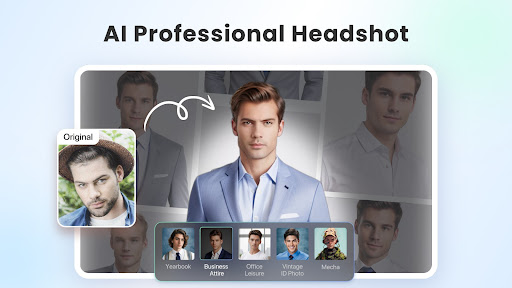
- AI Headshot Generator: Produces high-quality profile pictures and avatars suitable for LinkedIn, social media, or professional profiles.
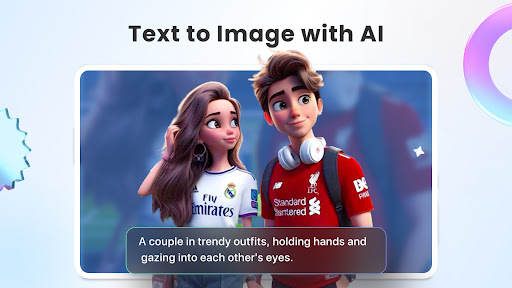
- Text-to-Image Transformation: Turn descriptive text like “a magician baking bread in the kitchen” or “Spider-Man at a bar” into stunning images—choose a style and watch your ideas come alive.
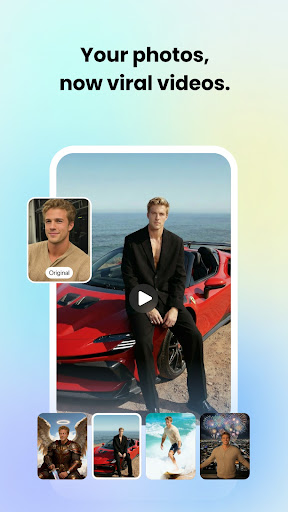
- AI Video Generator: Convert text prompts or uploaded images into studio-quality videos without watermarks, in seconds.
- Baby Generator: Curious about what your future baby might look like? Let AI generate fun and adorable baby images.
- AI Face Mimic: Upload a photo and animate it with friends’ faces or make funny faces; also bring old black-and-white photos to life with animation features.
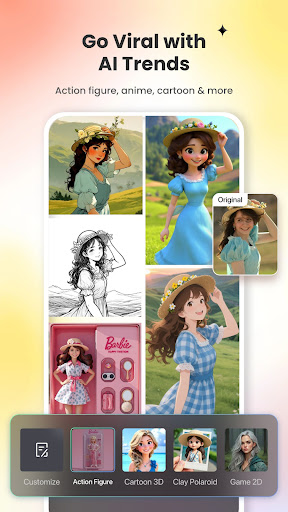
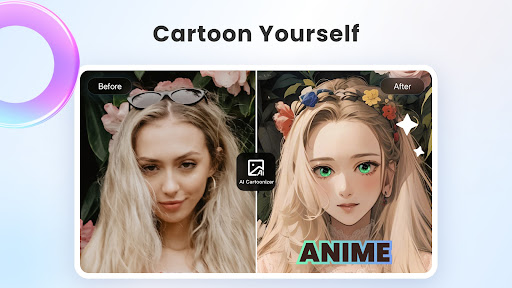
- 3D Cartoon & Ghibli Anime Effects: Transform selfies into vibrant cartoon comics or Ghibli-style art with trendy AI effects, perfect for sharing on social platforms.
Additional AI Tools
Fotor’s AI suite includes:
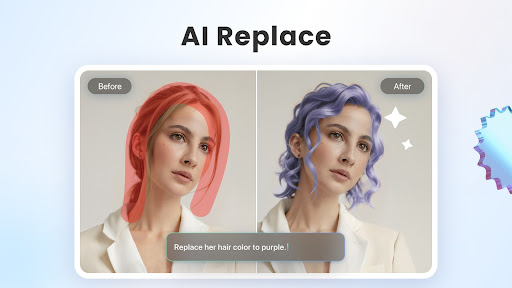
- AI Replace: Instantly change outfits, hairstyles, and colors to explore new styles.
- AI Expand: Extend backgrounds or subjects to fit different sizes, maintaining a balanced composition.
- AI Avatar Generator: Create unique avatars from selfies, add luxurious backgrounds, or place yourself at iconic locations.
- Photo Restoration & Colorization: Restore and colorize old family photos, transforming them into vibrant, high-definition images.
- Face Swap Templates: Swap faces with movie characters or style your photos with retro looks for fun and memorable edits.
Photo Editing and Layouts
Fotor offers a comprehensive suite of editing tools, including:
- Filters: Apply unique photo filters to set specific moods and captivate viewers.
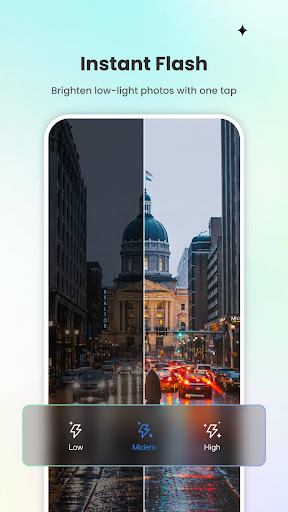
- Adjustments: Fine-tune brightness, contrast, saturation, HSL, curves, hue, and grain for perfect lighting.
- Layering & Overlays: Combine images or add effects for creative designs.
- Resize & Text: Easily resize images while maintaining aspect ratio; add text and stickers to enhance storytelling.
Collage and Design Layouts
Create vibrant collages with the Collage Maker, using templates and drag-and-drop features to craft stories, holiday memories, or promotional materials. Design professional social media posts, flyers, and posters effortlessly, thanks to Fotor’s customizable templates.
Cutout and Background Editing
The AI Cutout feature allows you to create stunning backgrounds for product photos or artistic compositions, making your images look polished and professional.
Subscription and Terms
Fotor offers a Pro subscription with monthly or yearly plans, providing access to premium features. Subscriptions are auto-renewable unless turned off at least 24 hours before expiry. Payments are processed through iTunes, and users can manage subscriptions via their account settings. Cancellations take effect after one month of the current billing cycle.
Explore more about Fotor’s Terms of Service and Privacy Policy.
Why Choose Fotor - AI Photo Editor?
If you’ve ever wondered how to enhance your photos without complex software, Fotor - AI Photo Editor is the perfect solution. Its intuitive design coupled with advanced AI capabilities makes photo editing accessible and fun for everyone. From simple tweaks to elaborate creations, this app transforms your images with minimal effort, giving you professional-looking results that are sure to impress your friends and followers. Whether you want to create beautiful collages, perfect portraits, or animated videos, Fotor provides all the tools in one seamless platform. Boost your creativity and elevate your photo game—download Fotor today and start turning your ideas into stunning visuals.
Pros
- User-friendly interface
- Easy to navigate
- Offers a wide range of editing tools
- Provides quick and efficient photo processing
- Includes a variety of collage templates
- Delivers high-quality output results
Cons
- Contains in-app purchases and advertisements
- Limited features available in the free version
- Requires internet connection for full functionality
- Occasional app crashes have been reported
- Some features may not be intuitive to use











