

FotoCam: HD Camera — Feature Description
Unlock Your Creativity with FotoCam: HD Camera. This mobile photography and videography app puts the artistry of a professional camera in your pocket, letting you capture life’s moments in stunning high definition. From quick selfies to cinematic video, FotoCam blends a clean, approachable interface with powerful tools, so you can focus on your subject and tell your story. Whether you’re exploring cityscapes, cooking moments, or candid family memories, FotoCam is designed to be your reliable companion for high-quality results and effortless sharing.
Key Features
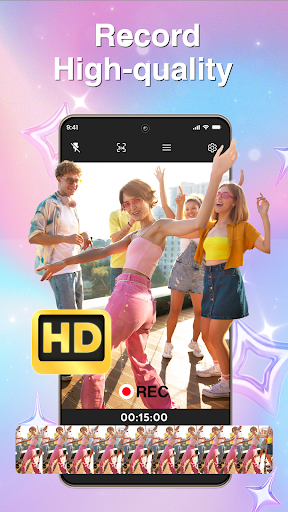
HD Camera Capture life's moments in crystal-clear high definition
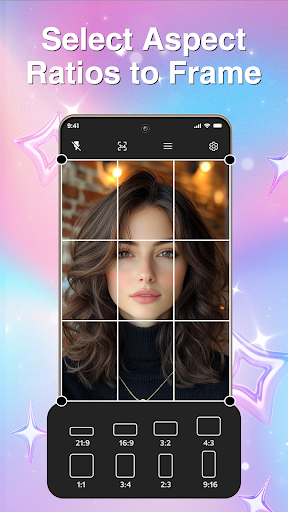
Photo Ratio Frame your shots perfectly with multiple aspect ratios
Video Recording Record extended moments seamlessly
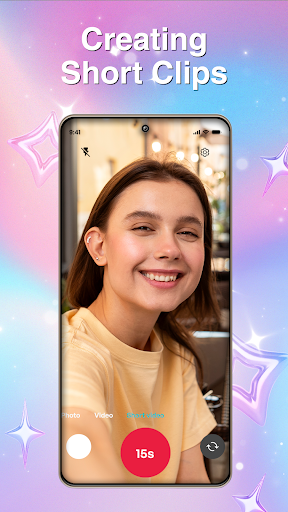
Short Video Recording Create engaging short clips with ease
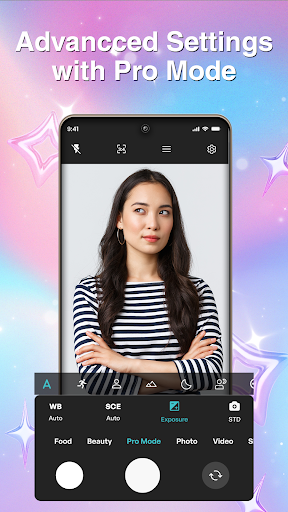
Pro Mode Adjust Take control with advanced settings like ISO, exposure, and focus
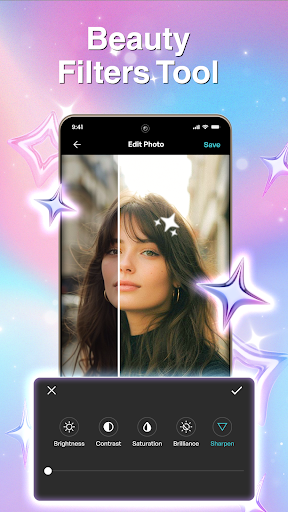
Beauty Filters Enhance your portraits with our range of beauty filters
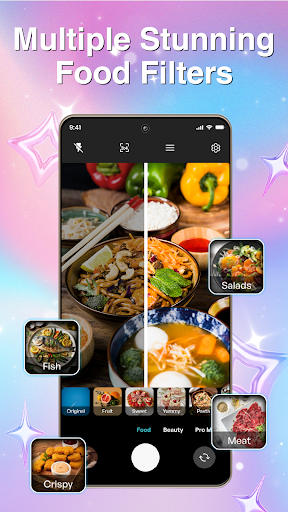
Food Filters Make your food photos look appetizing with special filters
Gallery Organize and view all your captured moments in one place
Advanced Camera Controls
Manual focus for sharp images
Snap photos quickly or record continuous videos
Switch between front and rear cameras
Enhanced image processing for clearer photos
Precise zoom controls
Benefits Highlights
Improved Quality: HD camera and advanced settings ensure that your photos and videos are always of the highest quality.
Enhanced Creativity: With Pro Mode and various filters, you can express your unique style and creativity in every photo and video.
Increased Engagement: Short videos and beauty filters encourage interaction and sharing on social media, helping you build a stronger online presence.
Efficient Organization: Our Gallery feature keeps your photos and videos organized, making it easy to find and share your favorite moments.
Why Choose FotoCam?
Our app is designed to be user-friendly, ensuring that you can focus on what matters most—capturing the perfect shot. With a clean interface and powerful features, you’ll never miss a moment. Whether you're looking to enhance your photos with beauty filters or document your culinary adventures with food filters, FotoCam has you covered. Download FotoCam: HD Camera now and start capturing your world in a whole new way!
Pros
- High-resolution photo capture
- User-friendly interface
- Multiple shooting modes
- Fast shutter speed
- Customizable settings
Cons
- Limited free features
- In-app ads
- Requires significant storage
- Occasional crashes
- No RAW format support











