

Discover the Power of FlipArtify - 2D Draw Animation
Unleash your creativity with FlipArtify - Draw & Animations! This innovative app is designed to be your personal 2D animation studio, empowering users of all levels — from beginners and kids to professional artists — to craft stunning animations and flipbooks with ease. Whether you're looking to turn simple sketches into lively scenes or explore digital drawing and animation, FlipArtify offers a comprehensive platform packed with features to spark your artistic journey.
Key Features of FlipArtify
Easy Drawing Tools
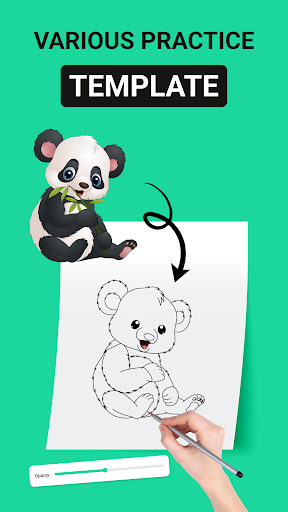
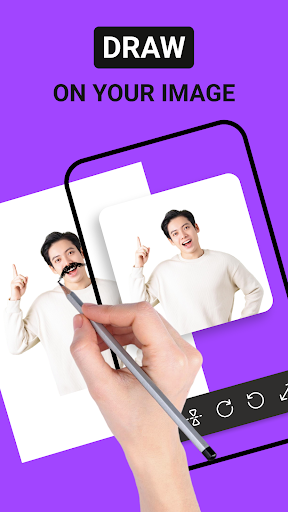
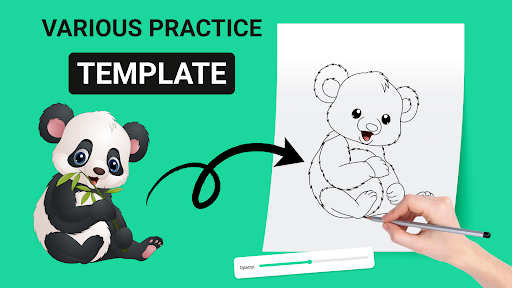
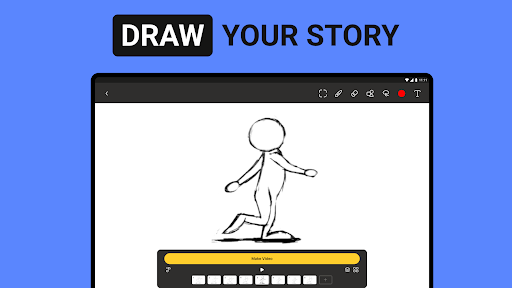
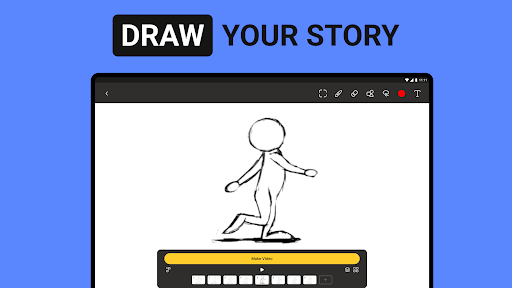
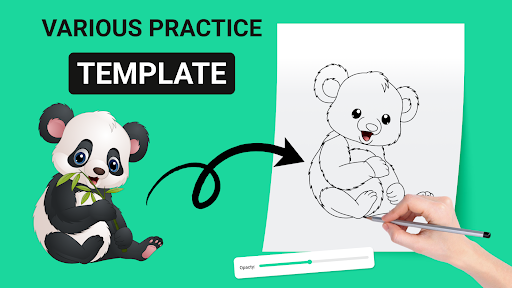
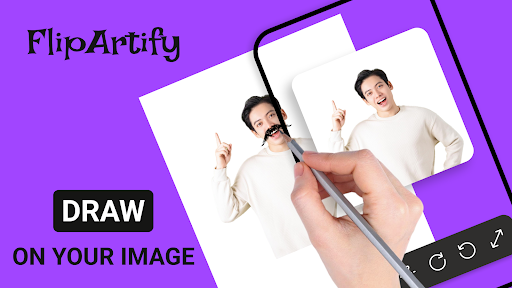
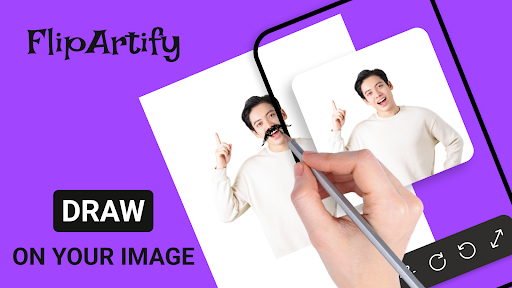
Enjoy intuitive drawing tools that make creating animations straightforward and fun. With features like brushes, colors, and layer support, you can produce detailed artwork effortlessly. The app is designed to be user-friendly, reducing the learning curve and allowing you to focus on your creativity.
Flipbook Maker and Animation Creation
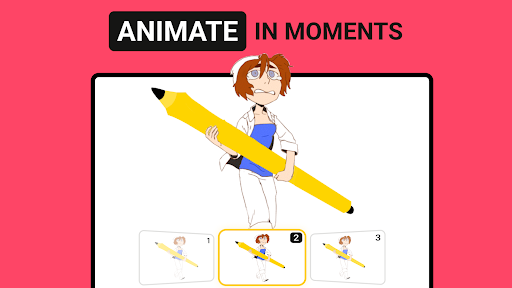
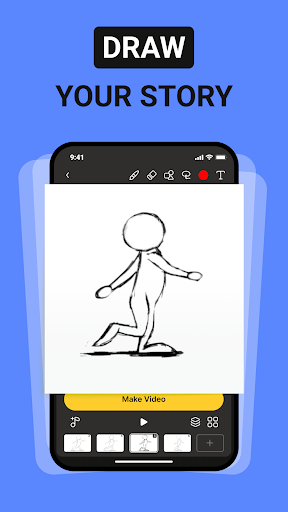
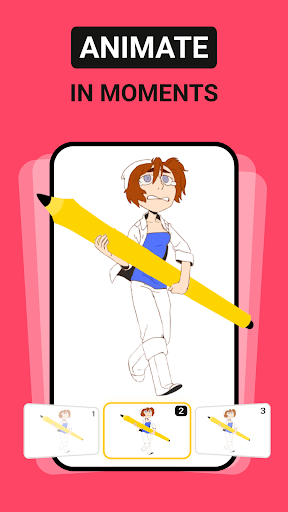
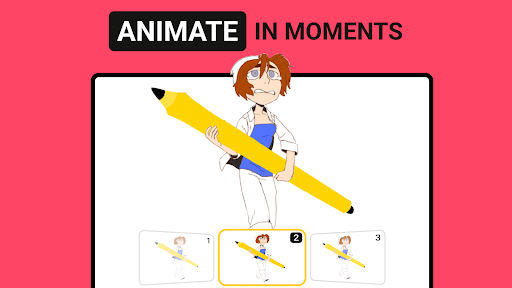
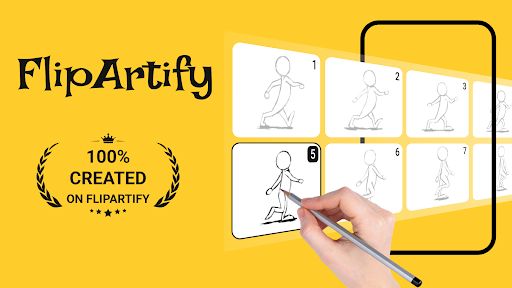
Transform your sketches into dynamic flipbooks reminiscent of traditional animation. Craft classic flipbooks that bring your drawings to life, making storytelling engaging and accessible. The app also provides tools for designing and animating your own cartoon characters and scenes, perfect for creating personalized animated stories.
GIF & MP4 Export
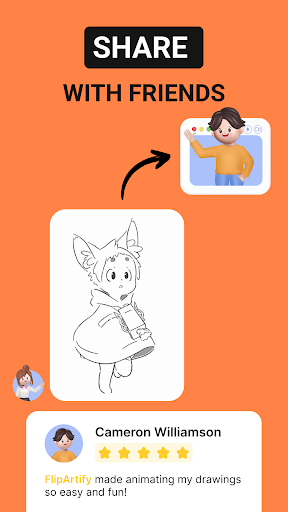
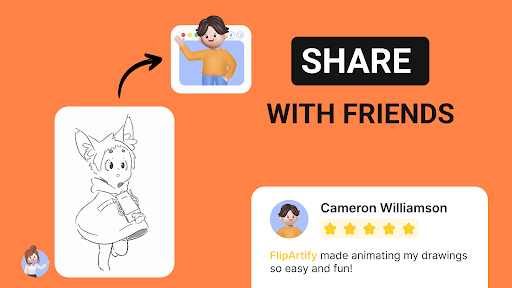
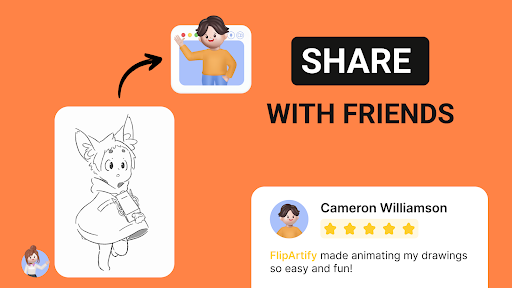
Share your animated masterpieces easily by exporting them as GIFs or MP4 videos. Whether posting on social media or sending to friends, FlipArtify makes sharing your creativity simple and quick.
Animation Studio & Professional Features
Enjoy a full-featured animation studio within the app, complete with advanced tools for detailed and complex animations. Features like onion skinning and timeline management help you create seamless, high-quality animations, ideal for both hobbyists and professionals.
Kid-Friendly & Beginner-Friendly
Designed for young artists and novices, FlipArtify provides a safe and approachable environment to explore animation without prior experience. Kids can discover their artistic potential while having fun, making the app a perfect educational tool.
Why Choose FlipArtify?
At FlipArtify, the philosophy is that everyone can be an animator. Whether you're starting with simple doodles or working on complex projects, the app offers versatile animation tools to bring your ideas to life. Its intuitive interface requires no extensive tutorials, allowing you to jump straight into creating, experimenting, and refining your animations. From basic sketches to detailed cartoon scenes, the possibilities are limitless.Furthermore, as you gain confidence, you can explore advanced features for creating professional-quality 2D animations. The app is flexible enough to support your growth as an artist, making it suitable for all skill levels. Join a vibrant community of artists who share their work, exchange tips, and inspire each other to push creative boundaries.This animation app is not just about creating; it's about expressing your stories, ideas, and personality through engaging animated content. With seamless export options and a wide array of tools, FlipArtify enables you to produce captivating animations that look polished and lively. Whether it’s a small doodle or a full-fledged animation, this app is your go-to solution for exploring your artistic potential.
Getting Started and Support
Getting started with FlipArtify is simple — just download and open the app. Its clean and intuitive interface welcomes you to begin tạo animations right away. The app does not overwhelm with complex tutorials but encourages exploration at your own pace.Rest assured, FlipArtify only requests necessary permissions to deliver optimal performance without compromising your privacy. For further assistance, a dedicated support team is available to help you unlock all the app’s features and get the most out of your creative experience.Discover endless possibilities with FlipArtify and let your imagination take flight. Whether you aim to create social media animations, personal flipbooks, or professional cartoon scenes, this app offers all the tools you need to make your drawings move and tell stories visually. Download FlipArtify today and start your journey into the vibrant world of 2D animation.
Pros
- User-friendly interface facilitating easy navigation.
- A wide range of drawing tools available for users.
- Supports exporting creations in multiple formats.
- Receives regular updates with new features.
- Responsive support team available for assistance.
Cons
- Limited features in the free version.
- Occasional crashes reported in the app.
- Internet connection required for certain features.
- Some tools have a steep learning curve.
- Ads may be intrusive in the free version.











