



Introduction to Firefox Focus: No Fuss Browser
Are you searching for a sleek, speedy, and clutter-free web browsing experience? Look no further than Firefox Focus: No Fuss Browser. Designed to prioritize privacy and simplicity, this lightweight browser is the perfect companion for quick, distraction-free browsing sessions. Whether you need a dedicated tool for fast searches, or want to keep your online activities private without hassle, Firefox Focus has got you covered. Its minimalistic interface combined with robust ad blocking and tracker protection makes it an excellent choice for users seeking efficient and secure browsing.
Main Features of Firefox Focus
Distraction-Free Design for Seamless Browsing
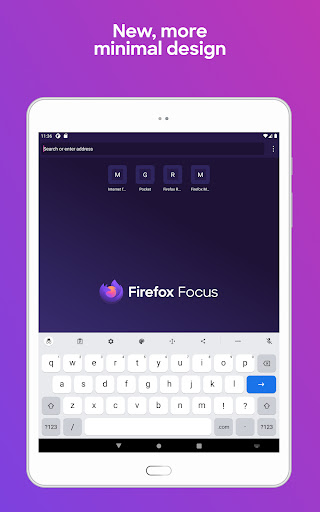
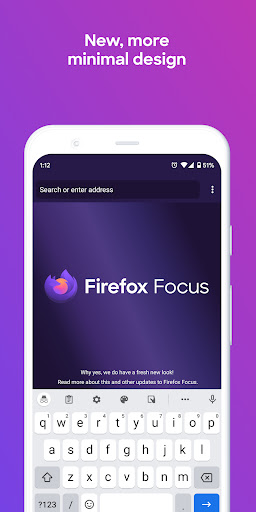
When launching Firefox Focus, you're greeted with an intentionally minimalist interface. There are no tabs, recent history, or distracting ads. The main screen just presents the awesome bar and the keyboard, enabling super quick searches. This streamlined design ensures your browsing session remains focused, making it ideal for quick searches or fleeting browsing tasks. The absence of clutter and unnecessary features provides a clean experience where every element serves a purpose.
One-Tap Privacy and History Management
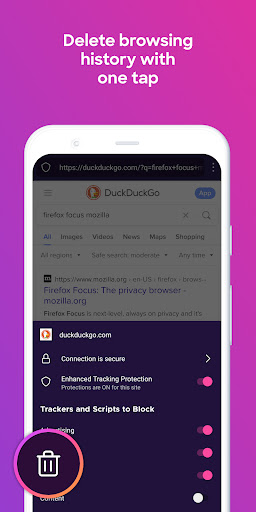
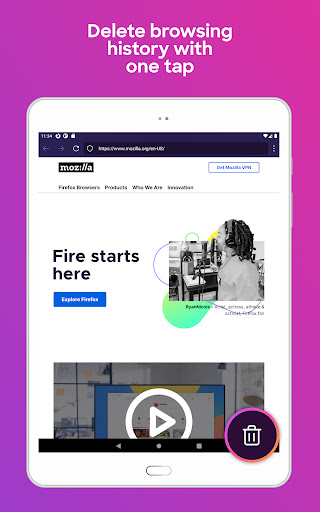
One of the standout functionalities of Firefox Focus is its ability to let you erase browsing history, passwords, and cookies with a single tap. The intuitive trash icon allows for instant deletion of all your browsing traces, ensuring your online privacy is maintained effortlessly. This feature makes Firefox Focus not only secure but also easy-to-use, especially for users who prioritize privacy protection and want to prevent tracking attempts across different web sessions.
Create Shortcuts for Faster Access
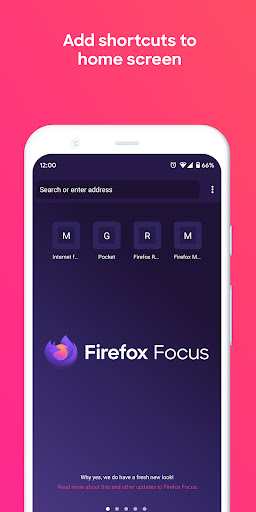
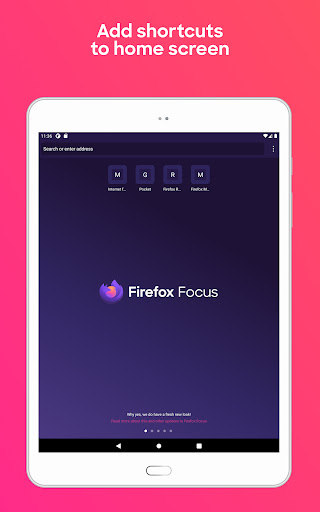
To enhance user convenience, Firefox Focus enables you to pin up to four shortcuts on your device’s home screen. This means you can quickly access your favorite websites without typing URLs or navigating through menus. It’s a simple yet effective way to streamline your browsing workflow, especially when you frequently visit certain sites.
Enhanced Speed with Built-in Ad and Tracker Blocking
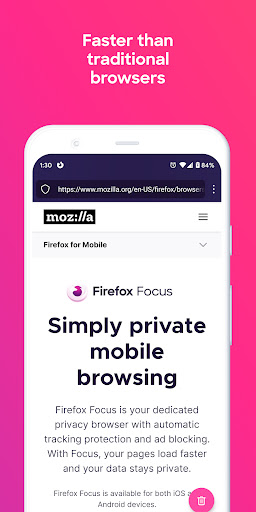
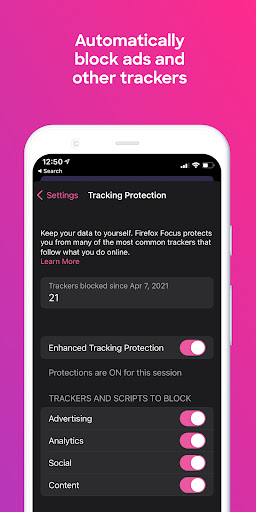
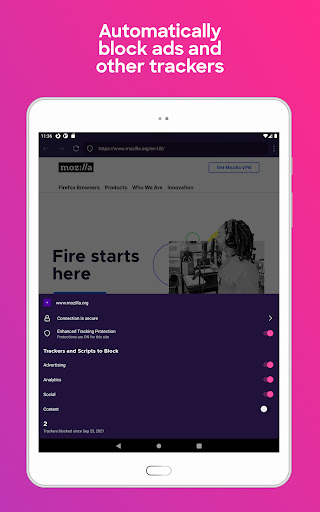
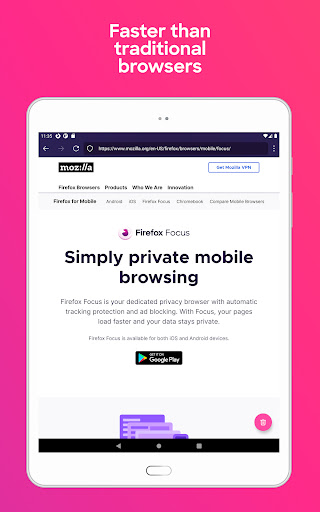
The browser’s built-in ad blocking and tracking protection capabilities significantly improve page load times. Firefox Focus blocks a wide range of ads and trackers, including social trackers and those originating from advertising companies like Facebook. This reduction in unwanted content not only accelerates browsing but also enhances privacy. As a result, users can enjoy a faster and cleaner web experience, free from persistent trackers and intrusive ads.
Backed by Mozilla, a Non-Profit Advocate for Privacy
Firefox Focus is developed and supported by Mozilla, a renowned non-profit organization committed to defending web users’ rights. Mozilla’s mission revolves around building an open and accessible Internet for everyone. Choosing Firefox Focus means you benefit from a product that values user privacy and does not sell or share your data, reinforcing trust and transparency in your online activities.
Why Choose Firefox Focus: No Fuss Browser?
If you’re tired of navigating cluttered browsers filled with endless features and intrusive ads, Firefox Focus offers a refreshingly simple alternative. Its minimalist design, combined with powerful privacy protections and quick access features, makes it ideal for on-the-go browsing or quick tasks. The browser’s speed improvements due to ad blocking and tracker prevention mean you spend less time waiting and more time engaging with the content you care about.
In essence, Firefox Focus is a no-nonsense solution for users seeking fast, secure, and privacy-centered web browsing. Its lightweight framework and intuitive interface make it perfect for those who want to browse the web without distractions or compromise. Whether you’re a casual user, professional, or privacy advocate, Firefox Focus delivers an experience tailored to your needs—quick, simple, and hassle-free.
Learn More About Firefox and Mozilla
To discover more about Firefox’s permissions, check out this link. For updates and Mozilla’s ongoing initiatives, visit the Mozilla Blog. Mozilla exists to promote an open, accessible, and free Internet environment, and products like Firefox embody that mission. Learn more at Mozilla.org. For detailed information on Privacy policies, see Mozilla Privacy Policy.
Pros
- Fast browsing experience
- Minimalistic and user-friendly interface
- Automatic ad-blocking
- Enhanced privacy features
- Lightweight app size
Cons
- Limited extension support
- No desktop sync feature
- Lacks advanced settings
- Occasional website compatibility issues
- No bookmarks management











