




Introducing Firefox Fast & Private Browser
Discover the power of the Firefox Fast & Private Browser, your ultimate tool for a faster, more secure, and private browsing experience. Whether you’re accessing the internet on your desktop, tablet, or mobile device, this browser is designed to give you total control over your online activities while maintaining utmost privacy and speed.
Key Features of Firefox Fast & Private Browser
• Privacy-First Fast Browsing
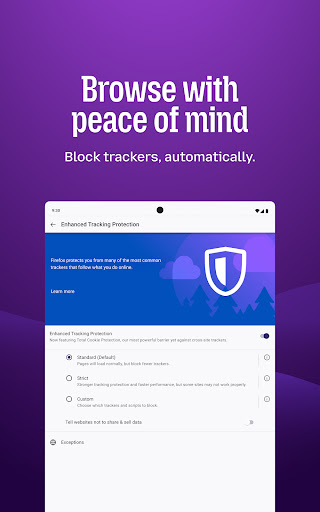
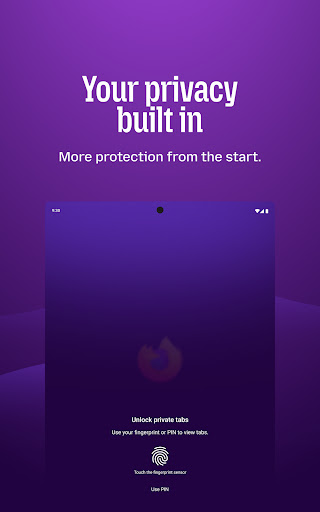
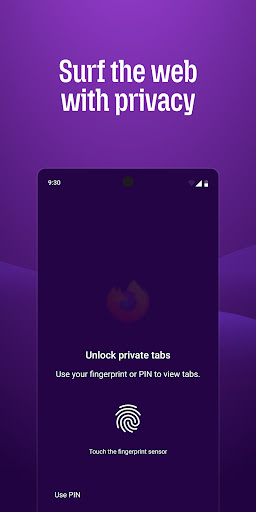
One of the standout qualities of the Firefox browser is its dedication to privacy and speed. By default, it actively blocks trackers and scripts such as social media trackers, cross-site cookie trackers, crypto-miners, and fingerprinters, ensuring your online activities remain private. For enhanced privacy, you can enable the strict tracking protection setting, which also includes an ad blocker extension to eliminate unwanted advertisements and pop-ups. The private browser mode allows you to browse without leaving traces; your history is automatically deleted once you close the browser, and private tabs can be secured with face ID, fingerprint, or PIN for an added layer of security.
• Easy-to-Use and Manageable Tabs
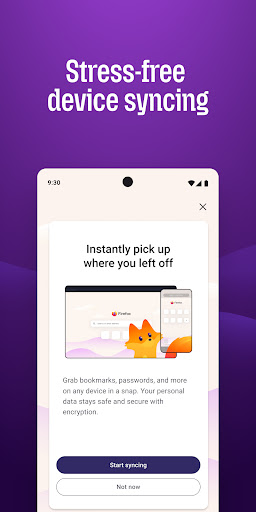
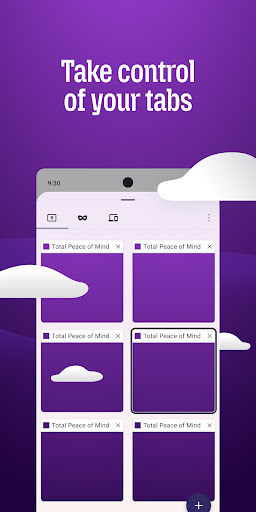
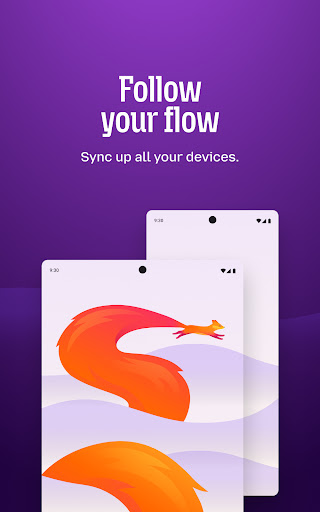
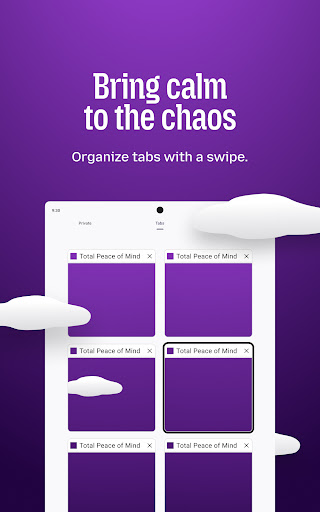
Navigate effortlessly with the browser’s intuitive tab management system. Create unlimited tabs, view open tabs as thumbnails or in list form, and easily switch between them. Plus, with sync capabilities, you can view your open tabs from your desktop on your mobile device and vice versa, making multi-device browsing a breeze.
• Secure and Convenient Password Management
Manage all your passwords seamlessly. The Firefox browser stores passwords securely and suggests strong passwords when signing up on new sites. When you sync your account across devices, your passwords are synchronized, making login effortless regardless of platform.
• Speed and Custom Search Options
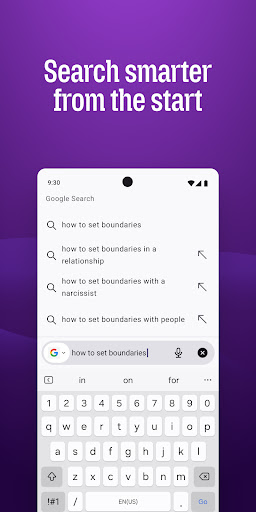
This browser is optimized for speed, automatically blocking ad trackers to ensure faster loading times. You can customize your search engine preferences—set your favorite private search engine as default, get search suggestions, and view your recent searches across devices for cohesive search experiences. The search widget allows quick access directly from your device’s home screen, and you can move the search bar’s position for easier one-handed navigation.
• Personalize Your Firefox Experience
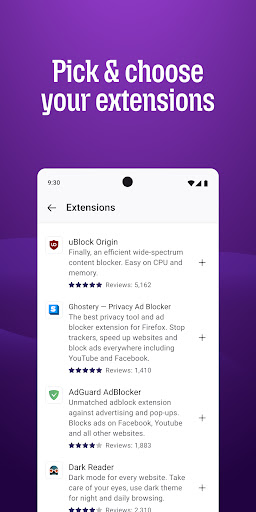
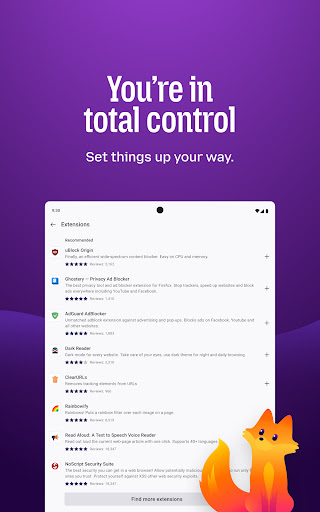
Enhance your browsing with a wide array of add-on extensions designed to boost privacy, block content, and customize your interface. The Firefox home screen displays your recent bookmarks, top sites, and popular articles, helping you stay updated and organized.
• Reduce Eye Strain with Dark Mode
Switch to dark mode at any time to reduce eye strain and extend your device’s battery life—perfect for late-night browsing sessions or long reading hours.
• Multi-task with Video and Audio Features
Watch videos smoothly while multitasking. Features like pop-out videos allow you to pin videos on top of your screen, or you can switch to background play to keep the audio active while doing other tasks.
• Share Content Instantly
Sharing web pages or specific items is quick and secure. The browser provides instant sharing options that work seamlessly regardless of whether you’re in private browsing mode or not, ensuring your content reaches your chosen apps with just a few taps.
The Philosophy Behind Firefox
Founded in 2004 by Mozilla, the Firefox browser has been dedicated to creating a faster, privacy-conscious web experience without reliance on billionaire ownership or intrusive advertising. As a not-for-profit organization, Mozilla continues to prioritize user privacy and open-source innovation, striving to build a better internet for everyone.
With ongoing updates and improvements, Firefox remains committed to delivering a secure and customizable browsing experience that empowers users everywhere.
Learn more about Mozilla and their initiatives at Mozilla.org.
Conclusion
If you’re searching for a fast, private, and customizable web browser, the Firefox Fast & Private Browser is undoubtedly worth trying. It combines speed with robust privacy protections and a user-friendly interface, making your online experience both enjoyable and secure. Give it a try today and enjoy an internet experience tailored to your needs—efficient, private, and interruption-free.
Pros
- Fast page loading speeds
- Enhanced privacy features
- Customizable interface
- Syncs across devices
- Open source
Cons
- Occasional compatibility issues
- Higher RAM usage
- Extension support varies
- Can drain battery quickly
- Limited customer support











