




Introduction to the FAX App: Send Faxes from Phone
Key Features and Functionalities
Easy Faxing and Document Support
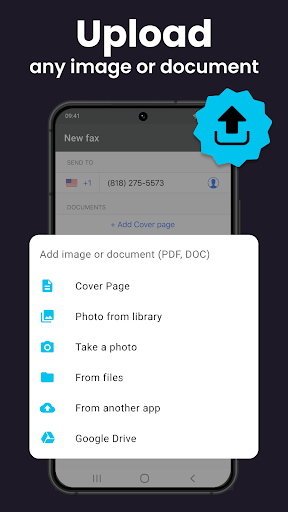
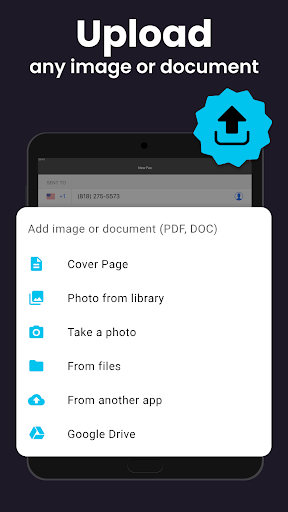
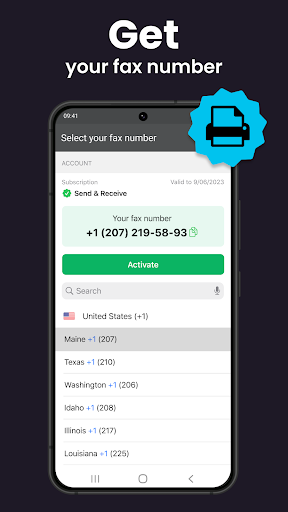
One of the standout aspects of the FAX App is its intuitive interface, which enables users to start sending and receiving faxes within seconds of installation. The app supports a wide range of file formats, including PDF, DOC, JPG, PNG, TIFF, and HTML, eliminating any need for prior conversion. Whether you're dealing with scanned documents, images, or business reports, the app has got you covered.
Document Scanning
With an integrated document scanner feature, you can easily digitize physical papers on the go. The scanning process is quick and straightforward, allowing you to create clean, high-quality digital copies that can be instantly sent via fax.
Cloud Storage Integration
The app integrates seamlessly with popular cloud storage services like Google Drive, Dropbox, and iCloud. This integration simplifies access to your documents, making it effortless to select files directly from cloud platforms for faxing—perfect for users who prefer managing their documents in the cloud.
Confirmation and Tracking
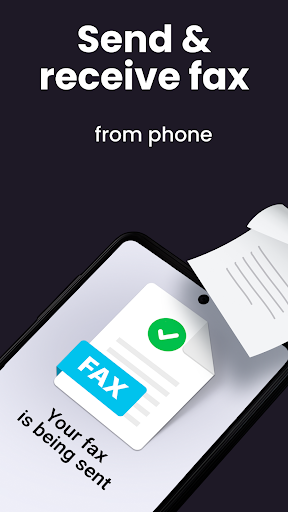
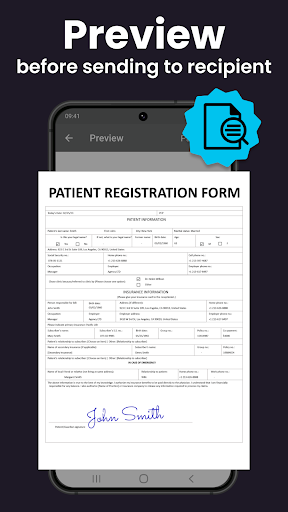
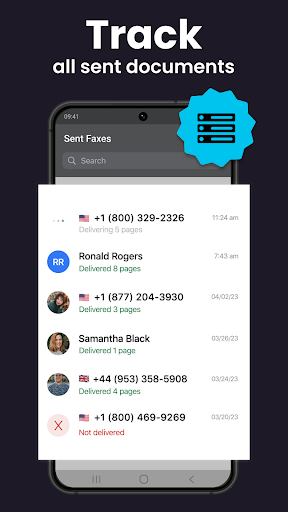
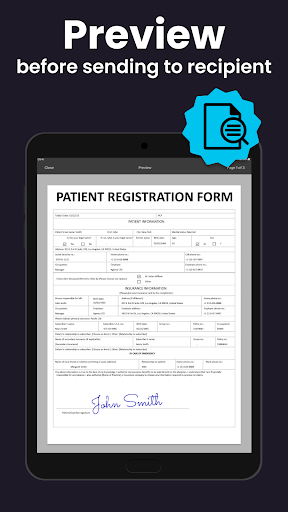
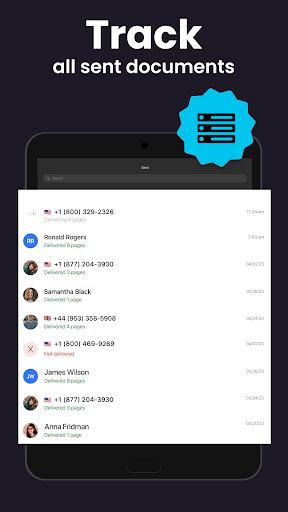
To ensure your important documents reach their destination, the app provides real-time status updates about each fax. You can preview any number or document before sending, and track the delivery status to confirm successful transmission, giving you peace of mind.
Additional Features
You can customize your fax with a cover page, and even merge multiple reports or documents into a single fax, streamlining batch transmission. These features make the app suitable for both personal and professional use.
User Experience and Performance
The user experience with this application is remarkably smooth. The interface is designed to be clean and simple, removing any barriers to quick operation. Users have praised its reliability and speed—faxes are sent promptly without crashes or delays. The app's efficiency is especially crucial for urgent business communications or time-sensitive tasks.
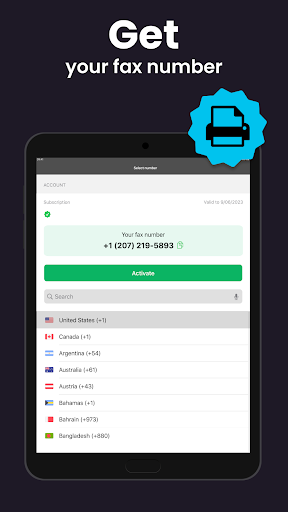
Setting up the app is straightforward; download, install, and you’re ready to start faxing within minutes. The inclusion of features like cover pages and the ability to pull documents from cloud storage further enhance its practicality and professional appeal.
Why Choose the FAX App: Send Faxes from Phone?
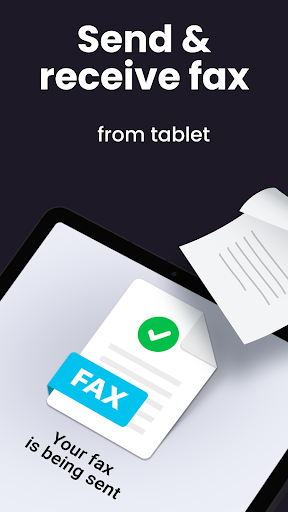
Whether you're a business professional, student, or someone needing to send documents occasionally, this easy-to-use faxing app revolutionizes how you handle document transmission. No longer do you need access to a traditional fax machine or visit a fax service center; your phone becomes your portable fax device. It's reliable, fast, and versatile, ensuring you stay connected and productive no matter where you are.
In summary, the FAX App offers an efficient, modern solution to an age-old challenge. Its support for multiple document formats, cloud integration, and simple interface make it a must-have tool for anyone requiring convenient faxing on the go. Download today and experience the future of mobile faxing—easy, quick, and accessible from your pocket.
Pros
- User-friendly and easy to operate
- Intuitive user interface
- Supports various file formats
- Fast fax delivery speed
- Secure with encryption technology
- Integration with cloud storage services
Cons
- Requires a subscription for all features
- Occasional app crashes have been reported
- Limited options for document editing
- No customer support available on weekends
- Advertisements are present in the free version











