

Stay Informed and Connected with the Everbridge App
In an increasingly unpredictable world, having access to reliable, real-time information can make all the difference. Everbridge is a powerful mobile application designed to bridge the gap between public safety agencies, organizations, and individuals. By partnering with thousands of public safety departments across the country, Everbridge delivers the most trusted, neighborhood-level updates directly to your smartphone. Whether it’s severe weather warnings, crime advisories, or essential community announcements, this app ensures you are never left in the dark. The platform transforms your mobile device into a personal safety hub, offering peace of mind no matter where you are.
Neighborhood-Specific Alerts and Emergency Updates
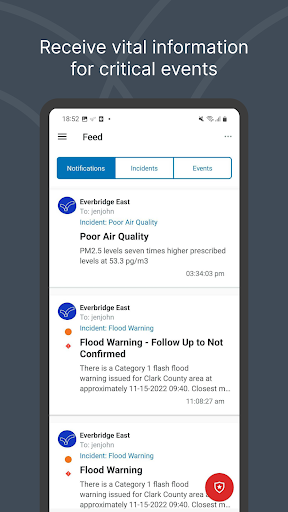
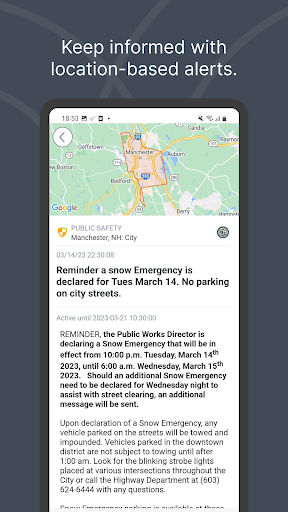
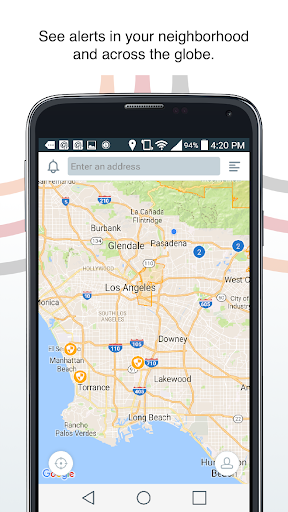
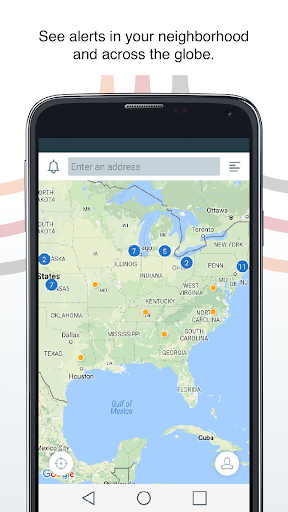
One of the standout features of Everbridge is its hyper-local focus. Instead of generic, city-wide notifications, the app provides information that is tailored to your specific neighborhood. This means you receive alerts about incidents that are actually relevant to your immediate surroundings, from road closures and utility outages to public safety notices and evacuation orders. The platform aggregates data from a wide network of public safety agencies, ensuring that every message is credible and actionable. This close collaboration with local authorities allows you to stay ahead of developing situations, giving you the time needed to make informed decisions for yourself and your family.
Connect with Your Workplace or University
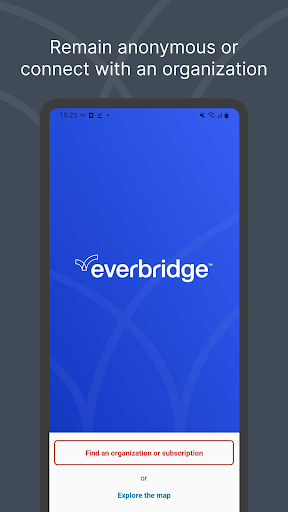
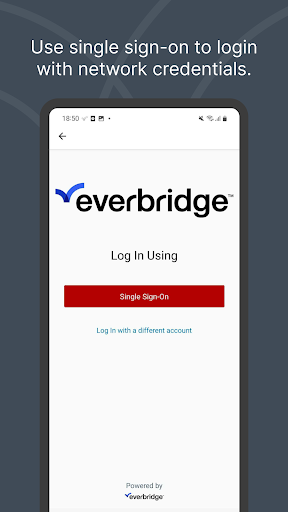
Beyond community updates, Everbridge enables you to stay in sync with your employer or educational institution. By linking your profile to your company or campus, you gain access to critical information during planned events or unexpected incidents. This connection is particularly valuable during severe weather events, security threats, or operational disruptions. Many organizations also use the app to share shift schedules, campus closures, or procedural updates. This two-way communication channel ensures that you are not just a passive recipient of information, but an active participant in your own safety network.
Safety Features and SOS Alerts
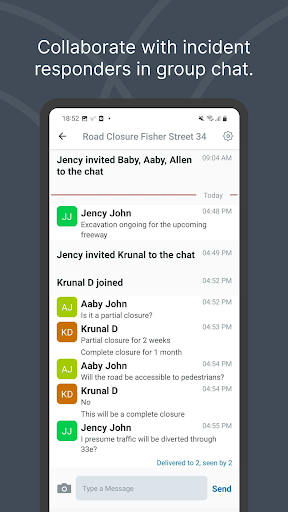
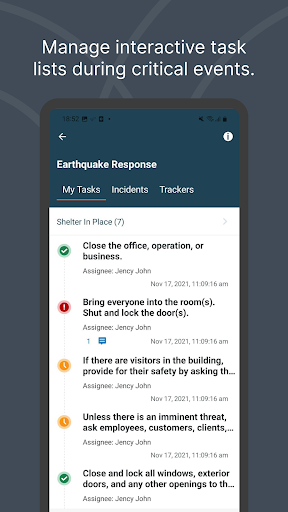
The app goes a step further by allowing you to create your own alerts. In case of an emergency or when you find yourself in a situation requiring immediate assistance, you can trigger an SOS signal directly from the app. This functionality is designed to provide an extra layer of security, especially for those who frequently travel alone or work in remote areas. Depending on your organization’s setup, you may also have the ability to view upcoming shifts or manage incident responses in real time. These proactive features empower you to take control when every second counts.
Privacy Controls and Data Security
Privacy is a top priority for Everbridge. You have full autonomy over your personal data, deciding what information you share and when. The app allows you to manage your location settings, as well as the sharing of images or video clips. Importantly, your data is never shared outside of Everbridge or the specific organization you have intentionally connected with. This transparent approach ensures that your personal security details remain confidential and are only used for the purpose of your safety. It is this commitment to data protection that makes Everbridge a trusted companion in the realm of public safety.
Important Considerations for Usage
While Everbridge is a robust safety tool, it is important to note that certain features, such as GPS tracking, can have an impact on your device’s battery life. When the location services are active in the background for extended periods, you may notice an increase in power consumption. To manage this, you can adjust your app settings to optimize performance without compromising on safety. By balancing functionality with battery usage, you can enjoy the full benefits of the Everbridge app while keeping your device running smoothly.
Conclusion: Your Personal Safety Net
In a world where information is key, Everbridge offers a seamless way to stay updated, connected, and prepared. Its unique integration with both public agencies and private organizations makes it a versatile tool for everyday life and critical moments. Whether you are commuting to work, managing a team, or simply keeping an eye on your neighborhood, this app puts essential resources at your fingertips. With strong privacy practices and a user-centric design, Everbridge is more than just an alert system—it is a comprehensive safety solution for the modern world. Download it today and take the first step toward a more informed and secure tomorrow.
Pros
- Delivers dependable real-time notifications for critical incidents
- Offers multiple communication methods including SMS, email, and push notifications
- Enables users to indicate their safety status during emergency situations
- Provides an intuitive interface that facilitates quick alert access
- Allows customization of notification settings according to user preferences
Cons
- Needs initial manual configuration and permission adjustments
- Could have notification delays when the network is congested
- High battery usage caused by continuous background operations
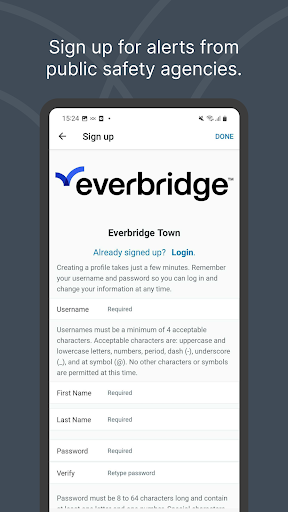
- Functionality is restricted without an active account or organizational affiliation
- Repeated alerts may sometimes lead to confusion











