

Introducing Enphase Enlighten: Your Ultimate Solar Monitoring App
Enphase Enlighten is a comprehensive solar system monitoring app designed specifically for system owners who want to stay informed about their solar energy performance. Whether you are a seasoned solar enthusiast or new to renewable energy, Enlighten provides an at-a-glance verification of your solar installation’s health and efficiency. This intuitive app empowers you to effortlessly track and analyze your energy production, ensuring your solar system is operating optimally.
Key Features of Enphase Enlighten
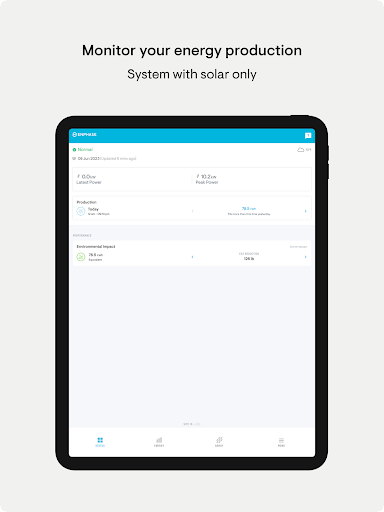
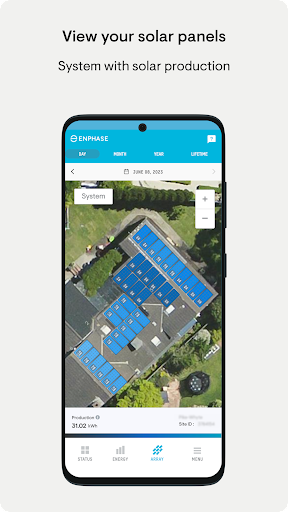
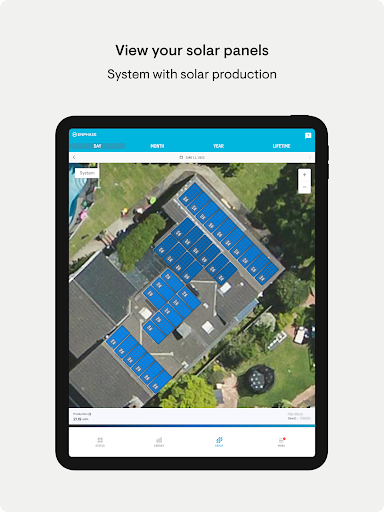
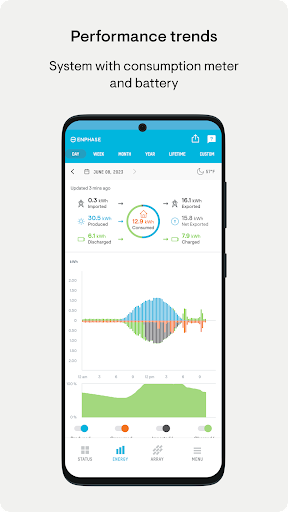
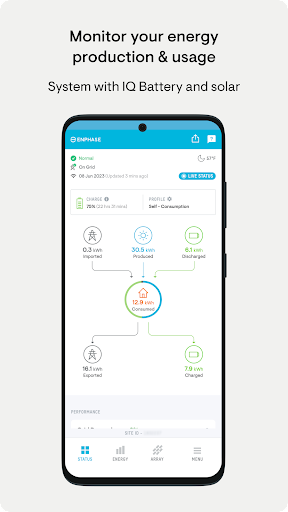
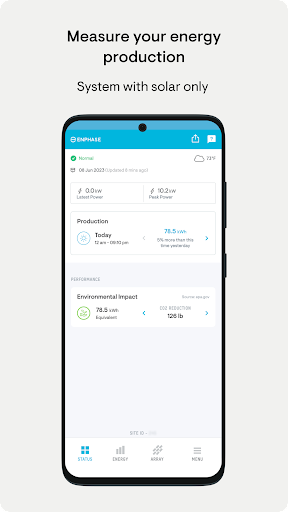
The standout feature of Enphase Enlighten is its ability to offer real-time energy data. With just a few taps, you can verify system health and determine whether your solar panels are functioning as expected. The app allows you to view energy production data by month, day, or hour, providing flexible options for monitoring your system’s performance.
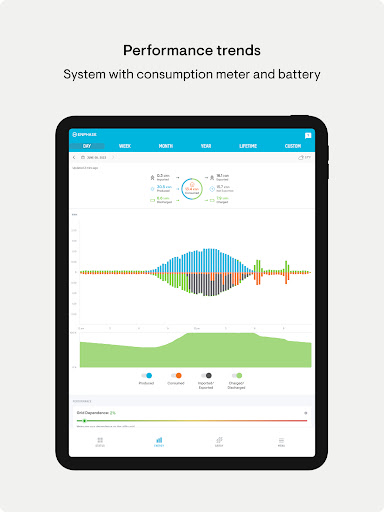
Additionally, Enlighten enables you to analyze your system's output against historical weather data. This helps in understanding how environmental factors influence your solar energy generation. The app also generates detailed performance reports, giving insights into your energy production and consumption trends over time. These reports are invaluable for homeowners aiming to optimize energy savings or for those interested in tracking their carbon footprint reduction.
Getting Started with Enphase Enlighten
Getting the Enphase Enlighten app up and running is quick and straightforward. Compatible with both Android and iOS devices, the app can be easily downloaded from the respective app stores. After installation, users simply log in with their system details, and they are ready to start monitoring their solar setup.
The user interface is clean, intuitive, and designed with accessibility in mind. Navigating through energy graphs and system information is simple, making it suitable even for those who are not highly tech-savvy. This ease of use ensures that you can focus on what matters—the performance and efficiency of your solar energy system.
Why Solar Enthusiasts Love Enphase Enlighten
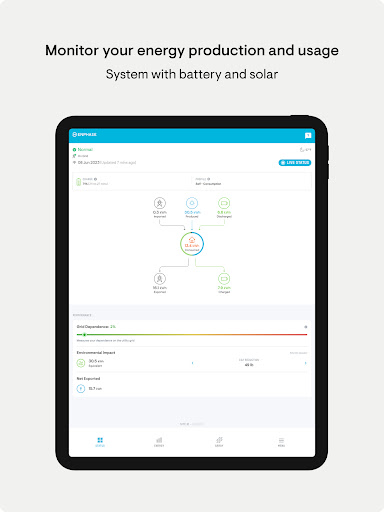
One of the reasons homeowners and solar enthusiasts prefer the Enphase Enlighten app is its comprehensive data tracking. You can monitor the instantaneous energy output of your solar panels, which is perfect for checking system performance on the fly. Managing household energy consumption alongside production helps optimize energy use and reduce power bills.
Moreover, the app makes it easier to understand the impact of your solar system on the environment. By tracking your energy contribution to reducing carbon emissions, users gain a sense of satisfaction knowing they are participating in eco-friendly initiatives.
Areas for Improvement
While Enphase Enlighten offers many excellent features, some users have noted occasional issues such as data not updating immediately or minor bugs. However, the development team is proactive with updates and fixes, ensuring that these hiccups do not significantly impact the user experience.
Initial setup can be slightly intimidating for those unfamiliar with technology, but once configured, the app functions smoothly. Overall, its user-friendly design makes ongoing management hassle-free for most users.
Conclusion
If you are a solar system owner seeking an easy-to-use yet powerful monitoring solution, the Enphase Enlighten app is highly recommended. It provides detailed insights, real-time data, and performance reports that make energy management straightforward and engaging. With its emphasis on user experience and environmental awareness, Enlighten is a valuable tool for maximizing your solar energy investment and reducing your carbon footprint.
Pros
- User-friendly interface enabling easy navigation.
- Provides real-time monitoring of energy consumption.
- Offers detailed insights into energy production.
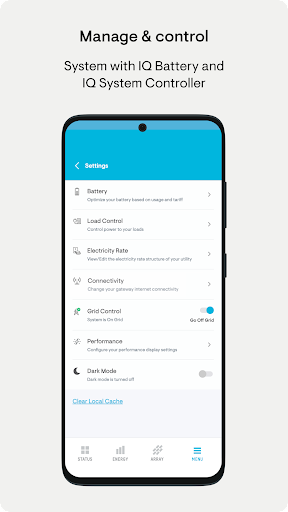
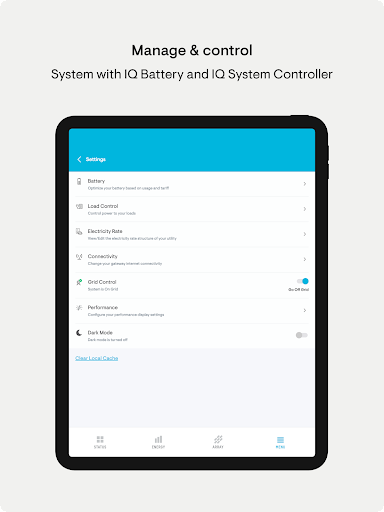
- Allows remote management of the system.
- Compatible with a variety of devices.
Cons
- Requires a stable internet connection.
- Limited offline capabilities.
- Setup can be complex for users without technical skills.
- Occasional issues with data synchronization.
- Advanced features require a subscription.











